
All New iOS 26 Beta 5 Features Revealed
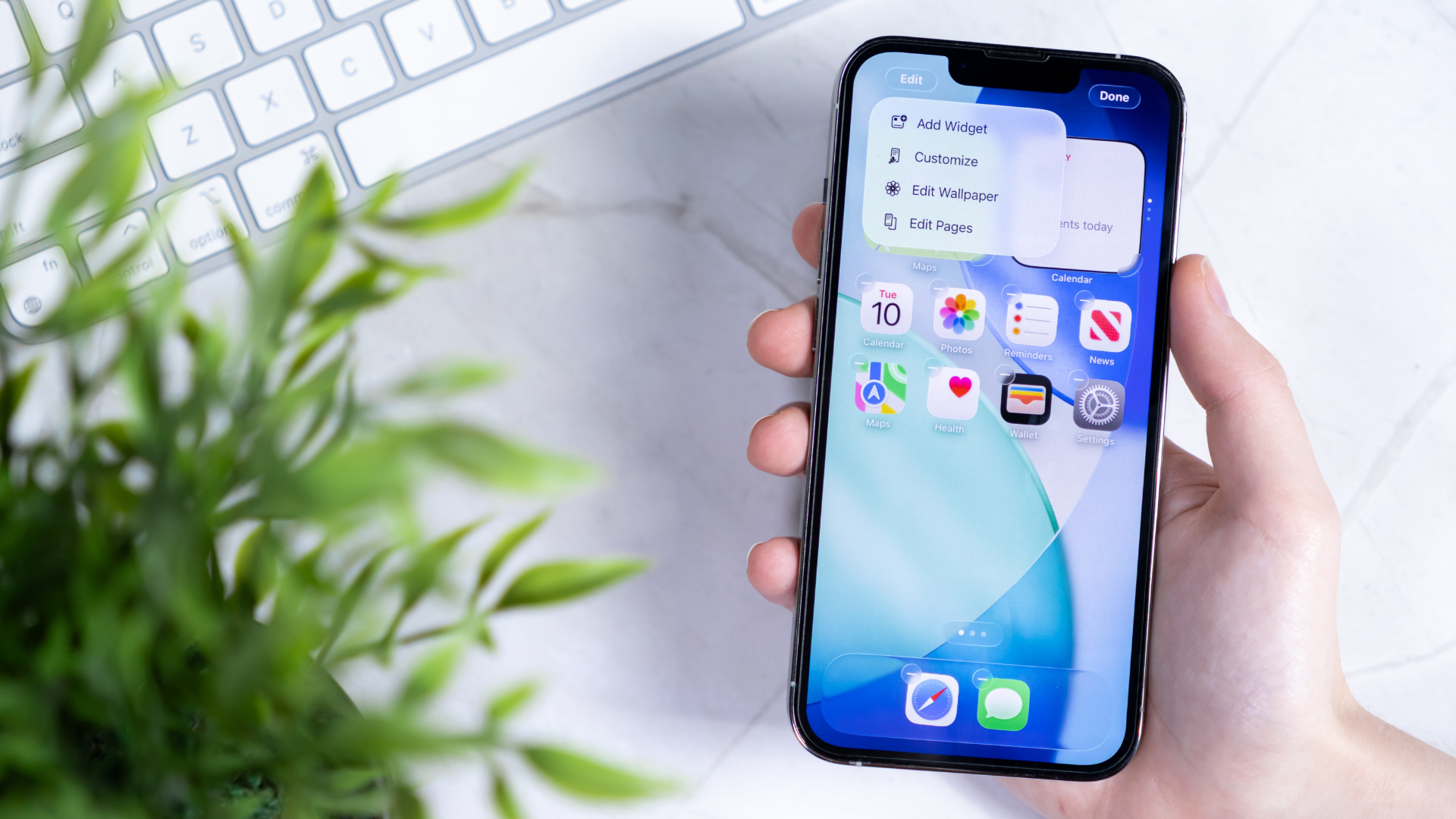
Overview of the Latest iOS 26 Developer Beta
This week, Apple released the fifth developer beta for iOS 26. It arrived just under two weeks after the first public beta was made available, suggesting that public testers can expect to see public beta 2 in the near future. As is typical with iOS beta cycles, developers receive the update first, followed by a release for the general public.
Developer beta 5, which will be identical to public beta 2, focuses primarily on aesthetic improvements. While many of the changes are related to how iOS looks and feels rather than introducing new features, they offer an intriguing preview of what Apple's software team is working on as they refine the next major iOS update ahead of its official launch this fall.
Key Features in iOS 26 Developer Beta 5
Classic Mode for Camera
In the Camera app’s Settings page, users can now find a new "Classic Mode Switching" toggle. This feature does not bring back the Camera app from iOS 18, but when enabled, it reverses the scroll direction when switching camera modes. Apple has long allowed users to adjust scroll directions for their Mac’s mouse or trackpad, but this is the first time such an option is available within an iOS app.
While this change may seem minor, a post on X discussing the adjustment has received over 1,500 likes, indicating that many testers are paying attention to this detail.
Select Button Returns in Mail
The Mail app's "Select" button allows users to quickly enter select mode to organize emails in their inbox. Previously, Apple might have considered this button redundant since users could select messages faster by swiping with two fingers. In iOS 26, the Select button was hidden in the ••• menu, but it has returned in beta 5, exactly where it was in iOS 18.6. It's possible that Apple may reverse this decision in a future beta, but for now, the button is back.
New Animations
After updating to the latest beta, users will notice a new UI change: swiping up on the Lock Screen reveals the passcode screen with a jiggly animation. Similarly, Control Center features a similar animation when scrolling through pages. These subtle visual enhancements contribute to a more polished user experience.
Updated Low Battery Alert for Dynamic Island
For iPhone users with a Dynamic Island, a low battery alert appears when the battery reaches 20%. In beta 5, this alert has been updated to be larger, with instructions to tap it to activate Low Power Mode. The low battery icon has also been revised to reflect this change.
New AirDrop Icon
The fifth iOS 26 beta updates the AirPlay icon to align with Apple's new design language. This change reflects a broader effort to modernize the look of various system icons.
New Macintosh HD Icon
Although this change isn't part of iOS 26, it's worth mentioning: the fifth macOS 26 beta replaces the classic Macintosh HD icon. The new icon resembles an SSD, which has been used in most Macs for over a decade. The old icon, which resembled a spinning hard drive, was iconic but no longer accurate, as Apple has not sold Macs with this type of drive for years.
Despite its nostalgic appeal, the new icon is less traditional. Some users may appreciate the modernization, while others may prefer the classic design. Apple previously revamped the Finder icon, so it's possible the Macintosh HD icon could undergo further refinements.
Should You Test the iOS 26 Developer Beta?
If you're not already running the iOS 26 developer beta, you can install beta 5 on your iPhone to test out these changes and explore the new features. However, I don’t recommend this unless you’re a developer or tech enthusiast who understands the risks involved. Developer betas are intended for software developers and may contain bugs or glitches that haven’t been fully resolved.
The public beta, on the other hand, is released after Apple ensures the developer beta is stable enough for a wider audience. While there is still a risk of instability, it's generally safer than the developer version. If you plan to try a beta, the public beta is a better choice for most users.

Posting Komentar untuk "All New iOS 26 Beta 5 Features Revealed"
Posting Komentar