
iOS 26 Unveils a True Fitness App for the iPhone
New Features in the Apple Fitness App with iOS 26
Apple has introduced several new features in the Fitness app as part of the latest iOS 26 update. These updates address long-standing gaps and enhance the user experience, making it easier for individuals to track their workouts without relying on an Apple Watch.
Accessing the Updated Fitness App
The Fitness app updates are included in iOS 26, which is now available for download. To install this update, navigate to Settings, then General, and tap Software Update. Once the update is installed, you will notice a new tab labeled "Workout" at the bottom of the Fitness app. This is where you can access all the new workout-related features.
Tracking Workouts from Your Phone
In the Workout tab, users can start various types of workouts by tapping the play button. Outdoor Run, Outdoor Walk, Outdoor Cycle, and Hiking are accessible to everyone. For other workout types like Indoor Run, Indoor Cycle, Yoga, High Intensity Interval Training, and Traditional Strength Training, pairing a heart rate monitor is required.
The reason for this requirement is that the app needs data to track your activity. When running outdoors, GPS data provides distance and speed information. However, for indoor activities, a heart rate monitor is necessary to gather relevant data.
Heart Rate Data Sources
Several devices can serve as a heart rate data source:
- An Apple Watch
- Powerbeats Pro 2 (with the heart rate feature enabled)
- A third-party Bluetooth heart rate monitor (such as the Coospo)
During testing, I found that each of these devices successfully tracked my workouts, including speed, distance, and heart rate data. Even when using just the phone without a heart rate monitor, the app still recorded my runs and created maps of my routes.
Mirroring Workouts from Apple Watch to Your Phone
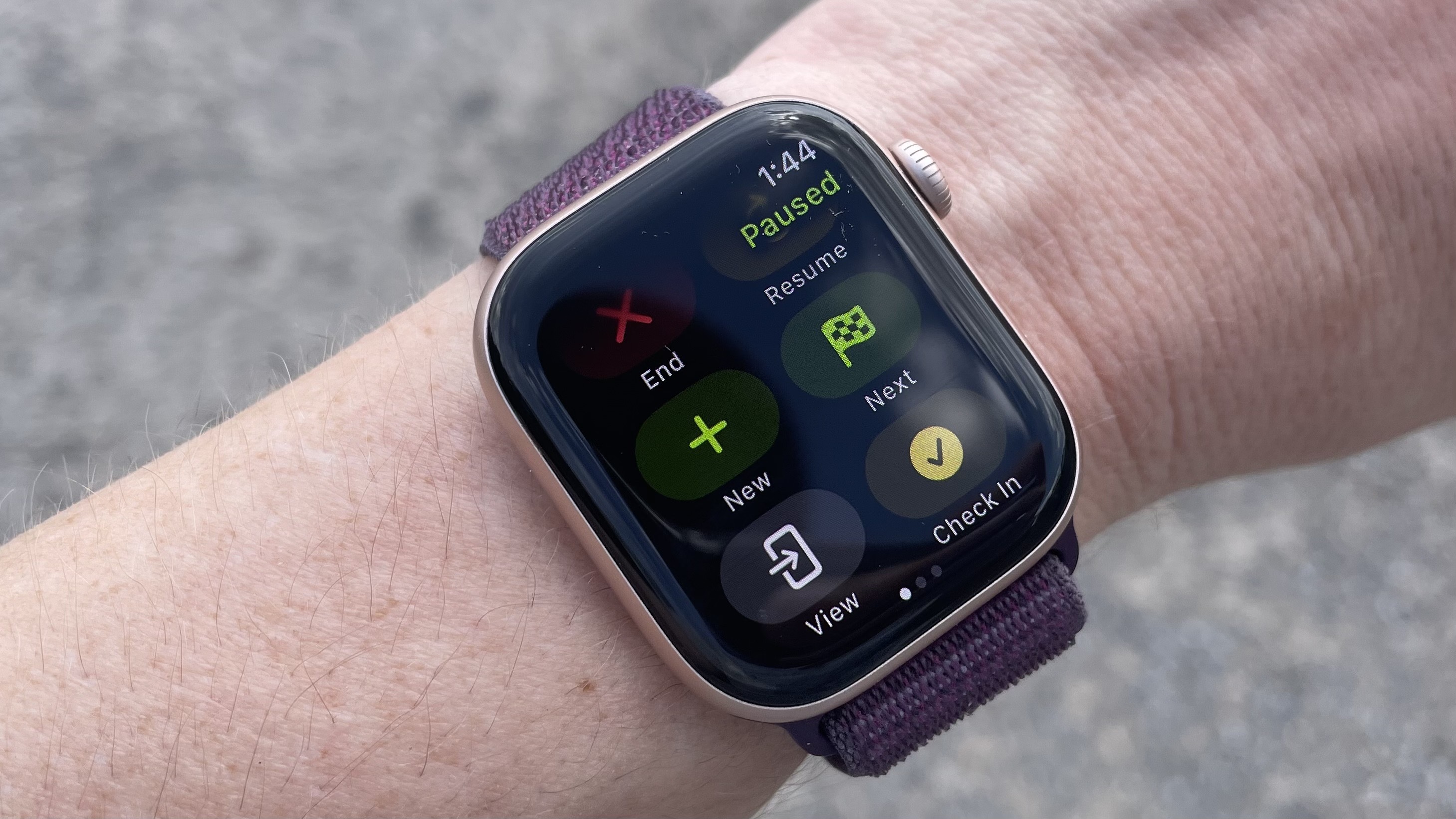
The new mirrored workouts function seamlessly. You can start a workout from either the Fitness app or your Apple Watch, and the same data will appear on your phone’s lock screen via Live Activity. This feature is particularly useful for cardio machines, allowing you to check your progress without interrupting your workout.
If you don’t see the workout view on your phone, swipe right from the workout screen on your watch and select View to enable it.
Creating Custom Workouts on Your Phone
Previously, creating custom workouts on the Apple Watch was cumbersome. Now, this functionality is available directly within the Fitness app. To access it, go to the Workout tab and tap the timer icon instead of the play button. This takes you to a screen where you can set up routes, goals, and custom workouts.
Creating a custom interval workout involves setting up work and rest intervals before creating a repeat loop. It's important to follow this order, as some apps may require the opposite sequence.
Enhanced Functionality and User Experience
These updates significantly improve the Apple Fitness app, making it more versatile and user-friendly. Users no longer need third-party apps to use Bluetooth heart rate monitors or track simple runs. The app has evolved into a comprehensive tool for tracking workouts, moving beyond its previous role of simply checking ring closures.
Overall, the new features in iOS 26 make the Apple Fitness app a more valuable resource for fitness enthusiasts, offering greater flexibility and functionality for a wide range of workouts.

Posting Komentar untuk "iOS 26 Unveils a True Fitness App for the iPhone"
Posting Komentar