
3 Common Thermal Throttling Myths I Believed
Understanding Thermal Throttling: Myths vs. Reality
Thermal throttling is one of those technical terms that many people hear but rarely understand. For years, I thought it was a sudden and dramatic event that would instantly cut my performance in half the moment my CPU or GPU hit a certain temperature. However, as I’ve learned more about how modern hardware operates, I’ve come to realize that thermal throttling isn’t as severe as most people believe.
It Instantly Crushes Your FPS
One of the biggest myths about thermal throttling is that it causes an immediate and drastic drop in frames per second (FPS). In reality, modern CPUs and GPUs are designed to adjust their clock speeds gradually. This means that even if your hardware starts to get hot, you won’t necessarily notice a significant performance hit right away.
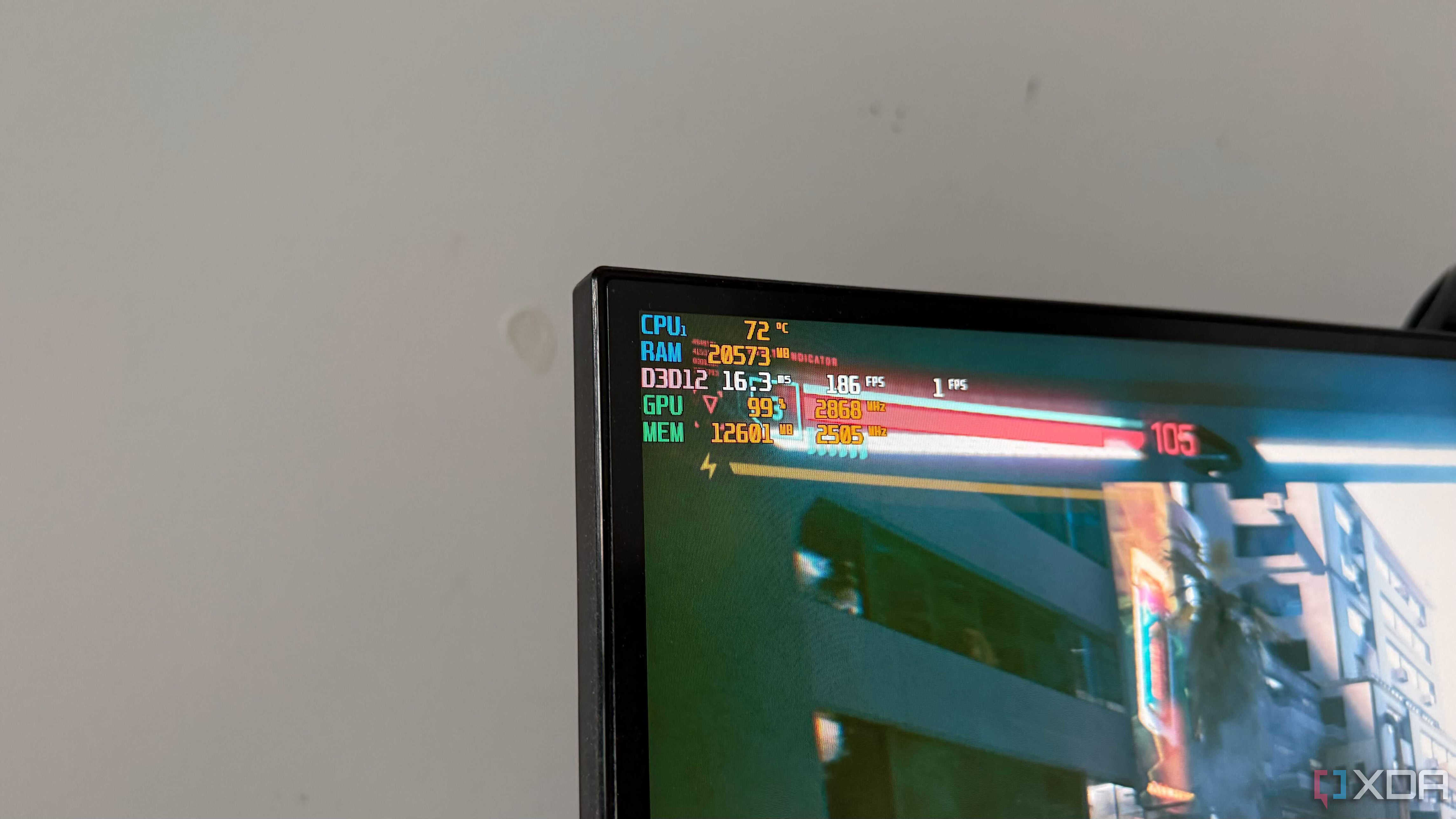
For example, when my Ryzen 9 5900X and RTX 3090 reached temperatures in the high 80s, I didn’t experience any noticeable lag in games. Instead, the system adjusted its boost clocks slightly for a few seconds before stabilizing again. These changes happen so quickly that you might not even notice them unless you’re using tools like MSI Afterburner or HWiNFO to monitor your system closely.
High Temperatures Mean Your PC Is Already Throttling
Another common misconception is that high temperatures automatically mean your PC is throttling. While it’s true that overheating can lead to performance issues, it’s important to understand that modern CPUs and GPUs are built to handle heat efficiently.
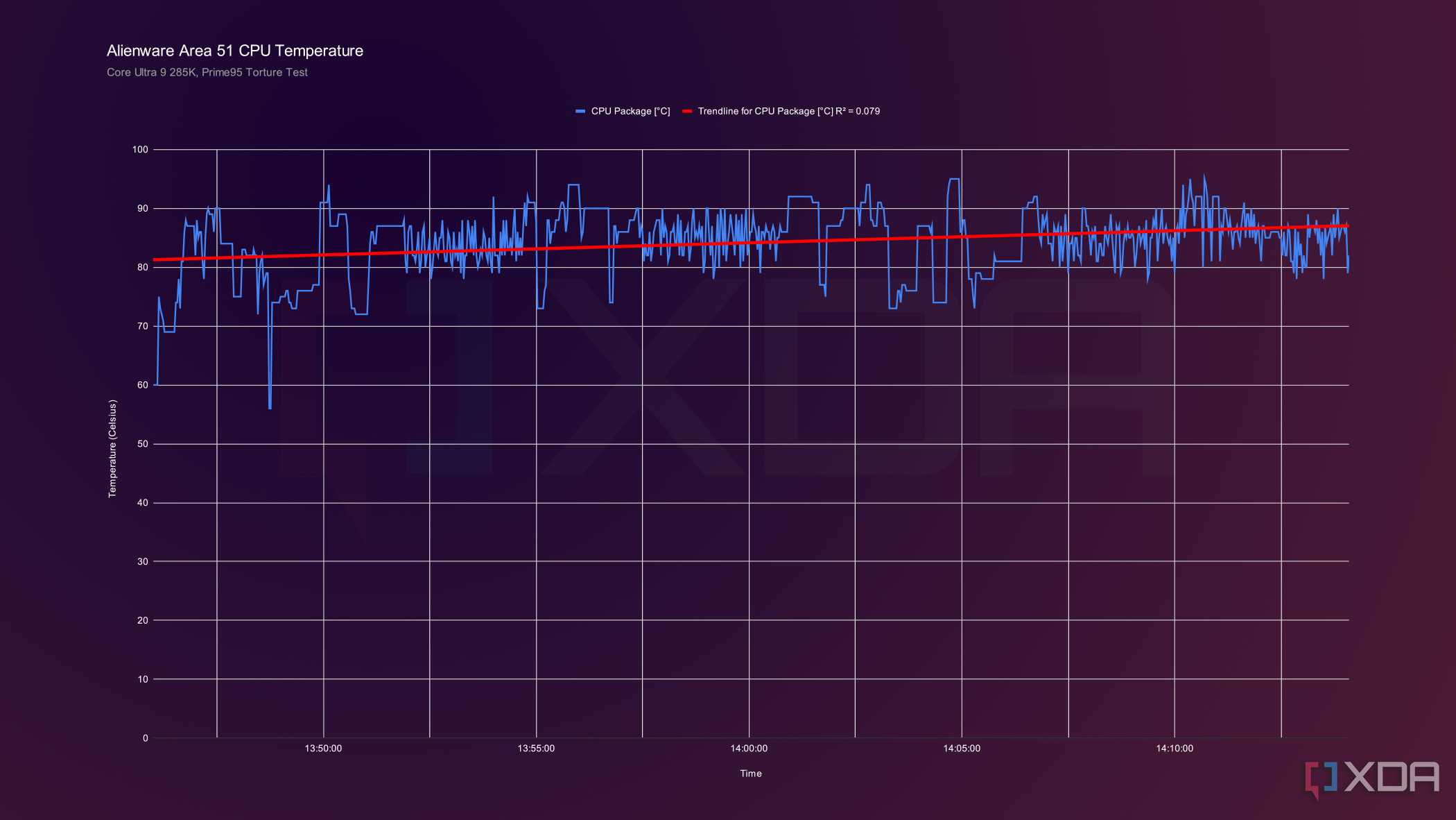
Take my Ryzen 5800X3D, for instance. It maintains its advertised boost clock of 4.5GHz even when temperatures climb into the low 80s. This means that high temperatures alone don’t equate to performance loss. You only start to see a drop in performance when the hardware runs out of thermal or power headroom and has to reduce its clock speeds to stay within safe limits.
Thermal Throttling Must Mean Poor Cooling
Many people assume that if their CPU or GPU runs hot, it must be due to inadequate cooling. However, this isn’t always the case. Even with a high-end 360mm AIO cooler, I’ve seen my CPUs reach over 80°C while playing newer AAA games.
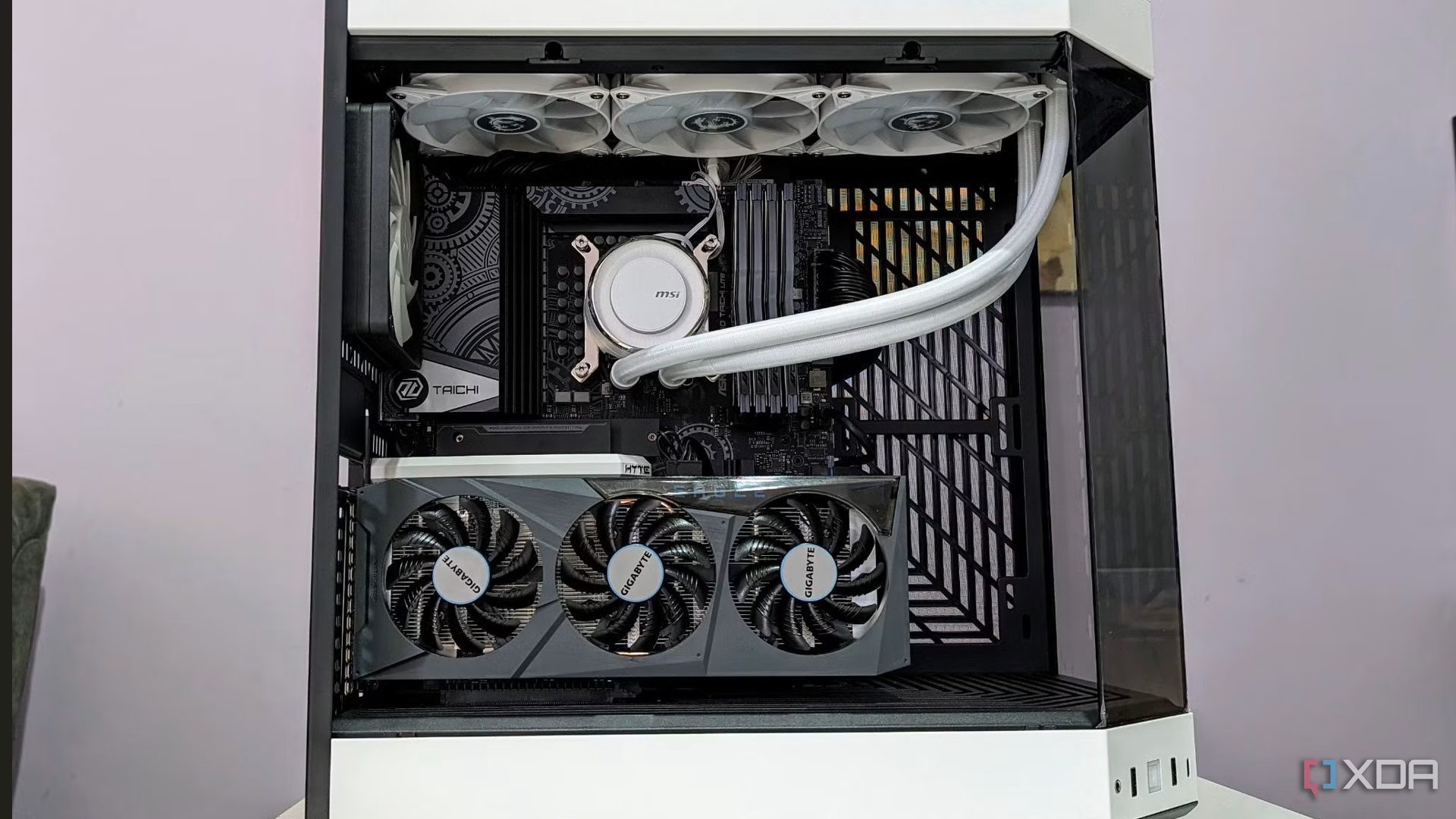
This is because modern CPUs are designed to push their boost clocks as hard as possible, rather than running cooler. The more thermal headroom they have, the more aggressively they’ll try to maintain higher clock speeds. Replacing the stock thermal paste with a premium aftermarket option didn’t significantly lower temperatures, but it did help the CPU sustain its boost clocks for longer periods.
Thermals Make More Sense When You Look at Performance First
As someone who used to panic every time temperatures climbed past 80°C, I’ve learned that heat alone doesn’t tell you much about how well your PC is performing. Monitoring temperatures using tools like MSI Afterburner is useful, but smooth gameplay is a better indicator of how well your system is handling heat.
By focusing on performance rather than just temperature readings, thermal throttling no longer feels like a major threat. Instead, it becomes a natural part of how modern hardware manages heat and performance. This shift in perspective allows you to enjoy your PC without unnecessary worry about thermals.

Posting Komentar untuk "3 Common Thermal Throttling Myths I Believed"
Posting Komentar