
4 Home Server Mistakes to Avoid
Learning from My Home Lab Mistakes
As someone who has spent a lot of time building and maintaining a home lab, I’ve learned that there are several critical mistakes that can be avoided if you know what to look out for. While I now have a fairly reliable setup, my early days were filled with beginner errors that taught me valuable lessons. Here are some of the server blunders I made along the way—mistakes that you, as a fledgling home labber, would want to avoid.
Trying to Use Custom Domain Names Without Local DNS Overrides
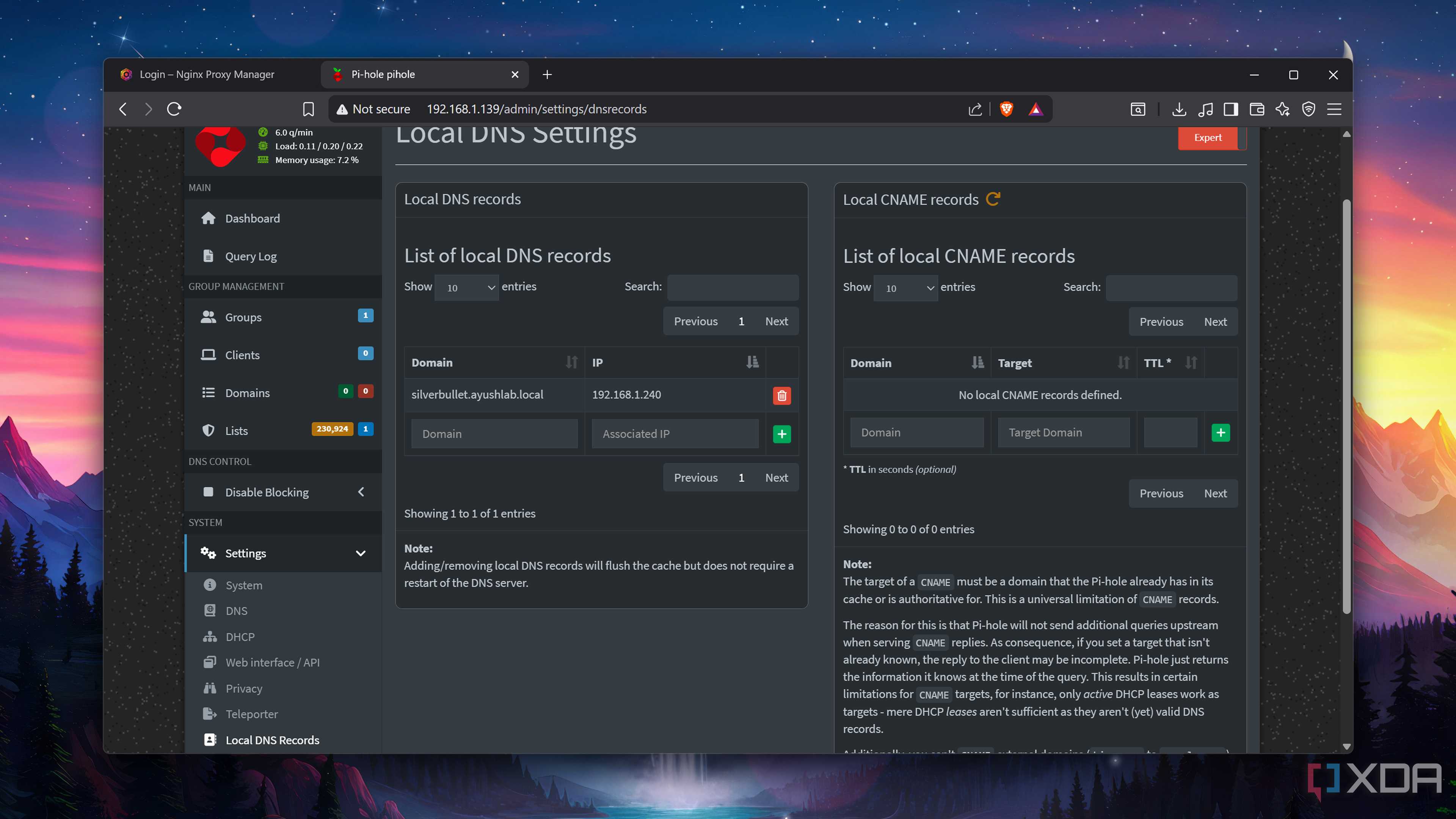
One of my earliest challenges was setting up custom domain names for my home lab services. I had experience with this during a university project where we deployed a web app on a VPS and used a purchased domain. However, when I tried applying the same principles to my home lab, I ran into issues.
The problem was that I didn’t realize I needed a local DNS override. For example, while ayush.homelab is a valid domain name in my setup, it isn’t accessible on the public internet. This meant that Nginx couldn’t route traffic to it without some form of local resolution. The fix was simple: creating local DNS records and using tools like Nginx Proxy Manager to handle the routing.
Overcommitting Storage (and Memory) Resources to VMs
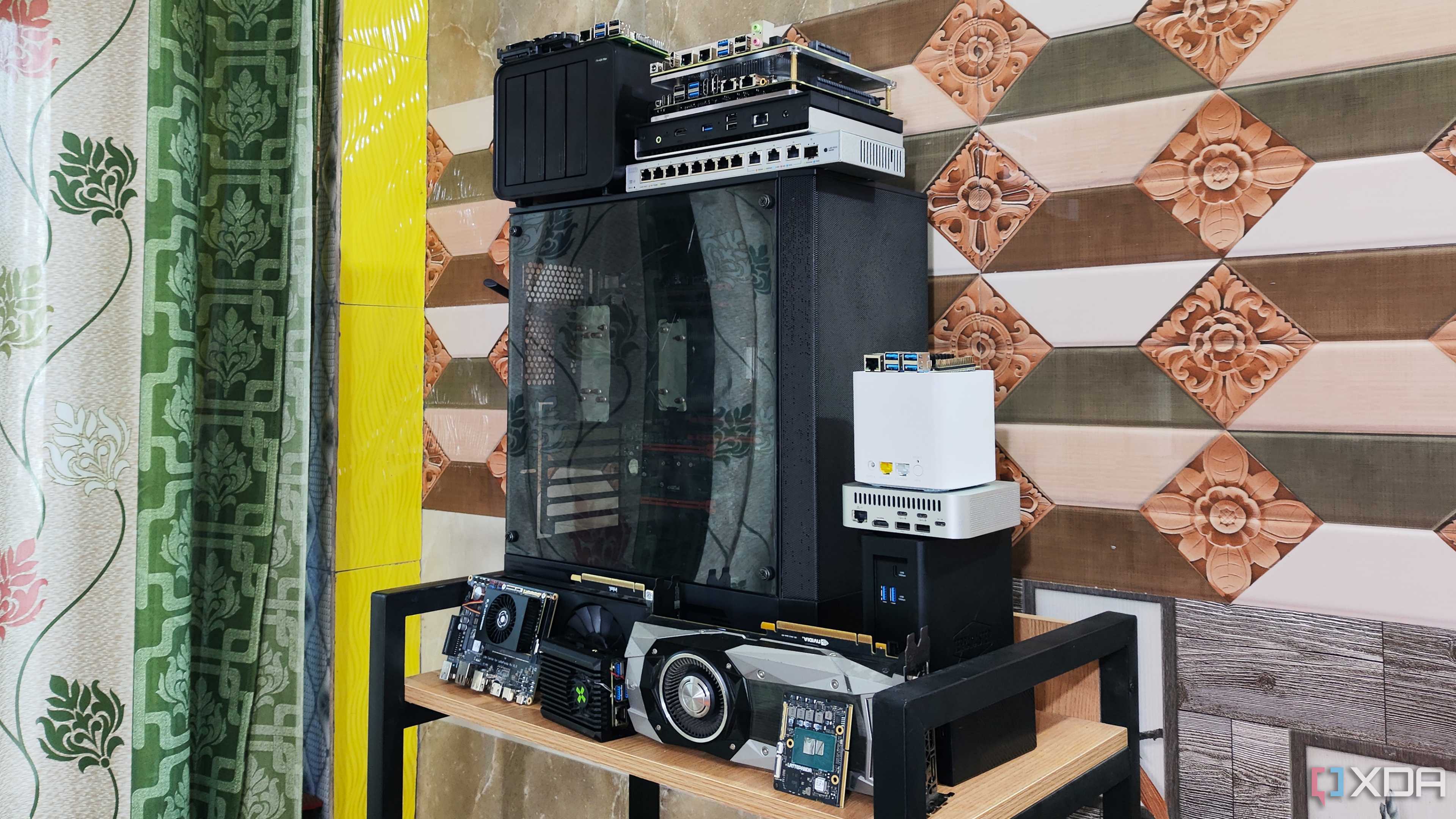
As a teenager, I was fascinated by server setups that could run dozens of virtual machines. When I added a dual Xeon workstation to my home lab, I was eager to experiment with DevOps projects and see a dashboard full of VMs and LXCs. However, I overcommitted storage and memory resources, which led to problems down the line.
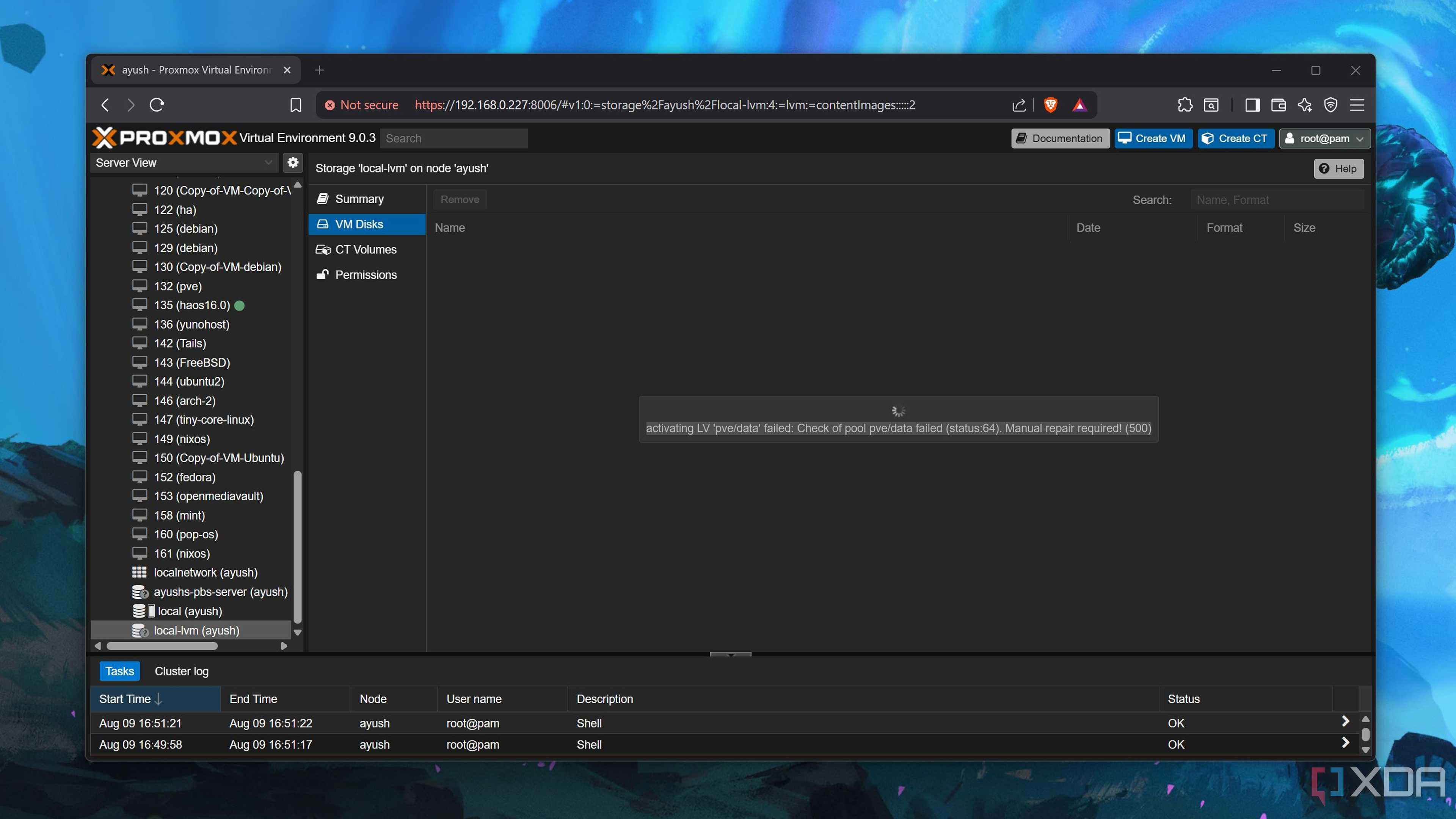
I allocated more storage to my Proxmox LXCs and VMs than my drives could handle, sometimes doubling the capacity of my drive pools. This issue became apparent when I upgraded to Proxmox 9 and encountered errors. The solution was to delete unnecessary VMs and consolidate my projects into fewer virtual guests. For memory issues, I disabled autoboot for VMs and switched to LXCs, which significantly reduced resource consumption.
Relying on a Single NAS for Backups
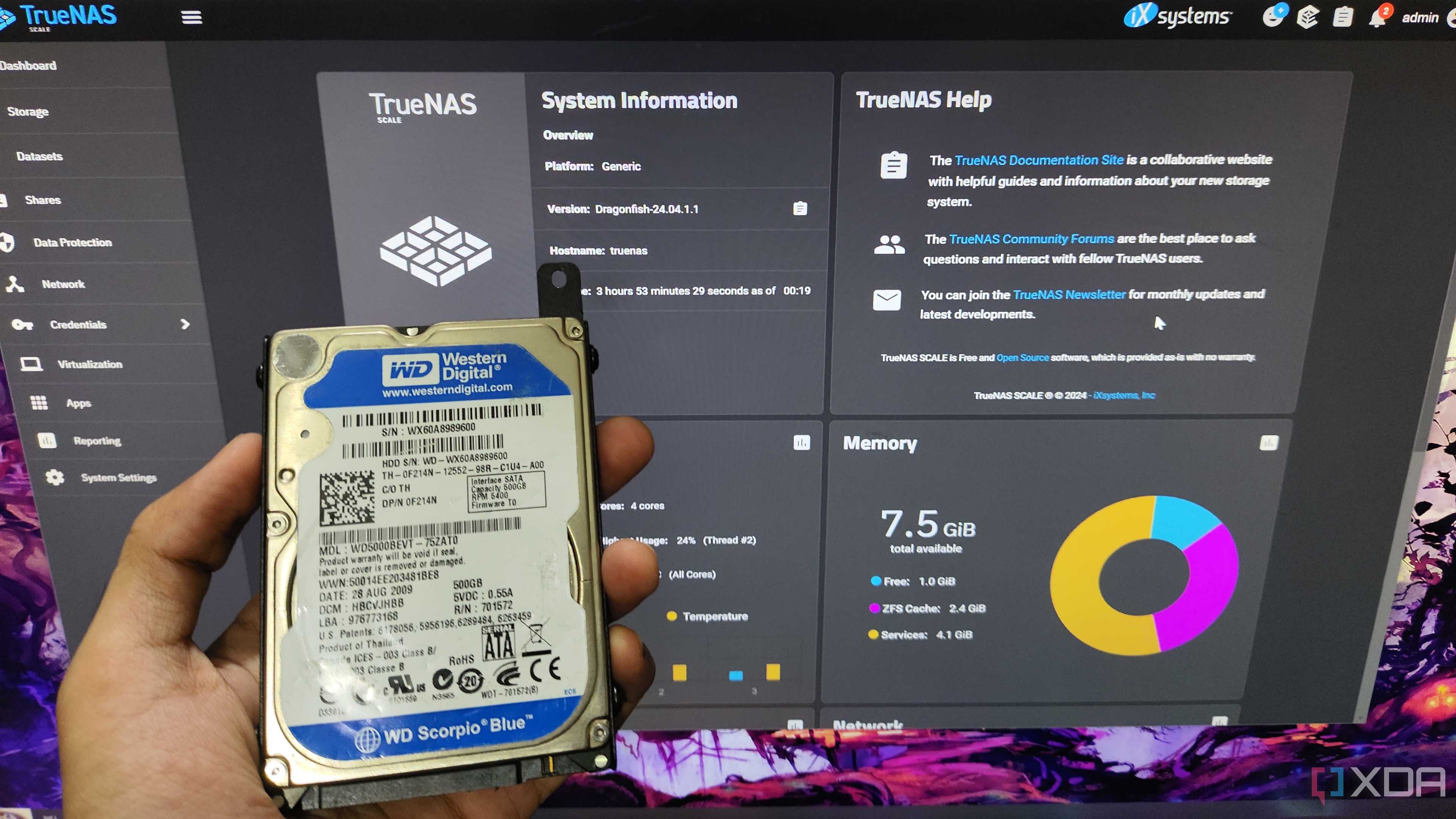
Initially, I relied heavily on a single NAS server for backups, even though I knew about the importance of a 3-2-1 backup strategy. My home network had CGNAT, making remote access difficult without workarounds. As a result, I didn’t set up additional backup solutions until later.
The only real issue I faced was a failing drive in my RAID 5 NAS, which I fixed by replacing the drive and rebuilding the data pool. Once I learned how Tailscale worked, I set up another NAS at my family’s home and created Rsync tasks to ensure redundancy.
Attempting to Virtualize Everything in a Single Node
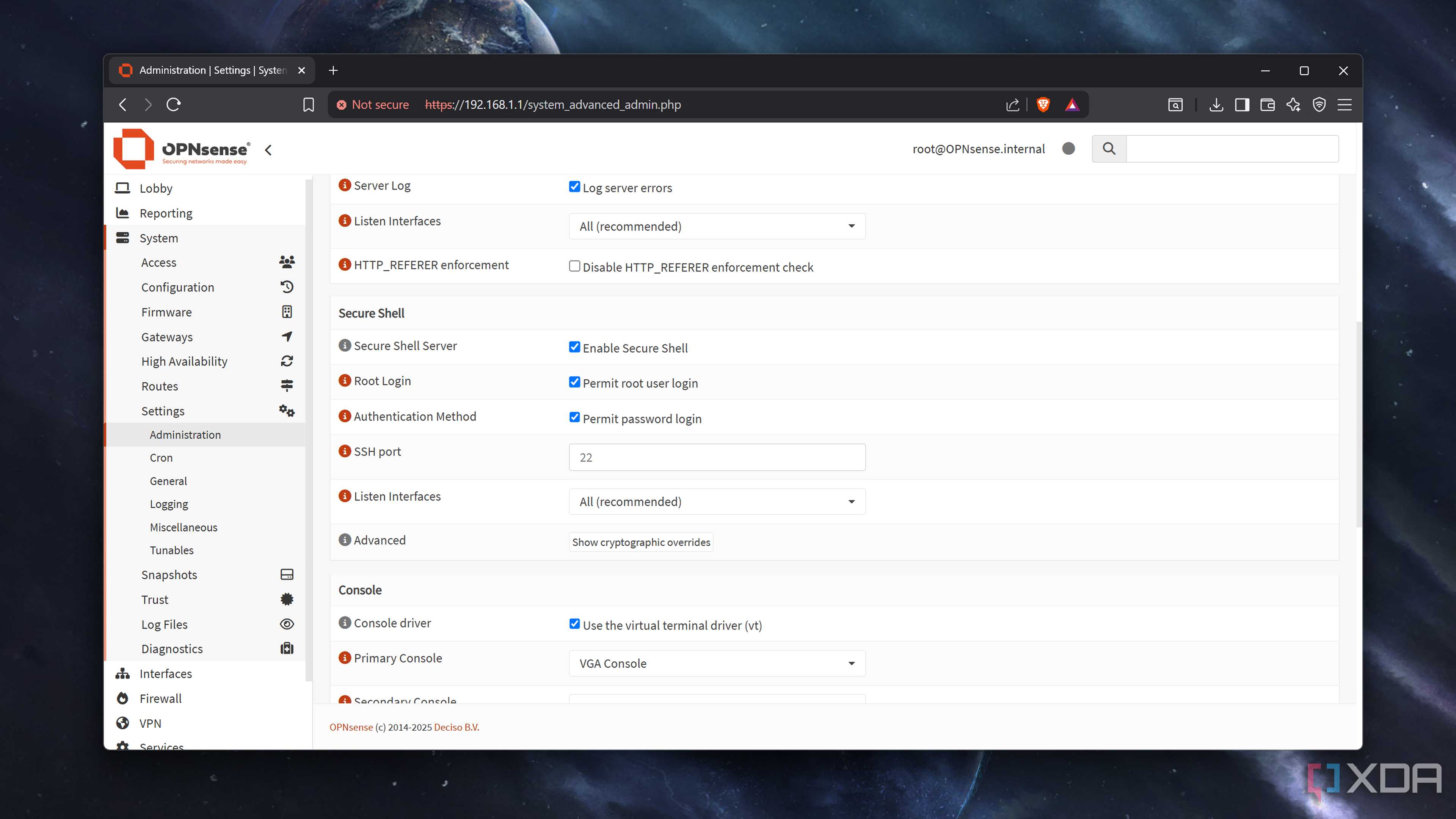
While virtualizing everything can be efficient, I’ve come to believe that some essential services should remain on standalone devices. I once hosted firewalls, NAS, DNS servers, and other critical tools inside Proxmox VMs, and they worked fine for the most part. However, considering the variety of experiments I run, there’s a risk that my Proxmox home lab could go down alongside other projects.
To mitigate this, I now isolate essential services on separate bare-metal devices. For instance, I run monitoring services, documentation tools, and Gotify alert hubs on a Raspberry Pi. My TrueNAS host is also a dedicated NAS, not a VM, to avoid scenarios where my storage server becomes inoperable due to DIY projects.
Lessons Learned from My Home Lab Mistakes
These mistakes were more than just dumb anecdotes—they were valuable learning experiences. They taught me the importance of bare-metal setups, local DNS records, and redundancy in server environments. My initial goal in building a home lab was to learn more about server projects, and these errors helped me grow as a sysadmin.

Posting Komentar untuk "4 Home Server Mistakes to Avoid"
Posting Komentar