
4 PC Upgrades That Seem Useful but Do Nothing in Real Life
Understanding the Illusion of PC Upgrades
Most PC upgrades sound exciting, futuristic, and even flat-out essential — that is, until you install them. A few minutes later, realization dawns upon you as you notice that nothing has really changed besides a couple of singular digit changes to your benchmark tests. In a market where every other component is marketed as "next-gen", it's surprisingly easy to spend money on hardware that looks powerful on paper but adds practically nothing to real-world performance.
Modern PCs are already incredibly fast, and in many cases, the bottlenecks to performance aren't what people expect them to be. Whether you're a gamer, a creative professional, or a tinkerer who's in for the joy of getting their hands on new hardware, here are four PC "upgrades" that seem useful but rarely deliver anything meaningful.
PCIe 5.0 SSDs: Don't Bother if You're Coming from PCIe 4.0
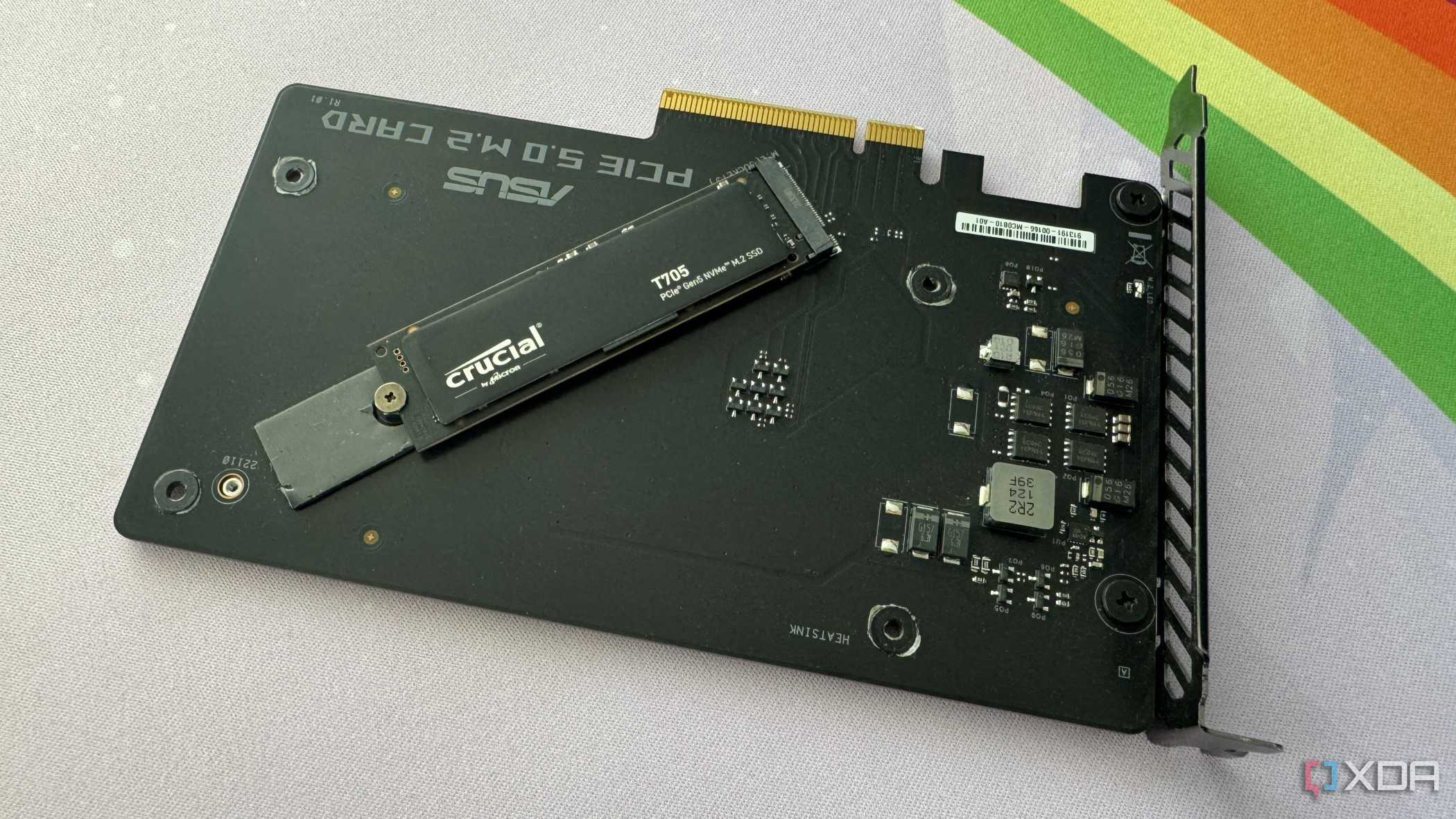
Few components promise more jaw-dropping numbers than PCIe 5.0 SSDs, with sequential reads surpassing 10,000 MB/s. Yet, even the fastest drives do your workflow little favors. Modern applications and software rely far more on low queue-depth random reads than raw sequential throughput, which is why a well-tuned PCIe 3.0 or 4.0 SSD with a strong random I/O can feel just as fast as a Gen 5 NVMe drive, despite having a much lower "headline" speed.
When you compare Gen 4 and 5 drives directly, the gap becomes even clearer. In random workloads (the kind your PC constantly uses), top PCIe 5.0 models perform almost identically to PCIe 4.0 drives to an extent that the difference becomes virtually indistinguishable to the average user. The real-world difference between 70 MB/s and 90 MB/s random reads translates to just a fraction of a second when loading assets, while the difference in prices could be well over 50%.
Additionally, PCIe 5.0 drives also run much hotter than their fourth-generation counterparts. Without a clunky heatsink and plenty of airflow, they are comparatively more susceptible to thermal throttling. In most desktop workloads, consistency, firmware behavior, and thermal stability matter far more than the peak speed that product marketing wants you to care about, making Gen 5 storage one of the easiest upgrades to skip.
Ultra-High-Speed Memory: Ultra-Unnecessary in Most Use Cases
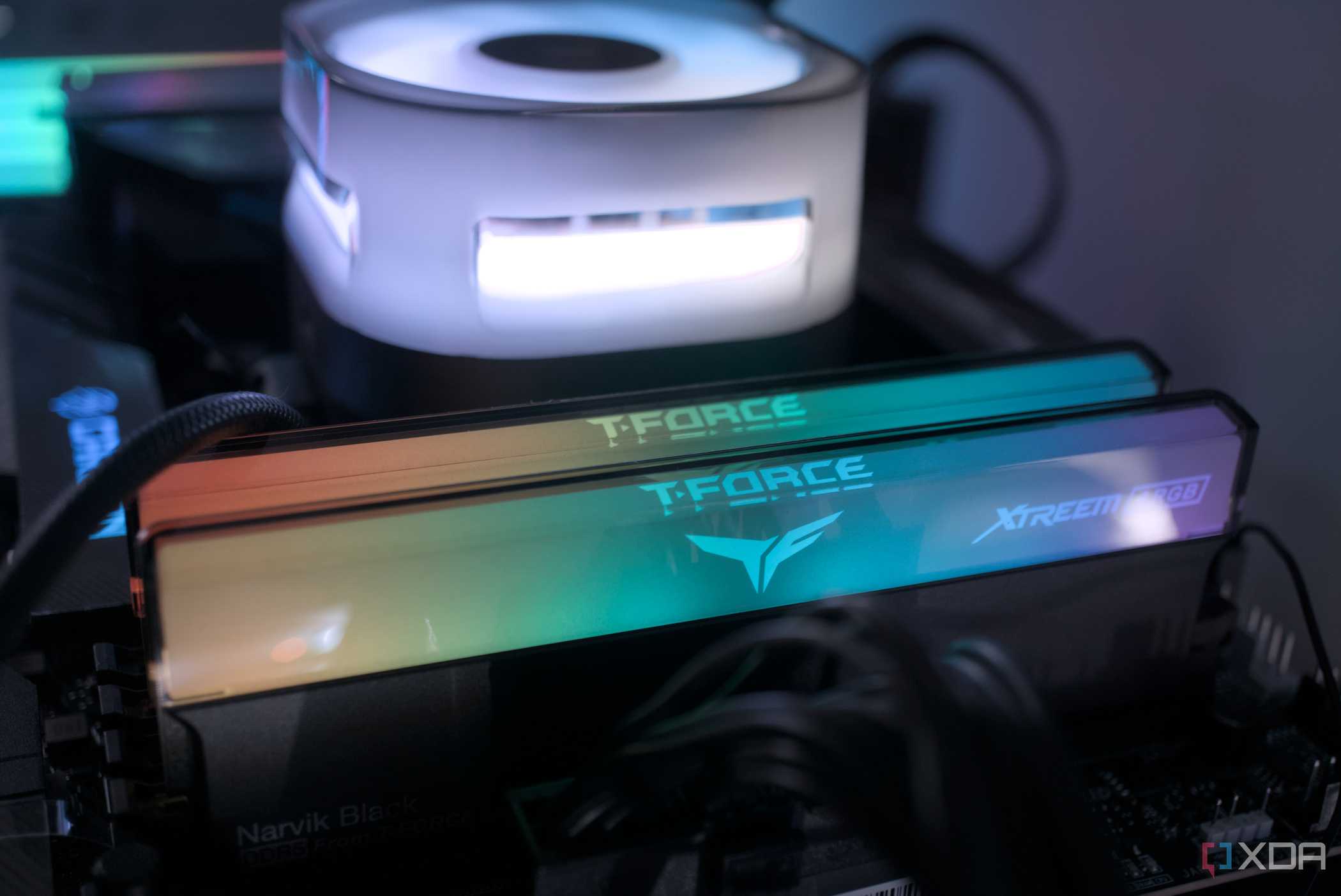
RAM advertising has slowly devolved into a numbers race lately. While speeds like DDR4-4000 or DDR5-8000 look mighty impressive, most CPUs cannot leverage these extreme frequencies efficiently. Once memory pushes past what the integrated memory controller was designed to handle, the system is forced into less efficient modes, like Intel's Gear 2 or Gear 4, or AMD's asynchronous operation. These modes increase latency enough to cancel out any theoretical gains you may experience from the higher clock speed. With AI data centers competing for RAM, and RAM prices competing with your rent, overspending for speed becomes even harder to justify.
For gaming, productivity, or everyday multitasking, these ultra-high RAM speeds rarely provide meaningful improvements. The actual "sweet spot" is far more modest than most users realize. Around 3200–3600 MT/s for DDR4 and roughly 5600–6400 MT/s for DDR5 is where you'd expect peak performance and efficiency. Beyond that, you're paying for benchmark numbers rather than a genuine improvement to your desktop experience.
'Airflow Optimized' PC Cases: That's... What Case Fans Are For
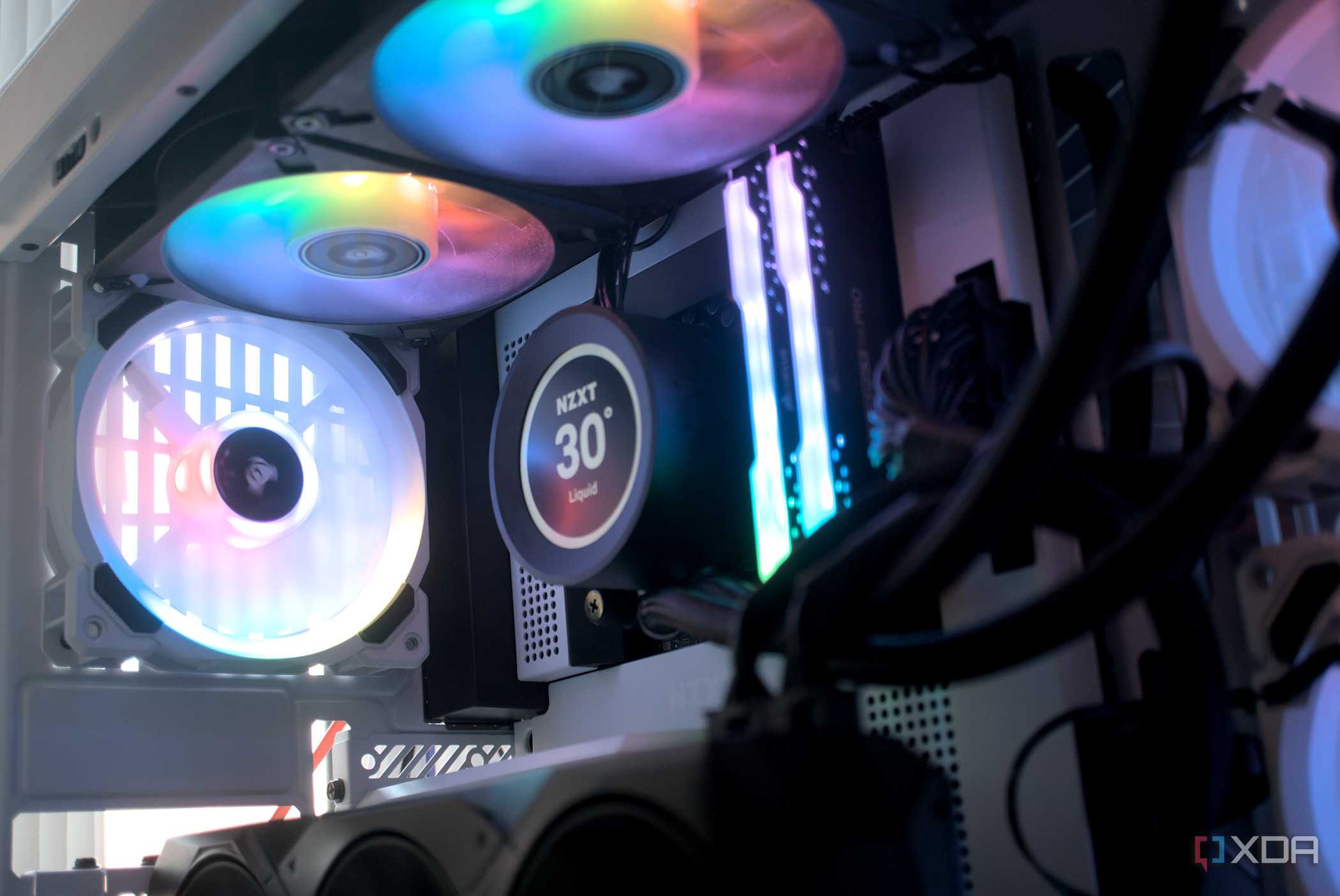
Perhaps one of the most confusing wonders in the world of PC hardware is cases that are marketed for 'premium' or 'optimized' airflow. It is certainly true that airflow is vital when building a PC, but only up to a certain point. For instance, moving from a sealed-front case resembling an oven to a mesh-front design is a meaningful upgrade. However, once you already own a case with decent airflow and a sensible fan layout, switching to another "airflow optimized" case rarely changes anything. Most mid-tower designs from large manufacturers have matured to a point where the differences amount to, at most, two or three degrees.
When temperatures are high, the root cause can be something else entirely. Poor fan curves, dust buildup, misaligned fans, high ambient temperature, or a low-quality VRM all contribute more significantly to heat buildup than the case does. Replacing the enclosure altogether becomes an expensive, time-consuming, and unnecessary 'fix' than simple maintenance or adjustments that will achieve better results.
Ultra-High Refresh Rate Monitors: Your GPU Better Keep Up

I'm privy to the fact that a 240 Hz monitor with its fluidic transition sounds like a dream, and if you're a competitive esports player who routinely needs to push over 200 FPS to maximize chances of victory, it might just be what it seems. But for most gamers, especially those hoping to enjoy modern AAA titles on mid-range GPUs, those frame rates are rarely achievable even with DLSS, FSR, or XeSS wizardry. If your graphics card can't deliver more than 180–220 FPS consistently and all of that extra refresh headroom sits untouched, there is a pressing question to be asked about this 'upgrade'.
This expensive upgrade provides little benefit unless your hardware and your game library are tailored for it. For the vast majority of players, this money is better spent on upgrades that you'll notice and appreciate all the time: better panel quality, higher resolution, or better backlight. A refresh rate between 144 Hz and 180 Hz seems to be the metaphorical 'sweet spot' here, until such a time when the rest of the hardware catches up, games become optimized for it, and this aforesaid combination becomes available at a reasonable price.
Not Every Upgrade Will Enhance Your Experience
As PC hardware races toward faster interfaces, bigger numbers, and bolder marketing, the smartest upgrades aren't always the flashiest ones. When you strip away the marketing gloss, it becomes clear that many "must-have" PC upgrades add far less value than they promise unless your hardware and workloads are aligned to a fault. What ultimately matters is whether the upgrade meaningfully improves how your system feels to use, and not how impressive the spec sheet looks.

Posting Komentar untuk "4 PC Upgrades That Seem Useful but Do Nothing in Real Life"
Posting Komentar