
Best Windows customization tool gets major update and fix
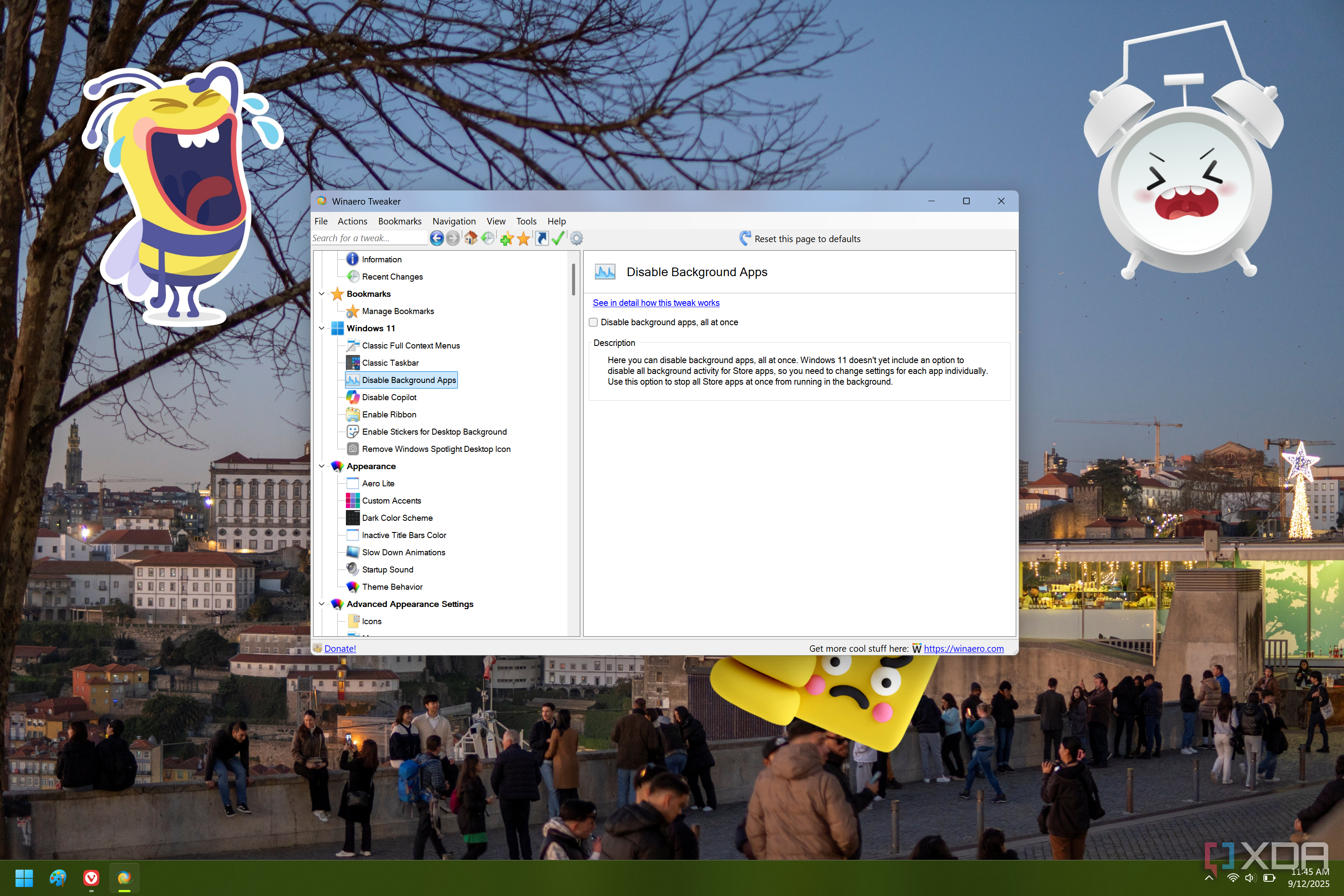
Enhancing Your Windows Experience with Winaero Tweaker 1.64.1
Windows 11 offers a range of features and settings that can be customized to suit individual preferences. However, sometimes the default configurations may not align with user expectations, especially when it comes to performance or visual aesthetics. One of the most popular tools for customizing Windows is Winaero Tweaker, an application that allows users to tweak various aspects of their operating system.
Disabling Display-Detection Animations
One of the key updates in Winaero Tweaker 1.64.1 is the ability to disable the animation that Windows 11 plays when it detects a new display. This animation, while visually appealing, can cause stutters or lag when running resource-intensive applications such as games. For users who frequently switch between displays or use multiple monitors, this feature can significantly improve performance and reduce disruptions during critical tasks.
Improvements to Dark Mode
Dark mode has become increasingly popular among Windows users, offering a more comfortable viewing experience in low-light environments. In version 1.64.1, Winaero Tweaker has made several improvements to dark mode support. More dialog boxes now fully embrace the dark theme, and issues with unreadable text have been resolved. While the addition of dark mode was initially met with some reluctance, these updates demonstrate a commitment to enhancing user experience.
Fixing Legacy Font Settings
Another significant update in this release addresses an issue related to font settings in the "Advanced Appearance" section. Previously, the font values used in this area were based on legacy code from Windows 7. This meant that if users reset these options on newer versions of Windows, they would receive outdated registry values for fonts, including status bars, desktop icons, menus, and system fonts.
Sergey Tkachenko, the developer behind Winaero Tweaker, has rewritten the code to bring these settings up to modern standards. This change helps prevent potential registry corruption bugs and ensures a more stable and reliable experience for users.
A Commitment to User Feedback
The changes in Winaero Tweaker 1.64.1 were driven by user feedback, particularly a detailed bug report that highlighted the importance of addressing these issues. Sergey has taken the time to remind users that he develops the tool for free and that while efforts are made to eliminate bugs, some may still slip through. His dedication to improving the app reflects a genuine passion for helping users enhance their Windows experience.
Conclusion
Winaero Tweaker 1.64.1 offers a range of useful updates and fixes that cater to both casual and advanced users. Whether you're looking to disable animations, improve dark mode support, or fix legacy font issues, this version provides valuable enhancements. For those interested in exploring all the changes, the full patch notes and download page are available online. As always, it's important to approach any customization tool with care, ensuring that modifications align with your specific needs and preferences.

Posting Komentar untuk "Best Windows customization tool gets major update and fix"
Posting Komentar