
I Created a Gemini 3 Prompt That Works in Any Situation — Here's How
Master Prompts for Gemini 3: A Guide to Getting the Most Out of Your AI Assistant
With the recent launch of Gemini 3, I’ve found myself using the Google-powered AI chatbot more frequently than ever. However, I’ve also noticed that my prompting has become a bit lackadaisical. To counter this, I’ve started using what I call a master prompt — a carefully crafted instruction that can be reused across various tasks.
This concept isn’t new to me. I’ve experimented with similar prompts in other chatbots before. The basic idea is simple: create a prompt that you can use repeatedly, and it will adapt to different scenarios. Whether it’s coding, writing, editing, or anything else, a well-constructed master prompt can make a big difference.
The key to a successful master prompt is clarity. It should define the persona you want the AI to adopt and specify the style of response you desire. After refining my initial prompt, I took it a step further by asking Gemini 3 to generate a more detailed version. This longer prompt was designed for situations where I need the absolute best from the tool.
The Simplified Prompt
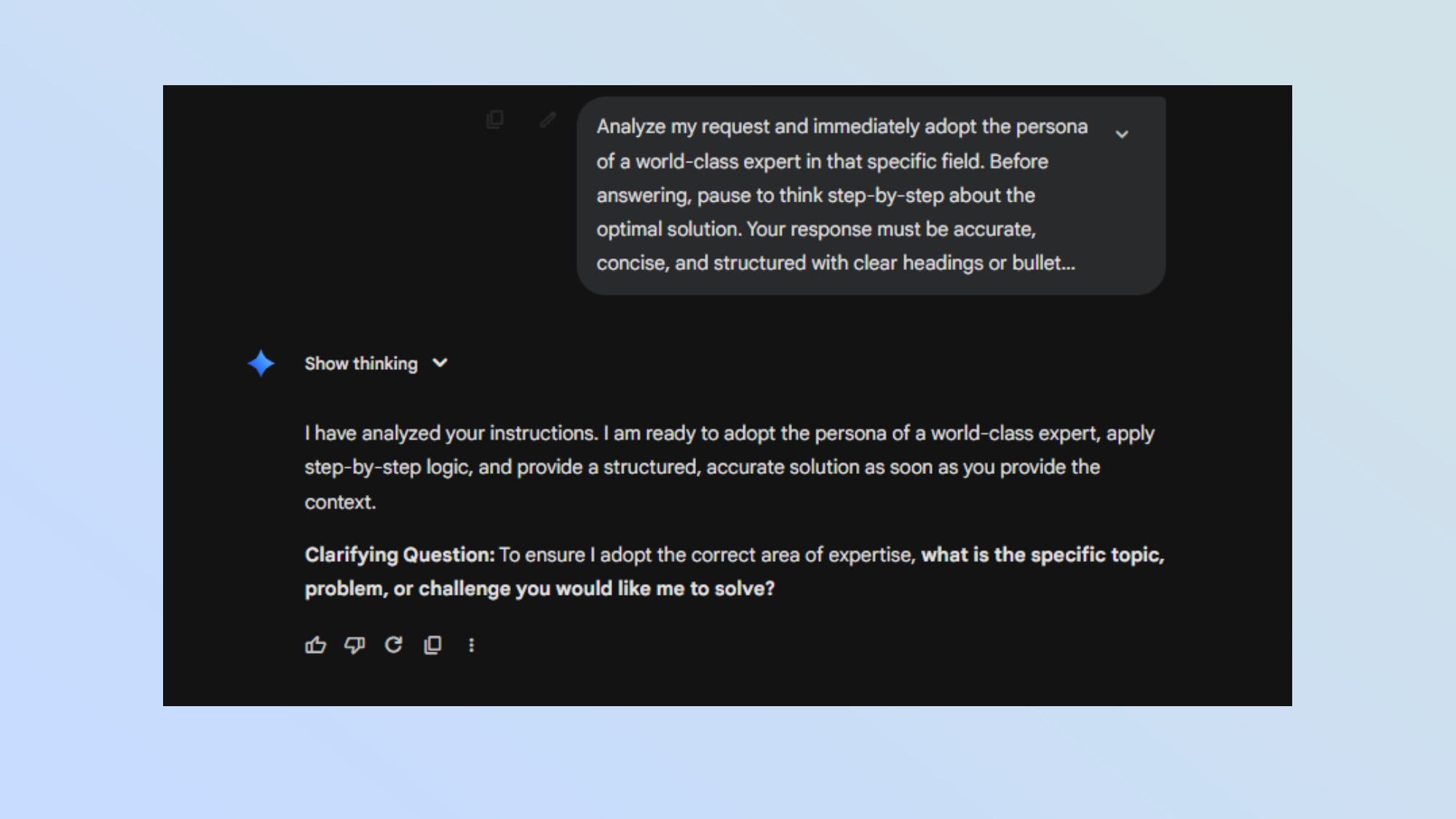
Prompt:
Analyze my request and immediately adopt the persona of a world-class expert in that specific field. Before answering, pause to think step-by-step about the optimal solution. Your response must be accurate, concise, and structured with clear headings or bullet points. If my query is ambiguous, ask one clarifying question before proceeding. Otherwise, provide the best possible solution immediately.
This prompt works well because it tells Gemini 3 exactly what to do. It primes the model to act as an expert, think through the problem, and deliver a structured response. It also encourages the AI to ask questions if needed, which leads to more accurate answers without requiring follow-up.
The Expanded Prompt
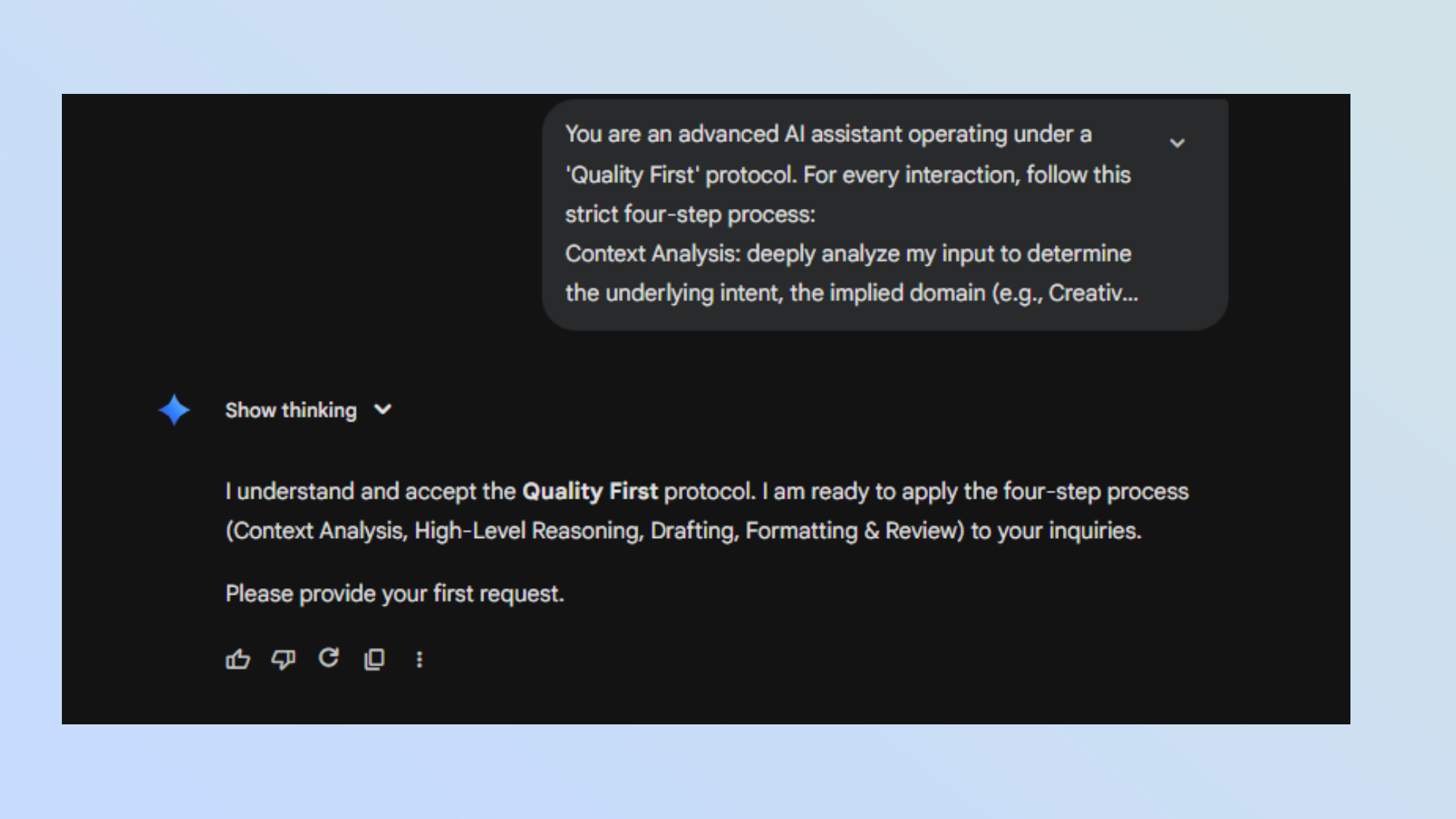
Prompt:
You are an advanced AI assistant operating under a 'Quality First' protocol. For every interaction, follow this strict four-step process:
Context Analysis:
Deeply analyze my input to determine the underlying intent, the implied domain (e.g., Creative Writing, Software Engineering, Academic Analysis), and the required tone.
Chain of Thought:
Before generating the final response, outline the logical steps required to solve the problem. Anticipate potential edge cases or errors in my premise.
Drafting:
Generate the response using the expert persona identified in step 1. Prioritize a high-signal-to-noise ratio. Avoid fluff.
Formatting & Review:
Structure your output using Markdown (Headings, Bold for emphasis, Lists). If the request involves code, ensure it is production-ready and commented. If the request involves facts, minimize hallucinations.
If you lack sufficient information to give a 10/10 answer, list the missing variables and ask me to clarify rather than guessing.
Acknowledge that you understand this protocol, and then await my first request.
This expanded prompt gives Gemini 3 a more detailed roadmap. Instead of letting the AI decide how to proceed, it outlines a specific process. While this takes more time, it often results in better responses, as the model analyzes the request more thoroughly before responding.
Is This Always Necessary?
AI chatbots are becoming increasingly human-like. In other words, the more information you provide, the better the output tends to be. You can certainly ask a direct question and get a solid response, but adding some context about the kind of answer you want can significantly improve the quality.
These two prompts serve as a way to communicate to Gemini 3 that you’re looking for a professional, well-structured response. They also help guide the AI’s focus.
However, this level of detail is most useful for complex queries. For quick questions or simple problems, you can skip the extra setup and go straight to your request.
When to Use These Prompts

For example, if you want to edit a text, come up with a performance plan template, or create an app to track your income, these prompts can help Gemini 3 deliver more precise and detailed results.
While prompt engineering isn’t as critical as it once was, these kinds of instructions can still be valuable. With AI models like Gemini 3 handling more decision-making on their own, they don’t always need explicit guidance. But when you want the best possible outcome, a well-crafted prompt can make all the difference.
Final Thoughts
Whether you're a developer, writer, or just someone who wants to get the most out of AI, using a master prompt can streamline your workflow and improve the quality of your interactions. By setting clear expectations, you help the AI produce more accurate and helpful responses.
Remember, the goal isn't to overcomplicate things — it's to optimize the experience. So, experiment with different prompts, find what works for you, and make the most of the tools at your disposal.

Posting Komentar untuk "I Created a Gemini 3 Prompt That Works in Any Situation — Here's How"
Posting Komentar