
I Optimized My Pixel's Key Feature for Greater Utility
The Lockscreen: A Personalized Gateway to Your Phone
The lockscreen is the first thing you see when you pick up your phone. It's not just a security feature; it's also a personal expression of who you are and what you need from your device. For many users, the lockscreen serves as a landing page for their smartphone, offering quick access to essential functions and information.
On Android devices, particularly Google's Pixel phones, the lockscreen has traditionally been more limited in customization compared to Apple's iOS. However, there are still several ways to make your Pixel's lockscreen more useful and tailored to your lifestyle.
Making the Most of Your Pixel's Lockscreen
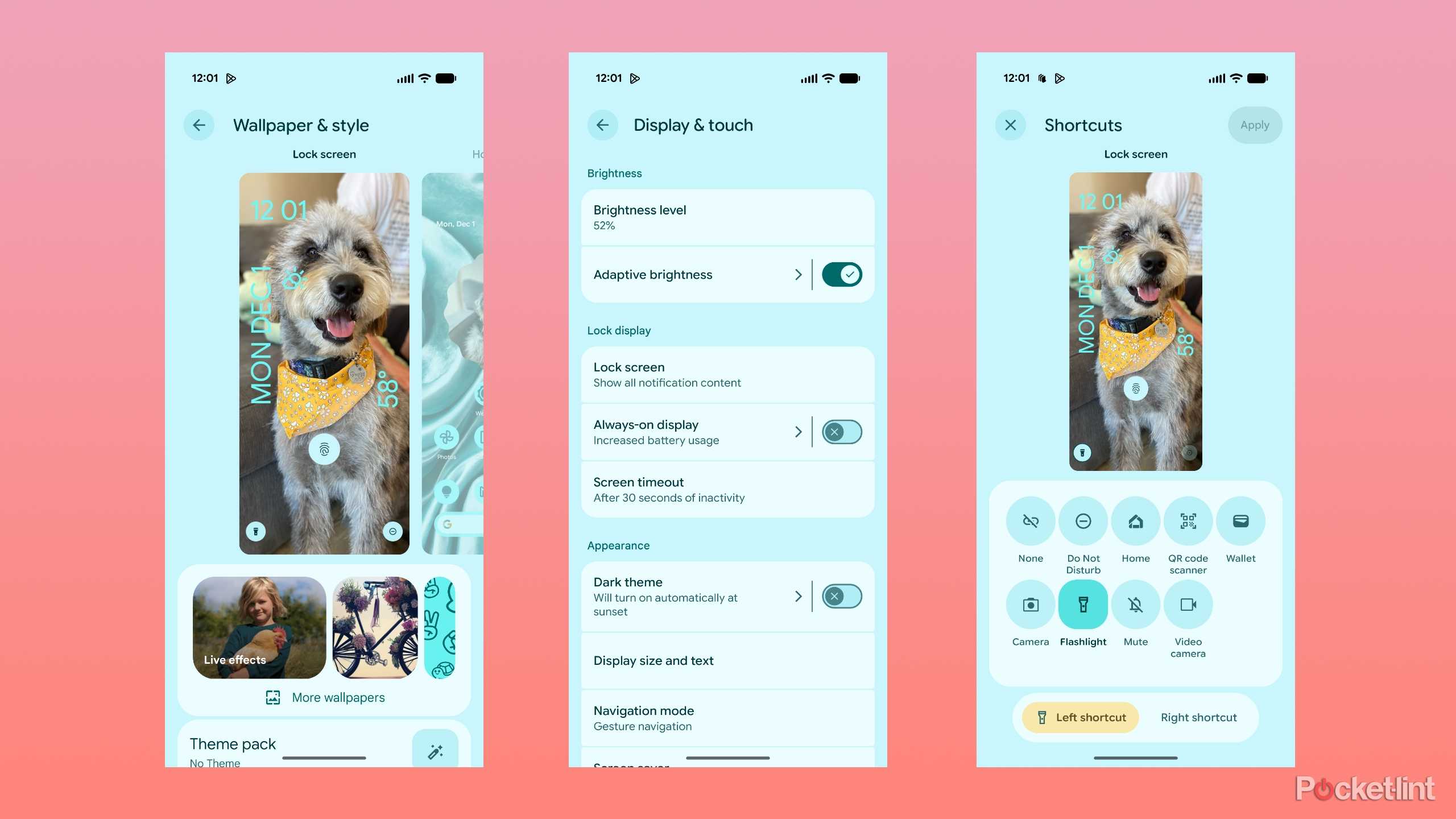
One of the key aspects of a useful lockscreen is its ability to provide glanceable information. This means being able to quickly check the time, weather, or notifications without unlocking your phone. On my Pixel 9, I have enabled notifications to be visible on the lockscreen, which allows me to read messages or respond to alerts without having to unlock my device. This is especially helpful when I'm working from home, where I don't need to worry about privacy as much.
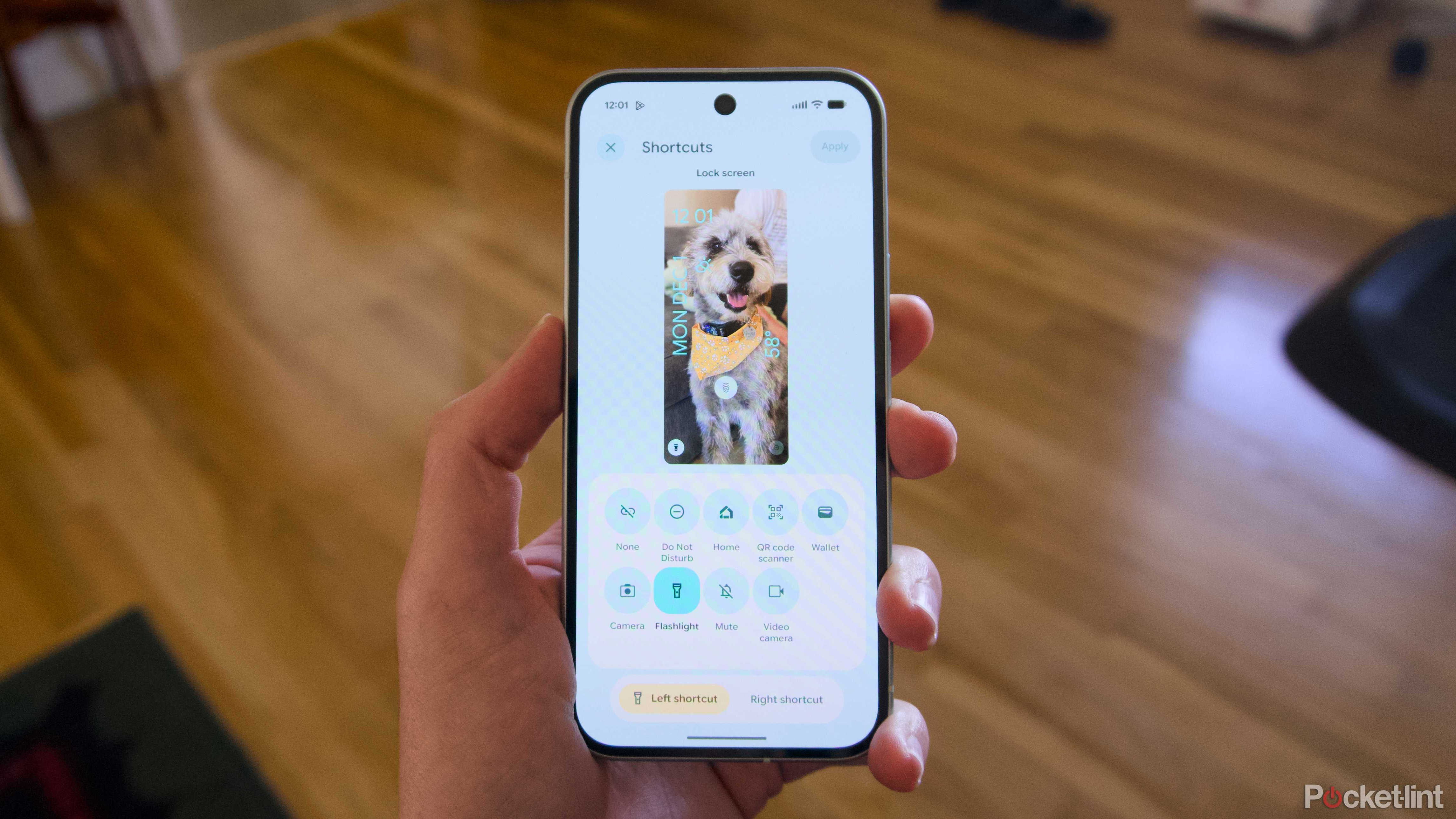
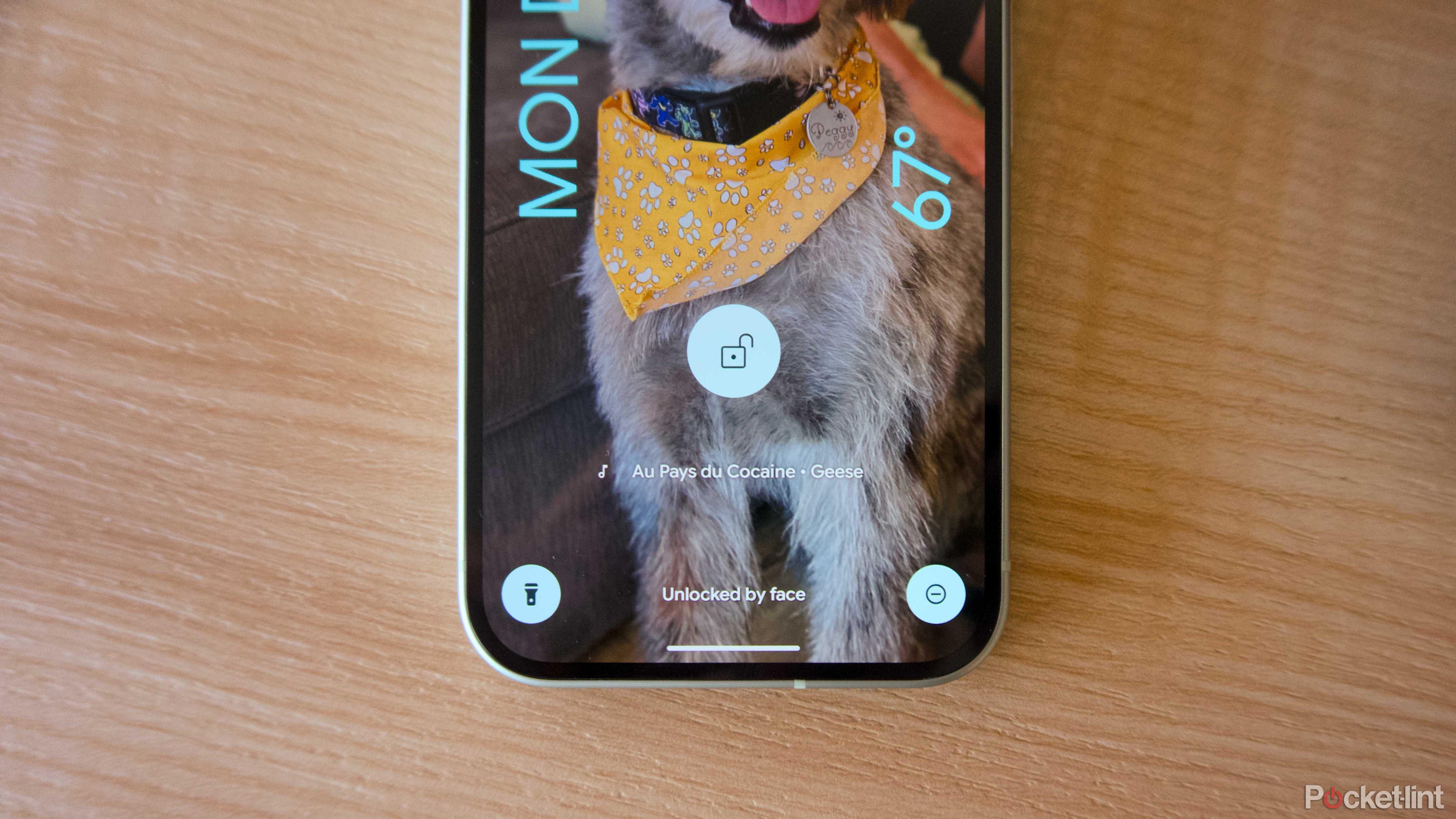
Another feature I use frequently is the Flashlight shortcut. I've placed this in the left shortcut space on my lockscreen, making it easy to access when I need to turn on the light. Similarly, I have Android's Do Not Disturb mode in the right shortcut slot, which helps me stay focused during work hours.
If I'm in a coffee shop, the Now Playing feature is a fun addition that lets me identify songs playing around me. It's a small but enjoyable way to interact with my environment and potentially save songs for later.
What Android Is Missing
While the Pixel lockscreen offers some useful features, it still lags behind iOS in terms of customization. As of iOS 16, iPhone users can enjoy a variety of lockscreen styles, custom animations, and widgets that display live information from other apps. In contrast, the Pixel lockscreen in Android 16 is relatively restrained.
However, there are signs that Google is working to catch up. New features like Live Updates, which provide real-time information from apps or services, are a step in the right direction. These updates help make the lockscreen a more dynamic and informative space.
Despite these improvements, Google could do more to enhance the lockscreen experience. For example, allowing for more widget-like elements on the lockscreen could offer users even greater flexibility. Apple's approach to lockscreen widgets, similar to smartwatch complications, provides a wide range of live information and app shortcuts. Adapting Android's robust widget system to work on the lockscreen could significantly improve the user experience.
The Flexibility of Android
It's worth noting that the lockscreen experience on Pixel phones is different from what you might find on other Android devices. While Google's approach is more restrained, the broader Android platform offers greater flexibility in terms of customization. This is one of the strengths of the Android ecosystem, allowing users to tailor their devices to their specific needs.
Even small changes, such as adjusting the space used by the Now Playing feature at the bottom of the lockscreen, could make a big difference for users looking to get the most out of their smartphones.
Working With What You Have
Although the Pixel lockscreen may not offer the same level of customization as iOS, there are still plenty of ways to make it more useful. For many users, the benefits of Android—such as its open ecosystem and customizable interface—outweigh the current limitations of the lockscreen.
In the meantime, I'm happy with what is possible on my Pixel 9. I hope that future updates bring even more options for lockscreen customization, making the Pixel an even more personalized and functional device.

Posting Komentar untuk "I Optimized My Pixel's Key Feature for Greater Utility"
Posting Komentar