
I've relied on this task manager for years—no way I'm switching
The Problem with Modern Productivity Tools
I test new productivity tools daily, and one major issue I've noticed with a lot of the ones I try out is that they're too complicated. More and more tools nowadays seem to ship with way too many features. While I don't mind this when the features are genuinely useful, a lot of the time the features seem like they're added for the sake of it. This applies to to-do list apps as well, which are supposed to be the simplest tools out there. Instead, a lot of them are the complete opposite and try to do way too much.
That's why I've stuck with the same simple task manager for years: Google Tasks.
Google Tasks Remains the Best at Staying Simple
Simple, Clean, and Effective
I've tested out pretty much every major to-do list app there is, including Todoist, TickTick, ClickUp, Microsoft To Do, and more. I've even tried out the paid tiers of some of these, like Todoist Pro. Despite all of that, I've kept returning to Google Tasks, and the biggest reason is how simple it is to use.
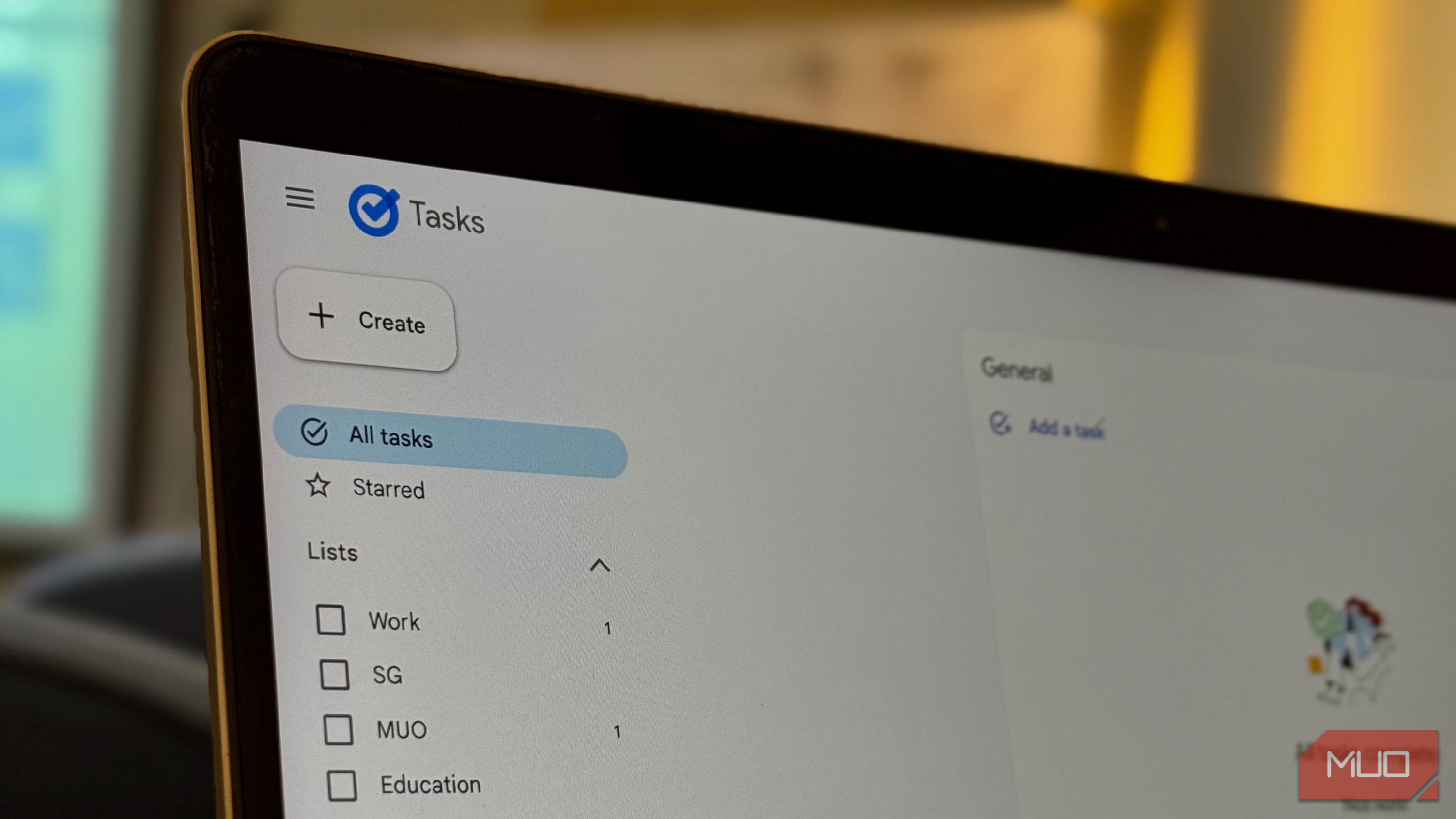
Google Tasks has an extremely simple and minimalist interface. Every option you need is on the very same page, meaning you won't find yourself constantly jumping from one screen to another just to add or manage a task. In fact, other than the settings page, there is nothing else to open.
To add a new task, all you need to do is hit the Add a task button. That's it! No need to open a new page, navigate dozens of menus, or deal with five different panels just to write a single to-do.
It’s Minimalist, but Still Has Everything You Need
All the features I need, none I don’t.
Of course, the ability to only add to-do tasks wouldn't cut it for a daily planner. If that was all the functionality I needed, I'd simply use my notes or reminders app! Luckily, Google Tasks offers practically every functionality a user needs in a solid to-do list app. For instance, an average user's to-do list app would likely be divided into at least the following two aspects:
- Personal
- Work
In my case, my life is divided into an additional Education category, which keeps all my assignments, deadlines, and class-related tasks separate from everything else.
With Google Tasks, you get the option to divide your to-do list into separate lists, making it easy to organize different areas of your life. You can quickly switch between lists, add tasks to the right category, and keep everything neat without ever feeling overwhelmed.
Additionally, for tasks you find yourself performing repeatedly, like daily, weekly, or monthly routines, Google Tasks lets you set recurring tasks. This means you don’t have to manually add the same task over and over — it automatically appears on your list at the interval you choose. Finally, Tasks also has an iOS and Android app and supports cross-platform sync. This means that all your tasks, lists, and updates are instantly available across your phone, tablet, and computer.
Google Tasks Plays Nicely with Everything Else I Use
Everything Just Works Together
Other than a solid to-do list app, an app I can simply not survive a single day without is my calendar. I obsessively time-block every second of my day, and it's likely the only app I check more often than my email. I've been relying on Google Calendar for years, and the best part about it is how well it works with other Google Workspace apps, including Tasks.
All my tasks that have due dates attached appear directly in my calendar, which reduces the constant back-and-forth I need to do. Similar to how the to-do tasks I add in Google Tasks automatically show up in my calendar based on their due dates, it also works the other way around. Every task I add to my Google Calendar automatically appears in my Tasks.
The above also applies to any changes I might make to existing tasks, like changing the due date or updating details. Both apps are always perfectly synced, which means I never have to worry about missing a deadline or forgetting to update a task.
Google Calendar Isn't the Only App Tasks Integrates Well With
Another example is Gmail. You can quickly add an email to your Tasks as a new to-do, complete with a due date and notes if needed. All you need to do is click the vertical three dots at the top and select Add to Tasks.
Google Tasks will automatically appear in a side panel, and you can then assign it to a list, set a due date, add any notes, and it’s ready to go!
Similar to this, beyond Gmail and Google Calendar, you can also access Tasks via the sidebar in other Google services like Google Docs, Sheets, and Slides.
Best of All, It's Free to Use
Unfortunately, most to-do list apps lock their best (and most essential) features behind a paywall. With Google Tasks, the cherry on top is that it's completely free. You don't need a premium Google Workspace account or any subscriptions to access any of its features.

Posting Komentar untuk "I've relied on this task manager for years—no way I'm switching"
Posting Komentar