
Switched Chrome for a Local AI Browser on My Pixel – Too Good to Be True
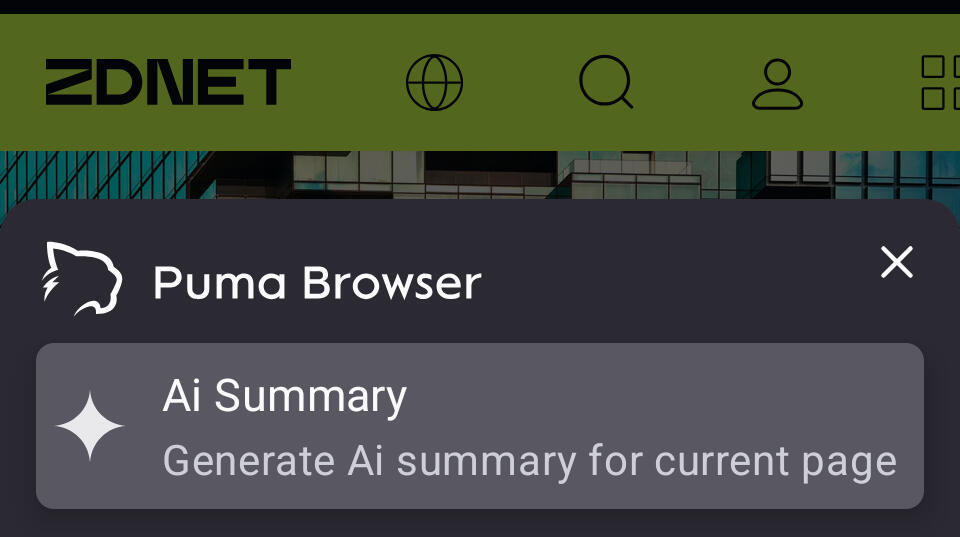
Overview of Puma Browser
Puma Browser is a free mobile AI-centric web browser that offers users the ability to leverage local AI. This browser allows you to select from several large language models (LLMs), each varying in size and scope. For those who are cautious about using cloud-based AI, Puma Browser presents an alternative that doesn't rely on third-party services.
Reasons for Preferring Local AI
Many users, including myself, have been wary of cloud-based AI due to several concerns:
- Energy consumption: Cloud-based AI requires significant energy, which can be detrimental to the environment.
- Privacy issues: There's no guarantee that cloud-based AI will honor privacy claims, making it risky to use for sensitive queries.
- Data usage: Users may not want their queries or data to be used for training LLMs, which is a common practice with cloud-based solutions.
While I've relied on local AI on desktops through tools like Ollama, the question remains: can this be done effectively on mobile devices? Puma Browser offers a solution to this challenge.
Testing Puma Browser on Mobile Devices
After testing nearly every browser available, I found that Chrome did not make my top list. Puma Browser, however, has proven to be a strong contender. It is available for both Android and iOS and supports local LLMs such as Qwen 3 1.5b, Qwen 3 4B, LFM2 1.2, LFM2 700M, Google Gemma 3n E2B, and more.
I installed Puma Browser on my Pixel 9 Pro and downloaded Qwen 3 1.5b to evaluate its performance. I was initially concerned about the impact on system resources and storage. However, the experience turned out to be quite positive.
Performance of Local AI on Android
It's important to note that local AI on Puma Browser is still in the experimental phase, so there may be some issues. Additionally, downloading an LLM can take time, and it's recommended to use a wireless network to avoid consuming your data plan.
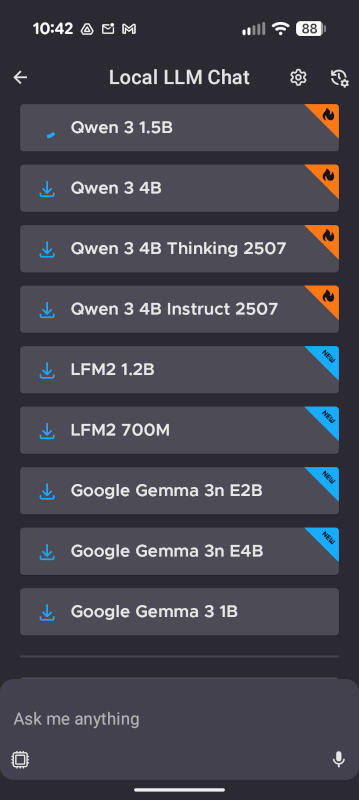
Even on a wireless connection, the download of Qwen 3 1.5b took over 10 minutes. However, the performance was impressive. After downloading the LLM, I ran a test query: "What is Linux?" The response was immediate, and I was surprised by how well it performed.
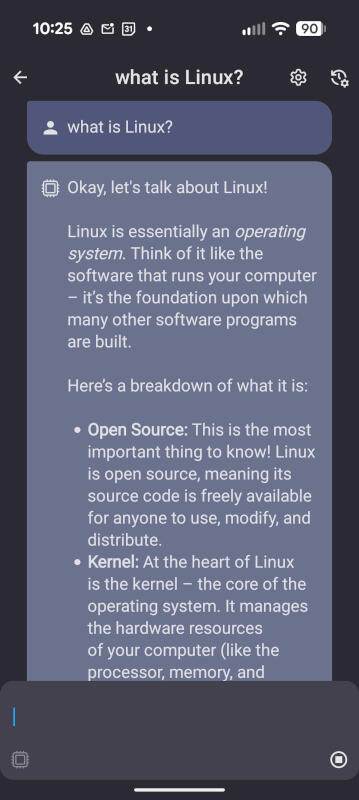
To verify that Puma Browser was indeed using the local LLM, I disabled both internet and wireless connectivity on my Pixel 9 Pro and ran another query. The AI provided a quick response, which left me impressed.
Additional Insights
I had low expectations for Perplexity's Comet browser on my Android device, but I was pleasantly surprised. I anticipated slow performance or even no performance via local LLM, but Puma Browser delivered consistently.
Implications of Using Local AI
Using local AI on your phone means you can access AI capabilities without needing a network connection. This also reduces the strain on power grids, which is a significant benefit.
However, there are considerations to keep in mind. LLMs can consume a lot of storage on your phone. If you frequently run out of space and have to delete photos and videos to make room, local AI might not be a viable option for you.
Storage Requirements
You need ample storage on your device, especially if you plan to switch between LLMs for different purposes. Some LLMs can be nearly 20GB in size, so it's crucial to choose wisely. For example, Qwen 3 1.5b is nearly 6GB in size. Do you have enough space for that?
Conclusion
If you're interested in trying local AI on your phone, Puma Browser is an excellent choice. It is fast, user-friendly, and offers a selection of LLMs. Give this new browser a try and see if it becomes your default for mobile AI queries.
Bonus Feature
In addition to its AI capabilities, Puma Browser can also function as a regular browser, making it a versatile tool for users.

Posting Komentar untuk "Switched Chrome for a Local AI Browser on My Pixel – Too Good to Be True"
Posting Komentar