
Tiny Image Editor, Perfect for a Joke Email
A Tiny Image Viewer with Big Potential
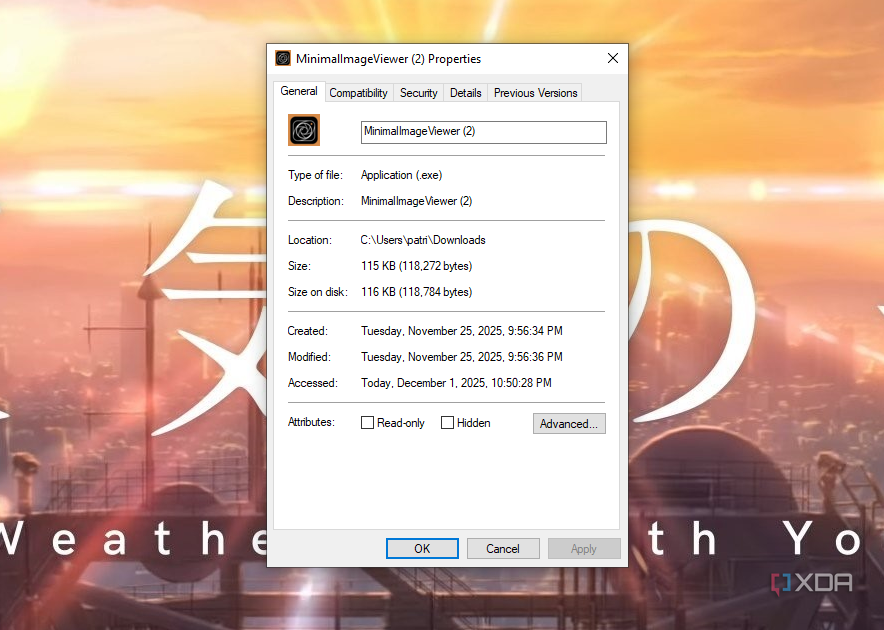
I recently came across an image editor and viewer so small that I could email it to all my friends as a joke — and it would still be a smaller attachment than pretty much anything else I could send. The aptly-named Minimal Image Viewer is just 20.5kb in size, but is capable of handling even large, high-resolution photos with ease. It also has a lot going on under the hood. Does it compare with Photoshop or GIMP? No, not even close. But it's not meant to.
Minimal Image Viewer isn't breaking any new ground, but it's a solid example of what can be accomplished when developers focus on maintaining smaller sizes in their software. Plus, it's small enough that you can keep it stored on a flash drive if you need a tiny-but-powerful image editor on the go.
It's More Than Just an Image Viewer
The app has a surprising number of features
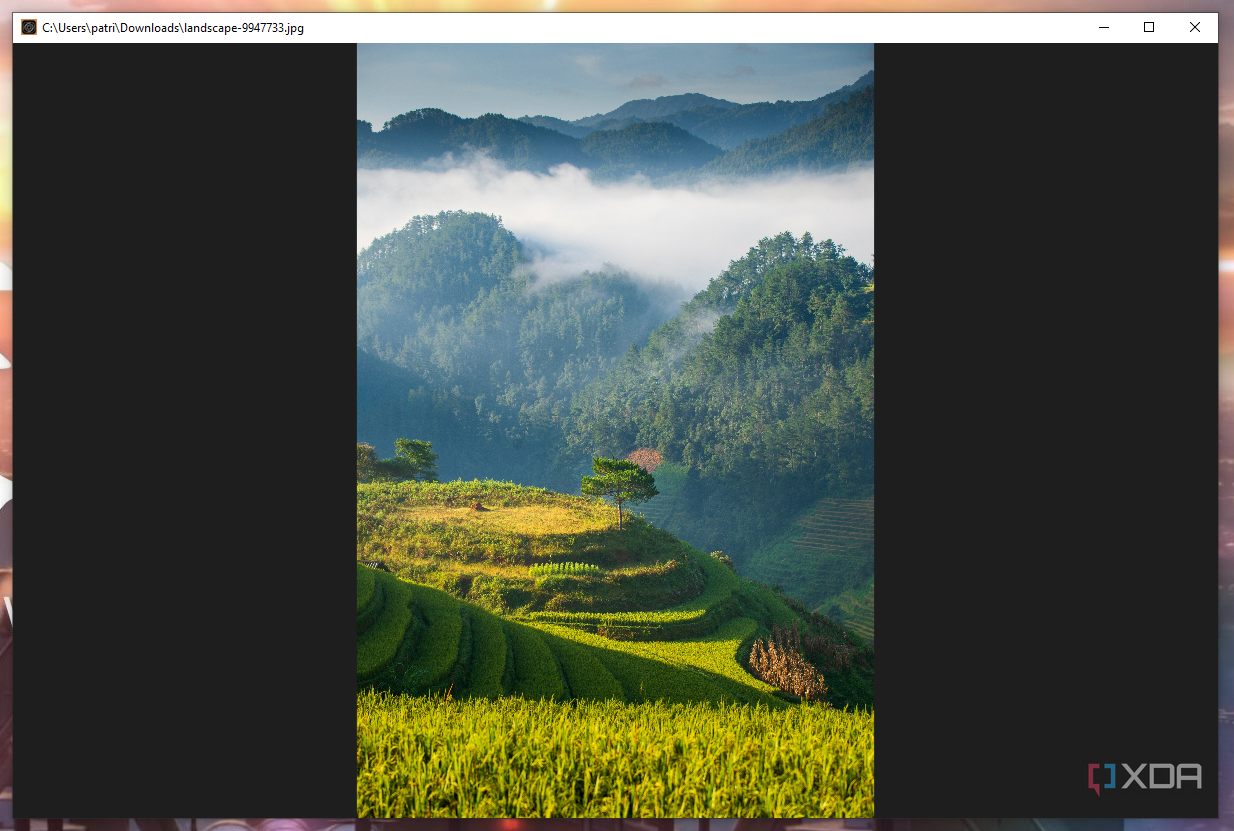
While I'm not going to do any kind of professional image editing in the software, Minimal Image Viewer offers a surprising amount of flexibility, especially considering its size. For starters, it provides OCR (optical character recognition) support. Just press "Q" to scan the entire image, or press "W" to scan a specific area. You can sort all images in a given directory by several different metrics, then scroll quickly between them with the arrow keys. It also offers non-destructive editing, which means that any changes I make are just previews until I save the file. You can also use an eyedropper tool to adjust saturation levels and more. Again, it's not a replacement for a professional tool, but it's a solid option for quick edits.
It Works with Most Formats
JPG, PNG, GIF, oh my
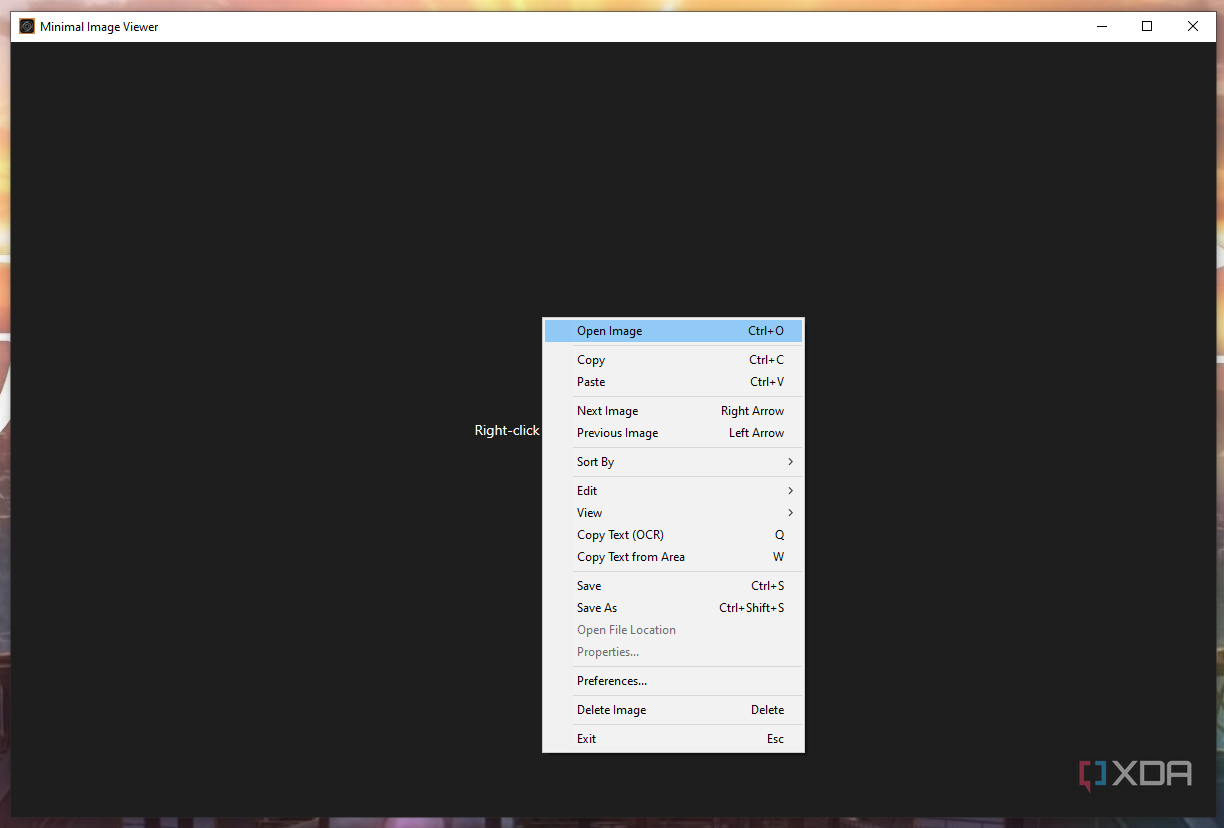
As long as you have the right codecs installed, Minimal Image Viewer will work with the most common and popular image formats. Everything from JPG, PNG, BMP, GIF, TIFF, ICO, WebP, HEIF, AVIF, and numerous different RAW formats are all supported. Of course, installing those codecs does increase the size of the application a bit, but you're still looking at an image tool that's only around 100kb in size. For reference, Windows Photos is north of 50MB in size.
Minimal Image Viewer is Private
If security is your focus, check this tool out
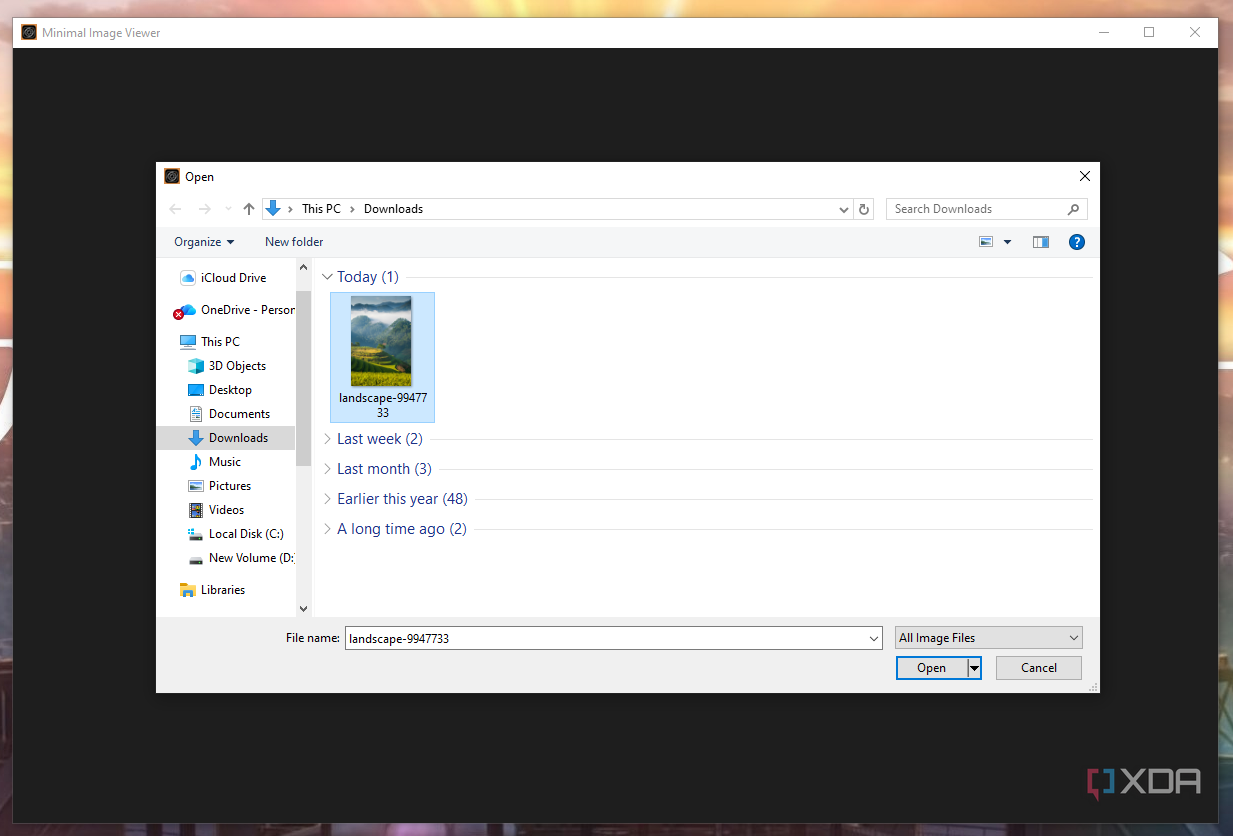
The vast majority of software you use on a day-to-day basis tracks what you're doing, and most end up monetizing that information in some form or fashion. There's a reason targeted ads are so accurate these days. Minimal Image Viewer is one of the few that doesn't; it uses no telemetry and offers no tracking of any kind. It also only uses trusted Windows APIs to minimize the security risk it poses to users. And if you accidentally delete something, you can find it in the Recycle Bin. This is a fantastic tool for working on images you're afraid to lose (although you can also duplicate those images to ensure you have an original copy before you start making changes).
Unfortunately, It's Windows-Only
Mac and Linux users are out of luck
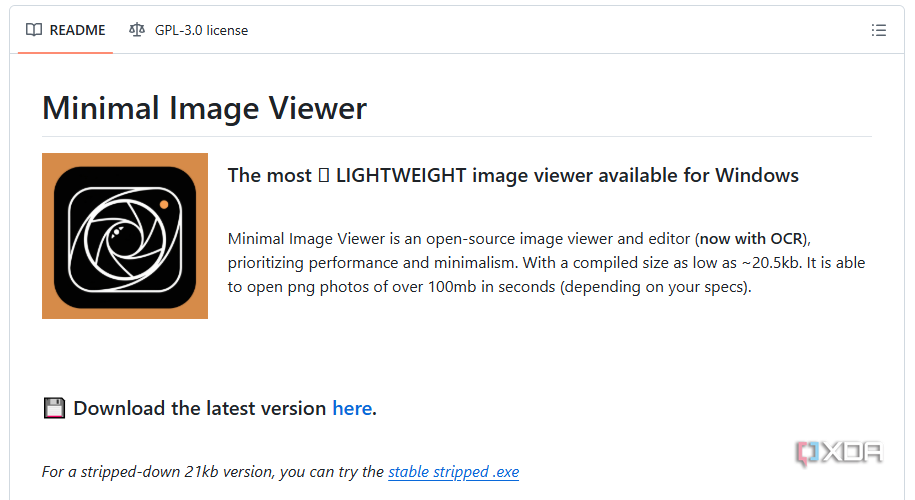
The Minimal Image Viewer software was created by a single developer, and while they continue to tweak and support the app, it's limited to Windows devices. It relies on Windows APIs to function, so anyone looking for cross-platform compatibility will have to take their search elsewhere. And as I mentioned before, while the application is useful, it's not a replacement for a full-fledged image editor. If you want to perform any large-scale modifications to an image, you'll need a platform like GIMP.
That's a Feature, Not a Bug
The developer didn't set out to develop a full-fledged editing platform
On Minimal Image Viewer's GitHub page, the developer says he follows a philosophy of "do one thing and do it well." The application was never intended to replace Photoshop. Instead, it's built to offer basic image viewing and editing functionality in environments with limited resources, such as a low-end machine or in a workspace where security is a primary consideration. You shouldn't use this tool expecting it to replace everything; instead, view it as a useful accessory for when you want to navigate through multiple images quickly, without putting a ton of strain on a machine.
A Reminder of Software Diversity
Minimal Image Viewer reminds me how varied software can be
I spend a lot of time testing out software, and a lot of it leaves a lasting impression. However, few applications make me take notice the way Minimal Image Viewer has. Its small size is a reminder that applications do not have to hog resources, and finding that is like a breath of fresh air. It's a pet peeve of mine when a program is poorly designed and uses far more memory than it should. Minimal Image Viewer is a great example of software development done right.

Posting Komentar untuk "Tiny Image Editor, Perfect for a Joke Email"
Posting Komentar