
Why Your Apple CarPlay Keeps Disconnecting (And How to Fix It)
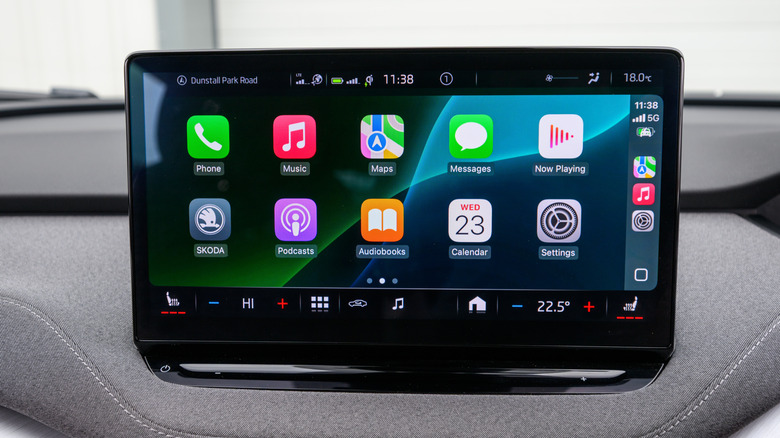
Apple CarPlay offers a seamless way to use your iPhone while driving, making it both safer and more convenient. All you need is your iPhone, a connected car, and the right setup. Once everything is in place, CarPlay integrates the best features of iOS into your vehicle's dashboard. Whether you're sending messages, navigating to your next destination, or playing your favorite playlist, CarPlay makes it all easier. You can even enhance your experience with some of the top CarPlay tips and tricks.
However, like any technology, CarPlay isn't immune to occasional issues. One common problem is a complete disconnection — where the entire interface suddenly stops working. This can be frustrating, especially when you're on the road. There are several reasons why this might happen. Sometimes, it's as simple as a connectivity setting or an overdue software update. Other times, it could be related to the accessories you're using for your CarPlay setup. A good first step is to ensure your iPhone is running the latest version of iOS. You can check for updates by going to Settings > General > Software Update and downloading any pending updates. If the issue persists after updating, there may be other factors at play.
Wireless Connectivity: A Double-Edged Sword
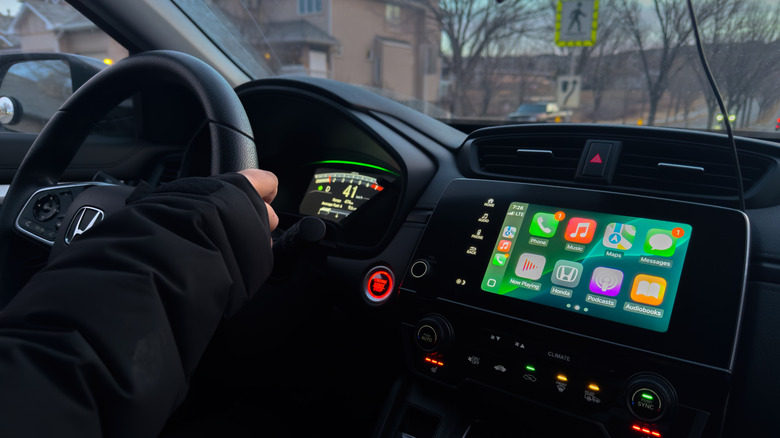
If you're using wireless Apple CarPlay — the version that doesn't require a USB cable — your car relies on both Wi-Fi and Bluetooth to mirror your iPhone. This brings up a common question: Can you use Apple CarPlay without plugging your iPhone in? The answer is yes, but only if both Wi-Fi and Bluetooth are enabled and functioning properly. To check this, swipe down from the top-right corner of your screen to open Control Center. If the Wi-Fi and Bluetooth icons are lit up in blue, you're all set.
For a quick reset, you can tap both icons to disable and then re-enable them. Alternatively, go to Settings > Wi-Fi and Settings > Bluetooth to toggle the options. On the Bluetooth settings page, you can see which devices your iPhone is paired with. If your iPhone is trying to connect to multiple devices — such as old earbuds, a smart speaker, or another vehicle — it might be causing CarPlay to drop or fail. Removing unused Bluetooth pairings and forgetting devices can help reduce conflicts. It's also a good idea to restart your car's head unit (if possible) to force a fresh connection. You can also forget your iPhone from your vehicle's memory by going to Settings > General > CarPlay, selecting your vehicle, tapping "Forget This Car," and then reconfiguring the connection.
Wired Connections: Not Always Reliable
If your CarPlay setup uses a wired USB connection, keep in mind that iPhones can be picky about the cables used. Cables that aren't made by Apple or aren't MFi-certified can cause connection issues. Try swapping out your current cable for an Apple or MFi-approved one to see if that resolves the problem. It’s also worth giving your iPhone a quick reboot. Turn it off, wait a few seconds, and then turn it back on. This gives both your phone and your car a fresh start, which can sometimes fix the issue.
If you're using third-party adapters to convert a wired CarPlay setup into a wireless one, these can be just as unreliable as a low-quality cable. If CarPlay keeps disconnecting, try resetting the adapter. Most adapters have a small button or a specific reboot sequence in their companion app. After restarting, re-pair your iPhone to see if that helps. While this adds an extra step, clearing old pairing data often solves unexpected dropouts or lag.
Whether you're using wireless or wired CarPlay, understanding how to troubleshoot common issues can save you time and frustration on the road. With the right setup and maintenance, CarPlay can provide a smooth and enjoyable driving experience.
)
Posting Komentar untuk "Why Your Apple CarPlay Keeps Disconnecting (And How to Fix It)"
Posting Komentar