
Windows 11 25H2 Launches for All PCs – Your Guide to Upgrading Now
Windows 11 25H2 Now Available for All Eligible PCs
Microsoft has officially released the Windows 11 25H2 update, making it available to all compatible devices. This means that users who have enabled the option to receive updates as soon as they're available can now start the upgrade process. For those who prefer to wait, the update will be automatically rolled out over the next few months.
The release of 25H2 was confirmed through Microsoft's Windows release health dashboard, which indicates that the update is now considered stable and ready for wide deployment. According to Microsoft, "Windows 11, version 25H2 is now available to all eligible Windows 11 devices for users who have turned on the setting Get the latest updates as soon as they're available."
Additionally, Microsoft has initiated an AI-based "intelligent rollout" for PCs running Windows 11 Home and Pro. This means that these devices will automatically receive the update when they are ready. The update is also being offered as a direct upgrade for users currently on Windows 10, provided their PC meets the compatibility requirements.
How to Get Windows 11 25H2 Now
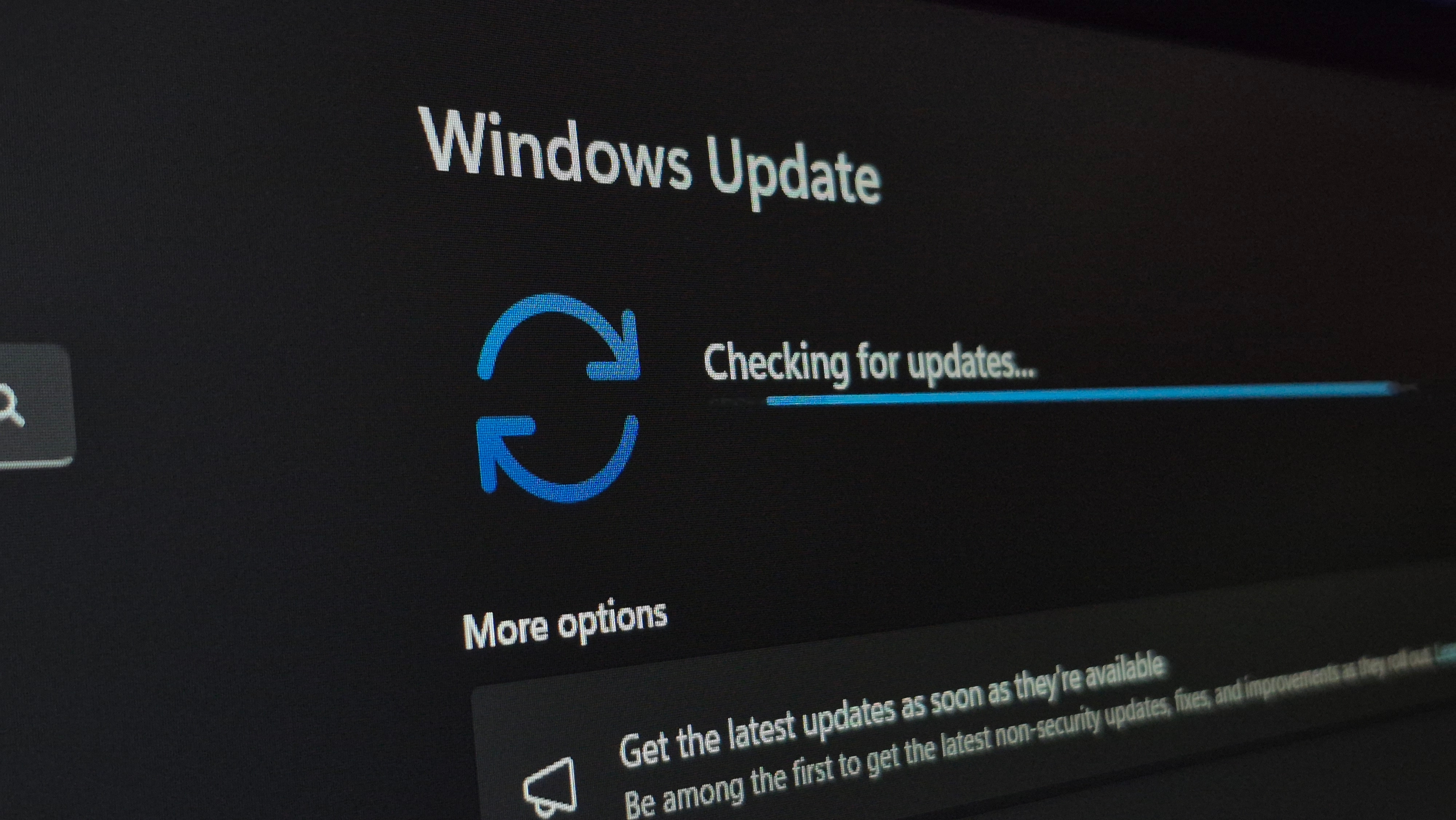
If you're eager to install the 25H2 update immediately, the first step is to check for updates. You can do this by typing Windows Update in the search box on the taskbar and clicking Check for updates, or by navigating to Settings > Windows Update and selecting Check for updates.
You may see the 25H2 update listed here. If not, ensure that the Get the latest updates as soon as they're available option is enabled. This setting can be found in the Windows Update panel under the More options section. Once this is turned on, click Check for updates again. If the update still doesn't appear, restart your PC and try again later in the day or the following day.
After installing the 25H2 update, you may want to turn off the Get the latest updates as soon as they're available switch. Leaving it on could result in receiving preview updates for Windows 11, which are still in testing and may not be suitable for all users.
Should You Install 25H2 Now?
If you're unsure about whether to install 25H2, it's worth noting that the update doesn't introduce any major new features. It may help speed up the loading of the improved Start menu, but this feature is already being rolled out to users on the 24H2 version.
Many users may choose to wait for the update to arrive automatically, especially if they don’t want to deal with potential issues from early releases. However, knowing how to manually install the update gives you more control over your system.
Final Thoughts
Whether you decide to install 25H2 now or wait for the automatic rollout, the key takeaway is that the update is now accessible. Microsoft continues to roll out updates in a controlled manner, ensuring stability for all users. Keep an eye on your system for the update, and follow the steps outlined above if you want to get it sooner rather than later.
For more information and updates, stay tuned to reliable sources that provide expert insights into the latest developments in technology.

Posting Komentar untuk "Windows 11 25H2 Launches for All PCs – Your Guide to Upgrading Now"
Posting Komentar