
5 Ways You're Wasting Your PC's Storage
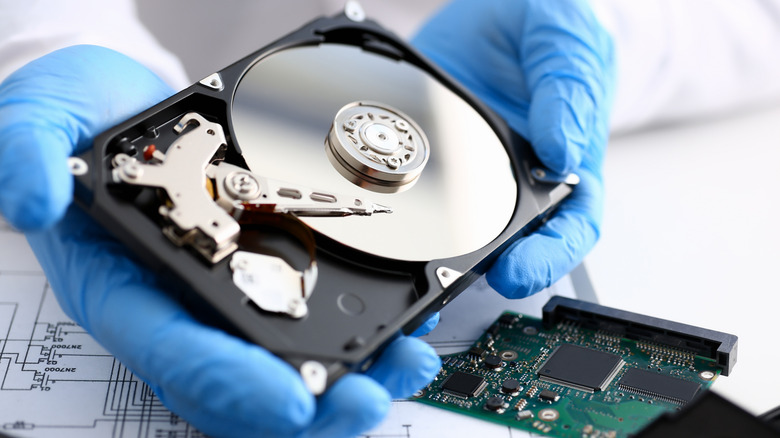
When it comes to PC storage drives, whether they are solid-state drives (SSDs) or hard disk drives (HDDs), many users tend to treat them as set-and-forget components. However, the reality is that everyday habits and small oversights can significantly impact their lifespan. Are you running your PC too hot? Are you neglecting firmware updates? These seemingly minor mistakes can shorten your PC's lifespan and even lead to SSD failure. Even if everything seems fine, your drive might be experiencing degraded memory cells, stressed firmware controllers, or mechanical components that are wearing down.
Many of these issues are avoidable with a few simple routine practices. Developing certain habits, such as regularly cleaning your PC, ensuring proper airflow through the casing, or updating the drive’s firmware, can help prolong the life of your storage unit. The difference between a healthy drive that lasts its lifetime and one that fails prematurely often comes down to mindful practices.
1. Overheating
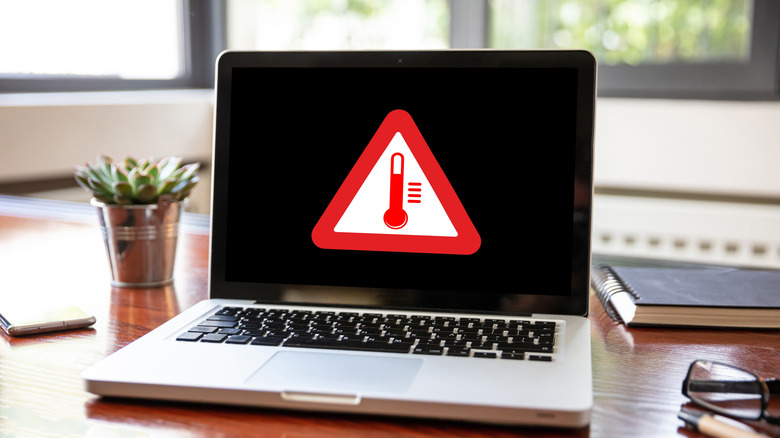
Ignoring cooling is one of the most common ways people damage their PC’s storage. While cooling is something you might think about for your CPU and GPU, both SSDs and HDDs have optimal temperature ranges. Running your PC outside of that range can accelerate wear and increase the chances of failure.
SSDs are especially sensitive to heat. NAND flash stores information as electrical charges, and as temperatures rise, those charges become less stable. This increases the chance of bit errors and data corruption. Heat also accelerates the aging of your SSD. Modern NVMe drives will throttle when they overheat, but this is not just a protective measure—it’s a warning sign. Running drives near 70°C for extended periods puts stress on internal controllers and memory cells, making sudden failure more likely.
HDDs are also sensitive to heat, but their problems are mechanical in nature. The spinning platters and microscopic read heads rely on extreme precision. Heat can cause materials inside your HDD to expand, leading to misalignment, read errors, and even physical damage to the drive. The maximum safe temperature for most HDDs is around 55°C.
Cooling your PC is not optional. Not cooling it properly is one of the common mistakes that can ruin your computer, not just its storage.
2. Not Cleaning Your PC Regularly
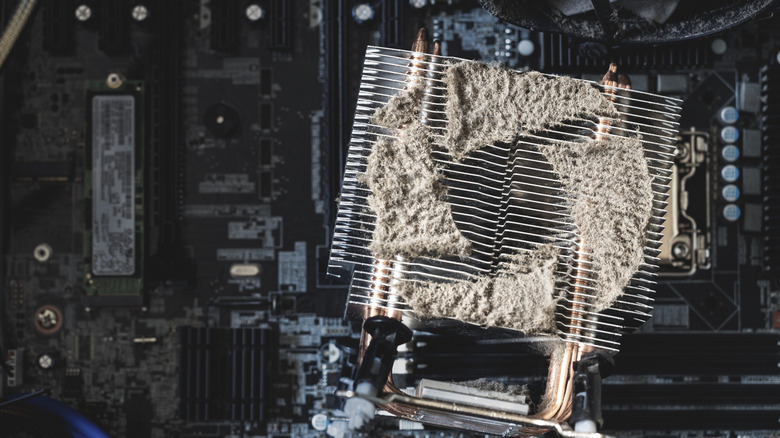
PCs are magnets for dust and debris, and if you forget to clean your computer regularly, dust will accumulate. It doesn’t just look gross, but dust also actively jeopardizes internal components. PC storage suffers as dust clogs airflow, leading to overheating. The main problem with dirt and grime on SSDs is thermal heating. But when it comes to HDDs, the dangers of dust multiply. Not only is increased heat a problem, but dust can also settle on the drive casing or exposed circuit board, increasing the risk of read/write head issues.
Beyond heat and mechanical stress, dust can also lead to electrical problems. However, this typically occurs only in extreme cases involving years of neglect. Dust particles mixed with moisture promote corrosion or cause conductivity issues on circuit boards. Not only is your storage affected, but the stability of the entire PC system suffers as well. That’s why regular cleaning and maintenance of the whole system is important to ensure your PC stays in good health.
3. Power Instability

Sudden outages or abrupt shutdowns all pose a serious threat to storage devices. When a computer loses power mid-write, both the NAND flash of an SSD and the internals of an HDD are at risk. Even though your storage drive will most likely survive a blackout, going through many of them will shorten its lifespan and reduce its reliability.
Interrupted write operations or internal metadata updates are the leading causes of problems in an SSD. They rely on controllers to map logical addresses to physical flash cells. An unexpected power loss during those operations may corrupt the mapping process or leave data incomplete, rendering the files unreadable. In extreme cases, the whole SSD can be bricked. Even if the write request appears to have completed, a power cut within milliseconds can trigger retroactive data corruption. Even the largest SSDs are vulnerable to power-related issues.
HDDs, however, can face mechanical issues due to sudden power loss. Their spinning platters and read/write heads may not have time to stop working and safely park, and could crash into each other. The result would be a physical scratch on the surface, which, over time, would create bad sectors. This may not cause an immediate failure, but repeated incidents accelerate mechanical wear, shortening the HDD’s lifespan.
4. SSD Defragmentation and Aggressive HDD Defragmentation
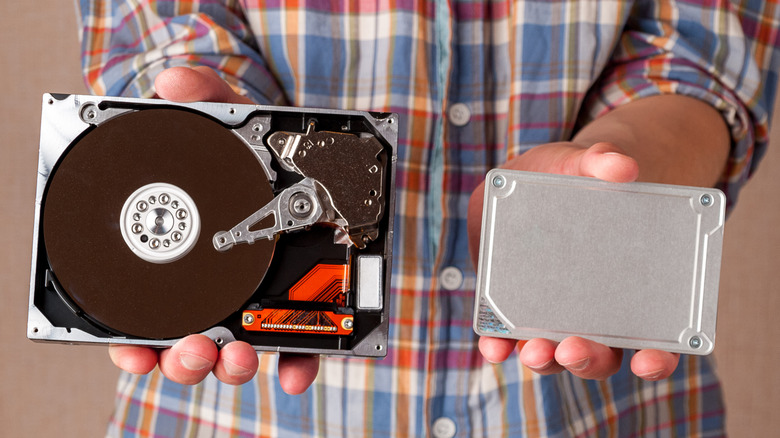
Everyone who grew up with mechanical hard drives knows the importance of defragmentation. However, when applied to SSDs, defragmentation can do more harm than good. In fact, there's no need to defragment SSDs, ever. They come with built-in optimization commands, such as TRIM. Defragmenting an SSD is not only pointless but can also be harmful. The SSD stores and accesses data the same way, whether it's fragmented or stored as a whole block.
SSD flash memory cells have a limited number of program/erase cycles. Since defragmenting involves rewriting the data, those limited P/E cycles are consumed more quickly. Unnecessary relocation of file fragments, metadata updates, and rewriting of memory sectors only speed up the SSD’s wear and reduce its lifespan.
Hard drives, on the other hand, benefit greatly from defragmentation. Consolidating files into contiguous blocks means less read/write head movement across the plate. The HDD’s wear is actually reduced by the occasional defragmentation process. But overdoing it still involves heavy disk activity, which in turn increases mechanical wear, heat, and stress on moving parts. Aggressive defragmentation will degrade HDDs’ reliability and shorten their lifespan, especially if the HDD is older or under heavy use. Besides, Windows now performs weekly maintenance on your drives, so you don’t even have to think about defragmenting them anymore.
5. Not Updating Firmware Regularly
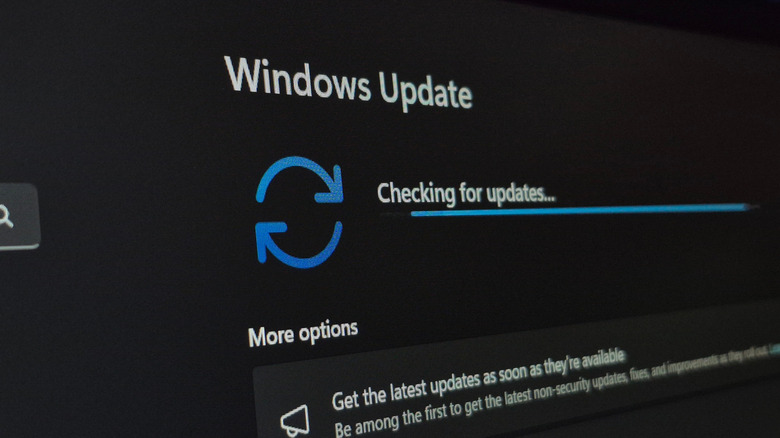
Somehow, we’re all aware that updating our PC’s firmware is important, yet some ignore it. Updates are important for the long-term health and data integrity of storage drives. The drive’s firmware is its "brain." It manages wear-leveling, error correction, garbage collection (for SSDs), and mechanical and power management (for HDDs). Outdated firmware cannot deal with bugs or disk inefficiencies. That leads to data corruption, wear, and premature failure.
Outdated firmware is particularly dangerous for modern SSDs. Your storage unit can easily mishandle critical tasks such as flash-block management or error correction. Firmware issues can lead to corrupted translation tables, unstable write/read operations, or even total drive inaccessibility. In contrast, regularly updating firmware improves wear-leveling algorithms and optimizes internal block management. The flash cell stress is thus reduced, thereby prolonging the drive’s life.
HDDs benefit from regular updates similarly. Their firmware controls several operations, including head parking, spin-down logic, and vibration compensation. It reduces the effects of mechanical stress, heat, and power cycles. Outdated HDD firmware may mismanage these tasks, leading to excess wear, unstable head alignment, or suboptimal thermal regulation. All of these will shorten the drive’s longevity.

Posting Komentar untuk "5 Ways You're Wasting Your PC's Storage"
Posting Komentar