
Chrome Replacement Boosts Battery Life — My New Android Browser
The Struggle with Chrome on My Aging Android Phone
I’ve been using Chrome as my main browser since I first got an Android smartphone. It’s the default option, and for many people, it's the go-to choice. But after years of using Chrome, I started to notice some issues—especially when it came to battery life. While I was aware of its privacy concerns and high memory usage, I didn’t expect it to be a major contributor to my phone’s battery drain.
My Pixel 6a had been in my hands for over three years, and by the time I decided to look for alternatives, the battery health wasn't great. I found myself charging the device multiple times a day, which is common for older phones. Battery health deteriorates over time, and every percentage point becomes critical. That’s why I started looking for ways to extend my battery life, including removing apps that were known to use a lot of power, like Facebook. Instead, I used web apps through Chrome, which I thought was a safer option.
But as I used Chrome more, I noticed something strange: the browser was using more battery than expected. Even though I wasn’t browsing for more than an hour or two a day, Chrome consistently showed up as one of the top battery drains. This made me curious, and I wanted to find out if I was alone in this experience.
How to Check Your Phone’s Battery Usage
You can check your phone’s battery usage by navigating to Settings > Battery > Battery usage. On the Battery usage screen, you’ll see the battery level since the last full charge, screen time, and a breakdown of each app’s usage, including screen time and background activity. The exact steps may vary depending on your phone’s manufacturer and the version of Android you're running.
Chrome Isn’t the Only One Having Issues
I wasn’t the only one experiencing this problem. A quick search online for “Chrome Android battery drain” or “High battery usage on Chrome Android” turned up dozens of results. Many users across different Android devices reported similar issues. From OnePlus to Samsung Galaxy users, the problem wasn’t limited to a specific brand.
In July 2025, I came across a study from Brave Browser comparing several major Android browsers, including Brave, Chrome, DuckDuckGo, Edge, and Firefox. The research evaluated them on metrics like CPU utilization, bandwidth consumption, memory usage, page loading time, and most importantly, battery usage. According to the findings, Chrome ranked third in terms of battery drain, behind Edge and DuckDuckGo. While there was a bug affecting DuckDuckGo, Chrome had no such excuse. This confirmed what I had already suspected: it was time to switch.
Why I Chose Brave as My New Browser
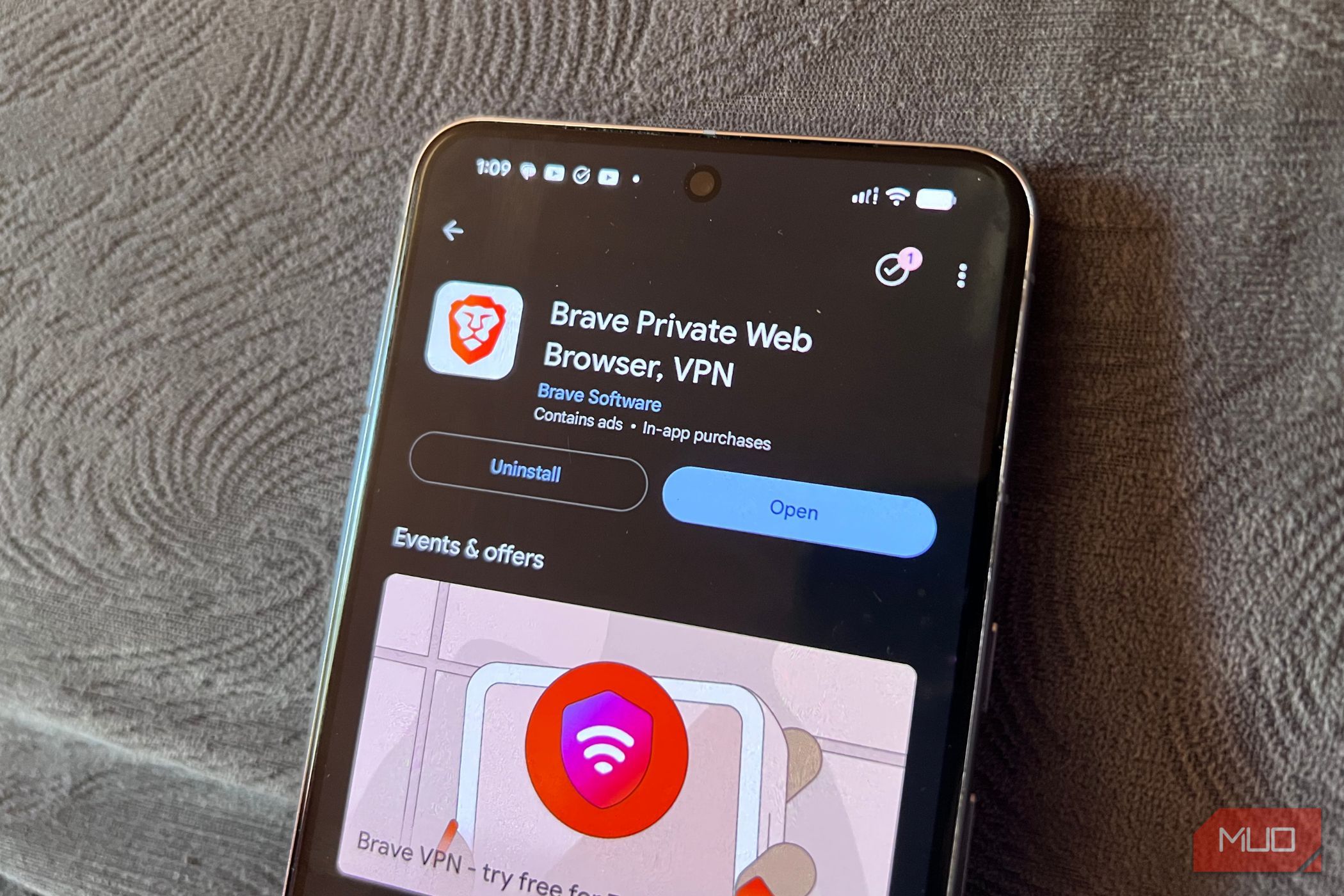
Brave stood out because it uses 3.9% less battery on average than the other four browsers tested. That was enough for me to give it a try. After switching, I noticed a clear improvement in battery life. My browsing sessions now last longer, and I’m confident that Brave is the best browser for my needs.
The Benefits of Switching to Brave
If you’re still using Chrome on a daily basis, especially on an older Android phone, you might want to consider switching. Chrome isn’t just draining your battery—it also uses more memory. Brave offers additional features that Chrome doesn’t, such as built-in tracker blocking and protection against browser fingerprinting. These features not only improve your privacy but also enhance performance.
For anyone looking to stretch their battery life and get more out of their aging phone, Brave is a solid alternative. It’s efficient, secure, and designed with user privacy in mind. If you're tired of dealing with Chrome’s resource-heavy nature, giving Brave a try could be a game-changer.

Posting Komentar untuk "Chrome Replacement Boosts Battery Life — My New Android Browser"
Posting Komentar