
Ethernet Speed Issues Stem from Cables, Not the Switch
The Hidden Culprit Behind Slow Network Speeds
Troubleshooting network speeds has become a part of my life, both professionally and personally. Over the years, I've come to realize that the blinking lights on a network switch often distract from the real issue: the physical limitations of the cabling infrastructure. While switches are essential components in any network, they are not always the root cause of speed issues. In fact, many times, the problem lies in the cables themselves.
Why We Blame the Switch First
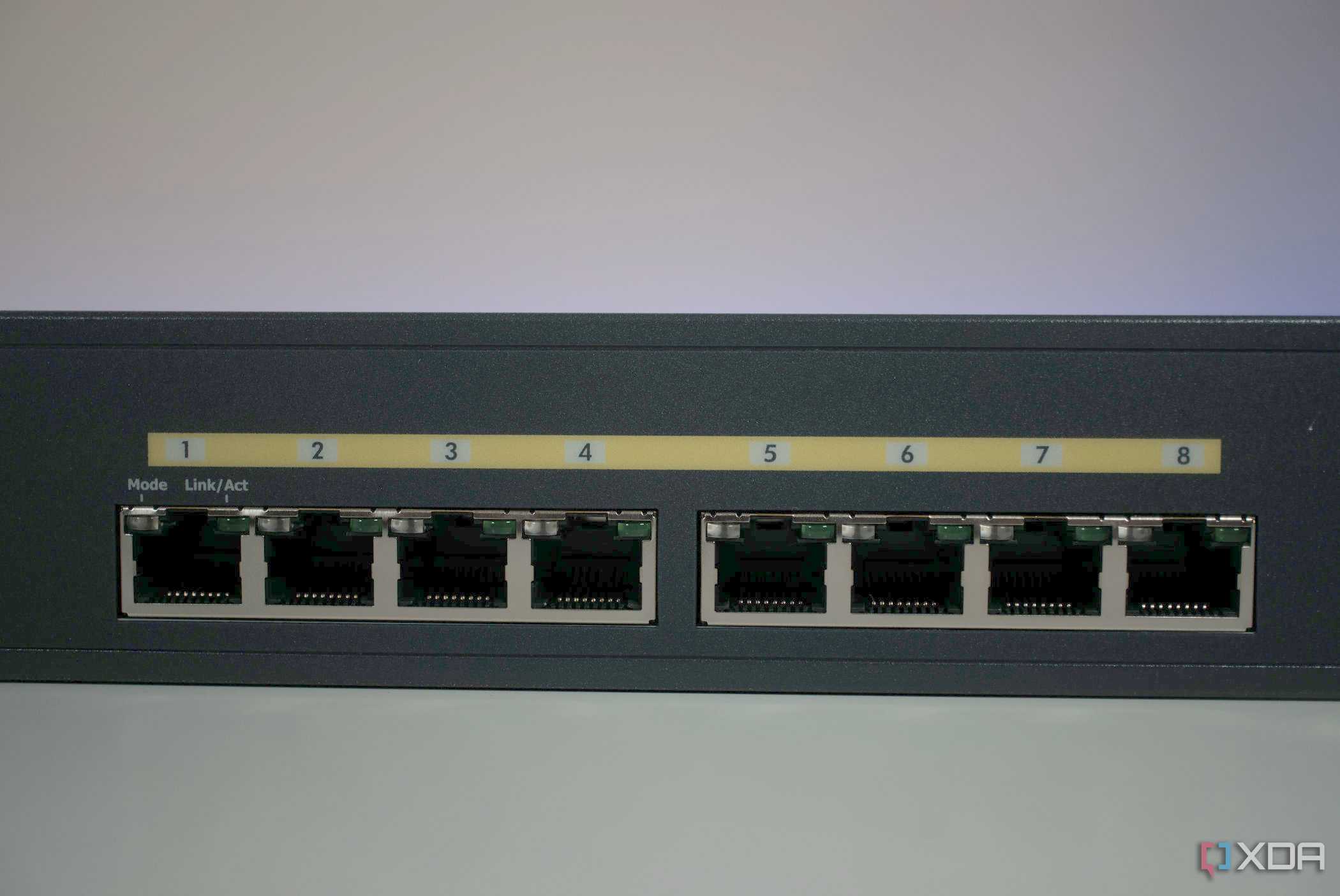
It's natural to blame the switch when network speeds drop. After all, it's the hub of operations and one of the most critical components in a network. When speeds slow down, we often assume the switch is overheating, a port has failed, or the packet buffer is overflowing. However, in my experience, the switch is frequently just delivering the news about the underlying cabling issues.
Even with a high-speed switch capable of 10Gbps, if the cables are outdated or damaged, they can't deliver the promised performance. Think of it like trying to sip a thick shake through a coffee stirrer — no matter how powerful the pump (the switch), the flow will be limited by the size of the straw (the cable).
The Hierarchy of Speed
Ethernet cables are typically the fastest way to connect devices on a local network. Whether it's the backhaul between mesh routers or a gaming PC connected to a Wi-Fi Access Point, Ethernet offers reliable, low-latency performance. While Wi-Fi 6E and the upcoming Wi-Fi 7 promise impressive speeds, they are still subject to radio interference, unlike shielded copper cables.
For raw throughput and minimal latency, nothing beats a simple RJ45 connector and a Cat6 cable. However, there are several reasons why you might not be getting the best speeds even on Ethernet. For example, you might plug in a device expecting a Gigabit handshake, only to find yourself limited to 100Mbps or experiencing intermittent packet loss that ruins online gaming experiences.
When this happens, the instinct is to look at the active electronics in the chain, starting with the switch. But sometimes, the issue isn't with the switch at all — it's with the cables.
The Role of Network Switches
Network switches are essential for environments where multiple devices need to communicate efficiently. They allow devices to talk directly without overloading the router’s CPU, making them ideal for small businesses or home offices. However, unless you're dealing with legacy infrastructure, a cheap 100Mbps switch shouldn't be throttling your Gigabit Ethernet connection.
That said, there are many potential issues that could affect a switch's performance. These include ports damaged by power surges, configuration mismatches, Quality of Service (QoS) settings deprioritizing traffic, or simply a switch that's running too hot due to poor ventilation. Yet, in many cases, the real culprit ends up being the cables.
The Unseen Problem: Faulty Cables
There is a nonzero chance that your cables are to blame for the slow network speeds. It's rare for a cable to be completely broken and fail a continuity test, but more commonly, faulty cables work just enough to establish a link but fail to maintain signal integrity for high-speed data transfer. This can lead to retransmissions, which significantly reduce effective throughput.
In corporate settings, poor speed on wired LANs can open up a whole new set of challenges. Well-meaning network administrators may opt for cheaper options, such as Cat 5 cables, which are inadequate for modern Gigabit networks. Even if a Gigabit link light is present, the cable's frequency rating might not support sustained transfer rates without errors.
The Importance of Proper Cabling
Wired networks done right require attention to detail. Many people overlook the importance of proper cabling, assuming that once it's installed, it will last forever. However, connectors oxidize, retaining clips snap, and cables can get crushed behind drywall. These issues can go unnoticed until they start causing problems.
To avoid these pitfalls, it's wise to label your cables so that identification and replacement are easy. Regularly updating cables when upgrading other network components can also make a big difference in reliability. A small investment in quality cabling can pay huge dividends in the long run.
Conclusion
Cabling plays a crucial role in a fast home network, yet it's often ignored in favor of blaming more complex components. When troubleshooting network issues, it's important to check everything, including the cables. By prioritizing high-quality structured cabling, you can ensure a more reliable and efficient network that meets your needs now and in the future.



Posting Komentar untuk "Ethernet Speed Issues Stem from Cables, Not the Switch"
Posting Komentar