
How Your TV's HDMI Port Tracks Your Viewing Habits

In today's digital age, nearly every action you take online is monitored, recorded, and analyzed. Whether you're watching videos, skipping ads, or purchasing products and services, your behavior is being tracked in some form. This trend extends to smart TVs, which are also designed to observe what you watch on your television and streaming platforms. However, the method used by these devices is unique.
Smart TVs utilize built-in HDMI ports to track the content you and your family are viewing through a technology known as Automatic Content Recognition (ACR). With ACR, content providers can capture what's on your screen through regular screen captures, whether you're watching a movie, a TV show, or playing games via a connected console. This data is then matched against an online database to track metrics such as how many ads you've seen. The process works through HDMI, meaning anything connected to an HDMI port—like game consoles, mini PCs, or streaming players—can be captured.
What makes this tracking particularly concerning, aside from the data collection and privacy issues, is the difficulty of opting out. While you can disconnect your TV from the internet, doing so will remove access to many convenient features. Additionally, it appears that this practice is legal, especially since you likely agreed to it through an end-user license agreement (EULA) when setting up your account or using the device for the first time.
Can You Turn Off ACR HDMI Tracking?
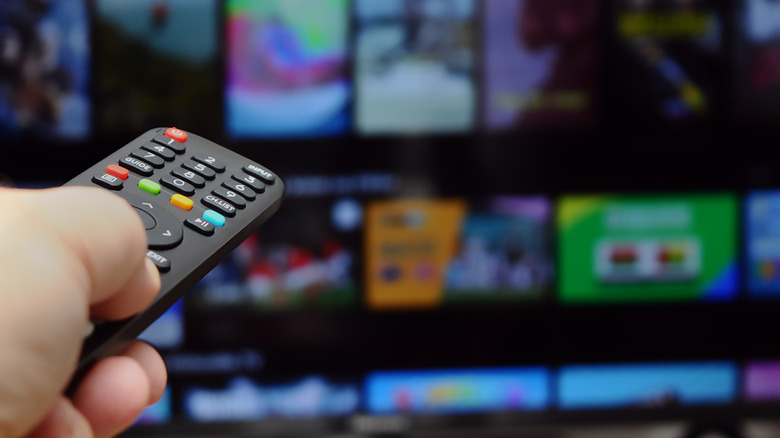
It is possible to disable ACR, or the smart data collection, on most TVs, but the extent to which it is truly disabled may not be entirely clear. While new laws might change how you browse the internet and how data is tracked on computers and mobile devices, there are fewer regulations surrounding smart TVs. In fact, smart data collection is one reason why some TVs are so inexpensive, such as models from Hisense.
Here’s how you can disable ACR on various brands:
-
On Roku: Go to Settings > Privacy > Smart TV Experience and uncheck the box next to "Use Info from TV Inputs" or "Automatic Content Recognition (ACR)." You can also disable personalized ads by navigating to Settings > Privacy > Advertising and unchecking the box next to "Personalize ads." A pop-up menu will appear—select "Don't personalize my ads."
-
On Samsung: ACR is referred to as "Viewing Information Services." To disable, go to Settings > Privacy > Terms & Conditions, and uncheck the box next to "Viewing Information Services." Underneath, also disable "Interest-Based Advertisements Services" by unchecking the box.
-
On LG: ACR is called "Live Plus." To turn it off, press Home and navigate to Settings > General > System > Additional Settings, then disable the toggle next to "Live Plus." Under Additional Settings, select "Home Settings" and uncheck the box next to "Home Promotion" and "Content Recommendation" to turn off personalized ads. Also under Additional Settings, look for an "Advertisement" sub-menu where you can enable "Limit Ad Tracking."
-
On Sony, Vizio, and other brands: You’ll find similar settings to prevent your smart TV from collecting data.
By taking these steps, you can reduce the amount of data being collected about your viewing habits. However, it's important to remain vigilant about your privacy and the terms of service associated with your devices.

Posting Komentar untuk "How Your TV's HDMI Port Tracks Your Viewing Habits"
Posting Komentar