
I Found My Linux Favorite Again - Unexpectedly
A Nostalgic Return to the Old-School Linux Experience
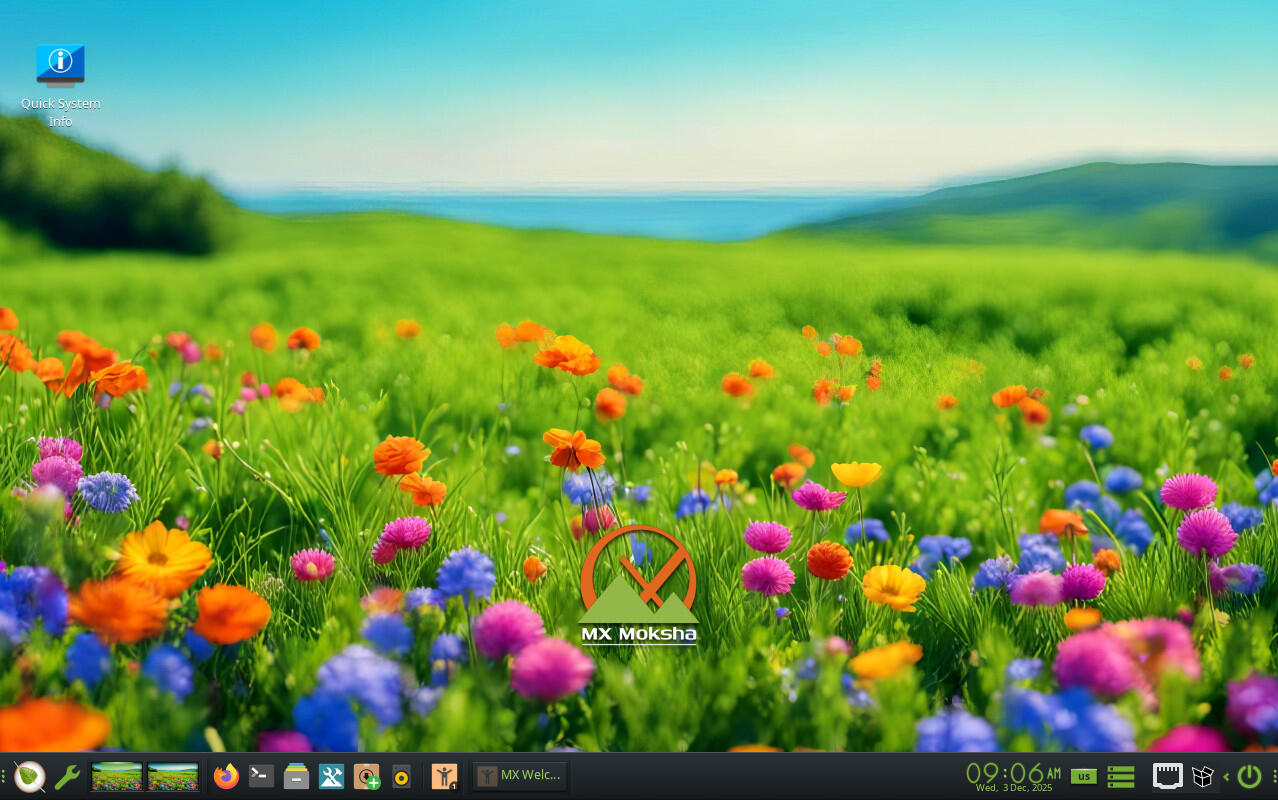
MX Moksha is a fresh take on MX Linux, offering a unique blend of nostalgia and modern functionality. It's based on the classic Enlightenment desktop environment, which has a long history of being both efficient and visually distinctive. For users who appreciate the old-school look and feel of Linux, MX Moksha presents an excellent option that can breathe new life into older hardware.
Back in the early 2000s, Enlightenment was a popular choice for many Linux enthusiasts. Even today, it remains a viable desktop environment, known for its simplicity and customizability. One of the most notable offshoots of Enlightenment is Bodhi Linux, which was built around this desktop environment as its sole interface. Eventually, a developer decided to create a fork of Enlightenment, resulting in Moksha. This version retains the essence of Enlightenment but adds a bit more user-friendliness and flexibility.
MX Linux has now introduced its own spin on Moksha, creating what is affectionately known as MX Moksha. This new distribution is a delightful experience, especially for those who have fond memories of using Enlightenment or Bodhi Linux.
Reviving Classic Features
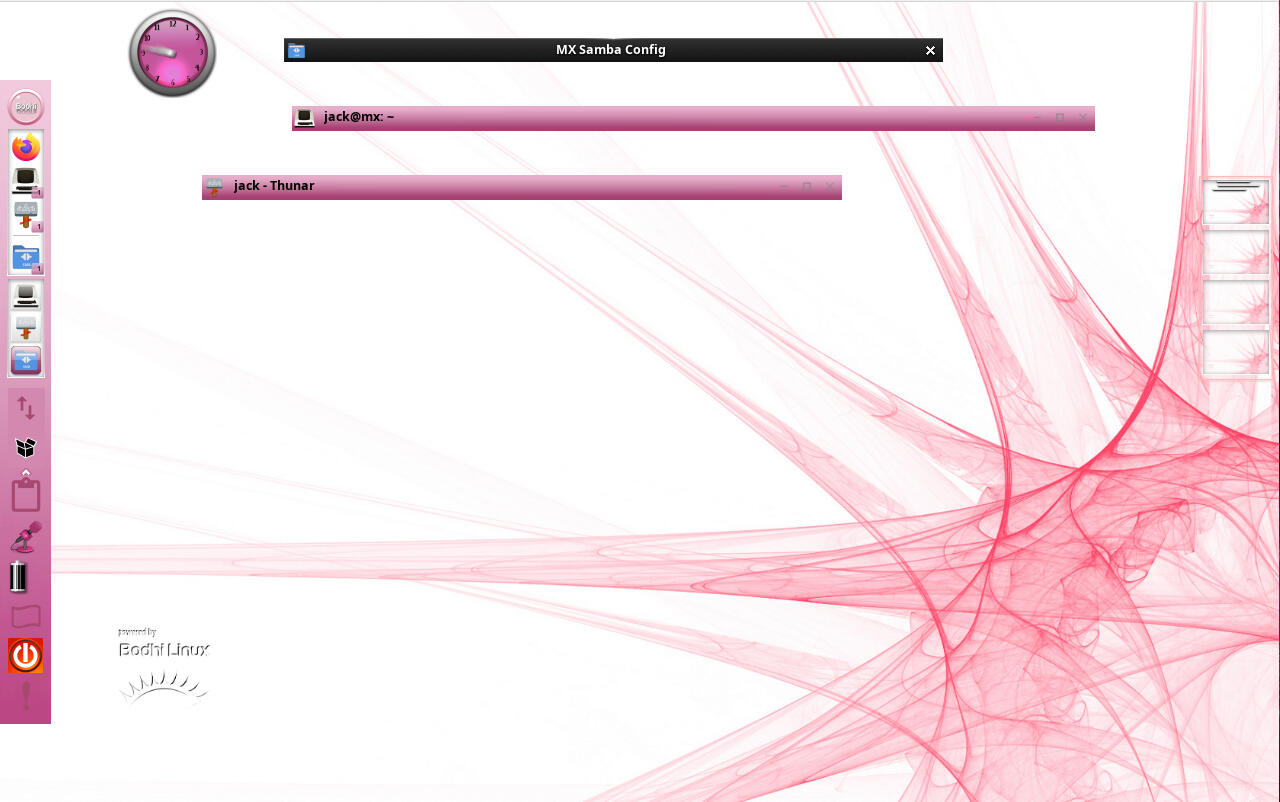
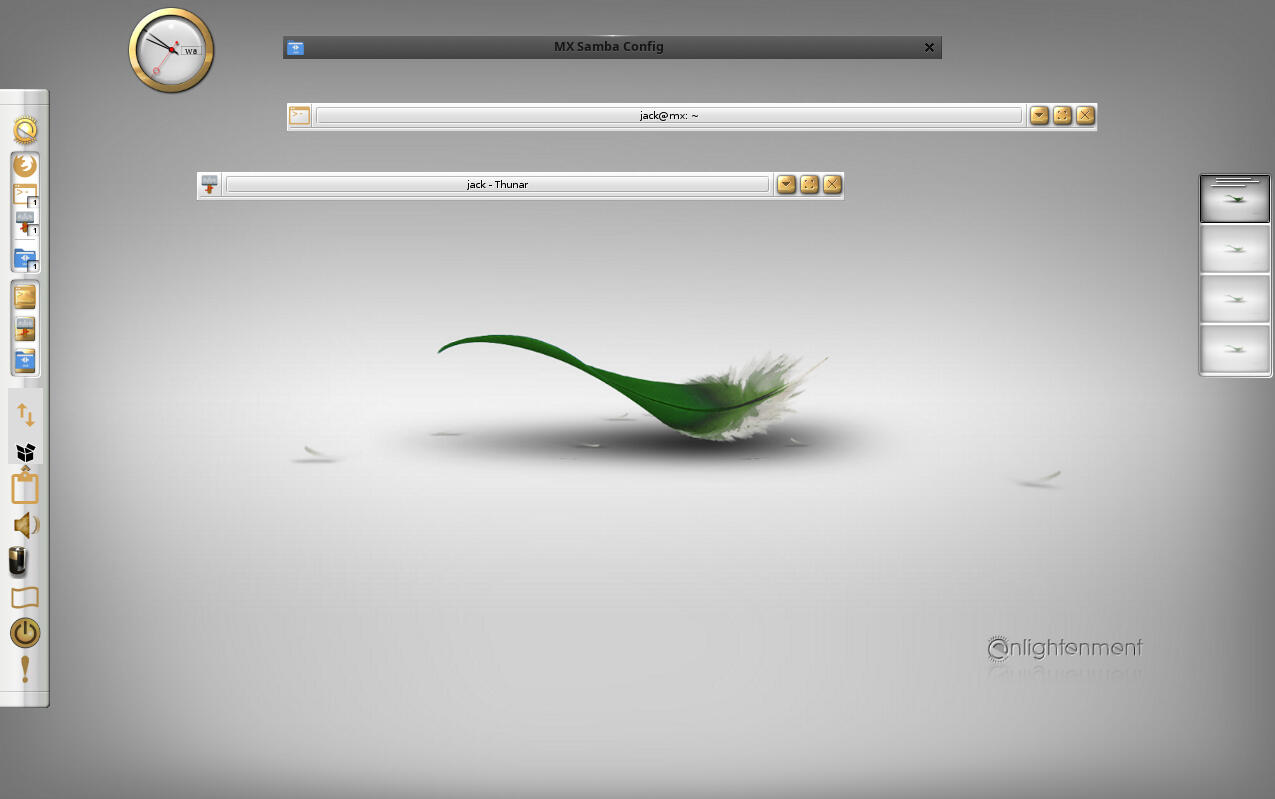
One of the standout features of MX Moksha is its inclusion of window shading, a feature that many users find incredibly useful. By double-clicking on a window's titlebar, the window will roll up, leaving only the titlebar visible. This is a great way to free up space on the desktop without having to minimize applications. However, it's worth noting that not all applications support this feature. For instance, Firefox does not honor window shading if it doesn't use the default window decorations.
This feature brings back the multitasking style of days gone by, making it a nostalgic yet practical addition to the desktop environment.
The Charm of Moksha
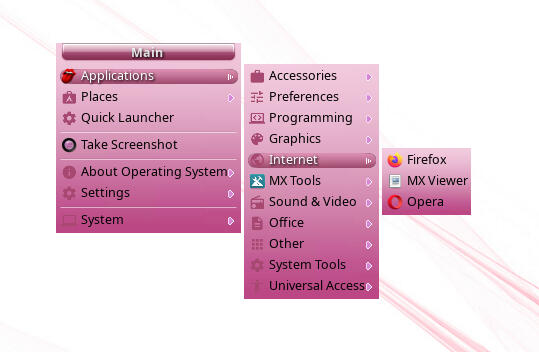
What makes MX Moksha particularly appealing is that it stays true to its roots. Despite some updates and tweaks, it still maintains the original flavor of Moksha. The default layout is straightforward, featuring a panel, system tray, desktop icons, and a menu that can be accessed with a simple left mouse click.
Users who enjoy personalizing their desktops will find plenty of options. I found myself tweaking the look of the desktop by right-clicking the panel and making adjustments. I also changed the theme, although there are only three preinstalled ones. To access more themes, I had to open the terminal and run the command:
sudo apt-get install bodhi-theme-pack -y
While this process took longer than expected, it ultimately provided a wider selection of themes to choose from.
Speed and Performance
One of the most impressive aspects of MX Moksha is its speed. It runs smoothly even on older hardware, making it an ideal choice for reviving outdated machines. I tested it as a virtual machine with just 4GB of RAM and 2 CPU cores, and it performed just as well as Pop!_OS, which had significantly more resources.
MX Moksha feels like a cat with the zoomies—fast, responsive, and efficient. Its lightweight nature ensures that it doesn't bog down the system, even when running multiple applications simultaneously.
Workspaces: A Nostalgic Touch
Another feature that stands out is the workspace management system. Enlightenment was one of the first desktop environments to introduce workspaces, and Moksha continues this tradition. Users can find a desktop applet on the right edge of the screen, displaying four workspaces. Applications can be easily moved between these spaces by dragging them via the thumbnail.
Should You Try MX Moksha?
If you're looking for a unique, fast, and highly customizable operating system, MX Moksha is definitely worth trying. It offers a refreshing alternative to more mainstream distributions and provides a nostalgic touch for those who miss the old-school Linux experience.
For users interested in giving an old machine a new lease on life, MX Moksha is an excellent choice. Download the ISO of MX Moksha 25 and install it on a spare PC. You won't regret it.

Posting Komentar untuk "I Found My Linux Favorite Again - Unexpectedly"
Posting Komentar