
Never Place These 6 Devices Near Your Wi-Fi Router
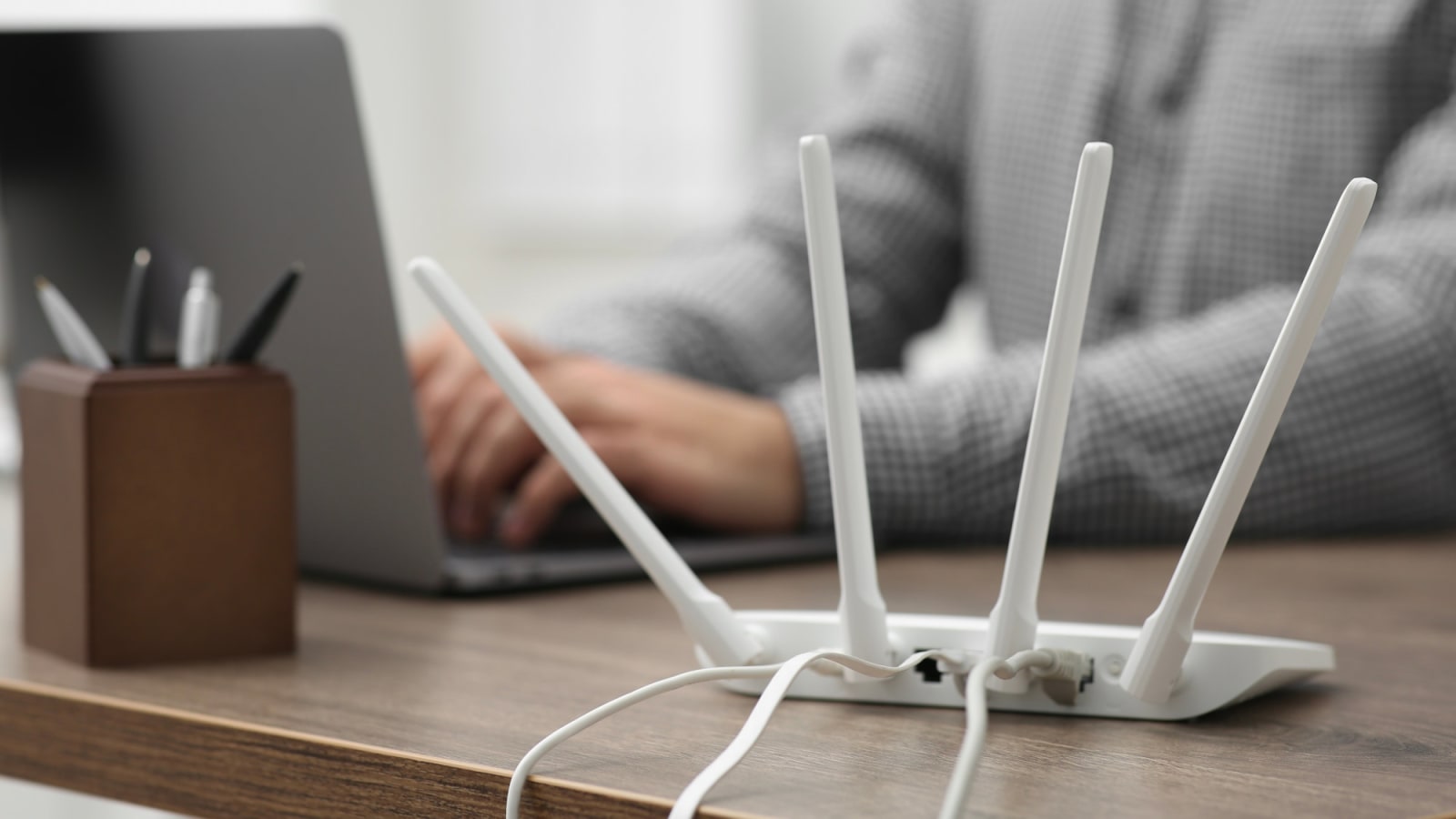
If your Wi-Fi connection is consistently causing issues, the problem might be hiding within your own home. Routers are often placed in areas where they encounter interference from other devices, which can slow down or disrupt your internet experience. Below, you'll discover common culprits and practical tips to help avoid them.
Devices That Should Not Be Placed Near the Wi-Fi Router
-
Baby Monitors
Many video baby monitors operate on the same 2.4 GHz frequency as Wi-Fi routers. This causes a conflict, leading to signal interference, unstable data transmission, and disrupted streaming. To prevent this, keep the baby monitor away from the router. -
Microwaves
Microwaves also use the 2.4 GHz frequency range. Although modern models are well-shielded, there can still be measurable radiation leakage around the door. This can weaken Wi-Fi signals. Therefore, it's best to avoid placing the router near a microwave oven. -
Bluetooth Devices and Wireless Speakers
Bluetooth technology uses the same frequency spectrum as older Wi-Fi networks. If multiple speakers, headphones, or controllers are active simultaneously, data collisions can occur near the router. Keeping some distance or switching to the 5 GHz network can significantly improve stability. -
Cordless Telephones
The base station of a cordless telephone continuously emits radio signals. If it's placed directly next to the router or repeater, it can noticeably degrade Wi-Fi performance. It’s better to place the telephone base on a shelf or in another room. -
Wireless Cameras and Smart Home Hubs
Surveillance cameras, smart home hubs, and other smart control centers transmit constantly and may occupy multiple wireless channels. When these devices are close to the router, they can reduce overall data throughput across the entire Wi-Fi network. -
Refrigerators, Metal Cabinets, and Radiators
Metal surfaces reflect and absorb Wi-Fi signals, causing the router to lose range and performance quickly. An open, elevated area with minimal metal nearby is ideal for optimal signal strength. -
Aquariums
Water is highly effective at absorbing radio waves, so an aquarium between the router and your device can act like a wall. Even a small amount of distance from the tank can significantly enhance the signal range.
How to Position Your Router Correctly
A strategic placement of your router can greatly improve the stability and speed of your Wi-Fi connection. Here are some key points to consider:
-
Position Centrally
If possible, place the router in the center of your home. This ensures that the wireless signal is evenly distributed and doesn’t get blocked by outer walls. -
Elevated Positioning
Placing the router on a shelf or sideboard can significantly boost its range. When positioned near the floor, the signal can be weakened by furniture or radiators. -
Free-Standing Placement
Avoid putting the router in cupboards, behind the TV, or next to large metal surfaces. Paneling and metal can weaken the wireless performance. -
Use the 5 GHz Band
If your router supports dual-band, activate the 5 GHz network. This band is less crowded and less prone to interference from household devices. -
Switch On Automatic Channel Detection
Modern routers can detect and switch to less congested wireless channels automatically. This feature usually provides more stable results than manual settings. To enable it, access your router’s user interface. For example, open fritz.box or enter 192.168.1.1 in your browser, navigate to the WLAN or wireless channel section, and select “Automatic” or “Automatic control.” Save the setting to apply the changes.

Posting Komentar untuk "Never Place These 6 Devices Near Your Wi-Fi Router"
Posting Komentar