
Samsung unveils One UI 8.5 beta with major updates
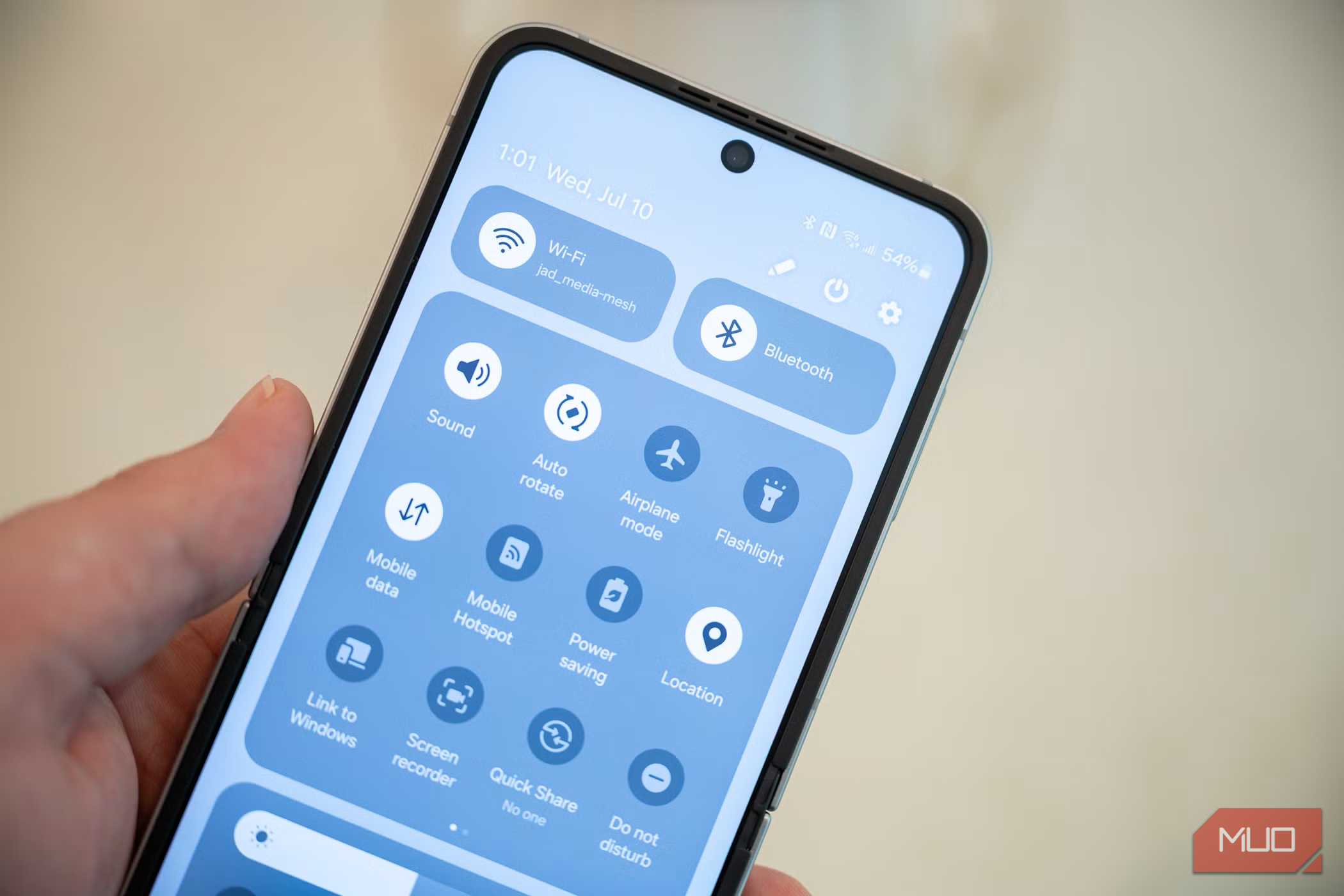
Samsung Unveils One UI 8.5 Beta for Galaxy S25 Devices
Samsung has officially launched the One UI 8.5 beta program, marking a significant step in its ongoing software development cycle. The beta is now available as of December 8 in select markets, including the United States, the United Kingdom, Germany, India, Poland, and Korea. Initially, only Galaxy S25 series devices are eligible for the update, though this could expand as the program progresses.
This release follows Samsung’s typical pattern of opening public beta access in the fall, with the final version of the software coinciding with the launch of the next Galaxy S series — in this case, the Galaxy S26 — expected in early 2025.
Key Features in One UI 8.5
While many of the changes in One UI 8.5 may seem minor at first glance, they collectively enhance the user experience with several quality-of-life improvements. Some of the most notable features include:
- Photo Assist: This new feature helps users capture better photos by offering real-time guidance based on lighting, composition, and subject movement.
- Smarter Quick Share: Enhances the sharing experience by making it easier to send files, links, and media between devices.
- Audio Broadcast: Allows users to stream audio from their phone to multiple Bluetooth devices simultaneously.
- Storage Share: Enables users to share storage space between devices, making file transfers more efficient.
- Enhanced Theft Protection: Adds new security measures to help protect devices in case of loss or theft.
Other smaller updates include the ability to adjust the thickness of the clock font on the lock screen, an improved weather widget, and a time zone comparison tool in the Clock app.
Risks and Considerations
It's important to note that beta software can be unstable. While Samsung strives to ensure a smooth experience, users should expect occasional bugs or glitches. These issues can range from minor annoyances to more serious problems that affect device functionality. For this reason, it’s advisable to test beta software on a non-essential device before installing it on your primary phone.
How to Enroll in the One UI Beta Program
Enrolling in the One UI beta program is straightforward:
- Open the Samsung Members app. If you don’t have it installed, you can download it from the Galaxy Store or Google Play Store.
- Log in with your Samsung Account if you haven’t already done so.
- Look for a card advertising the beta program. It should appear near the top of the app.
- Tap the card to enroll in the program.
- Update your device software by navigating to Settings > Software update.
If you don’t see the update immediately, wait a few minutes and check again — it can take some time for your device to register the new update.
Exiting the Beta Program
If you decide to leave the One UI beta program, you can do so by returning to the Samsung Members app, tapping the One UI Beta Program banner, and selecting the option to withdraw your device. However, withdrawing from the beta does not remove the beta software from your device. To revert to a stable version of One UI, you’ll need to either wait for the official release or use your PC and Samsung Smart Switch to downgrade the software.
Once the stable version of One UI 8.5 is released for the Galaxy S26, users of older devices, particularly those with the Galaxy S25 series, should see the update become available, likely starting with the S25 line.

Posting Komentar untuk "Samsung unveils One UI 8.5 beta with major updates"
Posting Komentar