
Simplified My Reverse Proxy with This Docker Tool
Simplifying Home Server Management with DockTail
For years, I've been experimenting with reverse proxies, only to find myself constantly troubleshooting issues. If you run multiple Docker services, you're likely familiar with this struggle. Setting up a reverse proxy isn't inherently complex, but as you add more subdomains, certificates, and forwarding rules, things can quickly become overwhelming. Reverse proxies are powerful tools, but when they fail, it often means spending hours diagnosing why a service won't load or is behaving unexpectedly. That was my experience until I discovered DockTail.
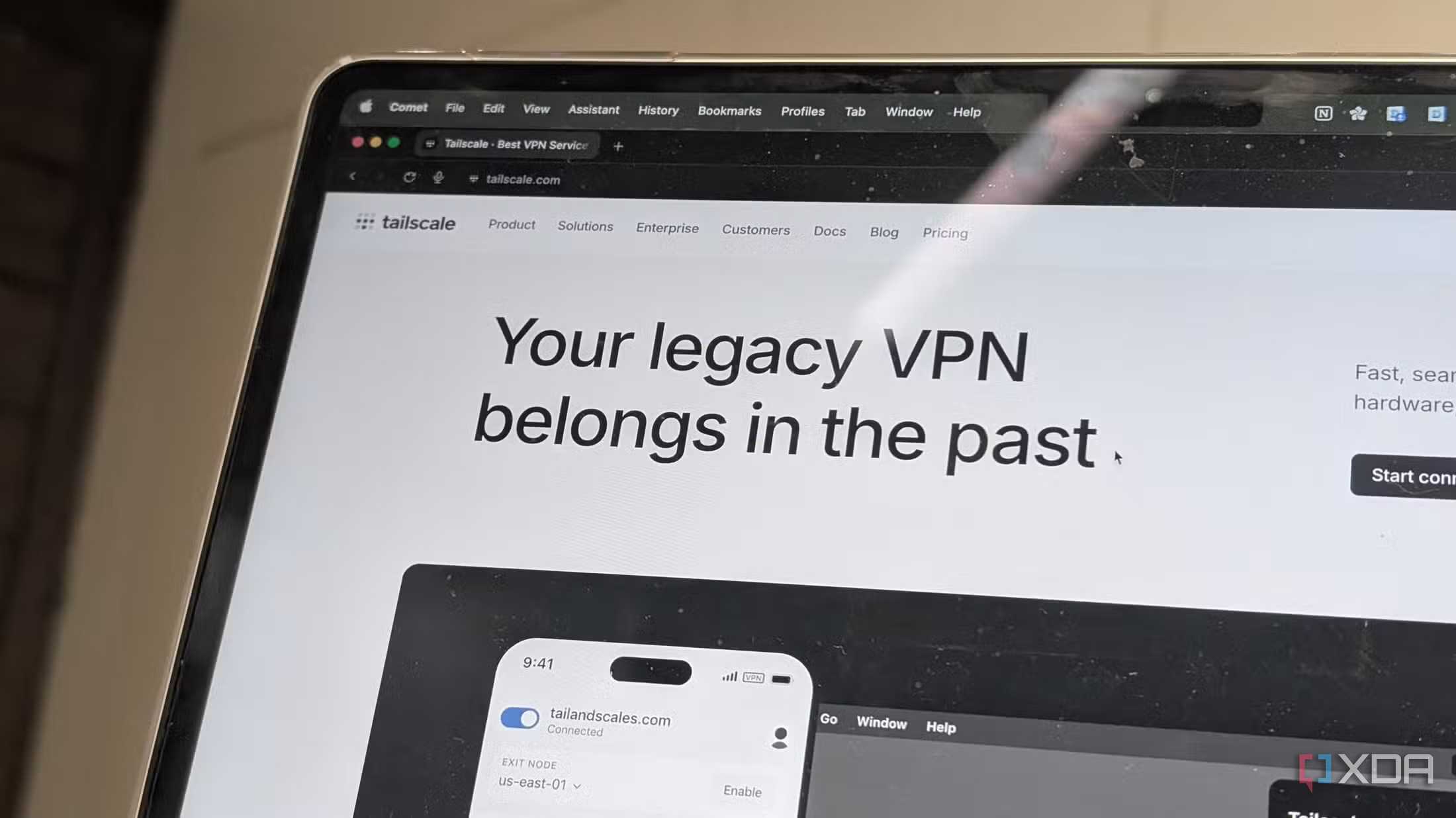
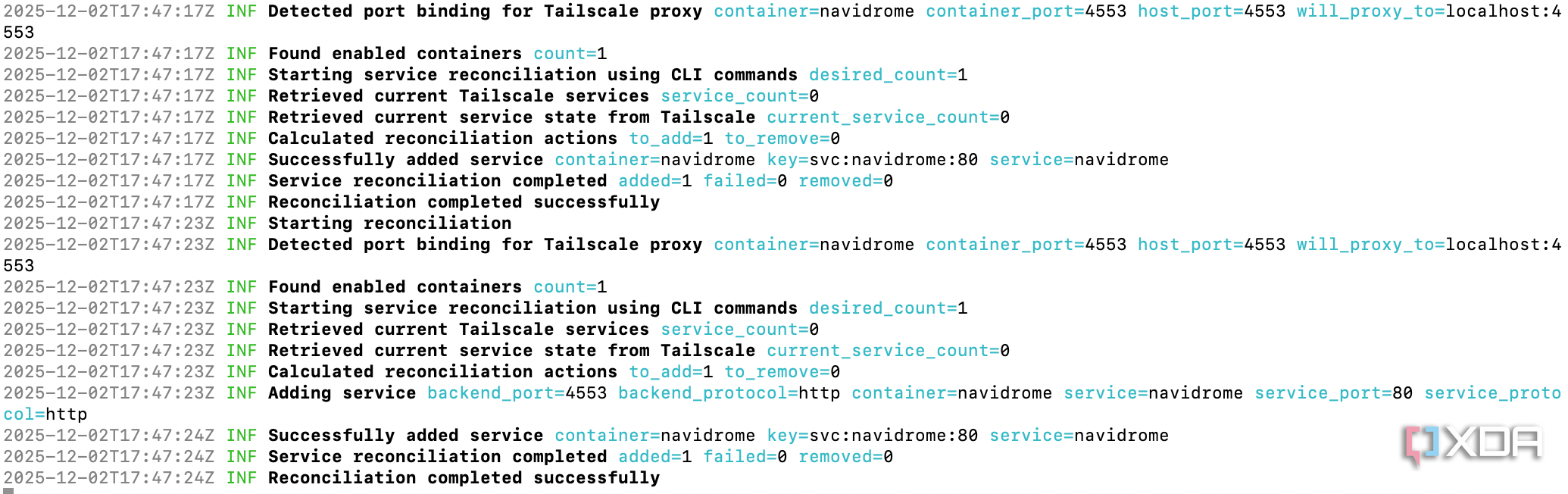
If you've used Tailscale before, you'll appreciate how DockTail streamlines the process. Traditionally, each Docker service requires a separate Tailscale sidecar container to connect to your tailnet. DockTail automates this by monitoring your containers and informing Tailscale which ones should be accessible on your private network. Since everything operates within a secure, internal network, there's no need for complicated routing rules. You simply announce the service, and DockTail handles the rest.
Why DockTail is Better for Home Users
DockTail offers a more intuitive approach compared to traditional reverse proxies. Reverse proxies are built around handling external traffic, rewriting requests, and managing encryption for users accessing your domain. While this makes sense for public-facing services, most home servers are used for personal access—whether from your phone, laptop, or while traveling. There's little need for global exposure of your media server or internal dashboard.
Tailscale is designed for exactly this scenario. Devices join a shared virtual network and communicate directly. DockTail follows this model by connecting containers to the Tailscale mesh without requiring the usual hassle of a reverse proxy. You focus on the service itself, assign a label, and DockTail ensures it's reachable on your tailnet.
In practice, the experience is remarkably straightforward. I can select a container, redeploy it with the appropriate labels, and DockTail immediately adds it to the network. There are no routing rules to maintain, and it keeps containers isolated from the rest of the stack. This prevents one misconfigured service from disrupting the entire system.
The Impact of Ditching a Reverse Proxy
Switching to DockTail has significantly changed how I manage my home server. When I first tested it, I started with a utility container and watched it appear instantly. The simplicity was impressive, so I continued by migrating my media server, dashboard, note-taking tool, and even Navidrome. Each service behaved consistently and connected seamlessly without any DNS changes or port openings.
Removing the reverse proxy stack has freed up a lot of maintenance time. I no longer have to deal with the configuration files that often caused issues. I also eliminated unnecessary router settings that were no longer needed. My server feels cleaner and more reliable than it has in a long time. By reducing complexity, the entire setup becomes easier to maintain and trust over the long term.
A New Way to Add and Manage Services
DockTail has also changed how I work with new applications. Previously, I hesitated to add new containers because of the extra steps required for the reverse proxy. Now, I can spin up any service and simply add a few labels to make it visible on my tailnet. Removing a service is just as easy, making the whole process flexible and user-friendly.
Transforming My Self-Hosting Experience
When I first learned about DockTail, I was cautiously optimistic. I expected a convenient tool, not a complete replacement for my reverse proxy stack. However, DockTail didn't just simplify my network—it transformed my entire approach to self-hosting. By leveraging Tailscale's strengths and allowing containers to announce themselves through simple labels, it removed a significant amount of friction from my setup.
The result is a much more streamlined system that's easier to maintain and run. There's no need for constant oversight, and I can confidently rely on it for long-term use. If you want remote access to your Docker containers, DockTail is a must-check solution that delivers on its promise.

Posting Komentar untuk "Simplified My Reverse Proxy with This Docker Tool"
Posting Komentar