
Snap or Flatpak: Choosing the Right Linux Package Manager
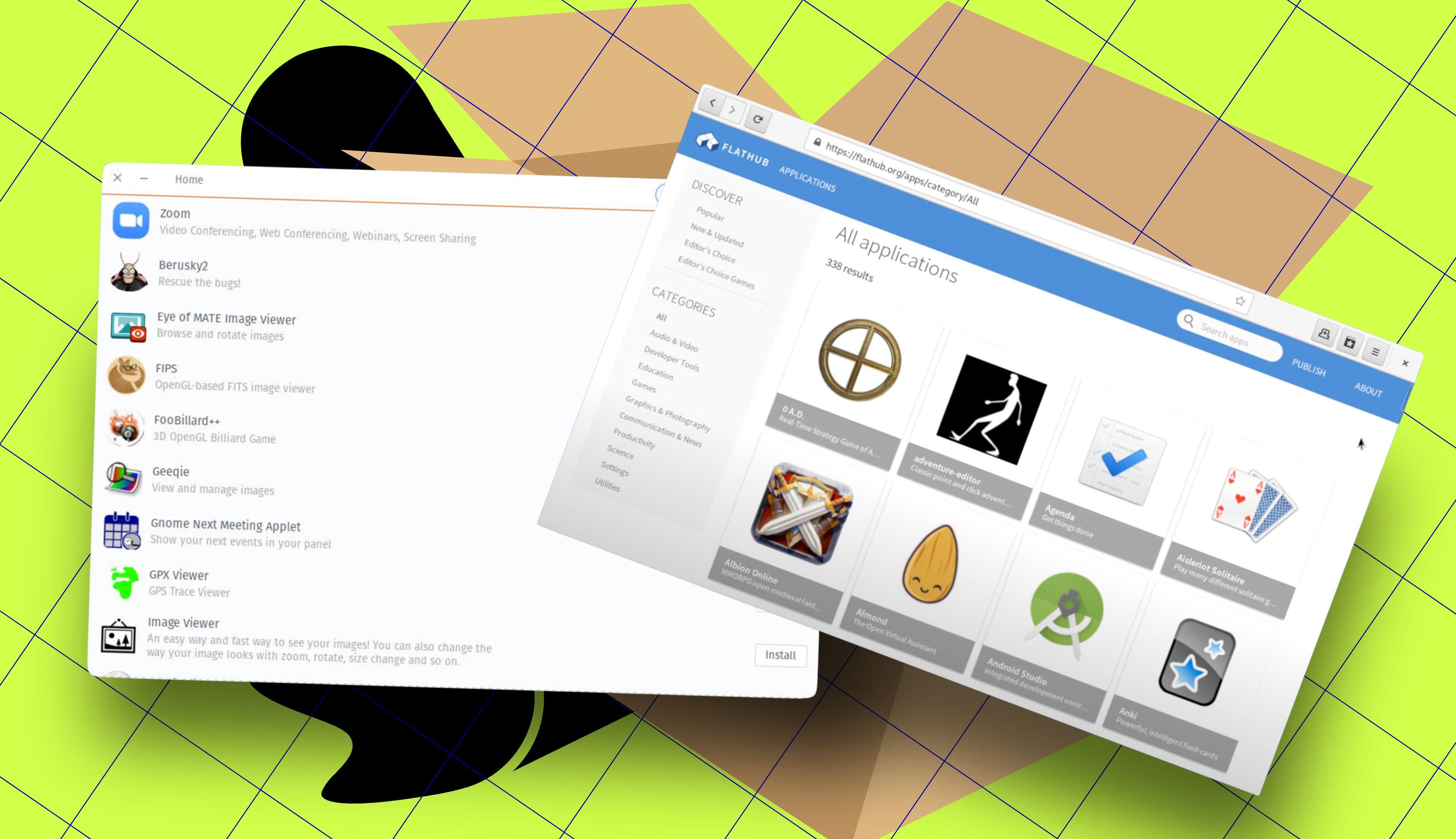
Understanding Flatpak and Snap
Flatpak and Snap are two of the most popular universal package managers in the Linux ecosystem. Both allow users to install applications easily, regardless of their distribution. They provide a streamlined way to access software by including all necessary dependencies within the package itself. This ensures that an app will work consistently across different Linux distributions.
Despite their similarities, these two package managers have distinct characteristics that make them suitable for different use cases. For many Linux users, the choice between Flatpak and Snap often comes down to personal preference, system requirements, and the availability of specific applications.
Key Differences Between Flatpak and Snap
One of the main differences between Flatpak and Snap is their approach to system integration and application sandboxing. Flatpak relies on desktop session services such as D-Bus and portals for its sandboxing, which makes it particularly well-suited for desktop environments. However, this dependency limits its usefulness on servers, where such services may not be available.
Snap, on the other hand, is designed to work effectively on both desktops and servers. It offers a more robust solution for server-based applications, such as Nextcloud. Installing Nextcloud via Snap is straightforward, requiring just a single command:
sudo snap install nextcloud
This simplicity makes Snap an attractive option for users who need to deploy applications on servers or in environments like IoT devices and robotics.
Open Source vs. Centralized Control
Flatpak is fully open source and decentralized, with repositories like Flathub providing a wide range of applications. This decentralization means that users don't have to rely on a single entity to maintain their software ecosystem. If one repository goes down, others remain accessible.
In contrast, Snap is managed through the Canonical-controlled Snap Store. While this provides a centralized and curated experience, it also means that users are dependent on Canonical's infrastructure. If the Snap Store becomes unavailable, users may face difficulties installing or updating applications.
Performance and Resource Usage
When it comes to performance, Flatpak generally outperforms Snap. Flatpak apps tend to use less disk space and start faster than their Snap counterparts. This is because Flatpak requires significantly less runtime overhead and does not depend on background daemons or systemd.
For users who prioritize speed and efficiency, especially on systems that do not use systemd, Flatpak is often the preferred choice. On the other hand, Snap can be more resource-intensive, which may be a consideration for users with limited system resources.
Desktop vs. Server Use Cases
For desktop users, Flatpak offers a more polished experience, particularly when it comes to managing app permissions. Tools like Flatseal allow users to control which permissions an app has, similar to how Android app permissions are managed. This level of control can enhance security and privacy.
Snap, however, integrates more seamlessly with Ubuntu and other distributions that prioritize server and core application support. If you're using Ubuntu as your primary desktop distribution, Snap may be the better choice due to its deeper system integration and automatic update capabilities.
Choosing Between Flatpak and Snap
The decision between Flatpak and Snap ultimately depends on your specific needs. If you're looking for faster app launches and lower disk usage, Flatpak is likely the better option. For server environments, IoT devices, or applications that require tight system integration, Snap may be more suitable.
Many users end up using both package managers to take advantage of the best features each offers. Some apps are only available via Flatpak, while others are exclusive to Snap. By installing both, users can access a broader range of applications and ensure they have the right tools for their tasks.
Conclusion
Both Flatpak and Snap have their strengths and weaknesses, making them suitable for different scenarios. Whether you're setting up a server, managing a desktop environment, or simply looking for a reliable way to install applications, understanding the differences between these two package managers can help you make an informed decision. As the Linux ecosystem continues to evolve, both Flatpak and Snap will likely remain important tools for users and developers alike.

Posting Komentar untuk "Snap or Flatpak: Choosing the Right Linux Package Manager"
Posting Komentar