
Switched to a Self-Hosted Clockify Alternative After Outage
Host Your Own Time Tracker with Docker
Running a self-hosted time tracker like Titra offers unparalleled privacy, reliability, and control over your data. Unlike third-party platforms such as Clockify or Toggl, which may experience downtime due to technical issues or maintenance, a self-hosted solution ensures that you always have access to your time tracking information. By deploying Titra using Docker, you can run the app on your own machine or network, giving you full ownership of the data and the ability to customize it as needed.
Getting Started with Docker
Docker is a powerful tool that allows you to deploy applications on your personal network or cloud hosting service. It works by creating isolated containers for each application, eliminating the need to run an entire operating system. This makes it efficient and easy to manage. For this tutorial, we’ll be using Docker to deploy Titra, a time tracker that resembles Clockify in functionality but offers more control.
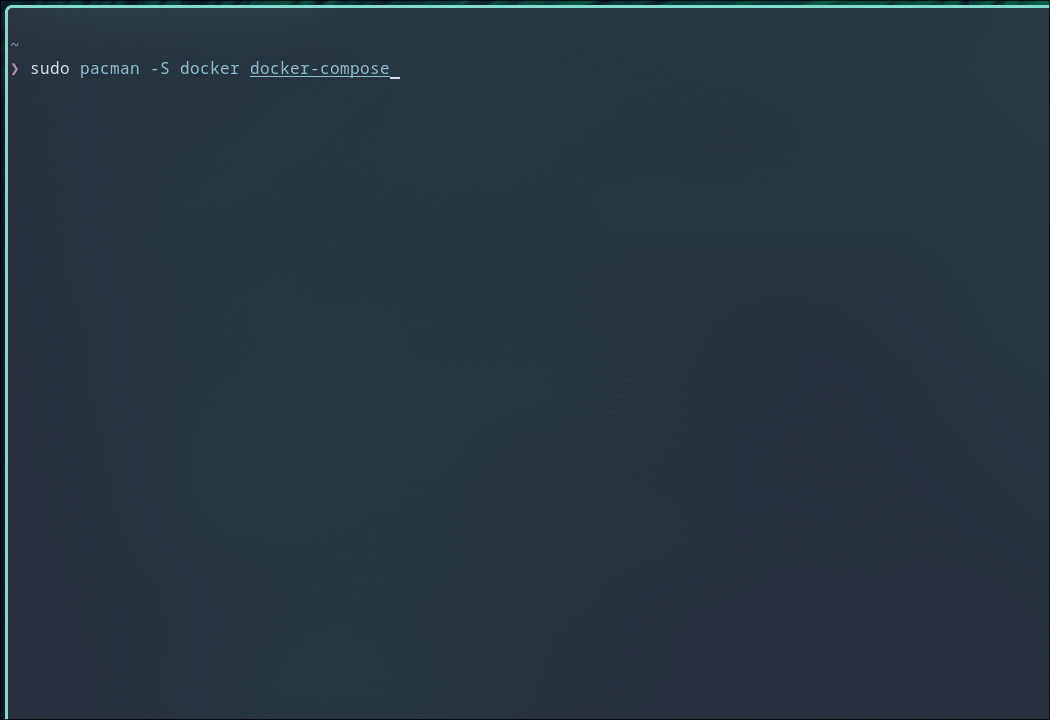
To begin, you'll need to install Docker on your system. The installation process varies slightly depending on your operating system. On Linux, you can use package managers like pacman or apt to install Docker and Docker Compose. For Windows, you can use the winget command to install Docker Desktop.
Once Docker is installed, you can verify it by running the following command:
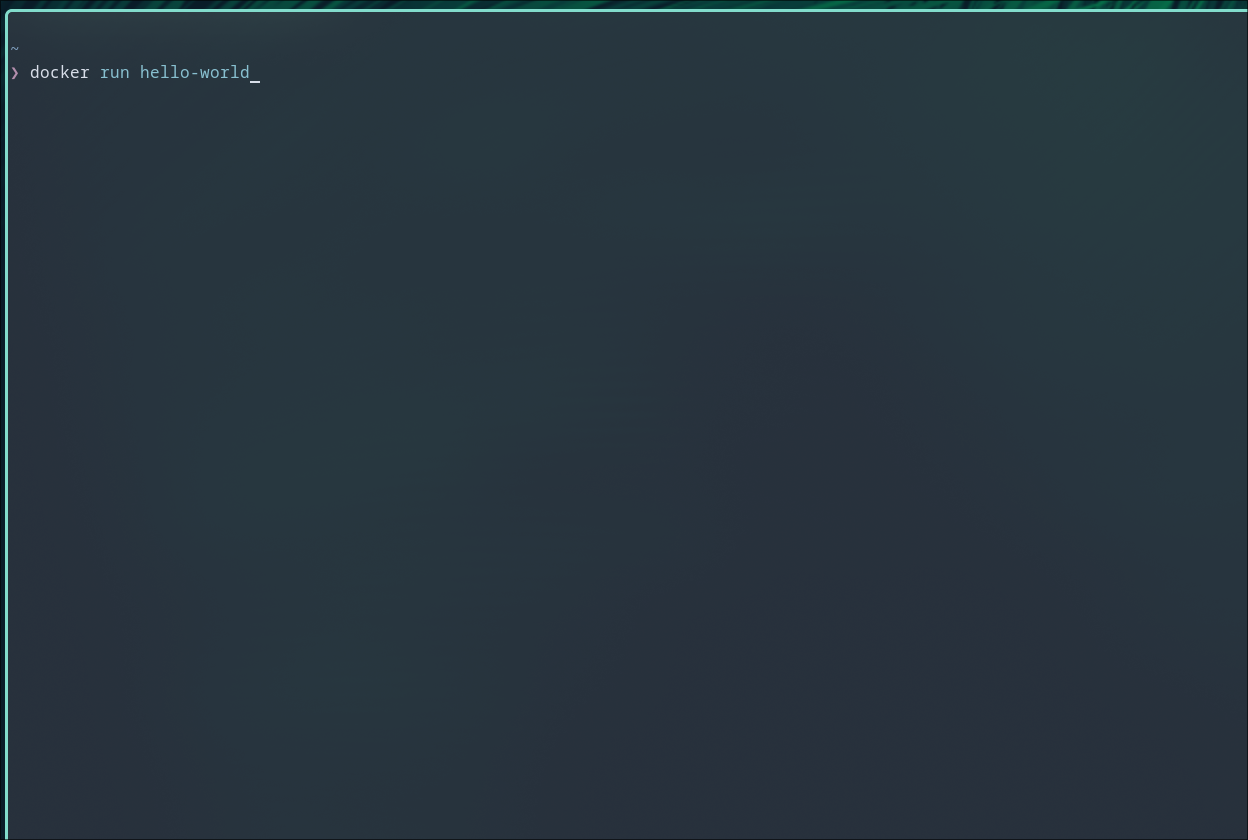
docker run hello-world
This command should output a message confirming that Docker is working correctly.
Deploying Titra with Docker
Deploying Titra on your local network is straightforward. You can use a single curl command combined with Docker Compose to set up both the Titra app and a MongoDB database, which will store your time tracking data.
Run the following command in your terminal:
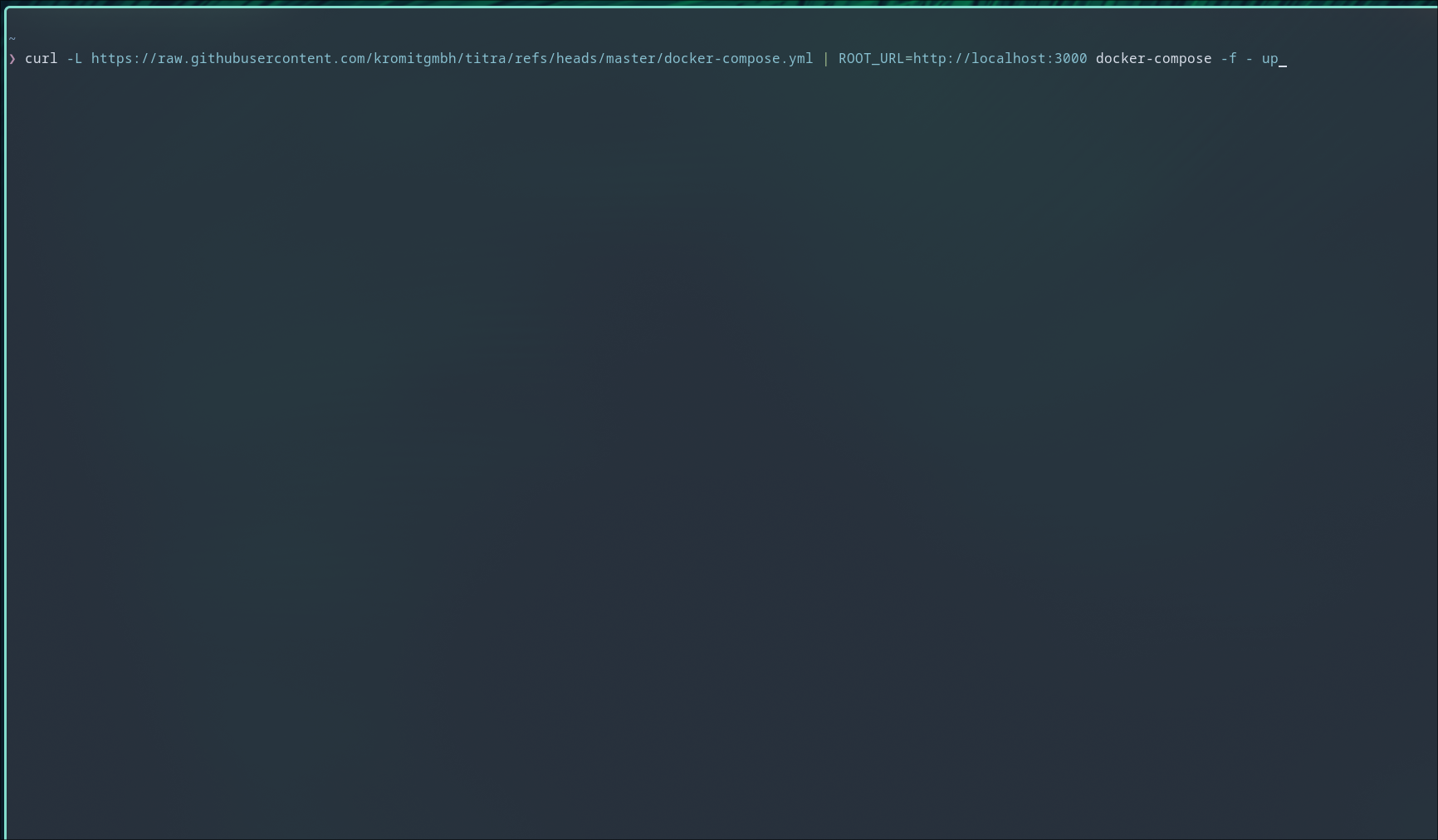
curl -L https://raw.githubusercontent.com/kromitgmbh/titra/refs/heads/master/docker-compose.yml | ROOT_URL=http://localhost:3000 docker-compose -f - up
This command downloads the Docker Compose configuration file from the Titra repository and starts the services defined in the file. The ROOT_URL environment variable specifies the URL where the Titra app will be accessible, which defaults to http://localhost:3000.
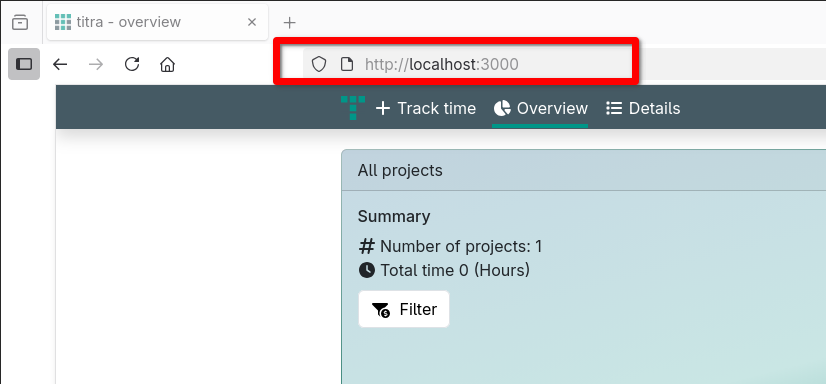
After the deployment is complete, you can access the Titra web interface by opening a browser and navigating to the specified URL. If you're accessing the app from the same machine where it was deployed, simply enter:
http://localhost:3000
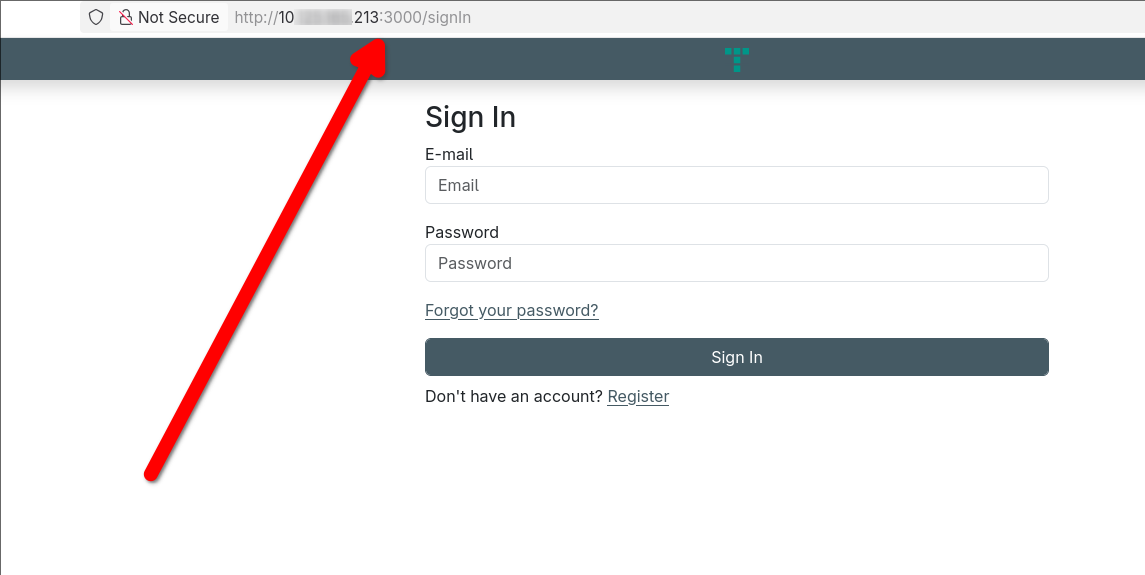
If you want to share the app with others on the same network, replace localhost with the private IP address of the host machine. For example:
http://192.168.0.1:3000
To access the app remotely from outside your local network, you'll need to configure port forwarding on your router or deploy the Docker container to a cloud server.
Using Titra for Time Tracking
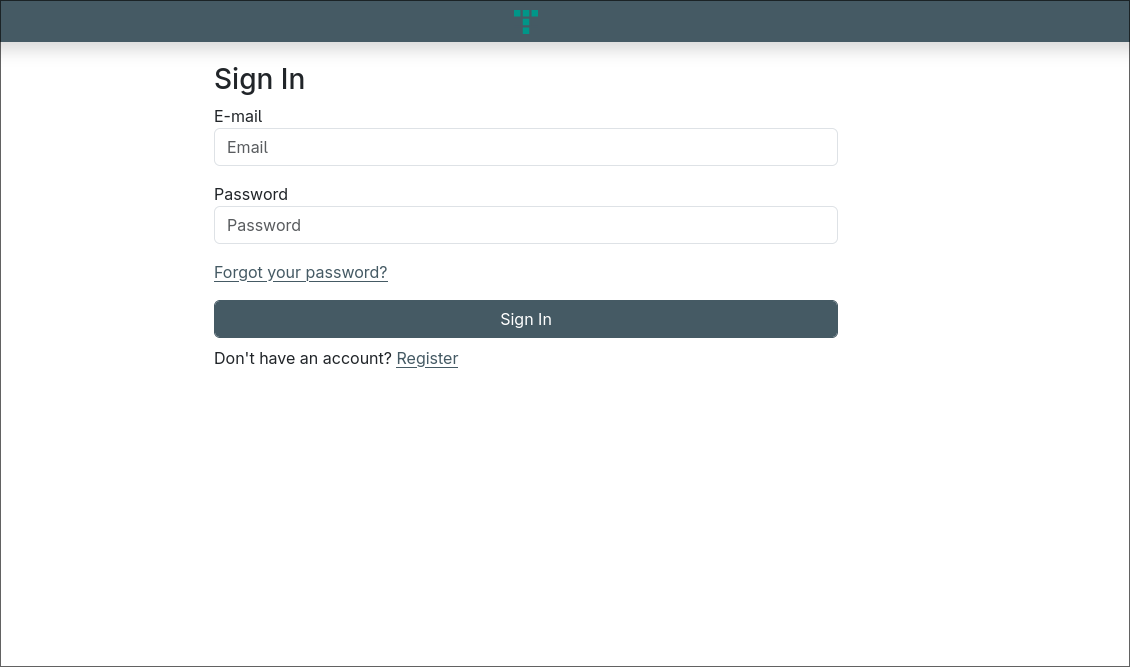
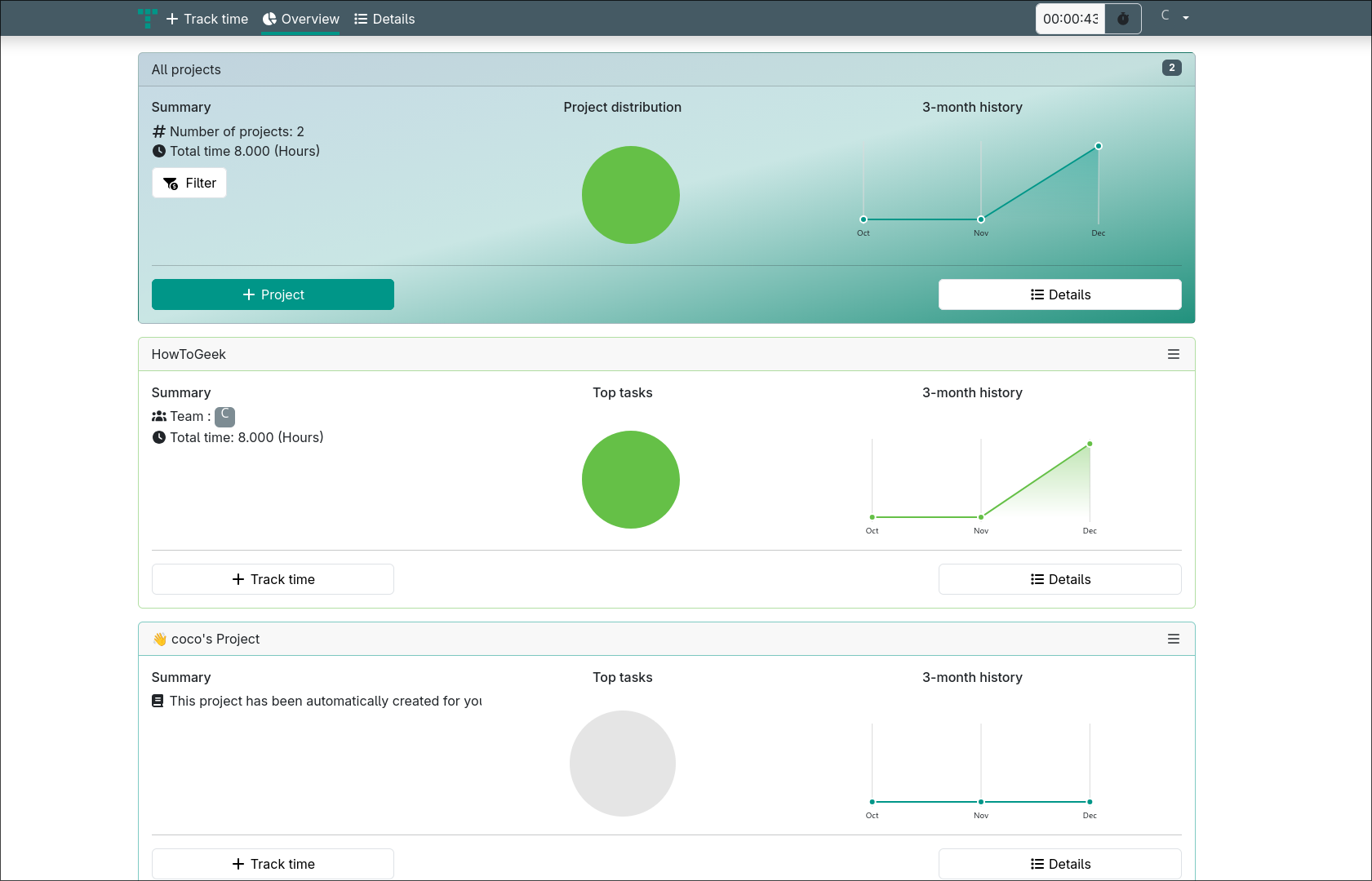
Once you've accessed the Titra app, you'll need to create an account by providing an email address and password. After logging in, you'll see a user-friendly interface that allows you to track tasks, manage projects, and view detailed reports.
The Track tab is where you can start a stopwatch for specific tasks, while the Overview tab provides visual insights into your progress. The Details tab shows all your tracked work, allowing you to filter by client, project, time period, and billing status.
You can also create projects with custom tags such as customer names, budget, and hourly rates. Tasks can be organized under these projects, making it easy to monitor how much time is spent on each one.
Benefits of a Self-Hosted Solution
By hosting Titra yourself, you eliminate the risk of third-party downtime and ensure that your data remains private. Additionally, you can integrate Titra with other self-hosted tools, such as Wekan, to create a fully customizable project management system.
Whether you're managing personal projects or collaborating with a team, a self-hosted time tracker like Titra gives you the flexibility and control that many commercial solutions lack. With Docker, setting up and maintaining your own instance is simple and efficient.
Final Thoughts
Self-hosting your time tracking solution not only enhances privacy and reliability but also gives you greater control over your workflow. By using Docker, you can easily deploy and manage apps like Titra without the complexity of traditional server setups. Whether you're a developer, a freelancer, or part of a small team, a self-hosted approach can provide long-term benefits that align with your needs.

Posting Komentar untuk "Switched to a Self-Hosted Clockify Alternative After Outage"
Posting Komentar