
The Must-Have Studio Kit for Digital Artists
The Essential Tools That Help Digital Artists Thrive
Every digital artist has a unique set of tools that help them transition into their creative mode. These items can range from simple decor to high-tech gadgets, all designed to enhance the artistic process and make it more enjoyable. Whether it's a comfortable chair, a reliable keyboard, or even a favorite coffee cup, these essentials play a crucial role in an artist's daily routine.
Finding the perfect setup can be a long journey, often involving trial and error, as well as inspiration from other artists. To help you along this path, we've gathered insights from professionals who share their top picks for tools that have made a significant difference in their work.
01. Cherry Tree Furniture High Back Swivel Gaming Chair
Sitting for extended periods can take a toll on the body, making a good chair essential for any digital artist. Antonio Niculae, a concept artist in the film industry, emphasizes the importance of a quality chair: “Since we spend so many hours at our desks, investing in a quality chair and a large monitor was a no-brainer for me.” He chose the Cherry Tree Furniture swivel chair for its wide support, back pillow, and headrest, which provide proper lumbar support and keep him comfortable during long work sessions. 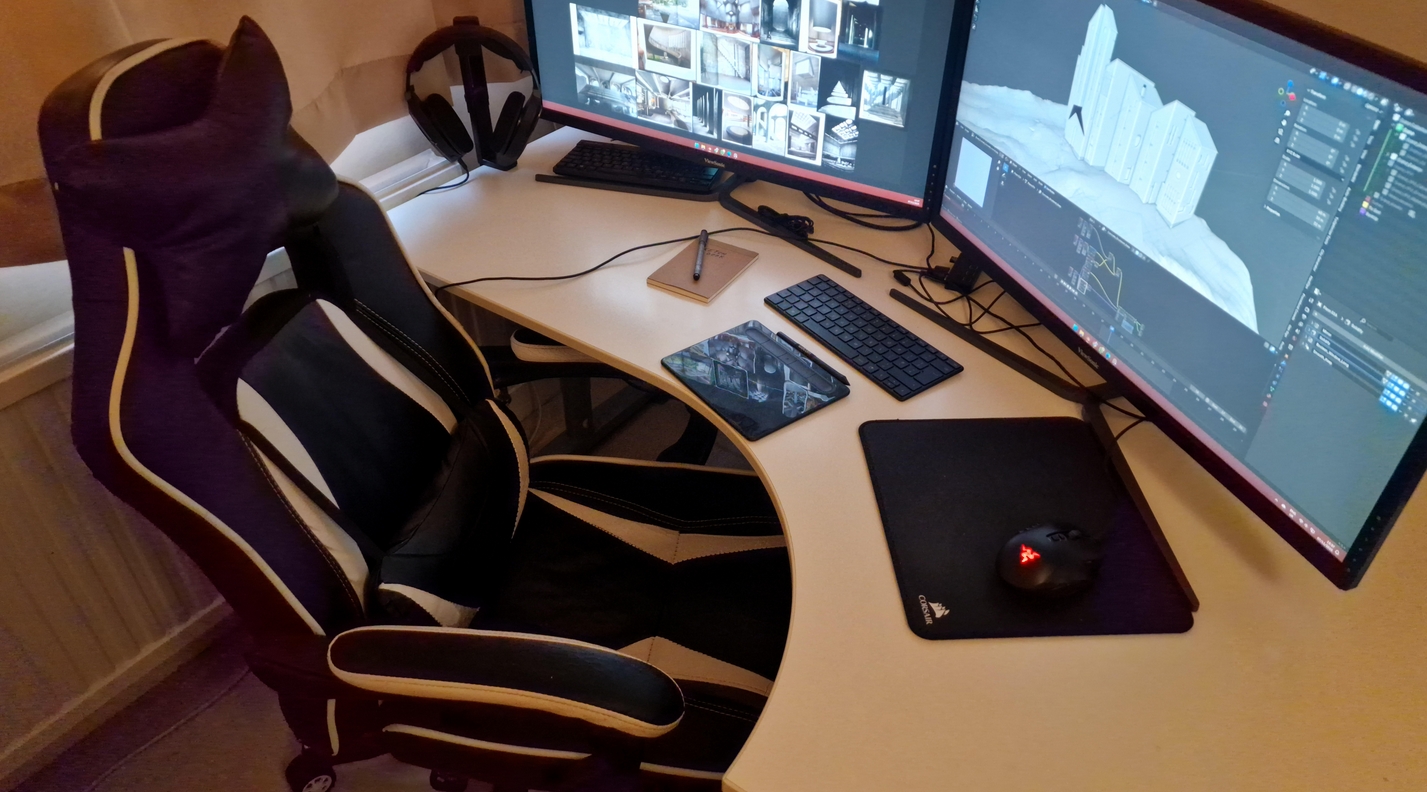
This budget-friendly gaming/office chair features soft padding, PU leather upholstery, and a high-back design for good lumbar support. 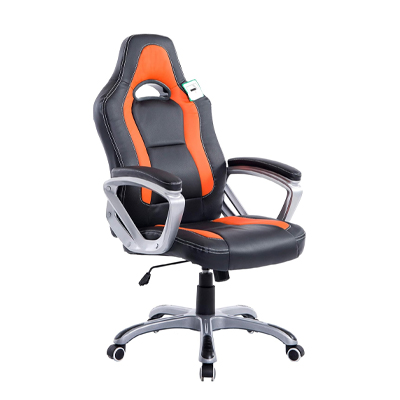
02. Razer Tartarus Pro Gaming Keypad
For some artists, the right tools can significantly improve their workflow. Aleksandra Wojtas, a senior concept artist and illustrator, relies on the Razer Tartarus Pro gaming keypad to control her art software. She describes it as “absolutely indispensable” because it allows her to use keyboard shortcuts without straining her posture. 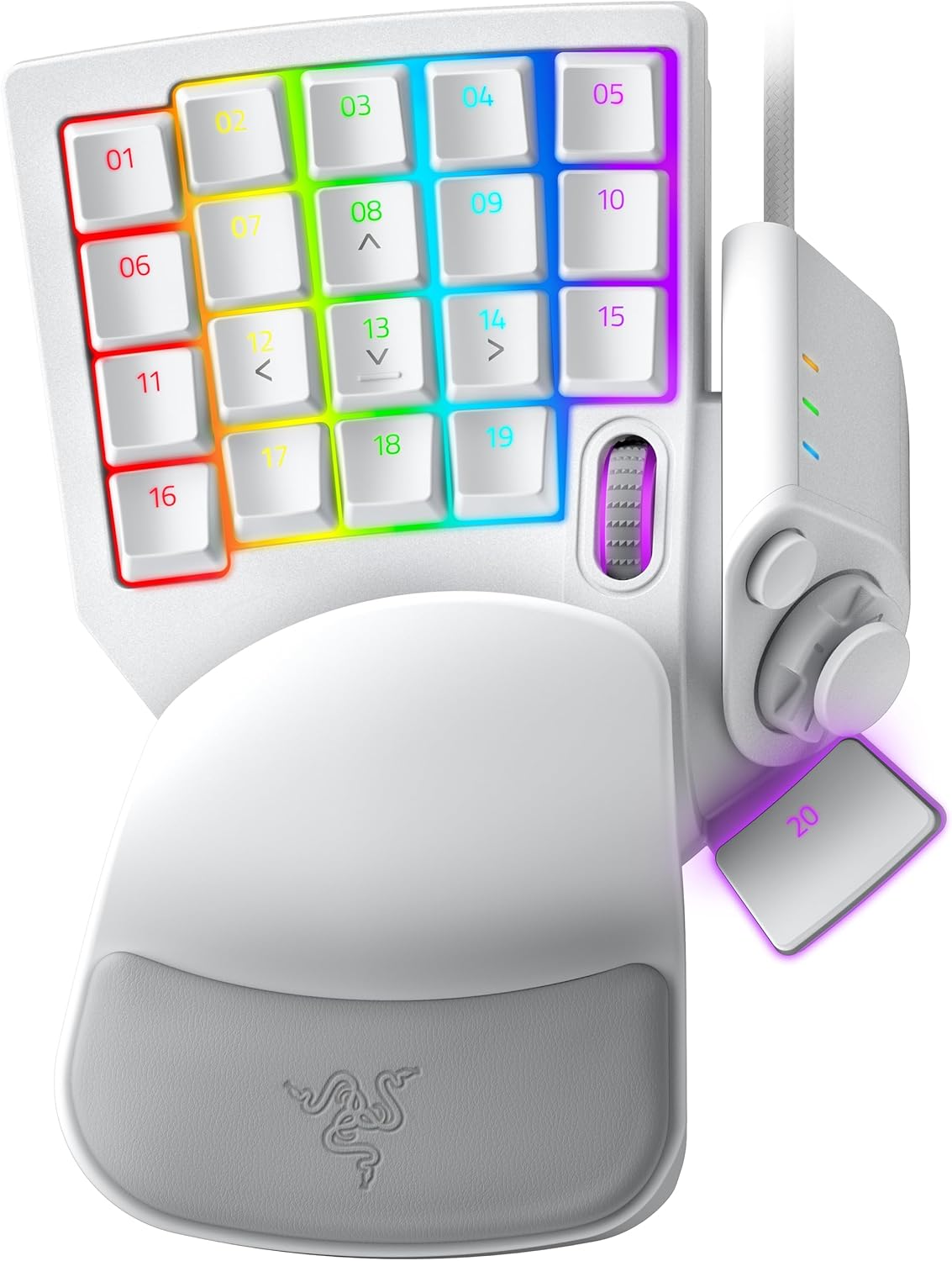
The compact keypad offers analog-style key presses, smooth responsiveness, and deep customization, making it ideal for digital art. 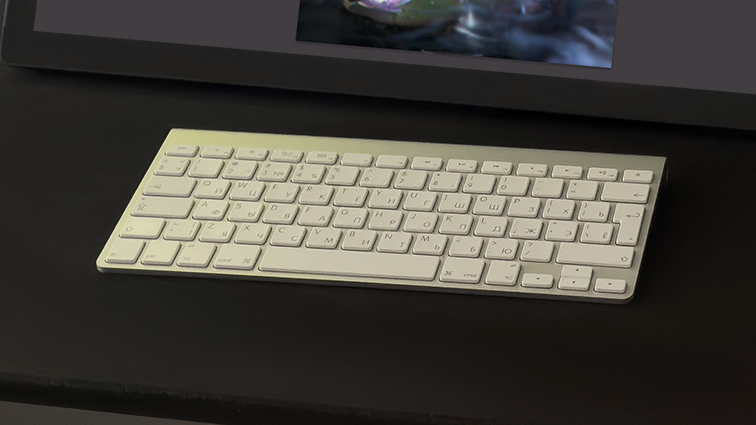
03. Vintage Apple Keyboard
Sometimes, the best tools are the ones that have stood the test of time. Vita Shapovalenko, an art director and concept artist, loves her Apple Wireless Keyboard A1314, which she has used for years. She praises its compact size, elegant design, and satisfying key press. 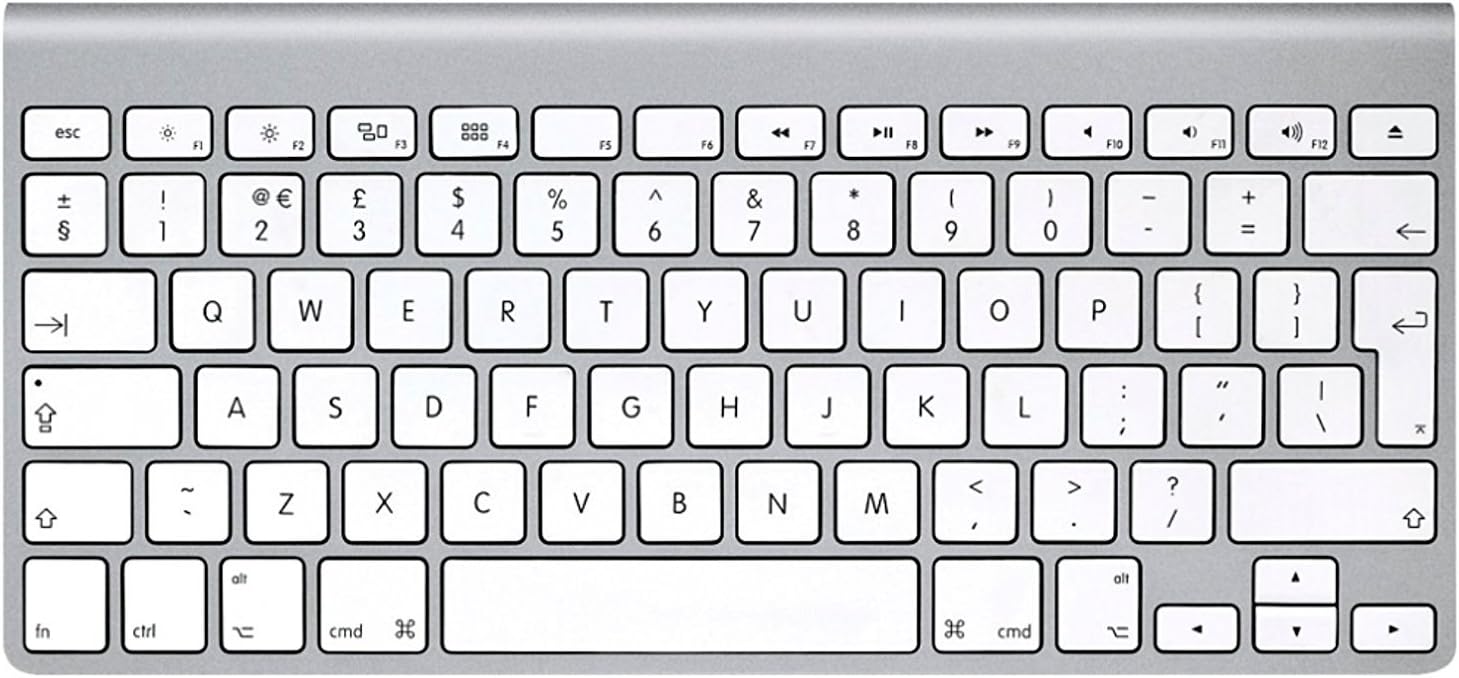
Although no longer available new, refurbished versions can be found online. If you're looking for a similar feel, check out our list of the best keyboards for Mac and mechanical keyboards for a retro experience. 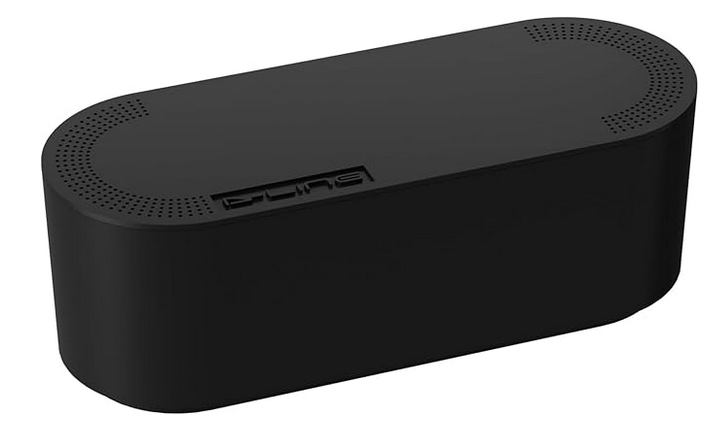
04. Cable Management Box
Cable clutter can be a distraction in any workspace. Vita prefers a minimalist approach and uses a cable management box to keep her desk organized. This box hides power strips and cables, creating a cleaner and less stressful environment. 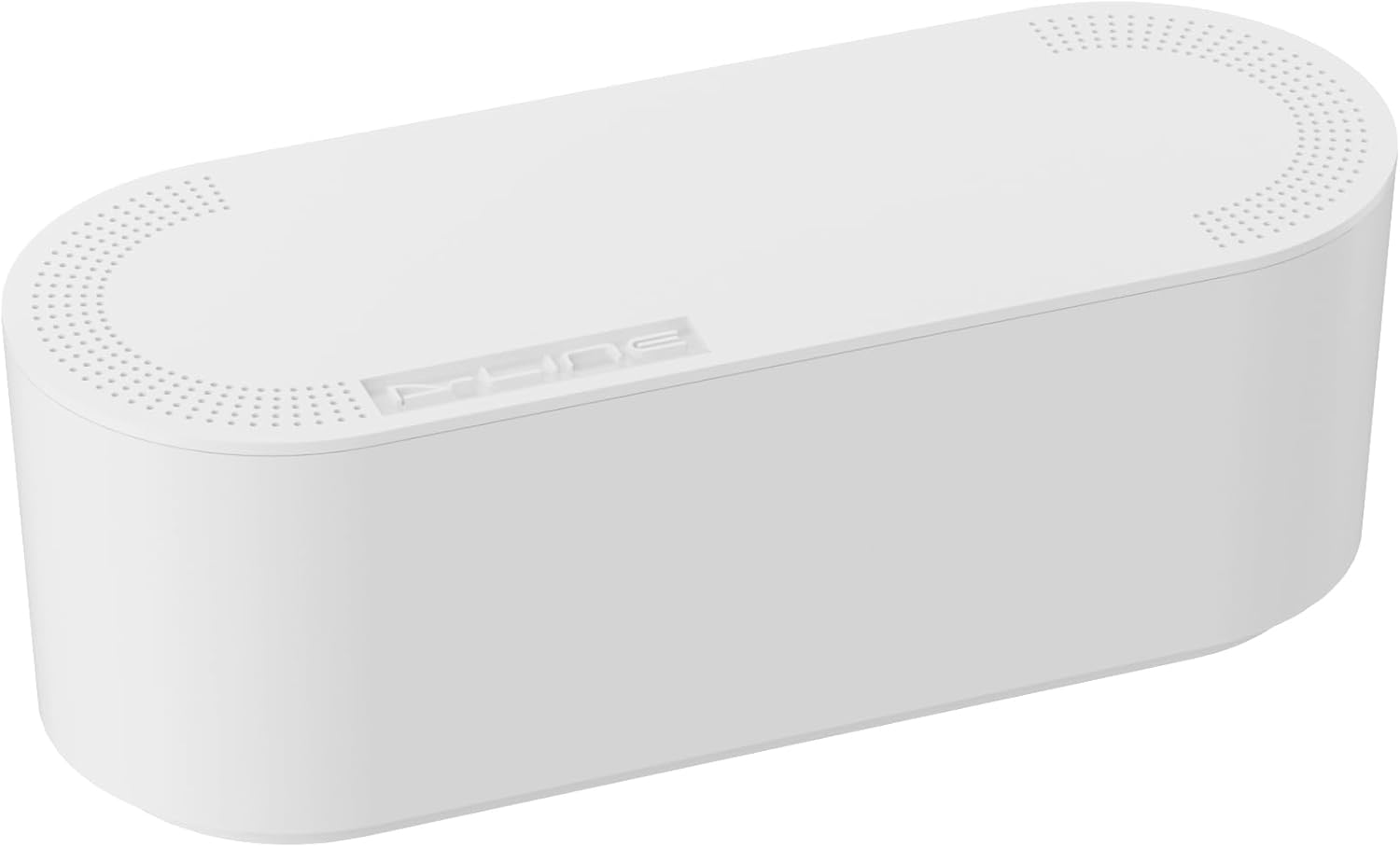
You can find sleek black boxes or wood-topped models if you prefer natural materials. 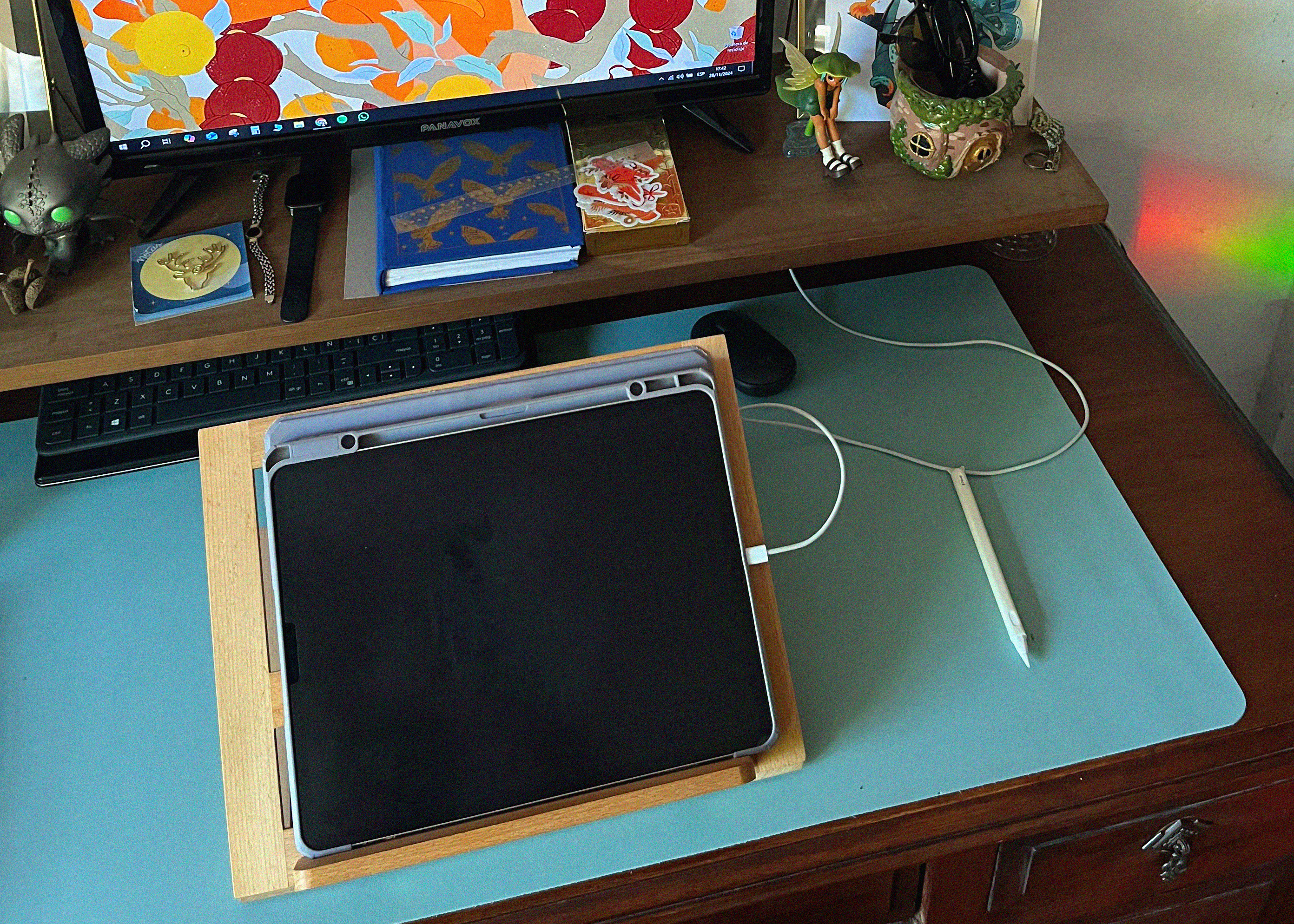
05. Sinoart Portable Wooden Easel
Ana Bidault, an illustrator, uses a small wooden stand with her iPad to set up a comfortable drawing position. This portable easel allows her to adjust the angle depending on the table she’s working at. 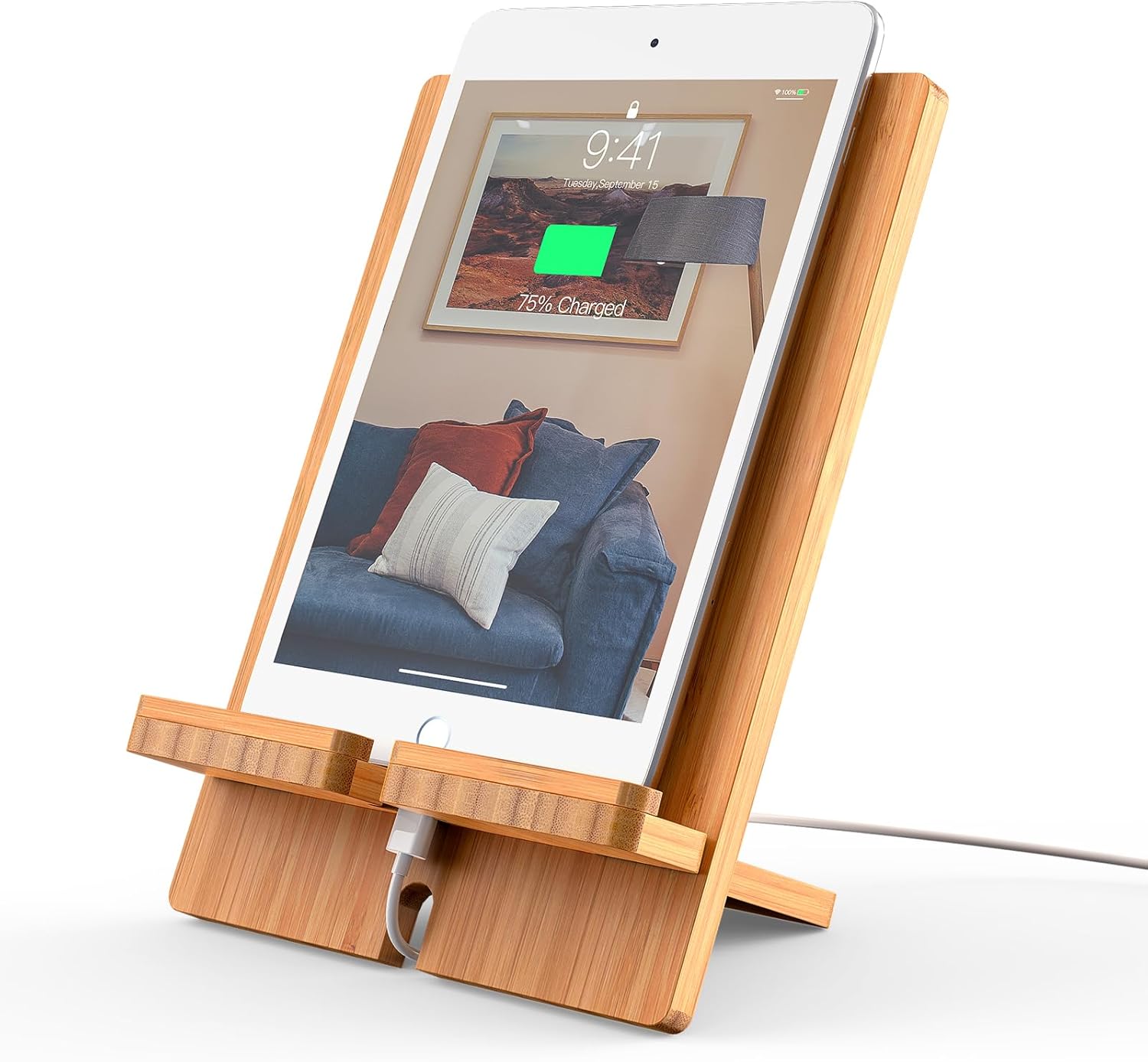
It’s lightweight and practical, making it easy to carry around. You can find similar options on Amazon or Etsy. 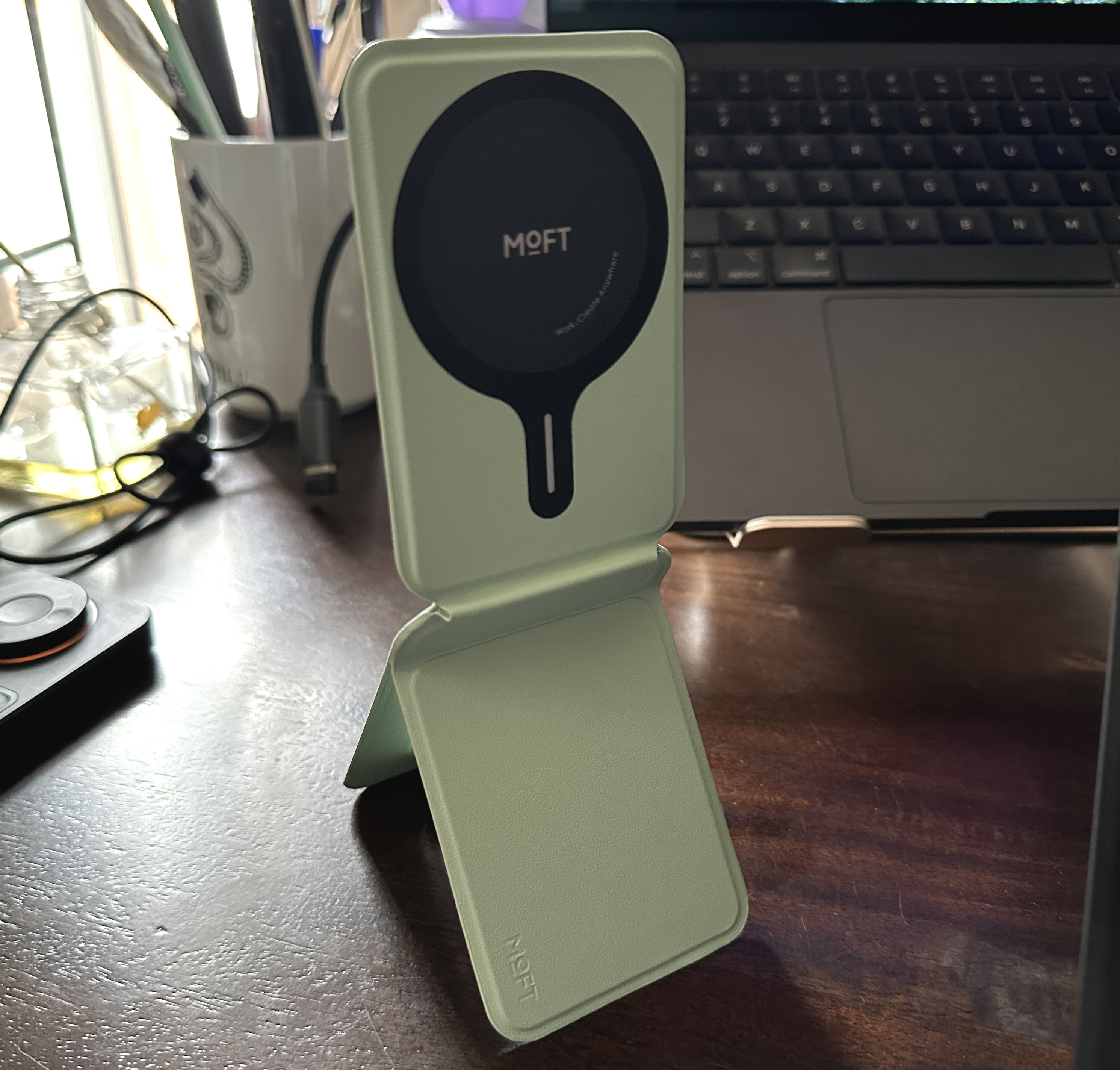
06. MOFT Snap Phone Tripod Stand
Chihiro Howe, a manga artist, loves the MOFT MagSafe phone stand for its convenience. It doubles as a wallet and is easy to carry around. 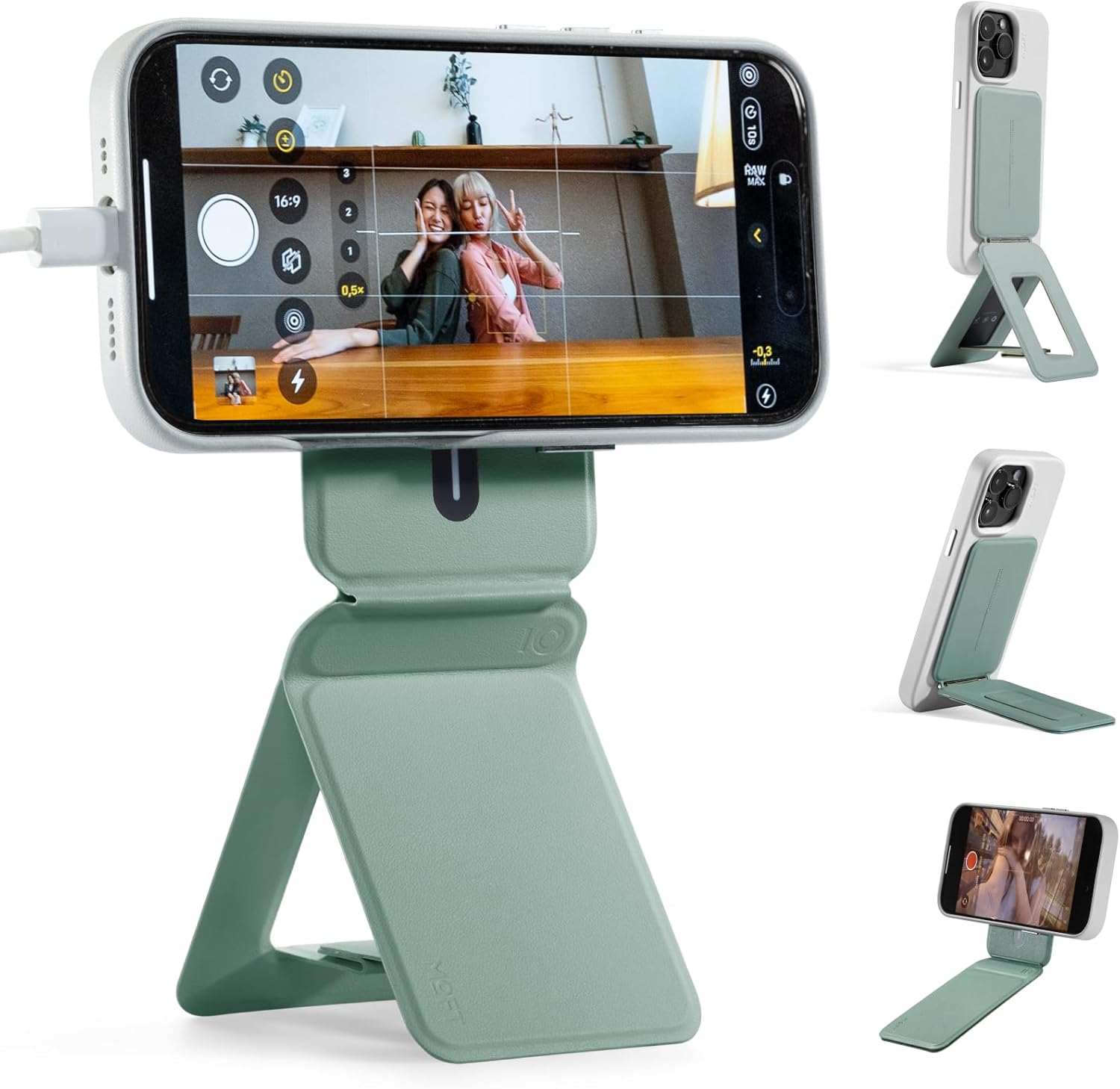
This stand is ideal for viewing references, messages, or videos while working. 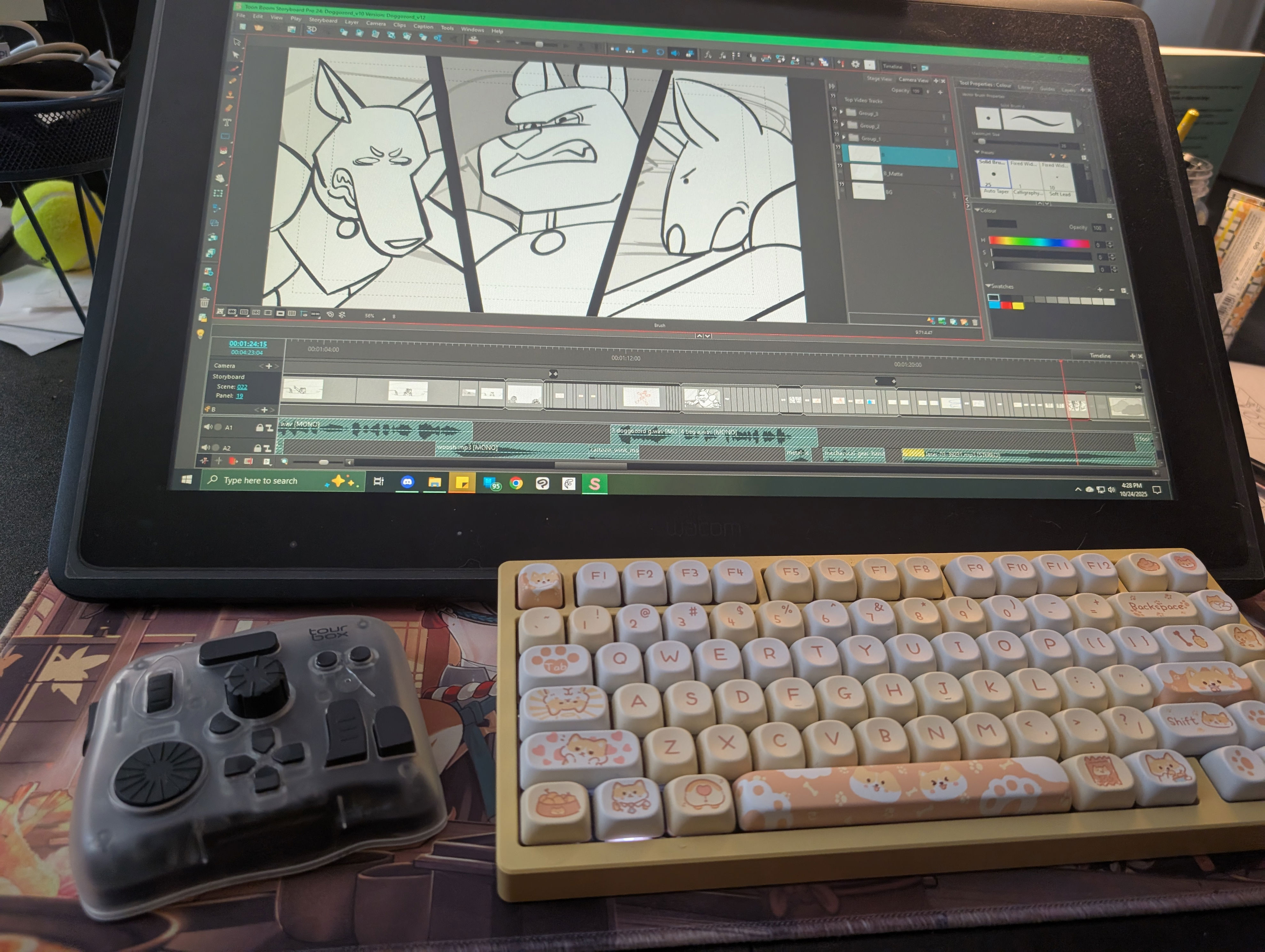
07. TourBox
Kelsey Norden, a storyboard artist, uses the TourBox to map keyboard shortcuts for her software. This programmable controller makes learning new software easier by providing an intuitive layout. 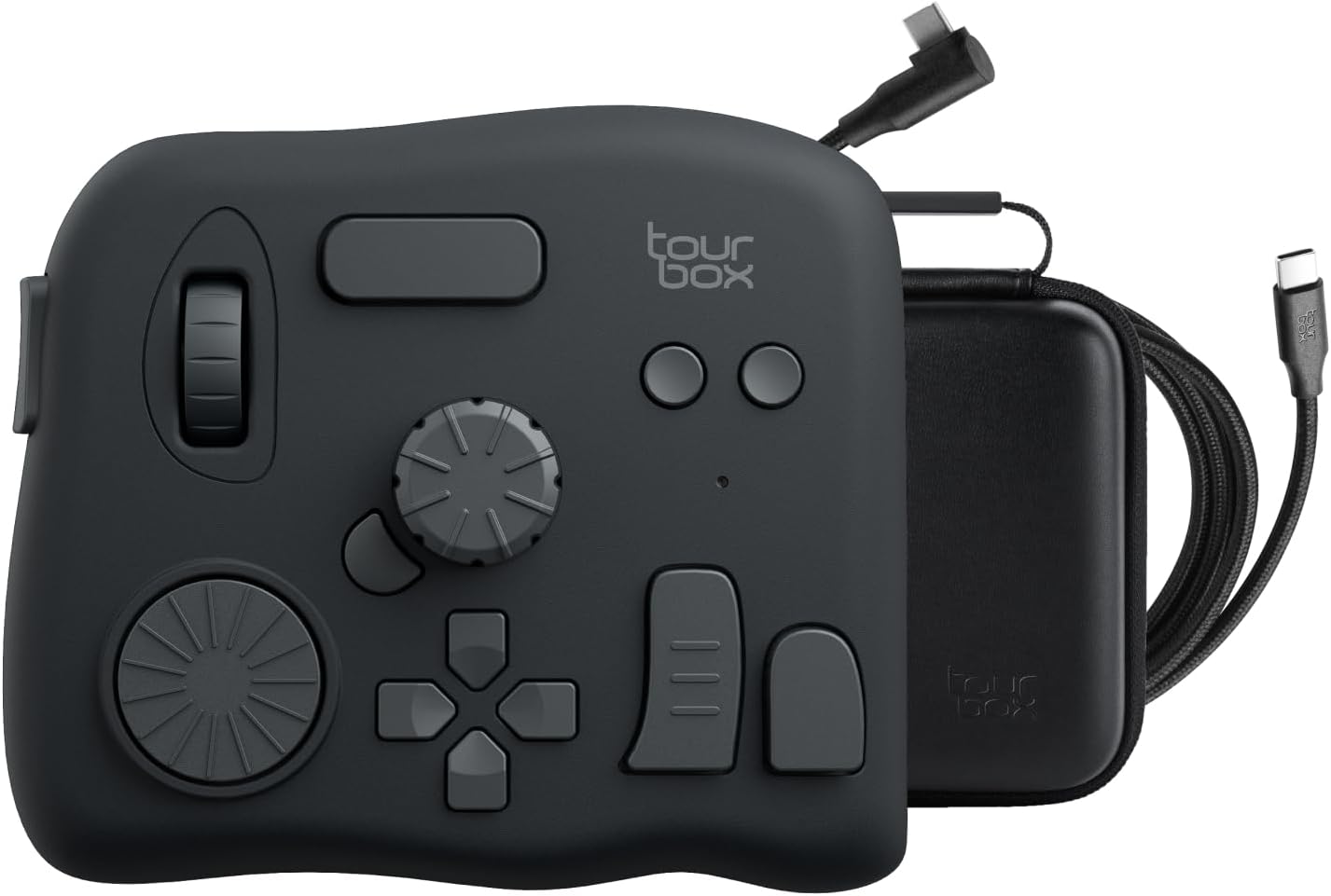
It connects via Bluetooth and works with devices like the iPad. 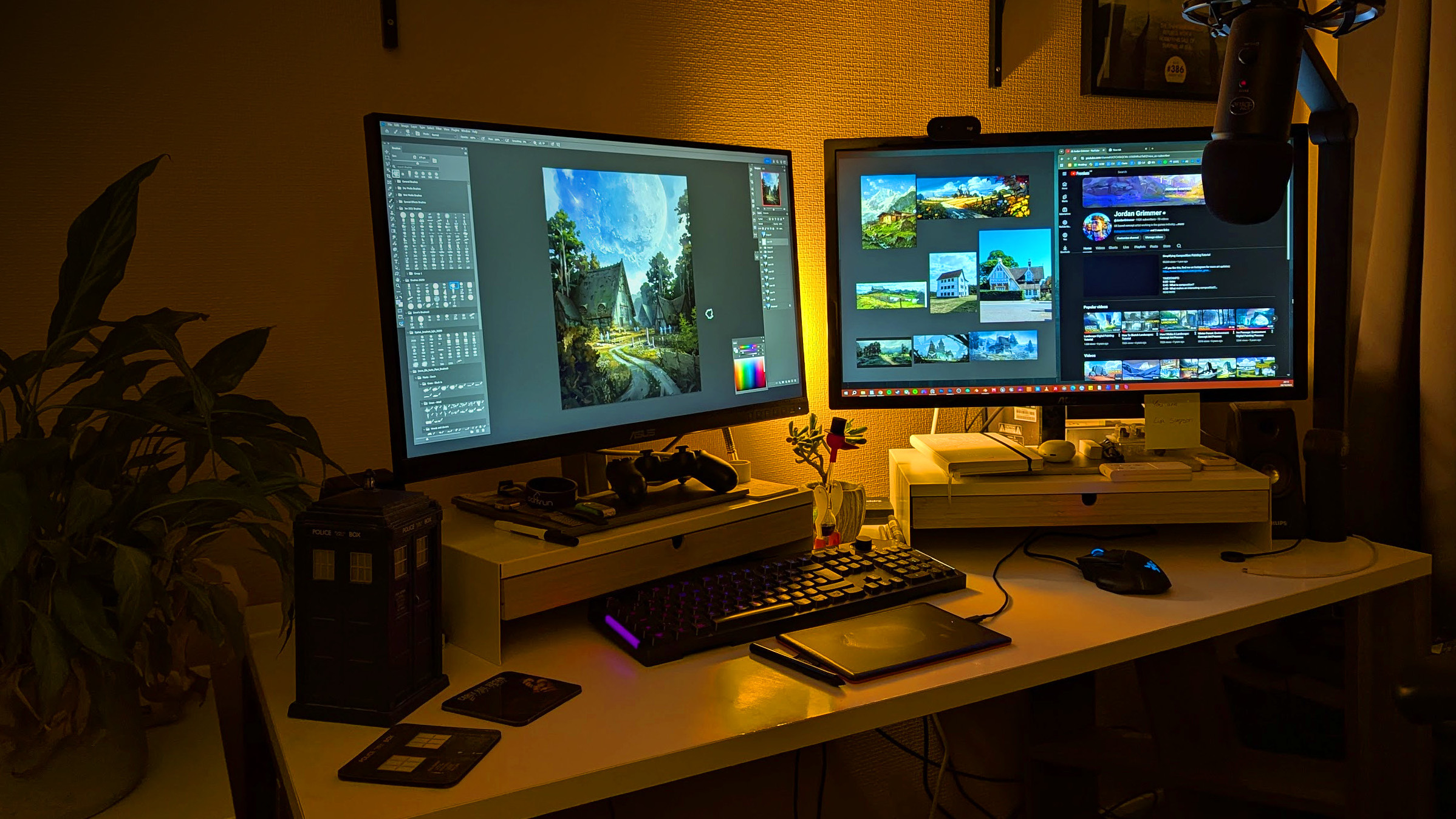
08. Second Monitor
Jordan Grimmer, a game industry concept artist, credits his second monitor for improving his workflow. It provides more space for windows and applications, allowing him to work more efficiently. 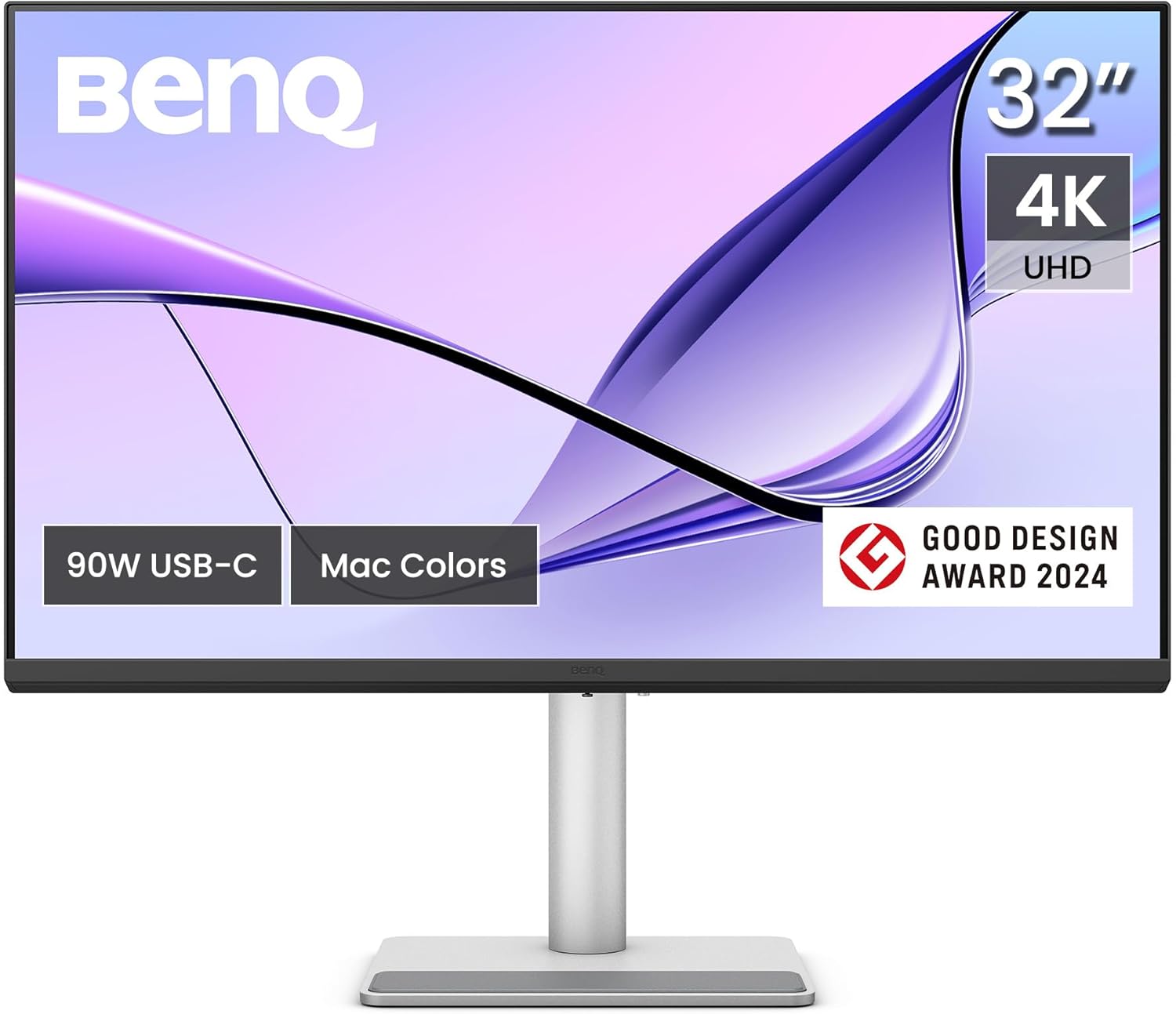
A second monitor also helps with reference materials and background music. 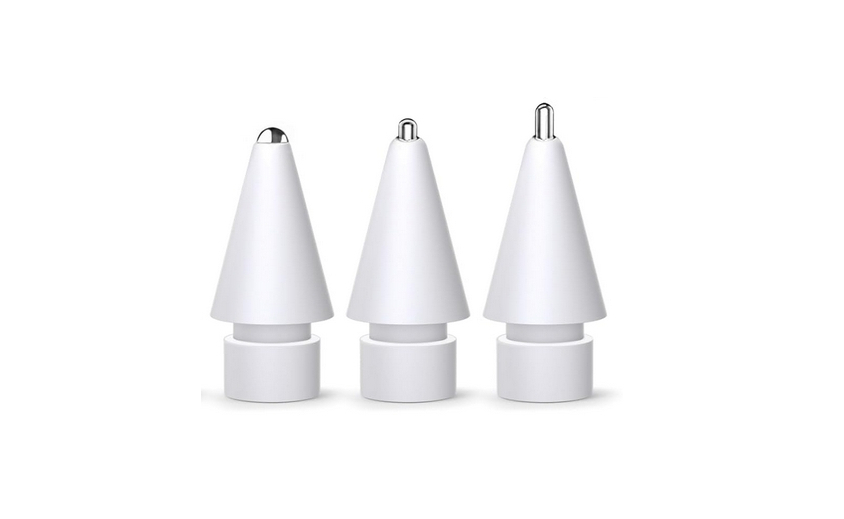
09. Apple Pencil Tips and Paperlike Screen Protector
Randeep Katari, an animator, uses Apple Pencil tips and a Paperlike screen protector to simulate the feel of pen and paper. These accessories enhance the drawing experience on an iPad. 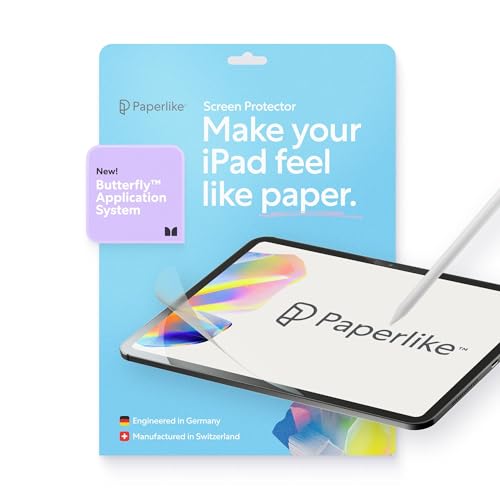
Other options include the Rock Paper Pencil cover, which offers a close paper-like feel. 
10. Coffee Cup
Oz Ezeogu, a concept artist, considers his coffee cup an essential part of his creative routine. The ritual of making and sipping coffee helps him transition into his work mode. 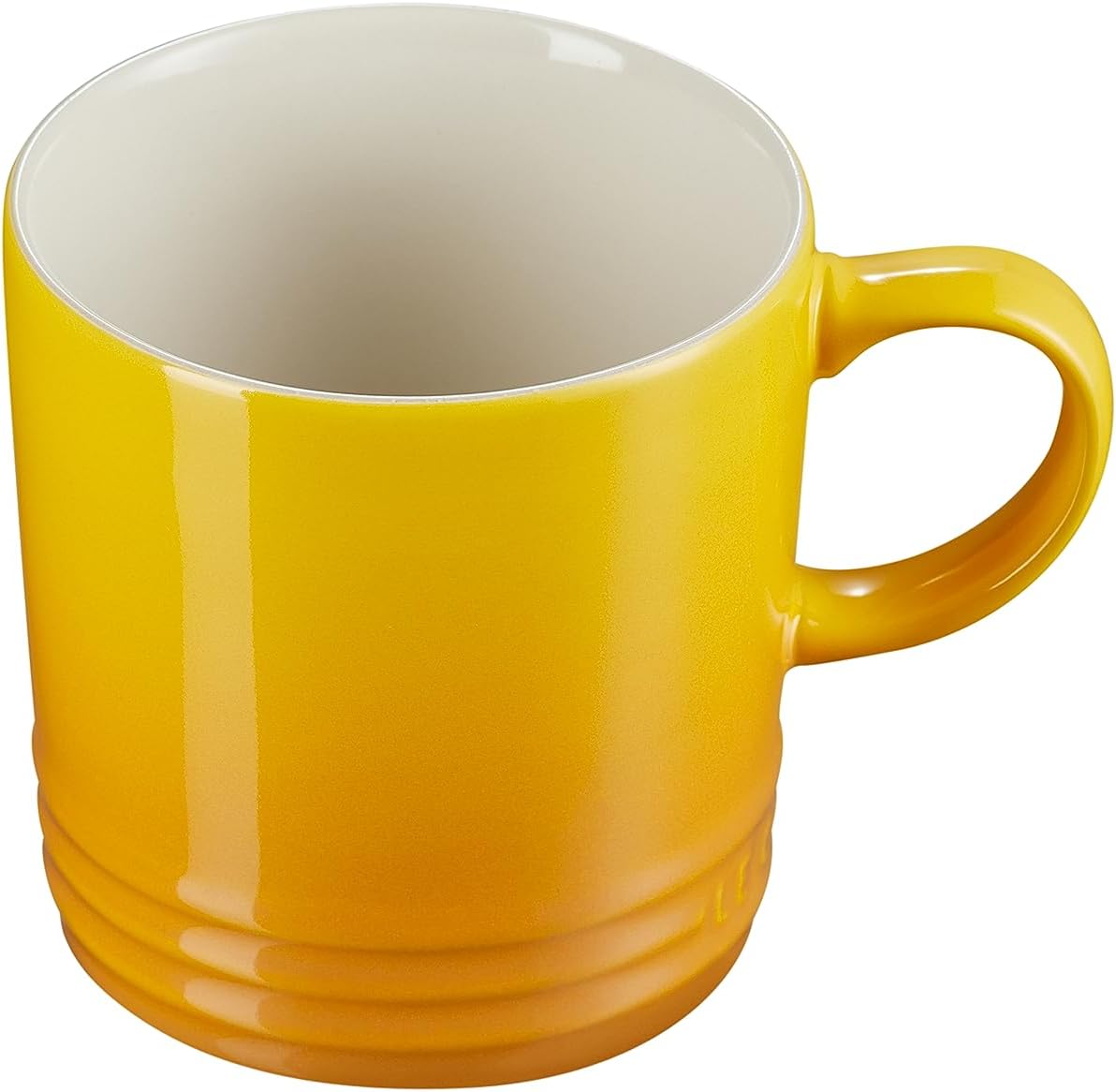
This stylish mug adds a personal touch to his workspace and enhances his focus.

Posting Komentar untuk "The Must-Have Studio Kit for Digital Artists"
Posting Komentar