
A Complete Guide to Navigating the TikTok Ads Manager Interface
TikTok has emerged as a dominant force in the digital advertising landscape, offering brands a unique opportunity to connect with a vast and engaged audience. With over 1 billion active users, the platform's ad manager interface is a powerful tool for businesses looking to expand their reach. Whether you're new to TikTok or an experienced marketer, understanding how to navigate the TikTok Ads Manager is essential for creating effective campaigns.
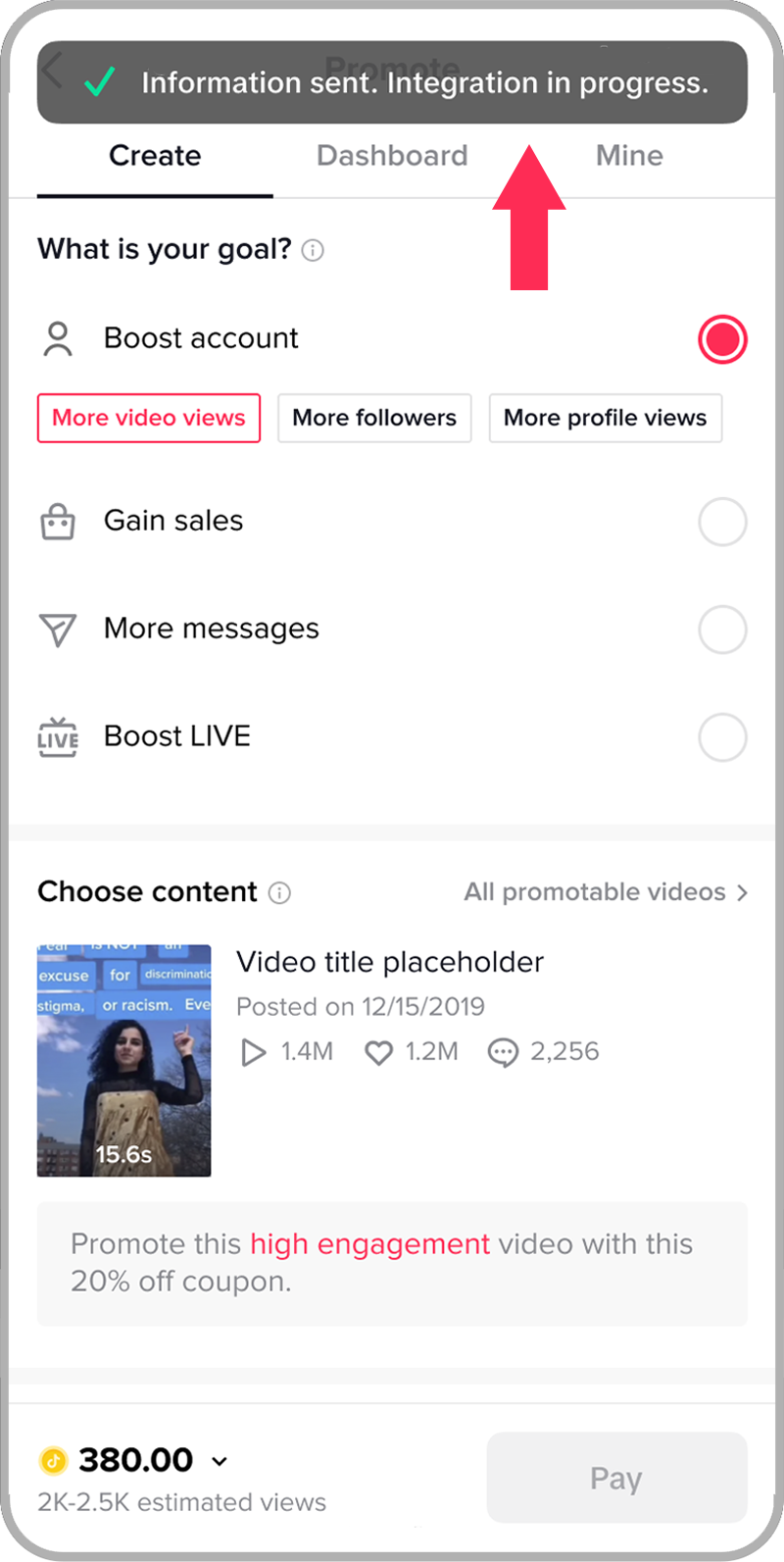
Understanding the TikTok Ads Manager Structure
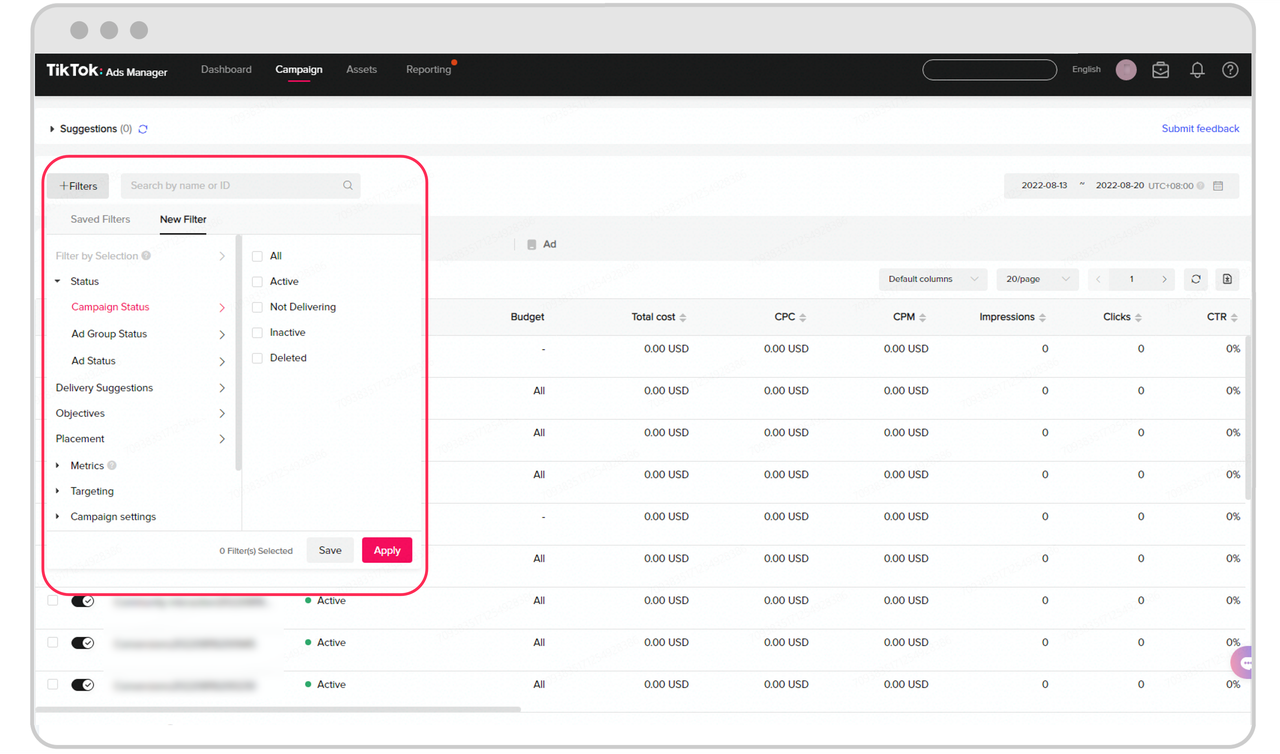
The TikTok Ads Manager is structured into three main components: Campaigns, Ad Groups, and Ads. Each of these sections plays a critical role in setting up and managing your advertising efforts.
Campaigns
This is where you define your overall campaign objectives and budget. You can choose from three primary campaign categories:
- Awareness: This objective focuses on maximizing the number of people who see your ads. It’s ideal for brand exposure but may not directly lead to conversions.
- Consideration: This objective targets users who are likely to take a specific action, such as clicking on your link, watching a video, or interacting with your content.
- Conversion: This is the preferred choice for e-commerce brands, as it targets users who are more likely to make a purchase through your TikTok Shop or website.
When setting up a campaign, you’ll also need to give it a name and set your budget. The minimum budget required for a campaign is $500, with a $20 minimum for each ad group.
Ad Groups
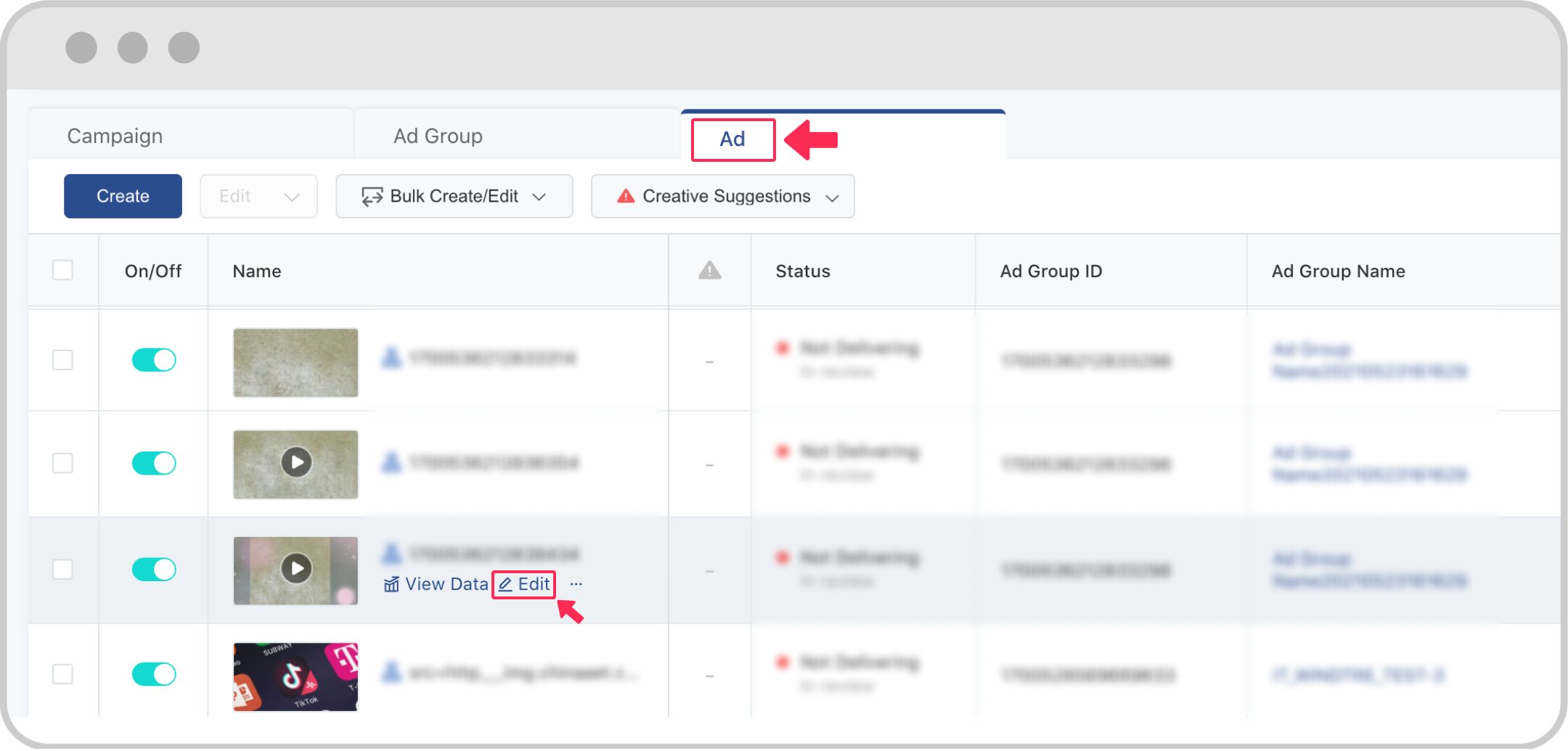
Once your campaign is set up, you move to the Ad Group section. Here, you define more specific details such as ad placements, audience targeting, and optimization goals.
- Ad Placements: You can choose between automatic or manual placements. Automatic allows TikTok to show your ad across all available placements, while manual lets you select specific ones.
- Audience Targeting: This is one of the most crucial steps. You can use custom targeting to narrow down your audience based on demographics, interests, behaviors, and more. Alternatively, you can use automatic targeting, which lets TikTok handle the audience selection based on location.
- Budget and Bidding: You’ll set your daily or lifetime budget and choose your bidding strategy. TikTok requires a minimum budget of $500 for campaigns and $20 for ad groups.
Ads
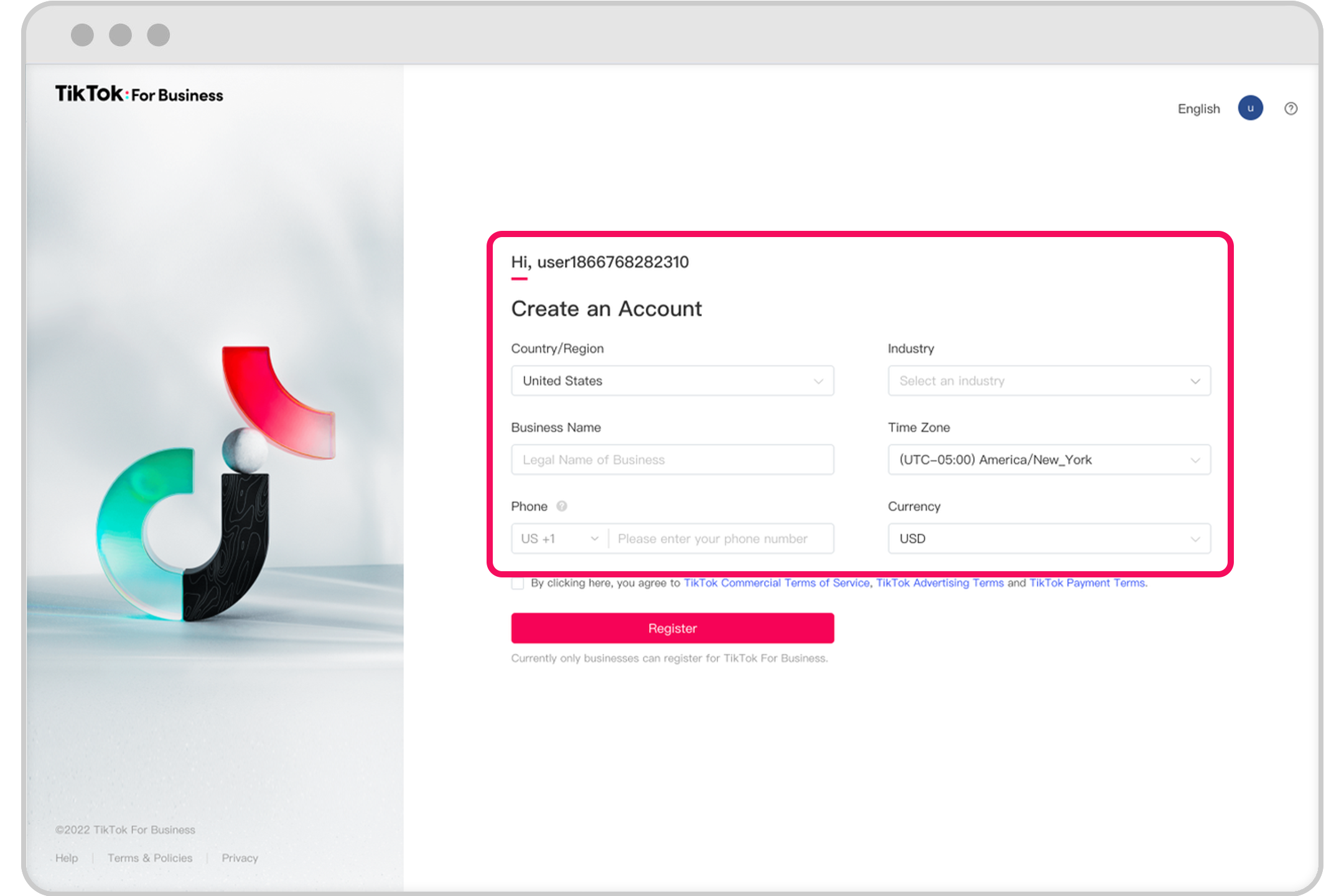
The final step is setting up your Ads. Here, you create or select the content that will be displayed as an ad. You can either use existing content from your TikTok profile (Spark Ads) or upload new content specifically for your campaign.
- Creative Content: Make sure your videos are in the TikTok style—vertical format with a 9:16 ratio. Use engaging music, clear calls-to-action, and keep your content short and snappy.
- Interactive Add-ons: Consider adding interactive elements like stickers or filters to increase engagement.
- Destination: Choose where users will be directed after clicking on your ad. Options include your website, a TikTok Instant Page, or a landing page.
Best Practices for Using TikTok Ads Manager
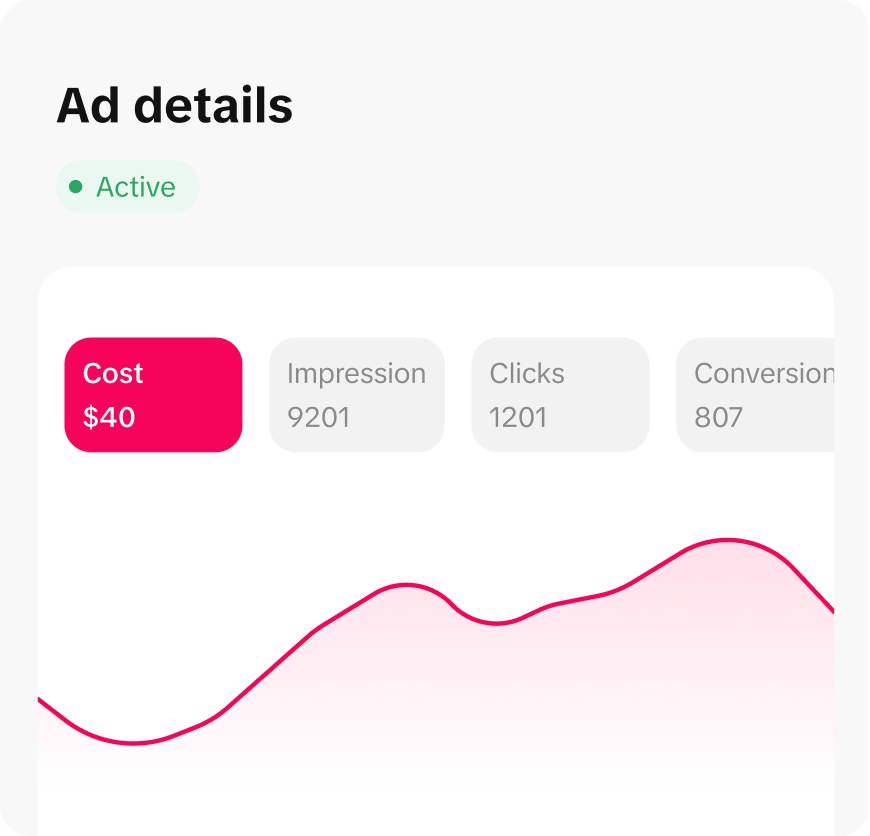
To maximize the effectiveness of your campaigns, follow these best practices:
- Use the Right Format: TikTok users expect content that fits the platform’s style. Avoid using content designed for other platforms.
- Show Your Personality: Authenticity is key on TikTok. Brands should aim to educate or entertain rather than just sell.
- Work with Creators: Partnering with TikTok creators can help you reach a broader audience and create more engaging content.
- Optimize Video Length: Keep your videos short and to the point. The first few seconds are critical for capturing attention.
- Use Compelling CTAs: Clearly state what action you want users to take after watching your ad.
Analyzing Performance with TikTok Ads Analytics
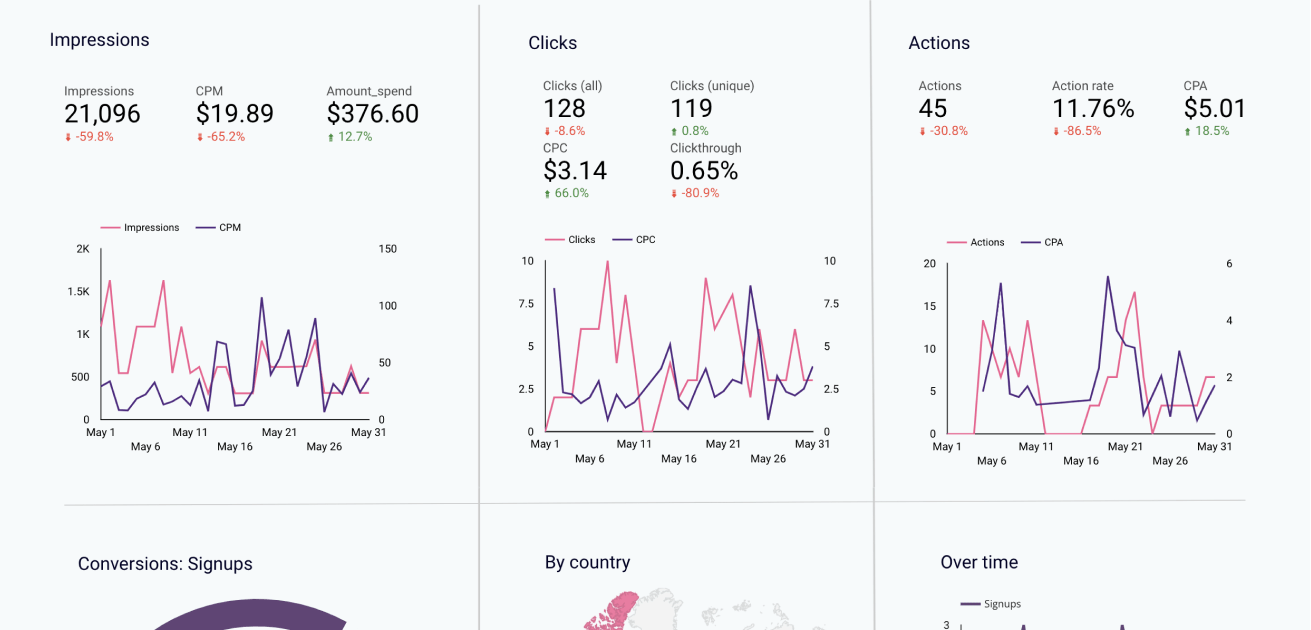
Understanding how your campaigns perform is crucial for making informed decisions. TikTok Ads Analytics provides insights into key metrics such as impressions, clicks, engagement rates, and conversions.
- Delivery Metrics: Track how often your ads are shown and how they’re performing in terms of reach and impressions.
- Engagement Metrics: Monitor user interactions such as likes, comments, shares, and watch time.
- Conversion Metrics: Evaluate how many users take the desired action, whether it’s visiting your website, making a purchase, or signing up for a newsletter.
By analyzing these metrics, you can identify areas for improvement and adjust your strategies accordingly.
Conclusion
Navigating the TikTok Ads Manager interface is a critical step for any brand looking to leverage the platform’s vast audience. By understanding the structure of the Ads Manager, following best practices, and analyzing performance data, you can create effective campaigns that drive engagement and conversions. As TikTok continues to evolve, staying informed about its features and capabilities will be key to success in the ever-changing digital advertising landscape.

Posting Komentar untuk "A Complete Guide to Navigating the TikTok Ads Manager Interface"
Posting Komentar