
How to Check and Manage Your TikTok Ads Manager Campaign Status
TikTok has become a powerful platform for businesses to reach their target audience. With its massive user base and engaging content, it's no wonder that many brands are leveraging TikTok Ads Manager to run successful ad campaigns. However, managing these campaigns effectively requires understanding how to check and manage your TikTok Ads Manager campaign status. This guide will walk you through the process, ensuring your ads are performing optimally and delivering the desired results.
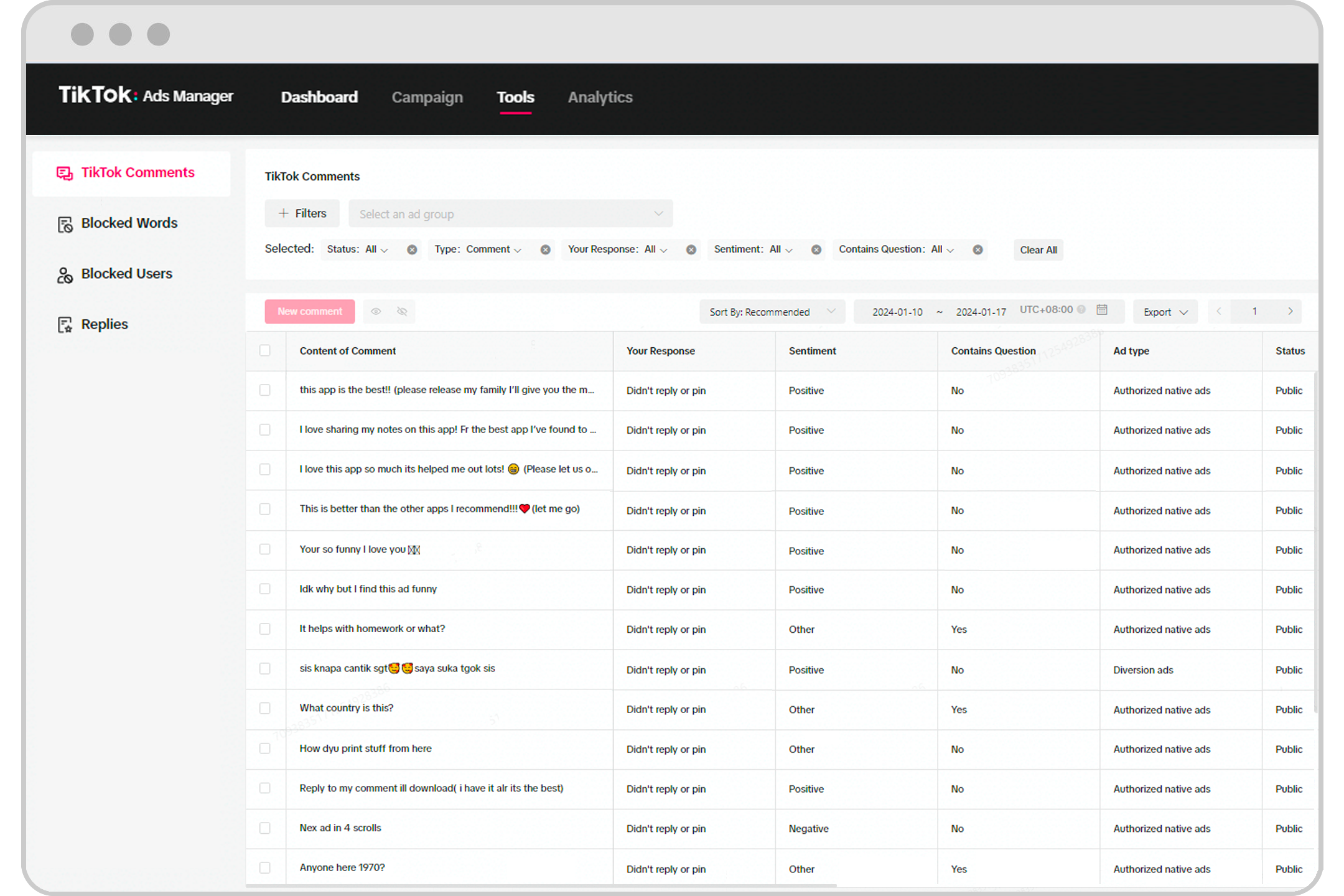
Understanding TikTok Ads Manager

Before diving into checking and managing your campaign status, it's essential to understand what TikTok Ads Manager is. It is a centralized hub where advertisers can create, monitor, and optimize their ad campaigns. The platform allows you to set objectives, define your target audience, choose your budget, and track performance metrics—all from one place.
Key Features of TikTok Ads Manager
- Campaign Creation: Easily set up new campaigns with clear objectives.
- Audience Targeting: Define your ideal audience based on demographics, interests, and behaviors.
- Budget Management: Set and adjust your advertising budget as needed.
- Performance Tracking: Monitor key metrics such as views, clicks, and conversions.
- Ad Preview: Preview your ads before they go live to ensure they meet your standards.
Steps to Check Your TikTok Ads Manager Campaign Status
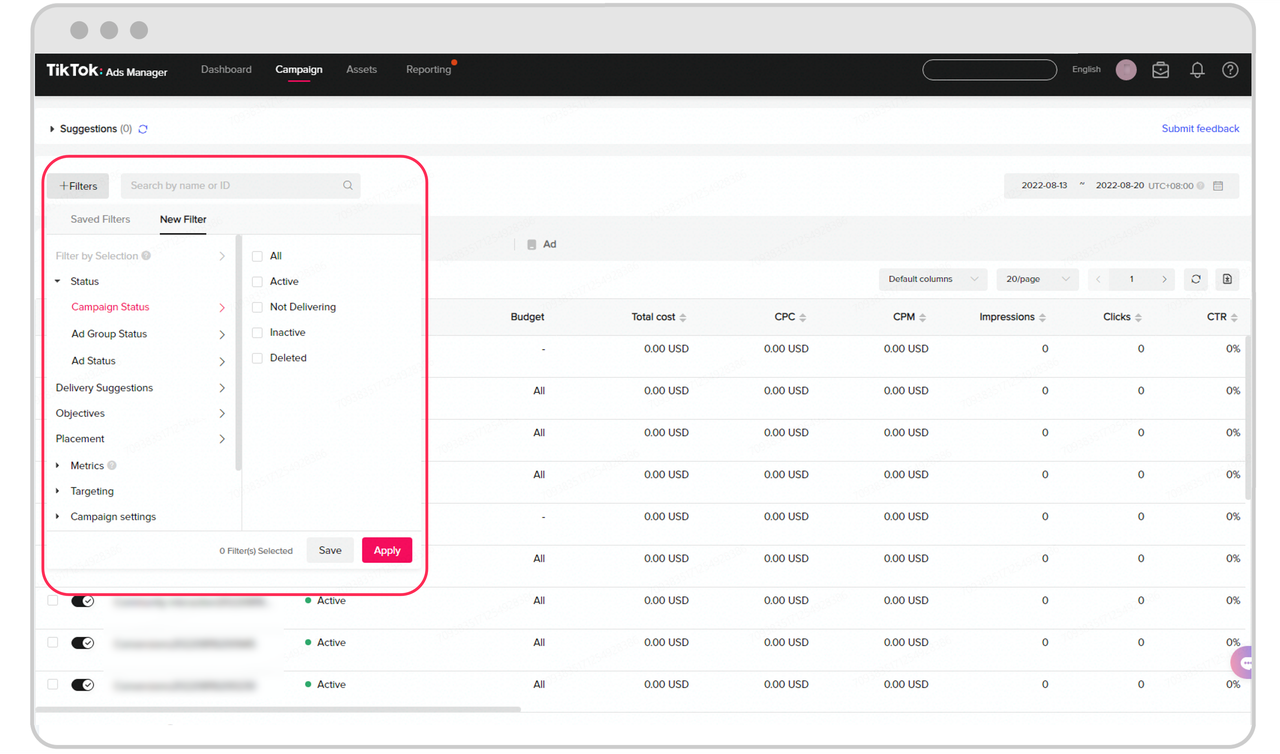
Checking your campaign status is a crucial step in ensuring your ads are performing as expected. Here’s a step-by-step guide to help you navigate this process:
1. Log In to TikTok Ads Manager
Start by visiting the TikTok Ads homepage and logging in with your credentials. If you don't have an account, you'll need to create one first.
2. Navigate to the Campaign Dashboard
Once logged in, you'll be directed to the dashboard. This is where you can view all your active campaigns. Look for the "Campaigns" tab on the left-hand side of the screen.
3. Select the Campaign You Want to Check
Click on the campaign you want to review. This will open a detailed view of the campaign, including its current status, performance metrics, and any relevant insights.
4. Review the Campaign Status
The campaign status will typically show whether it's "Active," "Paused," or "Draft." If it's active, you can view real-time data on how your ads are performing. If it's paused, you can reactivate it or make adjustments before resuming.
5. Check Ad Performance Metrics
Look at key performance indicators (KPIs) such as: - Impressions: The number of times your ad was shown. - Clicks: The number of times users clicked on your ad. - Conversions: The number of users who completed a desired action (e.g., making a purchase). - Engagement Rate: The percentage of users who interacted with your ad.
These metrics will give you a clear picture of how well your campaign is performing and where improvements may be needed.
Managing Your TikTok Ads Manager Campaign

Once you've checked your campaign status, you may need to make adjustments to improve its performance. Here are some tips for managing your TikTok Ads Manager campaign effectively:
1. Adjust Your Target Audience
If your campaign isn't reaching the right people, consider refining your audience targeting. Use TikTok's tools to analyze your audience and make changes based on their preferences and behaviors.
2. Optimize Your Budget
Review your budget allocation and ensure it aligns with your campaign goals. If certain ads are underperforming, consider reallocating funds to more effective ones.
3. Update Your Ad Creative
Fresh and engaging content is key to capturing attention on TikTok. Regularly update your ad creative to keep your audience interested and improve engagement rates.
4. Test Different Ad Formats
TikTok offers various ad formats, including In-Feed Ads, Branded Hashtag Challenges, and TopView Ads. Experiment with different formats to see which ones resonate best with your audience.
5. Monitor and Analyze Performance
Regularly check your campaign performance and use the insights provided by TikTok Ads Manager to make data-driven decisions. This will help you identify what's working and what needs improvement.
Common Issues and Solutions
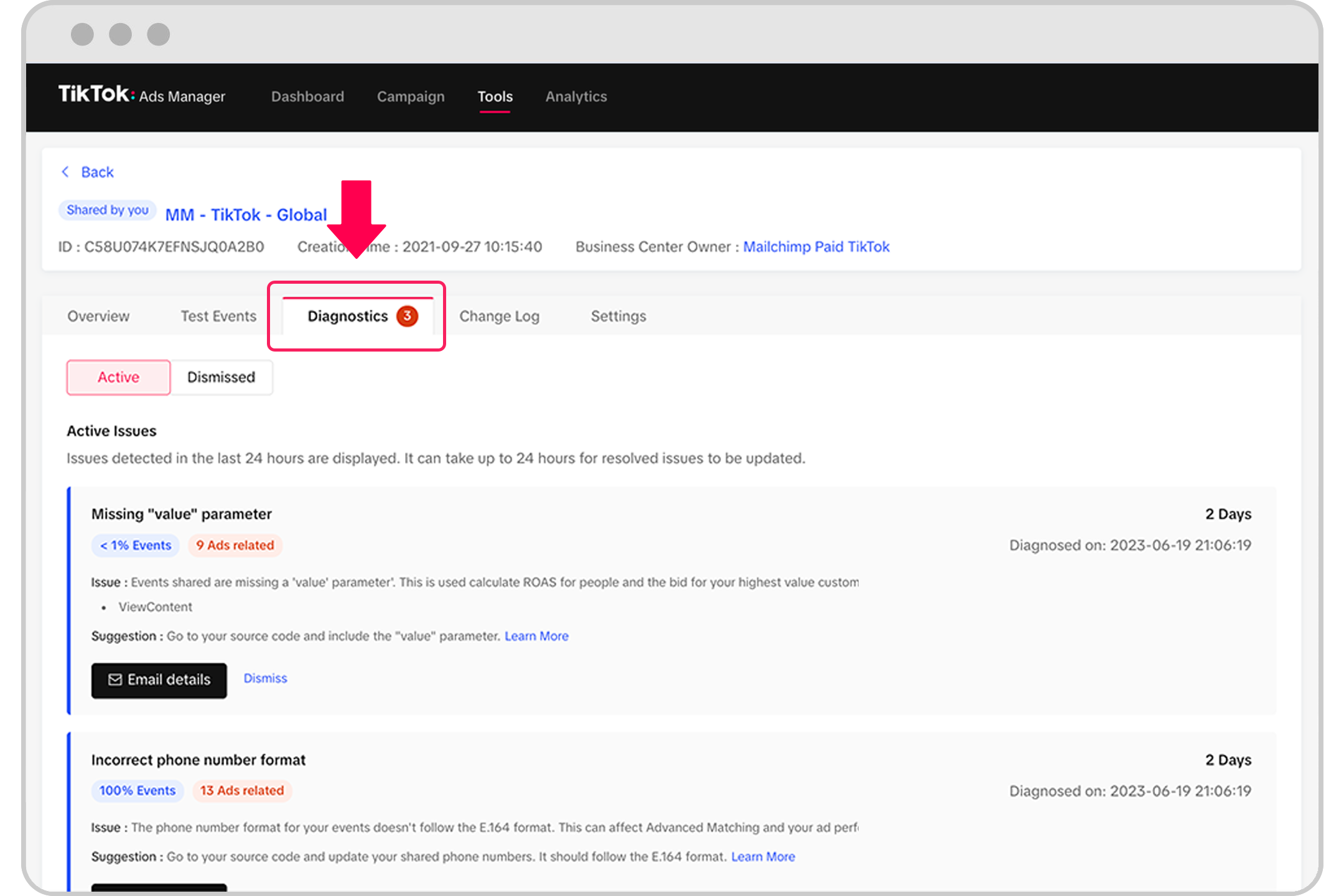
While using TikTok Ads Manager, you may encounter some common issues. Here are a few solutions to help you troubleshoot:
Why Can't I Preview My TikTok Ad?
If you're unable to preview your ad, it could be due to technical issues or ad format limitations. Ensure your ad meets platform requirements and check your internet connection. If the problem persists, contact TikTok support for further assistance.
How Do I Check TikTok Ads Running?
You can check running TikTok ads using the TikTok Ads Library. Search by advertiser name or keyword to find relevant ads. This tool provides detailed insights into ongoing campaigns.
How Much Is 1000 Views On TikTok Ads?
The cost of 1000 views on TikTok ads typically ranges between $10 and $30, depending on factors like targeting options, ad format, and competition. Adjusting your target audience and ad settings can impact overall costs significantly.
Conclusion
Checking and managing your TikTok Ads Manager campaign status is essential for ensuring your ads are performing optimally. By following the steps outlined in this guide, you can gain valuable insights into your campaign's performance and make informed decisions to improve results. Remember to regularly review your campaign, adjust your strategies as needed, and stay engaged with your audience to maximize the effectiveness of your TikTok advertising efforts.

Posting Komentar untuk "How to Check and Manage Your TikTok Ads Manager Campaign Status"
Posting Komentar