
How to Configure TikTok Ads Pixel Events for Maximum ROI
In the ever-evolving digital marketing landscape, TikTok has emerged as a powerful platform for brands looking to connect with a younger, highly engaged audience. For financial services providers, leveraging TikTok’s advertising capabilities can be a game-changer—especially when it comes to tracking user behavior and optimizing return on investment (ROI). Central to this process is the TikTok Ads Pixel, a crucial tool that allows advertisers to track conversions, understand user interactions, and refine their campaigns for maximum effectiveness.
What Is the TikTok Ads Pixel?
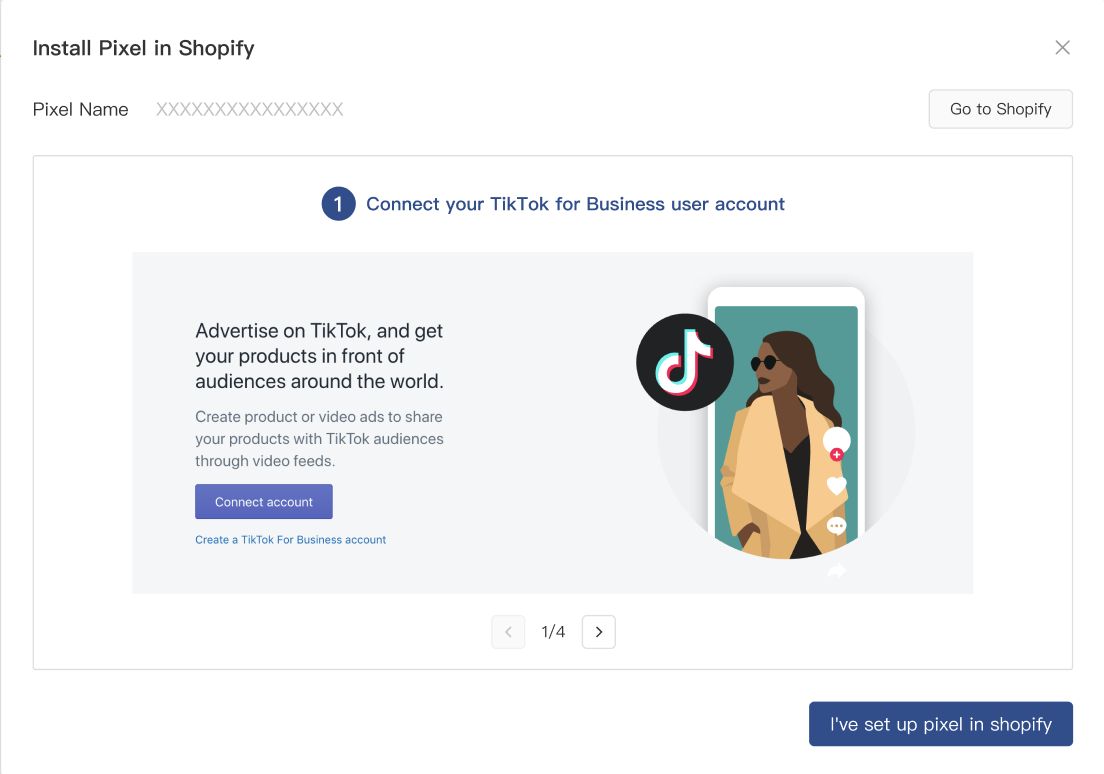
The TikTok Ads Pixel is a piece of JavaScript code that you place on your website or app. It enables you to track user actions such as page views, sign-ups, purchases, and other key conversion events. This data helps you measure the performance of your TikTok ads and optimize them for better results.
For financial services providers, the pixel is especially important because it allows for precise tracking of lead generation, customer acquisition, and other critical metrics. By understanding which ads drive the most valuable actions, you can adjust your strategies to improve ROI.
Why Configure TikTok Pixel Events?
Configuring TikTok Pixel events is essential for several reasons:
- Accurate Conversion Tracking: Ensures that every action taken by users on your site is recorded, giving you a clear picture of campaign performance.
- Improved Ad Optimization: With detailed data on user behavior, you can fine-tune your ad creatives, targeting, and bidding strategies.
- Better Budget Allocation: Knowing which campaigns are driving conversions allows you to allocate your ad budget more effectively.
- Compliance and Transparency: For financial services, accurate tracking is not just about performance—it's also about meeting regulatory requirements and ensuring transparency with your audience.
Step-by-Step Guide to Configuring TikTok Pixel Events

Configuring TikTok Pixel events involves several key steps. Here's how you can do it effectively:
1. Set Up Your TikTok Ads Manager Account
Before you can configure the pixel, you need to have a TikTok Ads Manager account. If you're new to TikTok Ads, follow these steps:
- Go to TikTok Ads Manager.
- Create an account using your business email.
- Verify your account and complete the onboarding process.
2. Install the TikTok Pixel on Your Website
Once your account is set up, install the TikTok Pixel on your website. You can do this in one of two ways:
- Manually Add the Code: Copy the pixel code provided by TikTok and paste it into the header section of your website’s HTML.
- Use a CMS Plugin: If you’re using WordPress or Shopify, there are plugins available that simplify the process of adding the pixel.
3. Define Key Conversion Events
Next, identify the specific actions you want to track. Common conversion events for financial services include:
- Lead Generation: When a user fills out a form to request more information.
- Sign-Ups: When a user creates an account or subscribes to a newsletter.
- Purchases: When a user completes a transaction.
- Page Views: When a user visits a specific landing page.
4. Track Custom Events
In addition to standard events, you can track custom events that are unique to your business. For example:
- Loan Application Submission
- Credit Score Inquiry
- Investment Consultation Request
These custom events help you gain deeper insights into user behavior and tailor your campaigns accordingly.
5. Use UTM Parameters for Attribution
To ensure accurate tracking, use UTM parameters in your ad links. These parameters allow you to attribute traffic and conversions to specific campaigns, making it easier to analyze performance.
Some common UTM parameters include:
utm_source– Identifies the source of traffic (e.g., "tiktok")utm_medium– Specifies the medium (e.g., "social")utm_campaign– Names the specific campaign
Best Practices for Optimizing TikTok Pixel Events

To get the most out of your TikTok Pixel, consider the following best practices:
- Regularly Monitor Performance: Check your TikTok Ads Manager dashboard frequently to track conversion rates and adjust your strategy.
- Test Different Campaigns: Experiment with different ad formats, audiences, and messaging to see what works best.
- Leverage Retargeting: Use the pixel to retarget users who have visited your site but haven’t converted yet.
- Ensure Compliance: For financial services, make sure all tracking and ad content comply with TikTok’s policies and local regulations.
Conclusion
Configuring TikTok Ads Pixel events is a critical step in maximizing the ROI of your financial services campaigns. By accurately tracking user behavior and conversions, you can refine your strategies, improve ad performance, and build stronger relationships with your audience. Whether you're promoting loans, credit services, or investment tools, the TikTok Pixel provides the data you need to succeed in today’s competitive digital landscape.

Posting Komentar untuk "How to Configure TikTok Ads Pixel Events for Maximum ROI"
Posting Komentar