
How to Create TikTok Ads: A Step-by-Step Tutorial for Beginners
TikTok has become one of the most powerful platforms for businesses and creators looking to reach a vast audience. With over 1 billion active users, it's no surprise that many are turning to TikTok ads as a way to grow their brand or business. If you're new to TikTok advertising, this step-by-step tutorial will guide you through the entire process of creating and managing your own TikTok ad campaigns.
Setting Up Your TikTok Ads Account

Before you can start creating TikTok ads, you need to set up an account in the TikTok Ads Manager. This is where you'll manage all your ad campaigns, track performance, and make adjustments as needed. To get started:
- Go to the TikTok Ads Manager website.
- Click on "Create Account" and fill out the required information about your business.
- Provide details such as your company name, contact information, and expected revenue.
- Wait for a representative from TikTok to confirm your account setup, which usually takes around 48 hours.
Once your account is approved, you'll have access to the TikTok Ads Dashboard, where you can begin creating your first campaign.
Creating a TikTok Campaign
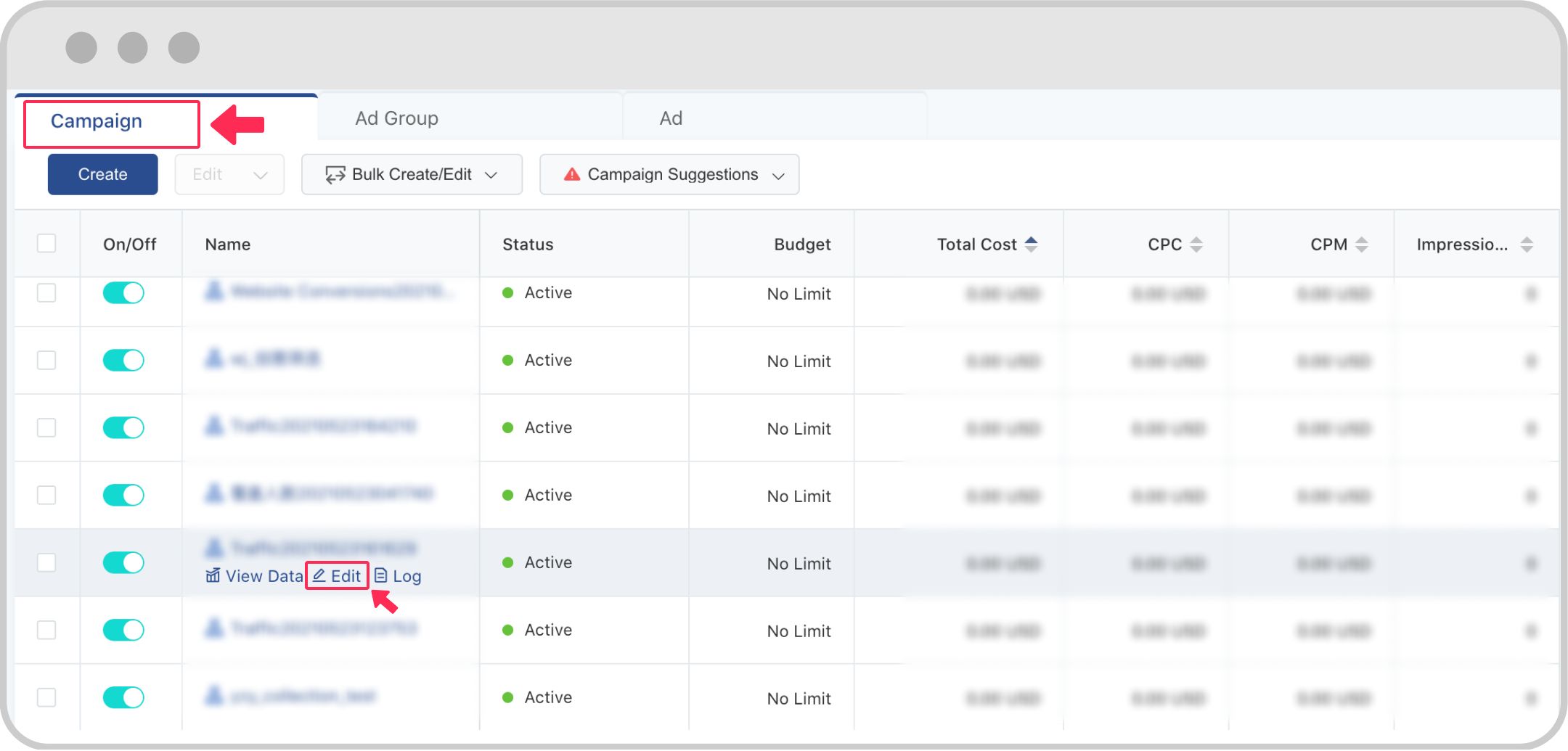
After setting up your account, the next step is to create a campaign. A campaign is the overarching structure that defines your advertising goals. Here’s how to do it:
- In the TikTok Ads Dashboard, click on "Campaigns" and then "Create Campaign."
- Choose a campaign objective. TikTok offers several options, including:
- Brand Awareness
- Traffic
- Engagement
- App Installs
- Lead Generation
- Sales
- Set your budget. You can choose between daily, monthly, or lifetime budgets based on your advertising goals.
- Select your target audience. This includes demographics like age, gender, location, and interests.
- Choose your ad placements. You can opt for automated placements or manually select where your ads will appear.
Choosing an Ad Group
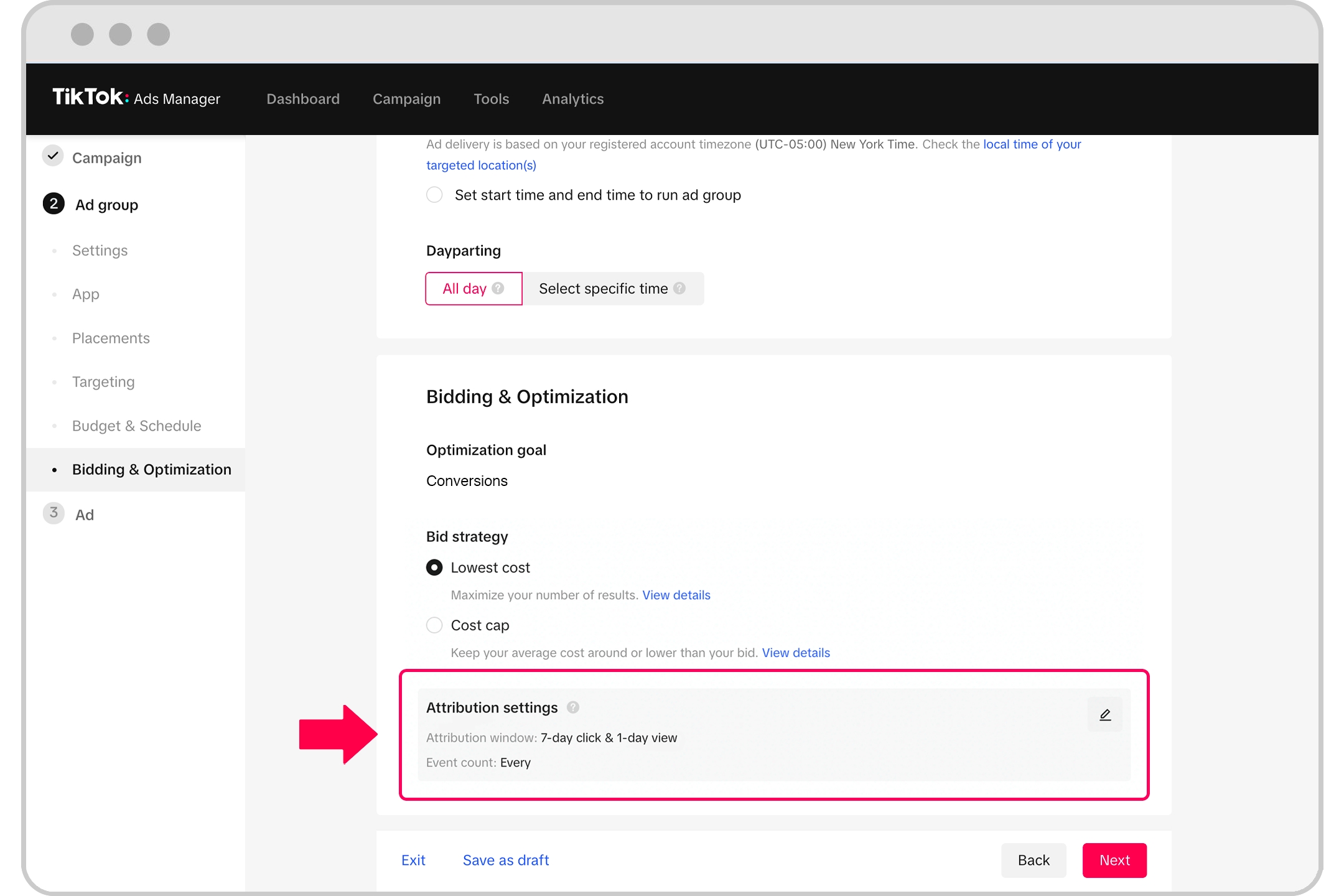
Once your campaign is created, you'll need to set up an ad group. An ad group allows you to further define your targeting, budget, and ad formats. Here's what to do:
- From the campaign page, click on "Ad Groups" and then "Create Ad Group."
- Define your ad group by selecting specific targeting options, such as location, age range, and interests.
- Set your bid strategy. You can choose between manual bidding or automated bidding based on your preferences.
- Decide on your ad format. TikTok offers several ad formats, including in-feed ads, brand takeovers, and video ads.
Designing Your TikTok Ad

Now that your campaign and ad group are set up, it's time to design your actual ad. Here are some key steps to follow:
- Upload your video or image. Make sure it's high-quality and relevant to your target audience.
- Add captions and text overlays to enhance engagement.
- Include royalty-free music or sound effects to make your ad more appealing.
- Use hashtags to increase visibility. Choose relevant and trending hashtags that align with your content.
- Add a call-to-action (CTA) to encourage viewers to engage with your ad, such as "Shop Now" or "Learn More."
Optimizing Your TikTok Ads
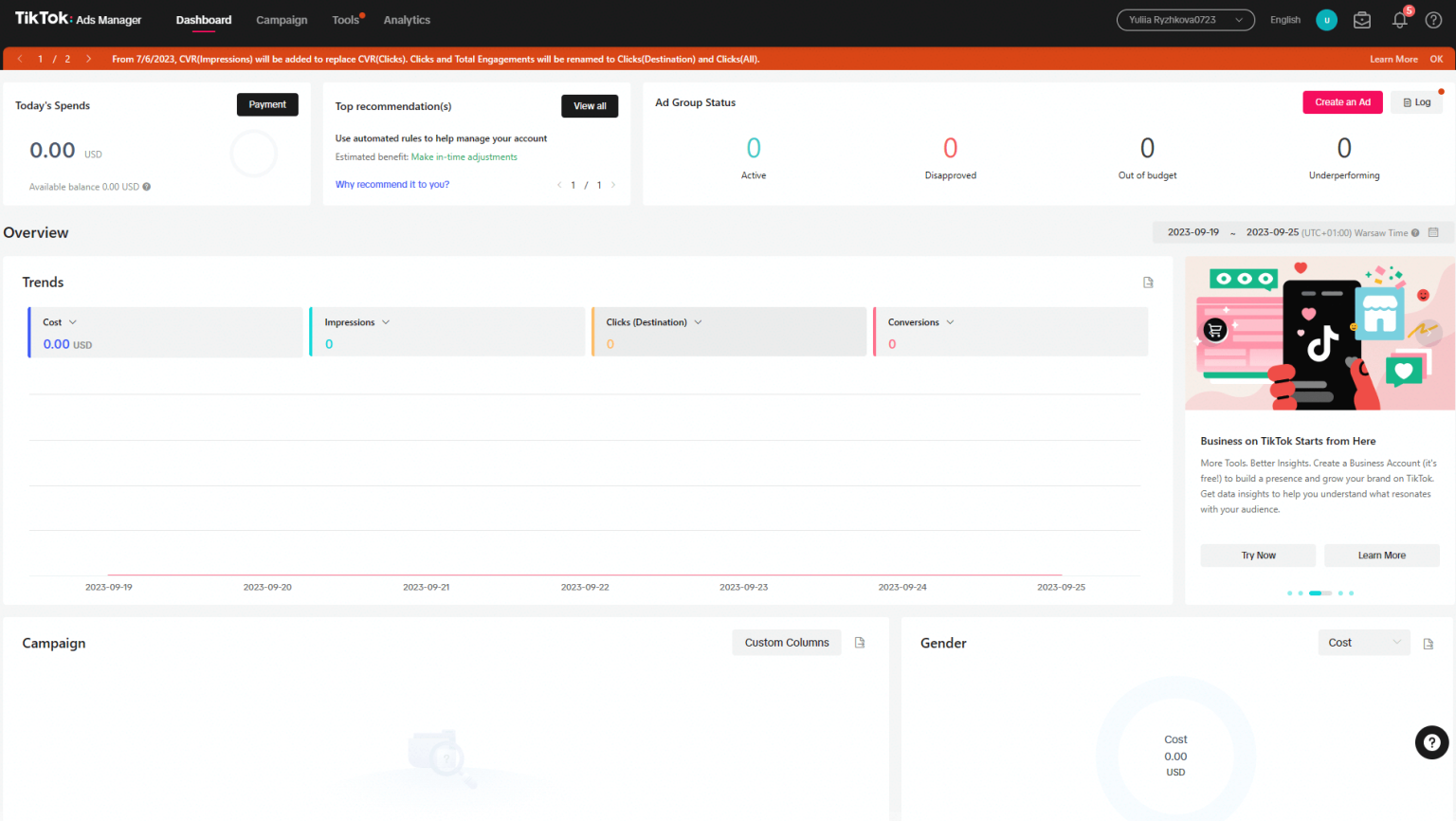
Creating a TikTok ad is just the beginning. To ensure your ads perform well, consider these optimization tips:
- Use Relevant Tracking Links: Include tracking links in your ads to monitor user behavior and measure the effectiveness of your campaigns.
- Create Engaging Content: Focus on creating content that resonates with your audience. High-quality videos that tell a story or provide value tend to perform better.
- Promote on Other Platforms: Share your TikTok ads on other social media platforms to reach a wider audience.
- Leverage Hashtags: Use a mix of popular and niche-specific hashtags to increase the visibility of your ads.
- Consider In-Stream Ads: If you have a strong brand presence, in-stream ads can be an effective way to reach your audience.
Conclusion
Creating TikTok ads doesn't have to be complicated, even for beginners. By following this step-by-step tutorial, you can set up your account, create a campaign, and design engaging ads that resonate with your target audience. Remember, the key to success on TikTok is consistency, creativity, and a deep understanding of your audience. With the right approach, you can turn your TikTok ads into a powerful tool for growth and brand awareness.

Posting Komentar untuk "How to Create TikTok Ads: A Step-by-Step Tutorial for Beginners"
Posting Komentar