
How to Create TikTok Shop Ads in 2024: A Step-by-Step Tutorial

TikTok has evolved from a platform for short-form videos into a powerful tool for e-commerce, especially with the introduction of TikTok Shop. As of 2024, TikTok Shop has become a go-to platform for businesses looking to sell products directly within the app. One of the most effective ways to drive sales on TikTok is through TikTok Shop ads. These ads allow you to reach a vast audience and convert them into customers. In this article, we’ll walk you through how to create TikTok Shop ads in 2024.
Understanding TikTok Shop Ads
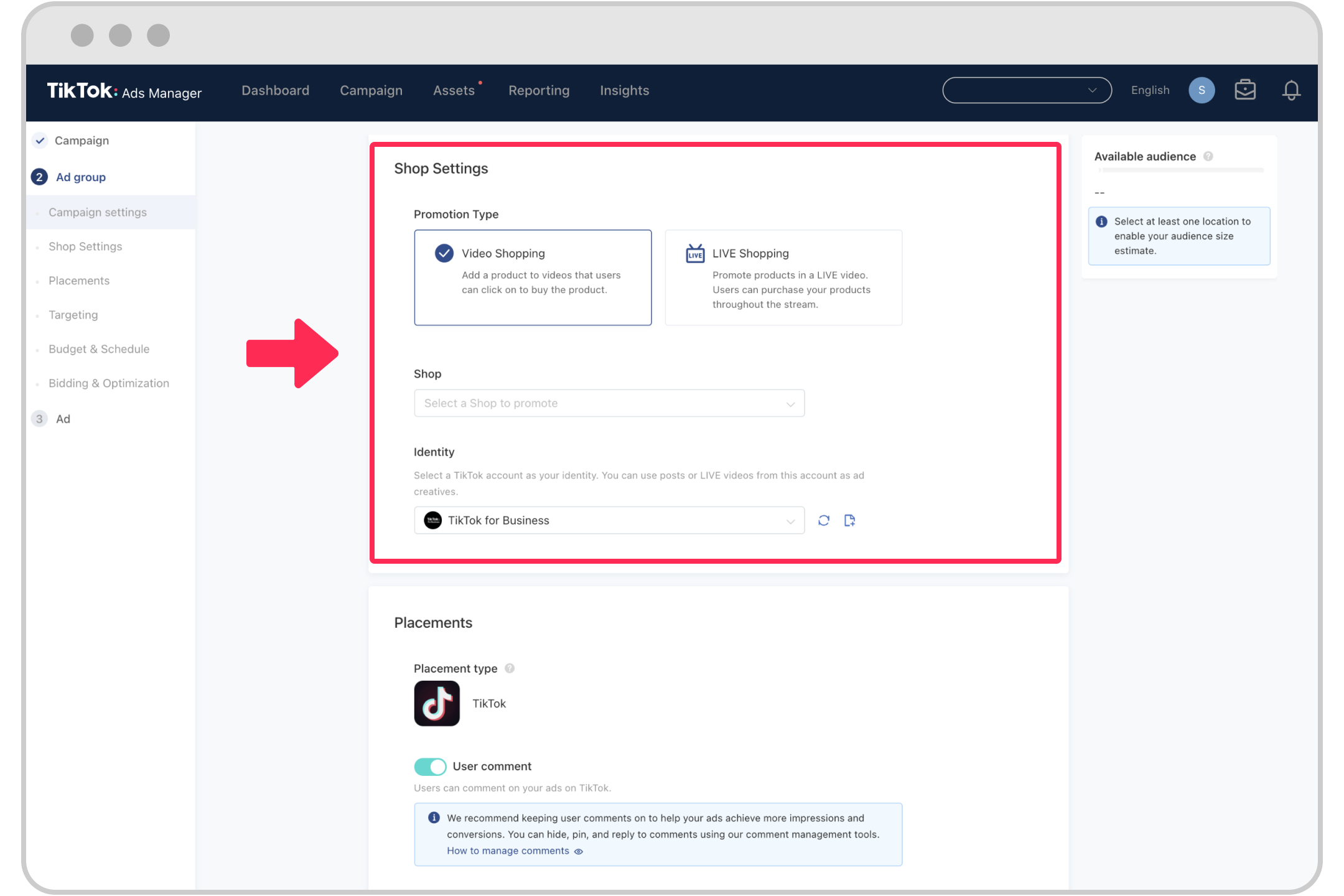
TikTok Shop ads are video-based advertisements that appear in users’ feeds or within TikTok Shop itself. They can be used to showcase products, promote limited-time offers, or drive traffic to your online store. Unlike traditional TikTok videos, these ads are paid promotions that help you target specific audiences based on demographics, interests, and behaviors.
Key Features of TikTok Shop Ads:
- Targeted advertising: Reach users who match your ideal customer profile.
- Product showcases: Highlight your products with high-quality visuals and descriptions.
- Call-to-action (CTA) buttons: Encourage users to "Shop Now" or "Learn More."
- Performance tracking: Monitor metrics like clicks, views, and conversions.
Step-by-Step Guide to Creating TikTok Shop Ads in 2024
Step 1: Set Up Your TikTok Shop Account
Before you can run ads, you need to have a TikTok Shop account. Here’s how to set it up:
- Open the TikTok app and tap on your profile icon.
- Tap on "Shop" and then select "Create Store."
- Choose the type of business you’re running (e.g., individual seller, company).
- Provide necessary documents such as your ID, business license, and bank details.
- Complete the verification process, which may take a few days.
Once your account is approved, you can start creating ads.
Step 2: Prepare Your Product Listings
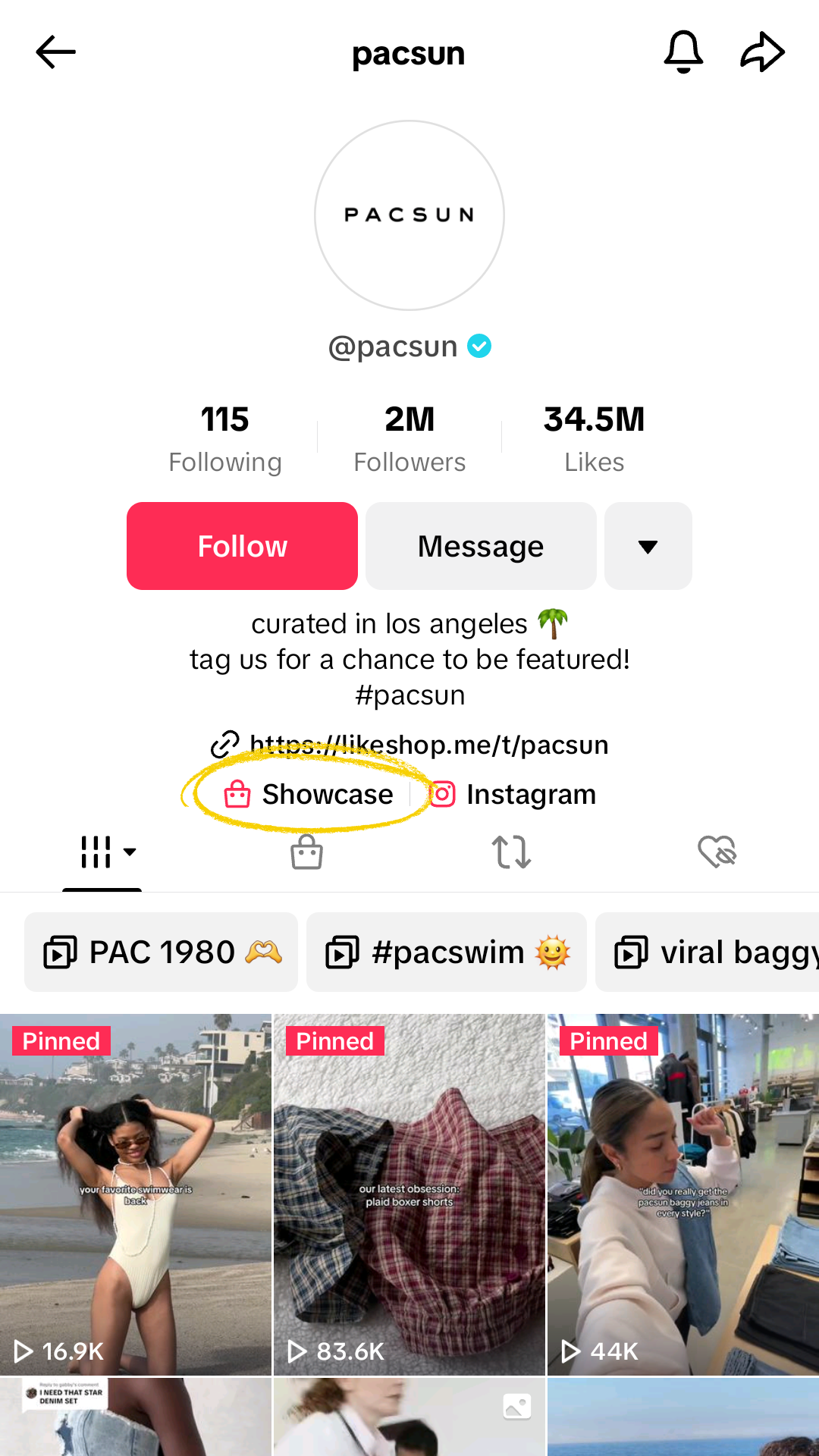
To create effective ads, you need to have well-organized product listings. Follow these steps:
- Go to the TikTok Shop Seller Center.
- Click on "Add Products" and choose how you want to add them:
- Manual Entry: Add each product one by one.
- Bulk Upload: Use a CSV file to upload multiple products at once.
- Sync with E-commerce Platforms: Connect your Shopify, Amazon, or other online stores.
- Fill in all the required details, including product titles, descriptions, prices, and images.
- Ensure your products are categorized correctly and optimized for search.
Step 3: Create Your Ad Campaign

Now that your products are ready, it’s time to create your ad campaign:
- Go to the TikTok Ads Manager (available via the TikTok app or the TikTok Business website).
- Select "Create Campaign" and choose the objective of your ad (e.g., brand awareness, conversion, traffic).
- Set your budget and schedule for the campaign.
- Choose your target audience based on factors like age, location, interests, and behavior.
- Select the format of your ad:
- Video Ad: A short video showcasing your product.
- Carousel Ad: Multiple images or videos in one ad.
- Collection Ad: A full-screen ad that displays multiple products.
Step 4: Design Your Ad Content

The content of your ad plays a crucial role in its success. Here are some tips:
- Use high-quality visuals: Ensure your product images or videos are clear and professional.
- Add a compelling call-to-action (CTA): Encourage viewers to click, shop, or learn more.
- Highlight key selling points: Focus on what makes your product unique.
- Keep it short and engaging: TikTok users prefer content that grabs attention quickly.
Step 5: Launch and Optimize Your Ad
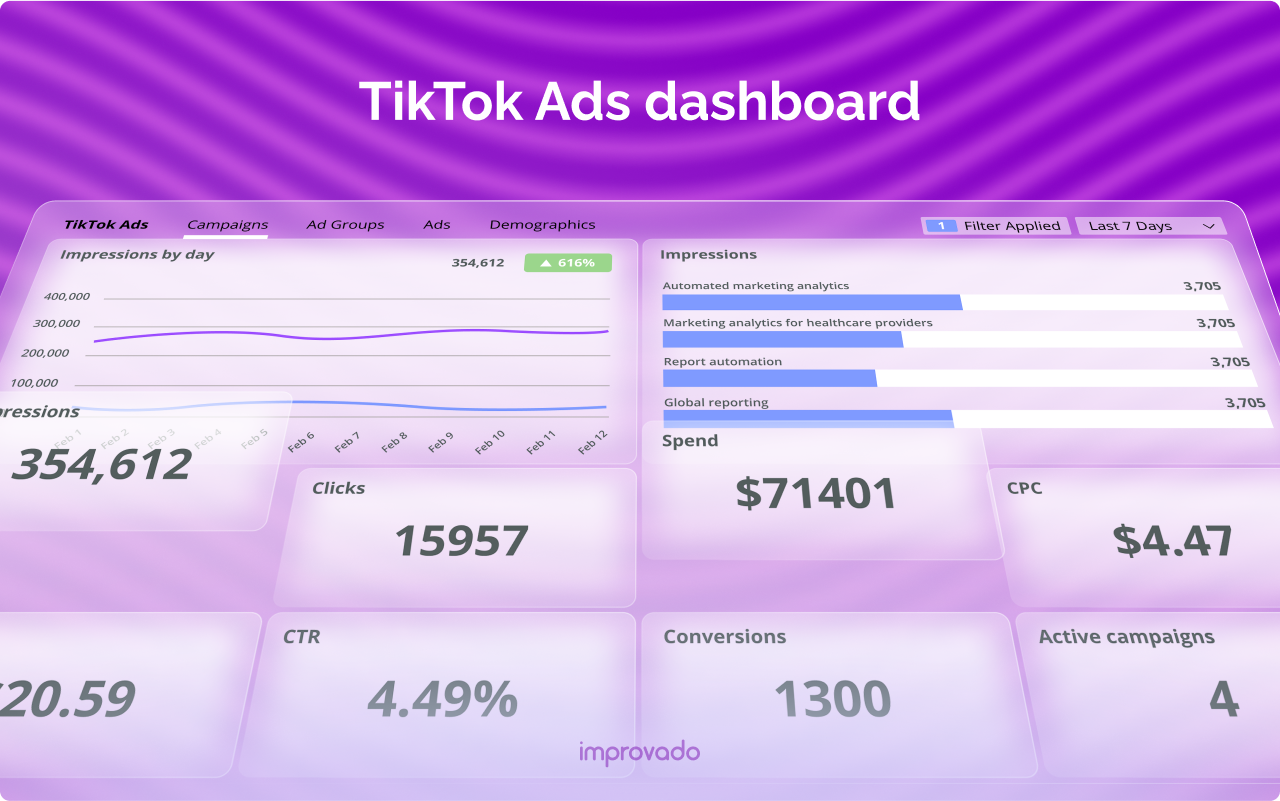
After designing your ad, it’s time to launch it:
- Review your ad to ensure all details are correct.
- Click "Publish" to launch your campaign.
- Monitor your ad performance using TikTok’s analytics tools.
- Adjust your targeting, budget, or content based on the results.
Some key metrics to track include: - Impressions: How many times your ad was shown. - Click-through rate (CTR): The percentage of users who clicked on your ad. - Conversion rate: The percentage of users who made a purchase after clicking.
Tips for Effective TikTok Shop Ads in 2024

Here are some additional tips to help you maximize the impact of your TikTok Shop ads:
1. Leverage Trends
Stay updated with the latest trends on TikTok and incorporate them into your ads. For example, use popular sounds, hashtags, or challenges to increase engagement.
2. Use User-Generated Content
Encourage your customers to share their experiences with your products. Reposting user-generated content can build trust and attract new customers.
3. Offer Limited-Time Promotions
Create urgency by offering exclusive deals or discounts for a limited time. This can drive immediate sales and encourage repeat purchases.
4. Collaborate with Influencers
Partner with TikTok influencers who align with your brand. Their endorsements can significantly boost your ad’s visibility and credibility.
5. Test Different Ad Formats
Experiment with different ad formats, such as video, carousel, or collection ads, to see which performs best for your products.
Conclusion

Creating TikTok Shop ads in 2024 is a powerful way to grow your business and reach a massive audience. By following the steps outlined above and leveraging TikTok’s advertising tools, you can effectively promote your products and drive sales. Remember to continuously analyze your ad performance and optimize your strategy for better results.
With the right approach, TikTok Shop ads can become a cornerstone of your digital marketing efforts in 2024.

Posting Komentar untuk "How to Create TikTok Shop Ads in 2024: A Step-by-Step Tutorial"
Posting Komentar