
How to Duplicate Campaigns in TikTok Ads Manager: A Step-by-Step Guide
TikTok has become a powerful platform for businesses to reach their target audience through engaging short-form video content. With over 1.6 billion active users globally, it's no wonder that many brands are leveraging TikTok Ads Manager to run effective advertising campaigns. One of the most useful features within TikTok Ads Manager is the ability to duplicate campaigns, which can save time and effort while allowing for testing and optimization.
In this guide, we’ll walk you through how to duplicate campaigns in TikTok Ads Manager, why it’s beneficial, and some best practices to keep in mind.
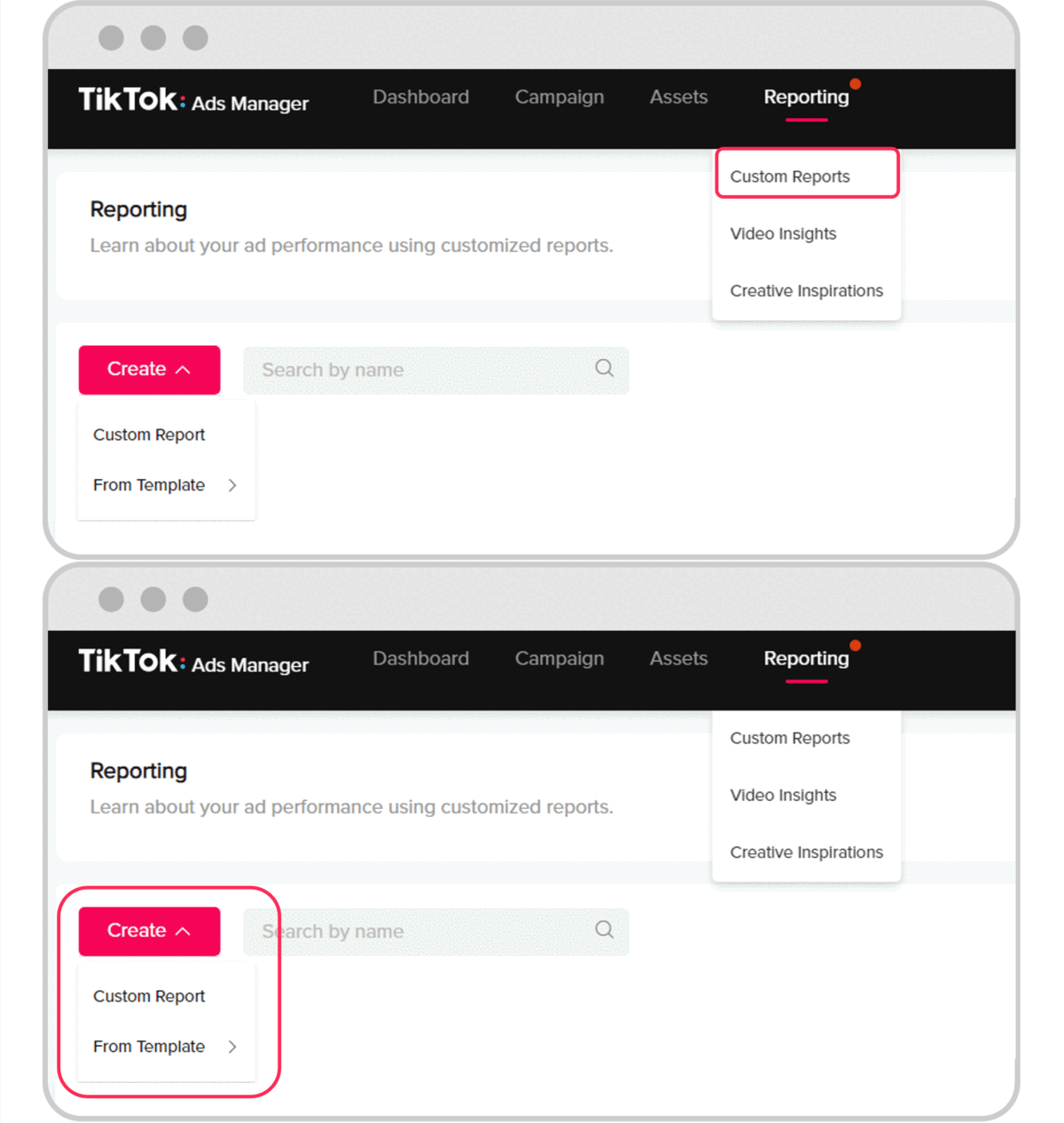
Why Duplicate Campaigns in TikTok Ads Manager?
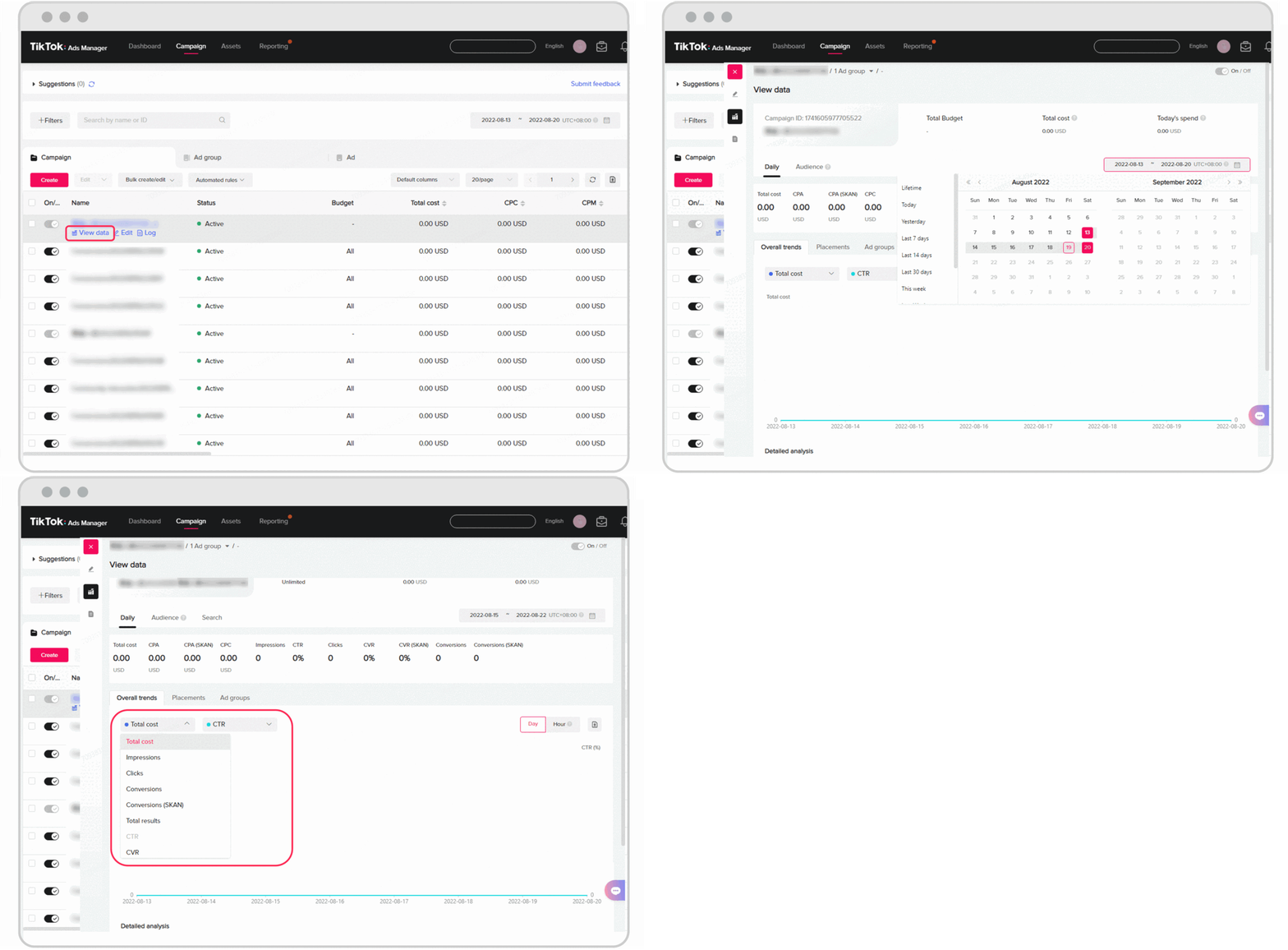
Duplicating campaigns in TikTok Ads Manager offers several advantages:
1. Save Time and Effort
Creating a new campaign from scratch can be time-consuming, especially if you have a complex setup with multiple ad groups and creative assets. Duplicating an existing campaign allows you to reuse the same settings, saving you valuable time.
2. Test Different Strategies
By duplicating a campaign, you can test different targeting options, bidding strategies, or creative assets without having to start over. This makes it easier to identify what works best for your audience.
3. Scale Successful Campaigns
If you have a campaign that's performing well, duplicating it is an efficient way to scale it up. You can increase the budget or adjust targeting to reach more users.
4. Experiment with Audience Segments
You can duplicate a campaign and modify the targeting settings to see how different audience segments respond. This helps you refine your strategy and improve overall performance.
How to Duplicate a Campaign in TikTok Ads Manager
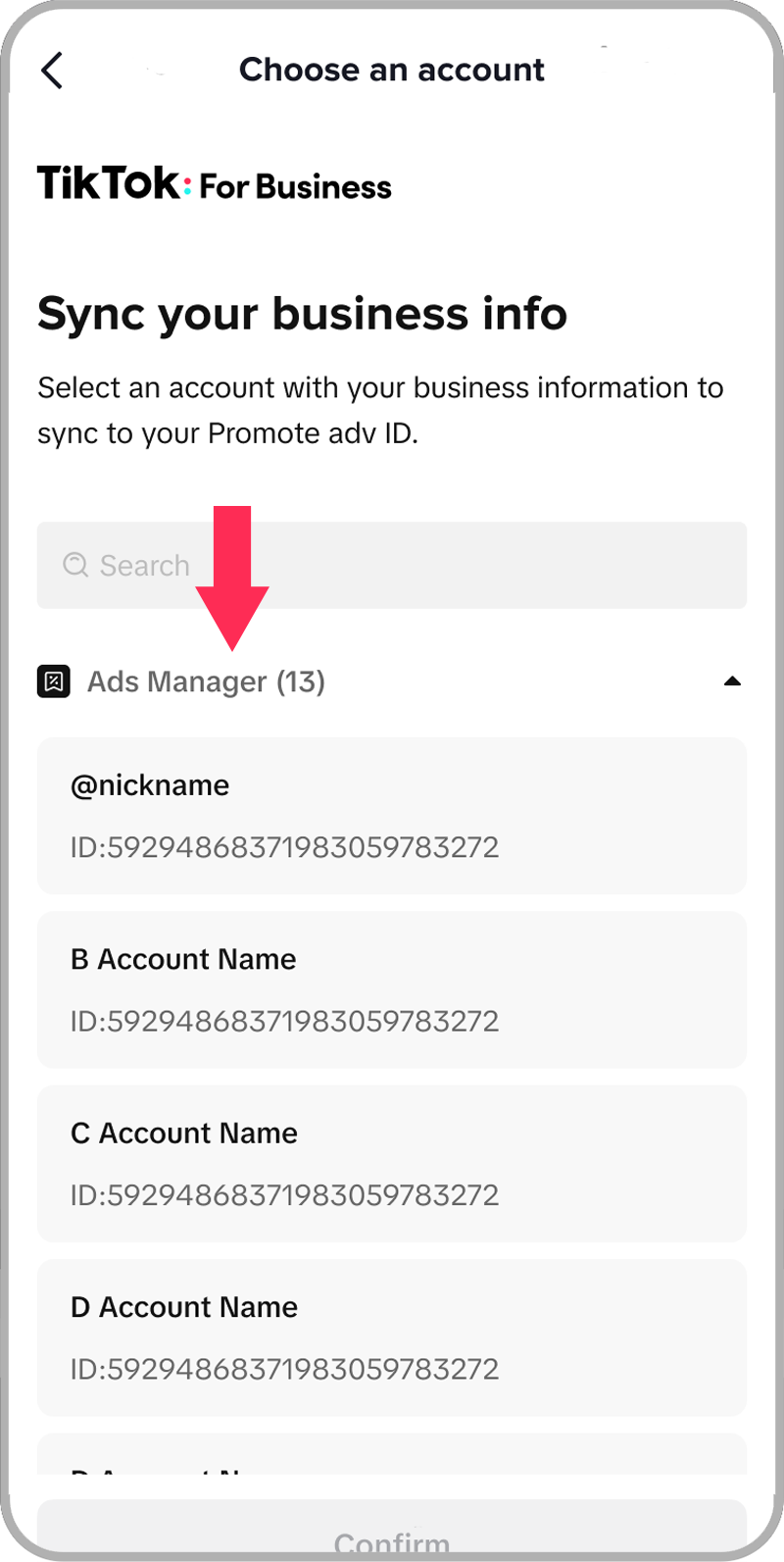
Follow these steps to duplicate a campaign in TikTok Ads Manager:
Step 1: Access TikTok Ads Manager
Log in to your TikTok Ads Manager account. Navigate to the Campaigns tab on the left-hand side of the dashboard.
Step 2: Select the Campaign to Duplicate
Click on the campaign you want to duplicate. This will open the campaign details page.
Step 3: Open the Ad Groups Tab
Go to the Ad Groups tab. Here, you'll find all the ad groups associated with the campaign.
Step 4: Choose the Ad Group to Duplicate
Click on the ad group that contains the ad you want to duplicate. Then, go to the Ads tab.
Step 5: Duplicate the Ad
Hover over the ad you want to duplicate and click the Actions drop-down menu. Select Duplicate from the list.
Step 6: Customize the New Ad
A new window will appear. You can choose the number of copies you want to create and make any necessary changes to the ad settings. Click Save when you're done.
Tips for Effective Campaign Duplication
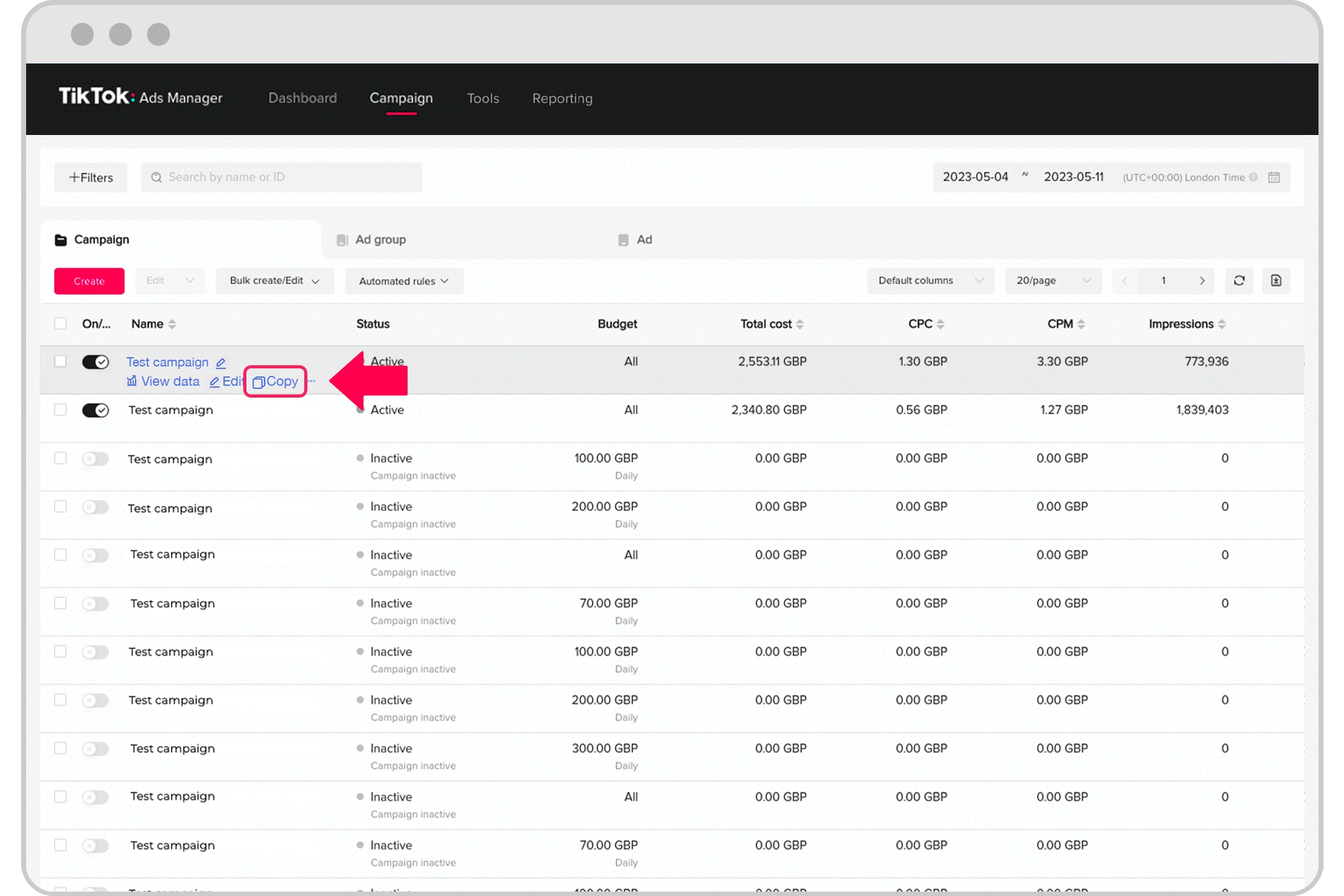
To get the most out of duplicating campaigns in TikTok Ads Manager, consider the following tips:
1. Change the Campaign Name
When you duplicate a campaign, the name remains the same by default. It's important to rename the duplicated campaign to something descriptive and unique. This helps you track your campaigns more effectively.
2. Review and Adjust Settings
Although the settings are copied, it's a good idea to review them and make any necessary adjustments. For example, you might want to change the budget, targeting options, or bidding strategy.
3. Duplicate Entire Ad Groups
Instead of duplicating individual ads, consider duplicating entire ad groups. This ensures that all the ads and settings in the group are copied, making it more efficient.
4. Avoid Over-Duplication
TikTok allows you to duplicate a campaign up to 20 times. Be mindful of this limit and avoid duplicating campaigns unnecessarily.
5. Track Performance
After duplicating a campaign, make sure to track its performance. Use TikTok Ads Manager's reporting tools to analyze metrics such as impressions, clicks, and conversions. This will help you determine which settings and strategies are most effective.
Conclusion
Duplicating campaigns in TikTok Ads Manager is a powerful tool that can help you save time, test different strategies, and scale successful campaigns. By following the step-by-step process outlined above and keeping the best practices in mind, you can make the most of this feature and achieve better results from your TikTok advertising efforts.
Whether you're a seasoned marketer or just starting out, mastering campaign duplication in TikTok Ads Manager is a valuable skill that can significantly enhance your advertising strategy. Start experimenting today and unlock the full potential of TikTok as a marketing platform.

Posting Komentar untuk "How to Duplicate Campaigns in TikTok Ads Manager: A Step-by-Step Guide"
Posting Komentar