
How to Get Access to TikTok Ads Manager and Manage Your Business Account
TikTok has become a powerful platform for businesses to reach their target audience through engaging content and targeted ads. However, managing access to TikTok Ads Manager and ensuring the right permissions are in place can be a bit confusing for new users. In this article, we’ll walk you through the process of getting access to TikTok Ads Manager and managing your business account effectively.
Understanding TikTok Access

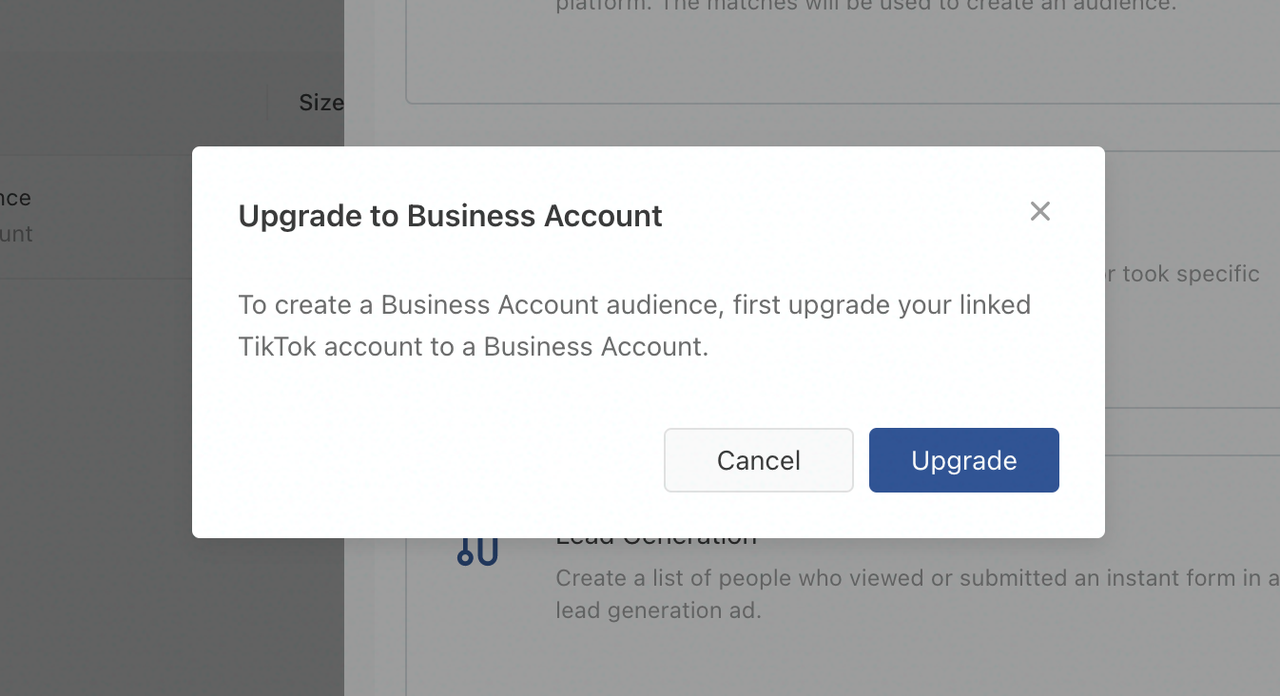
Before diving into the steps, it's essential to understand the difference between a TikTok account and a TikTok Business Center. Your TikTok account is where you post videos, interact with followers, and manage your profile. However, giving someone access to your TikTok account directly from the app isn't possible without sharing your password, which is not recommended for security reasons.
TikTok Business Center is a separate platform that allows you to manage permissions, assets, and ad accounts in one place. It’s the only secure way to grant access to your ad account or other business-related features without compromising your security.
What is TikTok Ads Manager?

TikTok Ads Manager is the platform where you create, manage, and analyze your TikTok ad campaigns. It allows advertisers to control budgets, set targeting, build creatives, and track performance. While it's a separate dashboard from your TikTok profile and Business Center, any access to your ad account must be managed through the Business Center.
TikTok Roles and Permissions
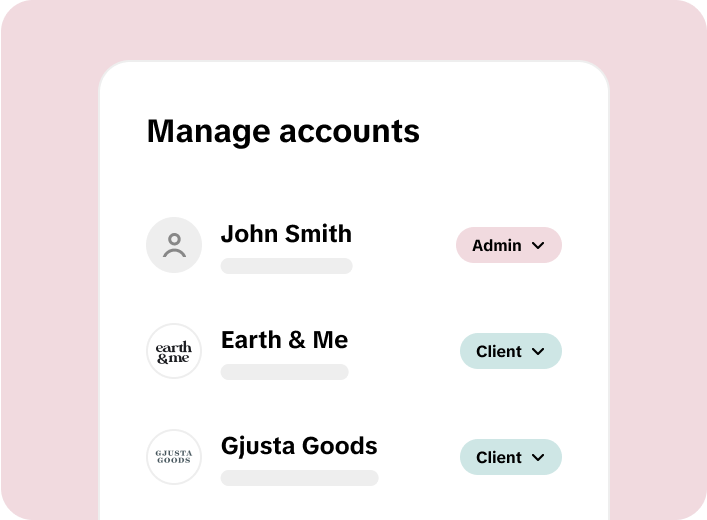
TikTok uses a two-layer permission system: Business Center roles and asset-level permissions. Understanding these roles is crucial when granting access to others.
TikTok Business Center Roles
- Admin: Has full control over the Business Center. Can add/remove members, manage partners, create ad accounts, assign access, handle security settings, etc.
- Standard: Can only access assets they're assigned to. Cannot manage members or settings.
- Finance Manager: Full control over billing, payments, and account balances.
- Finance Analyst: Can view and download financial data but cannot make changes.
Asset-Level Permissions
These permissions allow you to assign specific access to individual assets like ad accounts, pixels, audiences, and more.
For example, within an ad account, you might have: - Admin: Full control over Ads Manager. - Operator: Can create and manage campaigns and view performance data. - Analyst: View-only access to campaigns, reports, and performance.
Part 1: How to Give Access via the TikTok Business Center
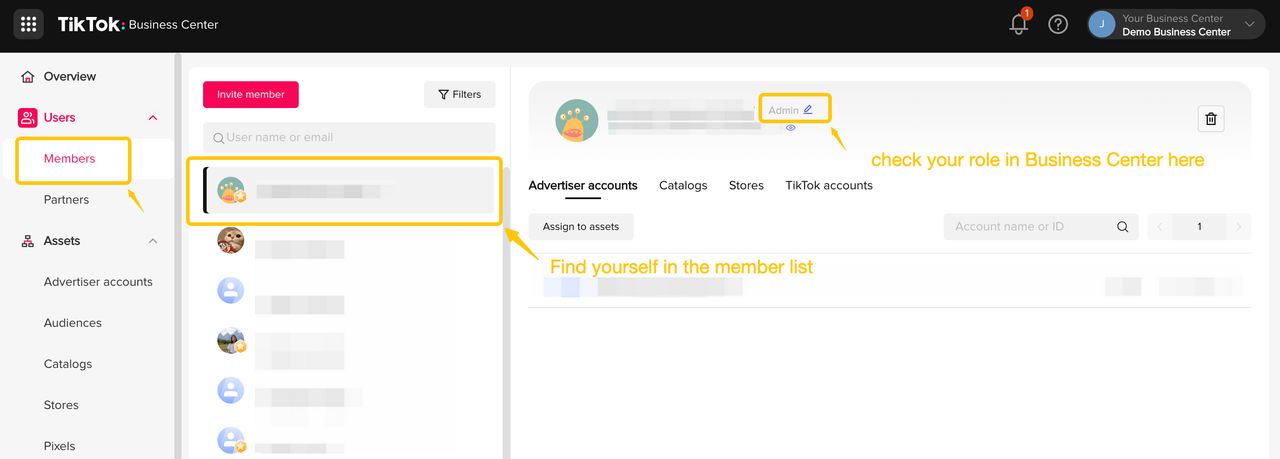
If you need to give access to individuals on your team, such as employees, freelancers, or consultants, follow these steps:
- Log in to your TikTok Business Center account.
- Click "Users" on the left-hand sidebar.
- Click "Add Members" to open the invitation window.
- Enter the email address of the person you want to add.
- Choose their Business Center role (Admin or Standard).
- Assign asset-level permissions based on their needs.
- Click "Save" to finish.
The user will receive an email invitation and must accept it to access anything.
Part 2: How to Give Access by Adding a TikTok Business Center Partner
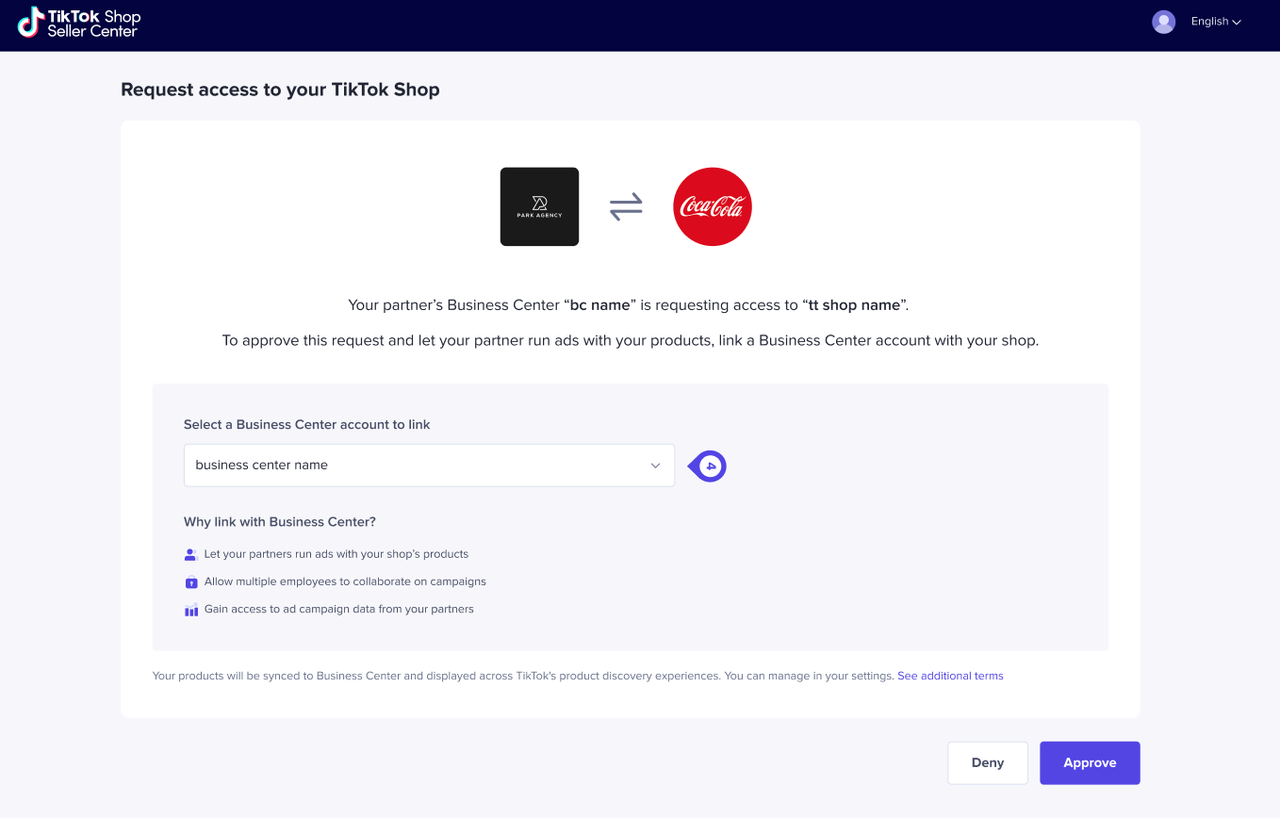
If you're working with an agency or another business, adding them as a Partner in the Business Center is the most efficient way to share access.
- Log in to your TikTok Business Center account.
- Click "Partners" on the left-hand menu.
- Click "Add a partner."
- Enter your partner’s Business Center ID.
- Choose which assets the partner can access.
- Click "Confirm."
Your partner will receive an invitation and can start working on the shared assets immediately.
Part 3: How to Request Access via the TikTok Business Center
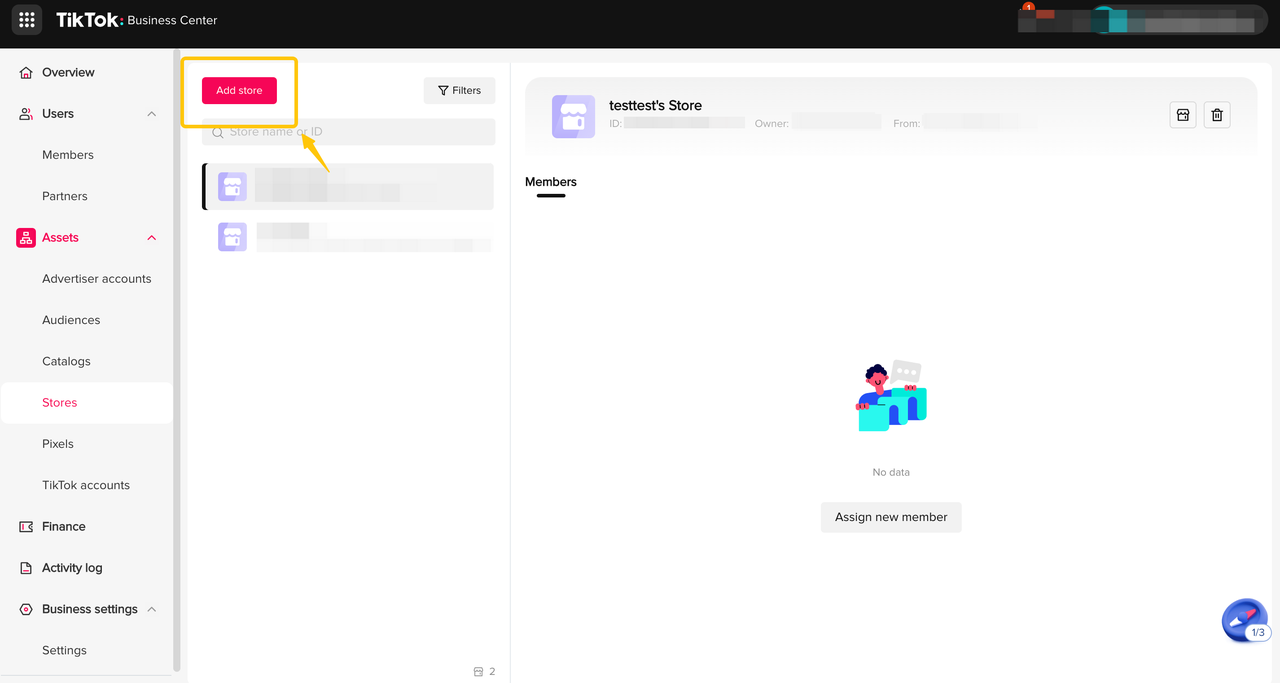
If you need to request access to a TikTok Ad Account or TikTok account, follow these steps:
- Log in to your TikTok Business Center account.
- Click "Accounts" > "Advertiser Accounts."
- Select "Request Access" and enter the client’s Ad Account ID.
- Choose the permission level you want to request.
- Submit the request.
The ad account owner will receive a notification and must approve the request manually before you can access anything.
Part 4: How to Request Access Using Leadsie

For agencies, requesting access can be time-consuming. Leadsie simplifies the process by allowing you to send a custom link to your client, who can then approve the access directly.
- Send your client your custom Leadsie access link.
- Wait for them to grant you access.
- Leadsie automatically connects you to their Business Center and assigns the right ad account permissions.
This method eliminates the need for clients to navigate complex systems or provide sensitive information like Ad Account IDs.
Conclusion
Managing access to TikTok Ads Manager and your business account requires understanding the different tools and permissions available. By using the TikTok Business Center, you can securely grant access to individuals or organizations, ensuring that your business operations remain efficient and protected. Whether you're an agency onboarding a new client or a business owner managing your team, following these steps will help you streamline the process and maintain control over your digital presence on TikTok.

Posting Komentar untuk "How to Get Access to TikTok Ads Manager and Manage Your Business Account"
Posting Komentar