
How to Manage Billing for TikTok Ads: A Step-by-Step Guide
TikTok has become a powerful platform for businesses to reach new audiences and drive sales. However, managing billing for TikTok Ads can be complex, especially for those new to the platform. Understanding how to navigate the TikTok Ads Manager and handle billing effectively is crucial for maximizing your ad spend and ensuring smooth operations.
Understanding TikTok Ads Manager Billing
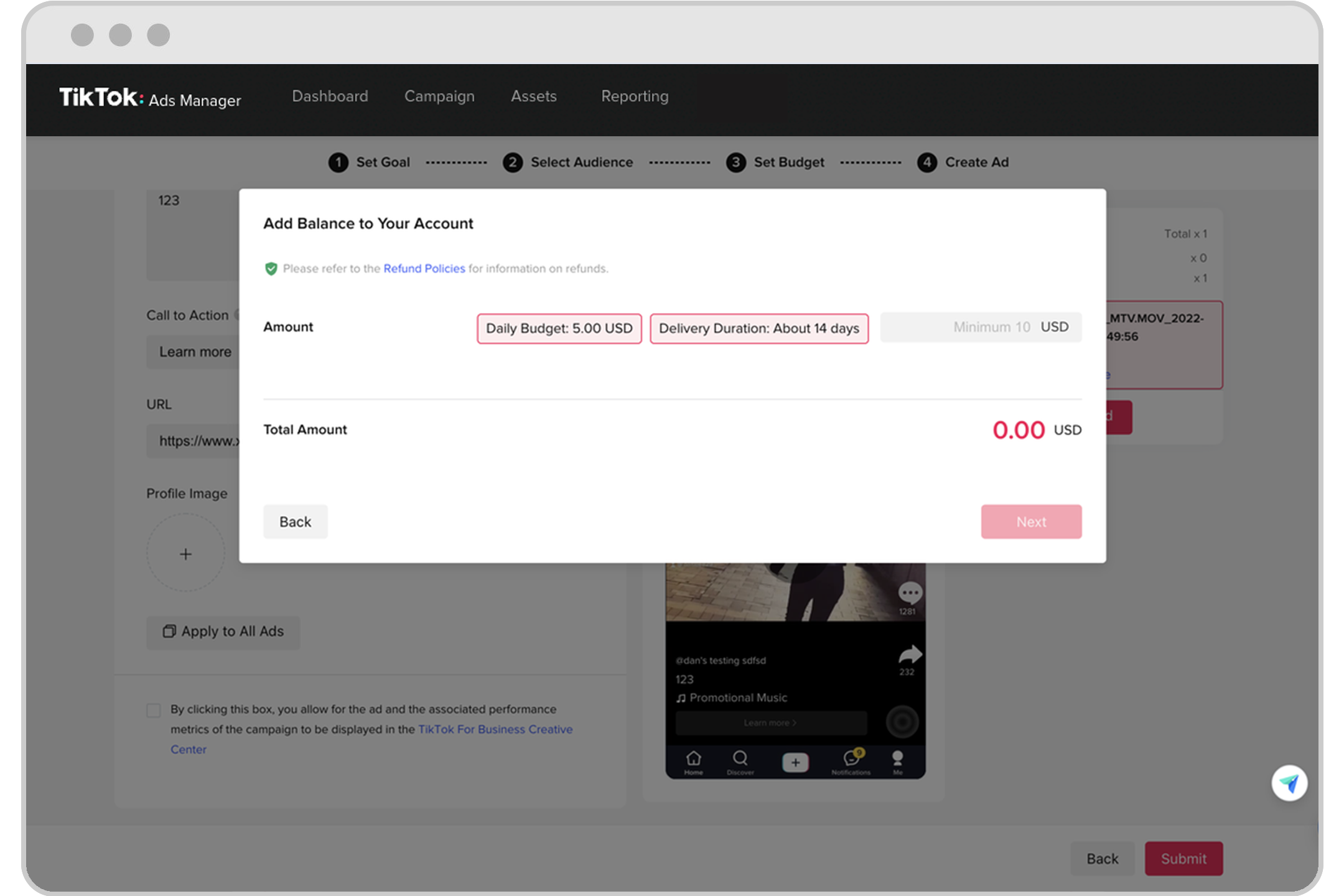
The TikTok Ads Manager is the central hub where you create, manage, and track your advertising campaigns. One of the key components of this platform is billing management, which involves setting up payment methods, monitoring expenses, and ensuring that your ads are funded properly.
Key Elements of TikTok Ads Manager Billing
- Payment Methods: You must add a valid payment method (e.g., credit card) to your account to run ads.
- Billing Information: Accurate billing details, including your address and contact information, are required during account setup.
- Ad Budgets: You can set daily or lifetime budgets for your campaigns.
- Invoice Management: TikTok provides invoices for your ad spend, which can be useful for accounting purposes.
Step-by-Step Guide to Managing TikTok Ads Billing
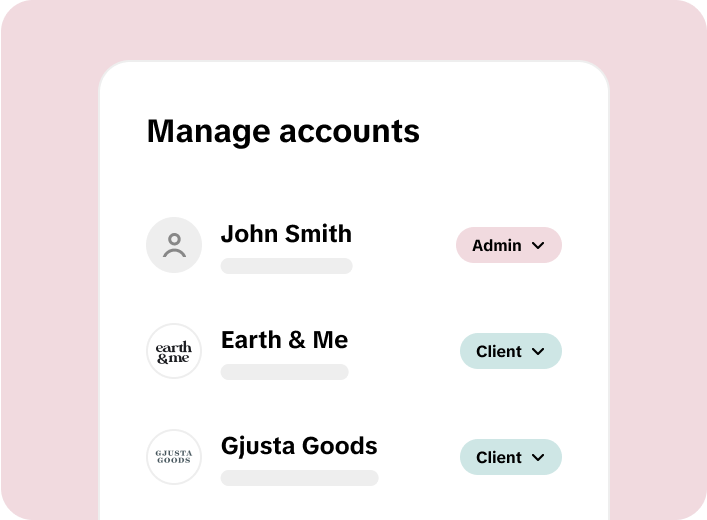
1. Create Your TikTok Business Center
Before you can manage billing for TikTok Ads, you need to set up a TikTok Business Center account. This is the first step in accessing the Ads Manager.
- Go to the TikTok Business Center and click "Create Your TikTok Business Center."
- Enter your email address and create a password.
- Complete the email verification process by entering the code sent to your inbox.
- Select your industry (e.g., e-commerce) and fill out your business information, including your name, phone number, country, and currency.
2. Set Up Payment Methods
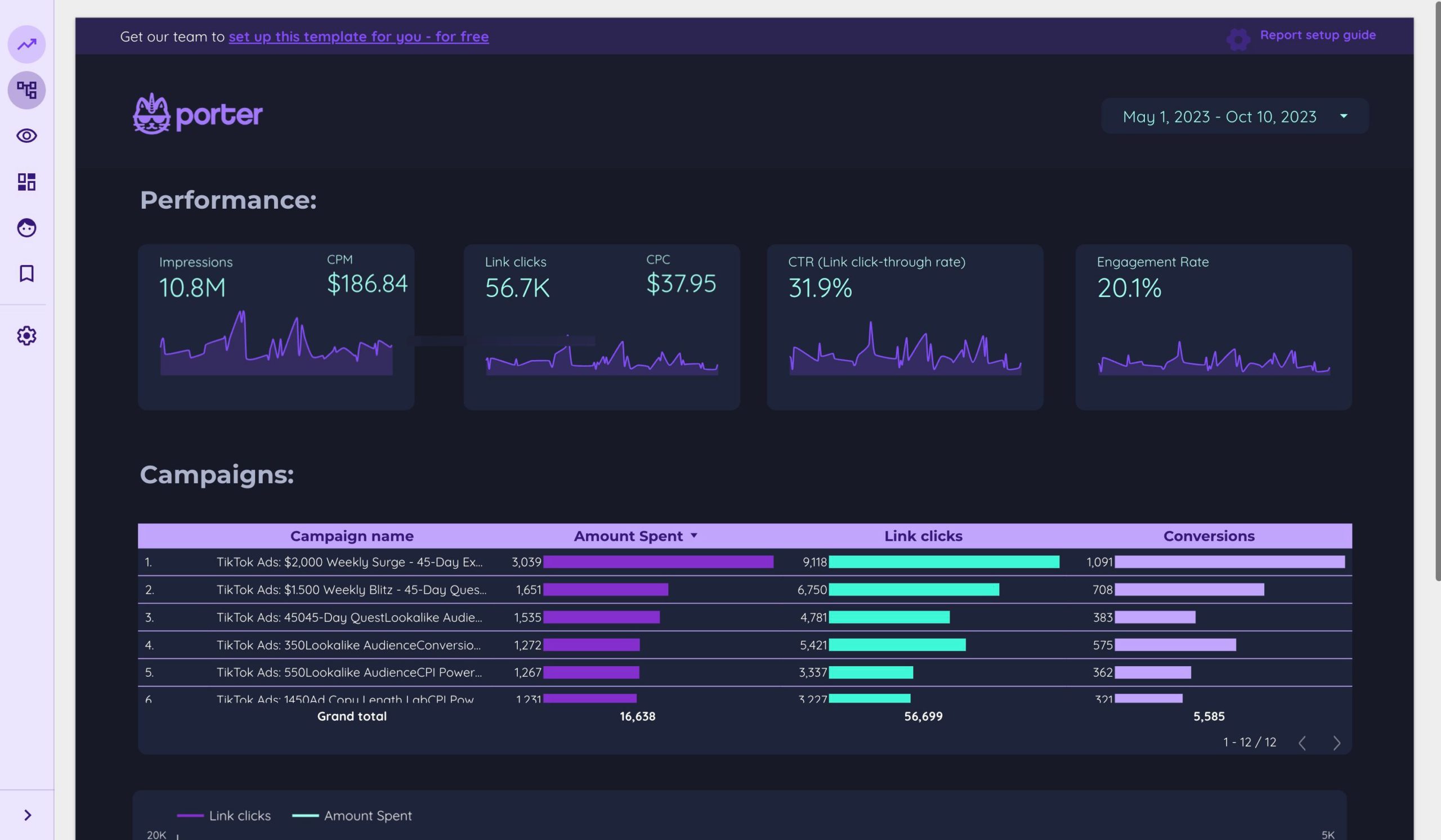
Once your business center is created, you’ll need to add a payment method to fund your ads.
- Navigate to the Payment Settings section in the TikTok Ads Manager.
- Add your preferred payment method (credit card, bank transfer, etc.).
- Ensure that the billing information matches the details provided during account setup.
3. Configure Ad Campaigns with Budgets
After setting up your payment method, you can start creating ad campaigns.
- Go to the Campaigns section in the Ads Manager.
- Click "Create New Ad" and choose your campaign objective (e.g., traffic, conversions, brand awareness).
- Set your budget (daily or lifetime) and select your target audience.
- Choose your ad format (e.g., video, image, carousel).
4. Monitor and Adjust Billing
Once your campaigns are running, it’s important to monitor your spending and adjust your budgets as needed.
- Use the Performance Reports feature to track your ad spend and ROI.
- Adjust your bids or budgets based on performance data.
- Consider using Auto-Bidding to let TikTok optimize your ad delivery automatically.
5. Review Invoices and Expenses

TikTok provides detailed invoices for your ad spend, which can be accessed through the Billing History section.
- Check your invoice history regularly to ensure accuracy.
- Export invoices for accounting or tax purposes.
- Contact TikTok support if you notice any discrepancies.
Tips for Effective Billing Management
1. Keep Payment Methods Updated
Ensure that your payment method is always valid and up to date. If your card expires or is declined, your ads may stop running until the issue is resolved.
2. Set Realistic Budgets
Start with a small budget to test your campaigns and gradually increase it as you see positive results. Avoid overspending on unproven ad creatives.
3. Track Performance Metrics
Use TikTok’s analytics tools to track key metrics such as cost per click (CPC), cost per conversion (CPA), and return on ad spend (ROAS). These metrics will help you optimize your campaigns and improve your return on investment.
4. Leverage Auto-Bidding
Auto-bidding allows TikTok to automatically adjust your bids based on your campaign goals. This can help you achieve better results without constant manual adjustments.
5. Stay Informed About TikTok’s Policies
TikTok occasionally updates its billing policies and ad guidelines. Stay informed about these changes to avoid any disruptions in your ad campaigns.
Common Issues and Solutions
1. Payment Method Declined
If your payment method is declined, check the following: - Ensure the card is valid and has sufficient funds. - Verify that the billing address matches the one on file. - Contact your bank to resolve any issues.
2. Ads Not Running
If your ads are not running, check: - Whether your payment method is active. - If your campaign has reached its budget limit. - If your ad has been approved by TikTok.
3. Billing Discrepancies
If you notice discrepancies in your billing, contact TikTok support immediately. Provide any relevant details, such as the date of the transaction and the amount involved.
Conclusion
Managing billing for TikTok Ads requires careful planning and ongoing monitoring. By following the steps outlined in this guide, you can ensure that your ad campaigns run smoothly and efficiently. Remember to keep your payment methods updated, track your performance metrics, and stay informed about TikTok’s policies. With the right approach, TikTok Ads can become a valuable tool for driving growth and achieving your marketing goals.

Posting Komentar untuk "How to Manage Billing for TikTok Ads: A Step-by-Step Guide"
Posting Komentar