
How to Master Audience Segmentation in TikTok Ads Manager for Effective Campaigns
TikTok has evolved from a platform for viral dances and short-form entertainment into a powerful marketing tool for brands. With over 1 billion active users, it's no surprise that businesses are leveraging TikTok Ads Manager to reach their target audiences. However, the key to success lies in audience segmentation—a strategy that allows you to tailor your ads to specific groups of users, increasing relevance, engagement, and conversion rates.
In this article, we'll explore how to master audience segmentation in TikTok Ads Manager, ensuring your campaigns are not only seen but also resonate with the right people.
Understanding Audience Segmentation in TikTok Ads Manager
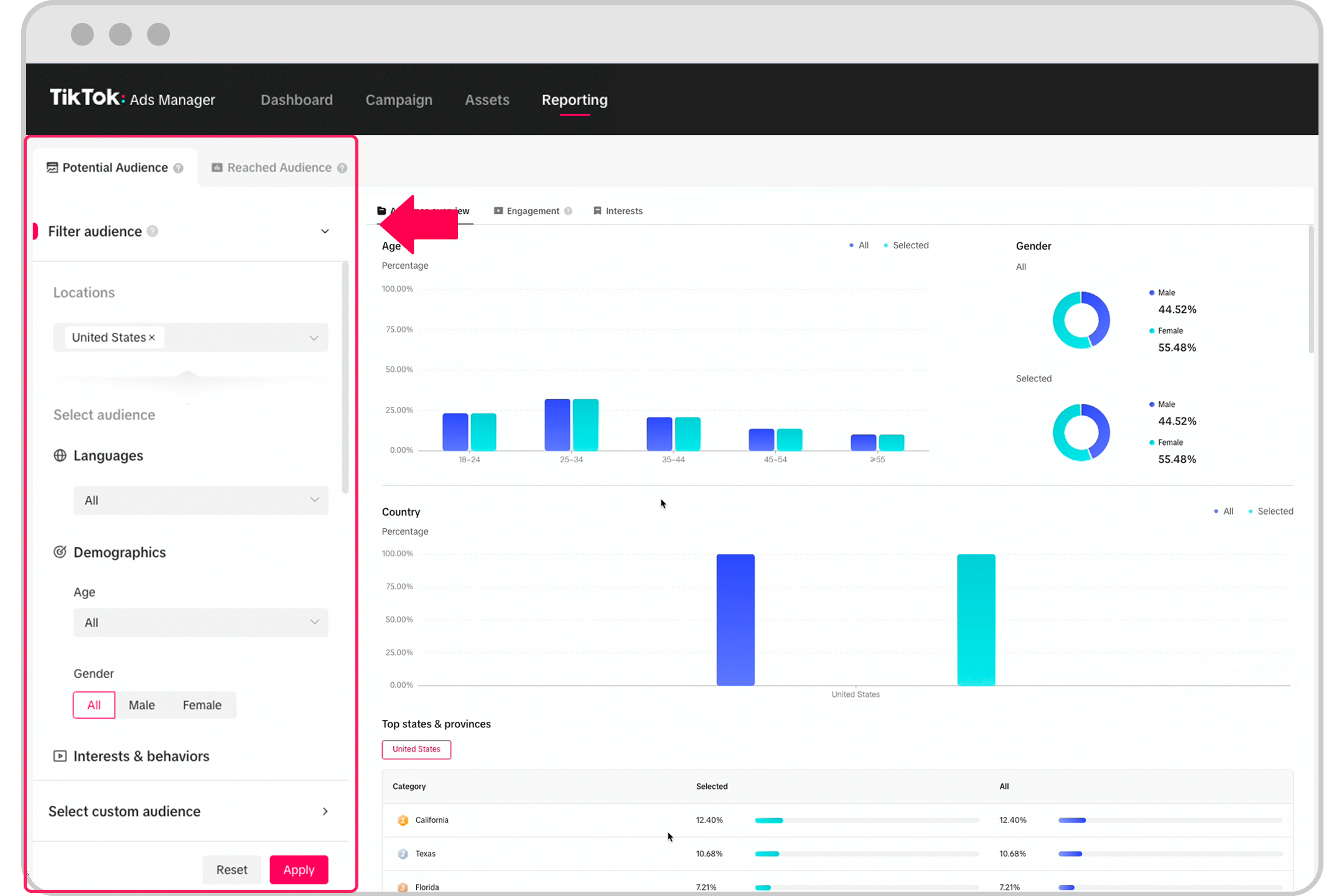
Audience segmentation is the process of dividing your target market into smaller, more manageable groups based on shared characteristics such as demographics, interests, behaviors, or even purchasing habits. On TikTok, this means using the platform’s advanced targeting tools to create highly specific ad groups that align with your brand’s goals.
The benefits of effective audience segmentation include:
- Higher engagement: Ads tailored to specific groups are more likely to be clicked, liked, or shared.
- Better ROI: Targeting the right audience reduces wasted ad spend and increases the likelihood of conversions.
- Improved user experience: Users are more likely to appreciate content that speaks directly to their interests.
Step-by-Step Guide to Audience Segmentation in TikTok Ads Manager
1. Define Your Campaign Goals
Before diving into audience segmentation, clearly define what you want to achieve with your campaign. Are you looking to increase brand awareness, drive sales, or generate leads? Your goals will determine the type of audience you should target.
- Brand Awareness: Focus on broad, interest-based segments.
- Sales: Target users who have shown intent to purchase (e.g., those who have visited your website or engaged with similar products).
- Lead Generation: Target users who are likely to engage with your content and provide contact information.
2. Use Demographic Targeting
TikTok Ads Manager allows you to segment your audience by age, gender, location, and language. This is especially useful if your product or service is targeted at a specific demographic.
- Age: Choose the age range that best fits your audience (e.g., 18–34 for Gen Z-focused products).
- Gender: Select based on the gender of your target audience.
- Location: Target users in specific regions or cities where your product is available.
- Language: Ensure your ads are shown to users who speak the language of your content.
3. Leverage Interest-Based Targeting
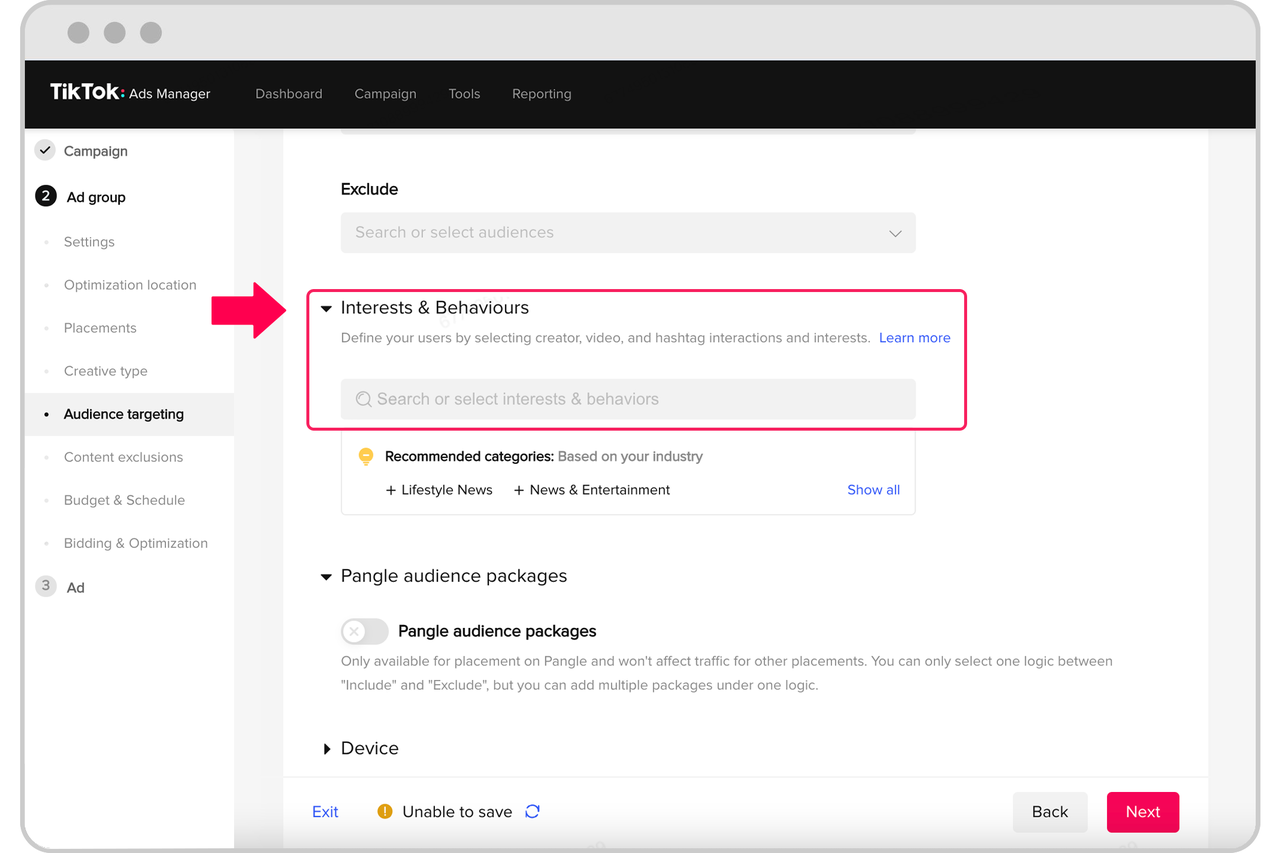
TikTok’s algorithm is built around user interests, making interest-based targeting one of the most effective ways to reach your audience. You can select topics, hashtags, or even specific creators that align with your brand.
- Topics: Choose from a list of trending topics or niche interests relevant to your product.
- Hashtags: Target users who engage with specific hashtags related to your industry.
- Creators: Promote your ads alongside creators whose content resonates with your target audience.
4. Utilize Behavioral Targeting
Behavioral targeting allows you to reach users based on their actions on TikTok, such as:
- Engagement: Target users who have interacted with similar content (e.g., likes, comments, shares).
- Purchasing Behavior: Reach users who have previously purchased from your brand or similar products.
- Device Usage: Target users based on the type of device they use (e.g., mobile, desktop).
5. Create Custom Audiences
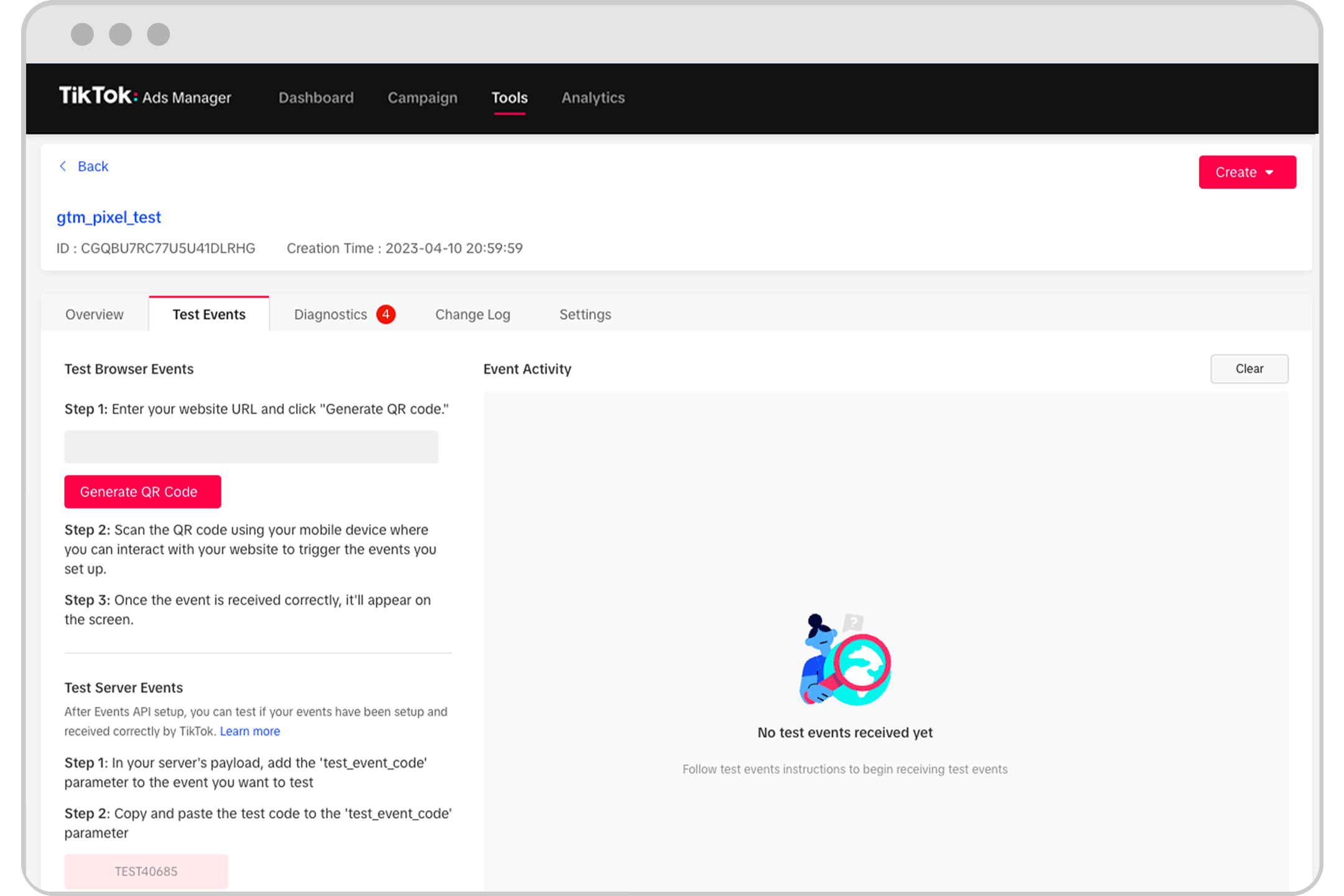
Custom audiences allow you to upload your own customer data to target users who have already engaged with your brand. This is ideal for retargeting campaigns or promoting new products to existing customers.
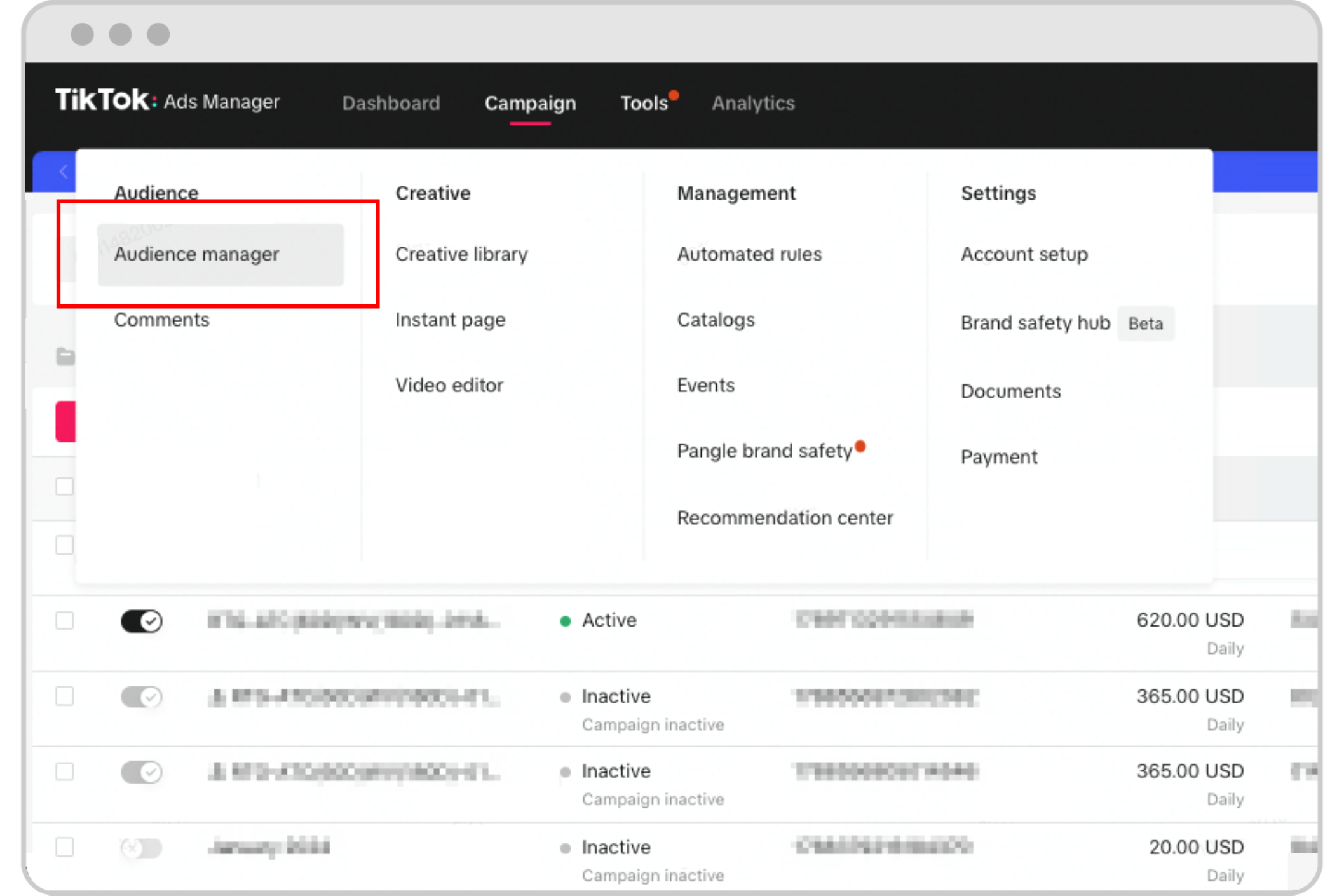
- Upload Contact Lists: Use email addresses or phone numbers to target users who have previously interacted with your brand.
- Website Visitors: Retarget users who have visited your website but haven’t made a purchase.
- App Users: Target users who have downloaded and used your app.
6. Test and Refine
Once your audience segments are set up, it's time to test different variations of your ads to see which ones perform best. Use A/B testing to compare different creatives, headlines, or calls-to-action.
- A/B Testing: Run two versions of an ad to determine which one generates better engagement.
- Performance Metrics: Track metrics like click-through rate (CTR), conversion rate, and cost per acquisition (CPA) to refine your targeting.
Best Practices for Effective Audience Segmentation
- Start Broad, Then Narrow Down: Begin with a wide audience and gradually narrow down based on performance data.
- Use Multiple Segments: Don’t rely on a single segment. Test different combinations to find what works best.
- Stay Updated on Trends: TikTok trends change rapidly, so keep an eye on what’s popular and adjust your targeting accordingly.
- Combine Segments: Use a mix of demographic, interest, and behavioral targeting for maximum impact.
Conclusion
Mastering audience segmentation in TikTok Ads Manager is essential for creating effective, high-performing campaigns. By understanding your audience and using the platform’s advanced targeting tools, you can ensure your ads are seen by the right people at the right time.
Remember, the key to success on TikTok is relevance. The more personalized your ads are, the more likely users will engage with them. So, take the time to segment your audience carefully, test different strategies, and continuously refine your approach.
With the right audience segmentation strategy, your TikTok ads can become a powerful tool for driving growth, engagement, and conversions.

Posting Komentar untuk "How to Master Audience Segmentation in TikTok Ads Manager for Effective Campaigns"
Posting Komentar