
How to Master TikTok Ads Manager Settings: A Complete Guide
TikTok has become a dominant force in the digital advertising landscape, offering businesses a unique platform to reach a vast and engaged audience. For those looking to harness the power of TikTok for their marketing efforts, mastering the TikTok Ads Manager settings is essential. This guide will walk you through the key aspects of setting up and managing your TikTok ad campaigns effectively.
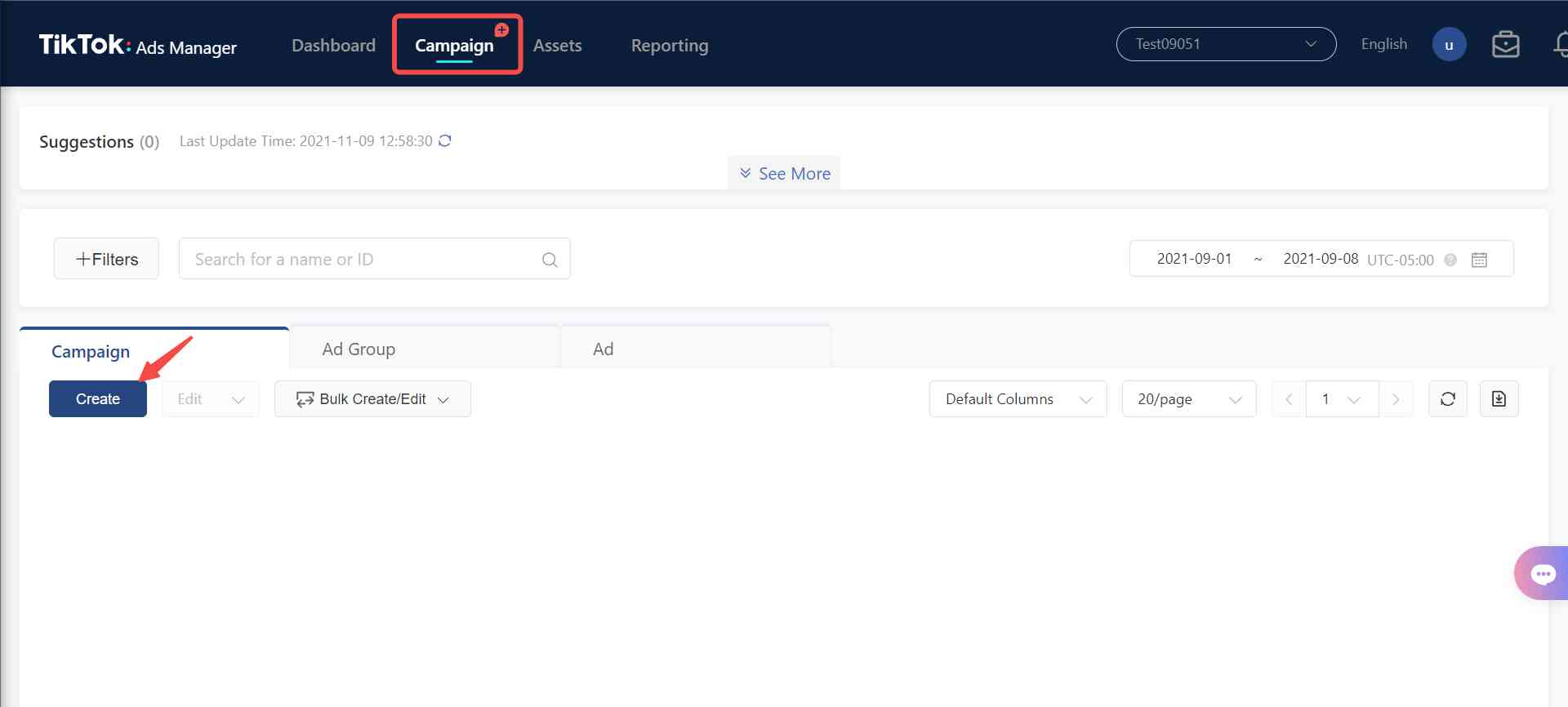
Understanding TikTok Ads Manager
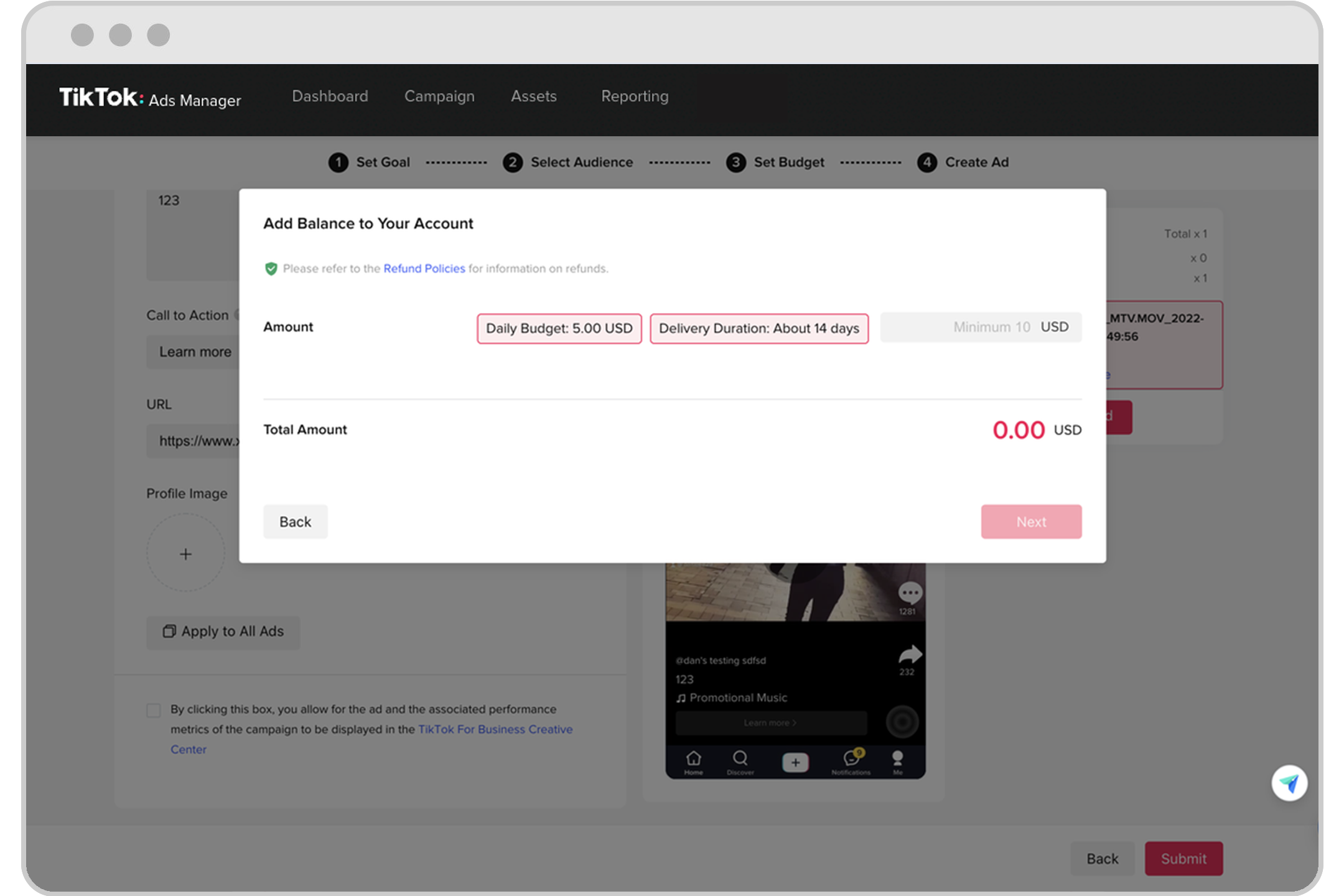
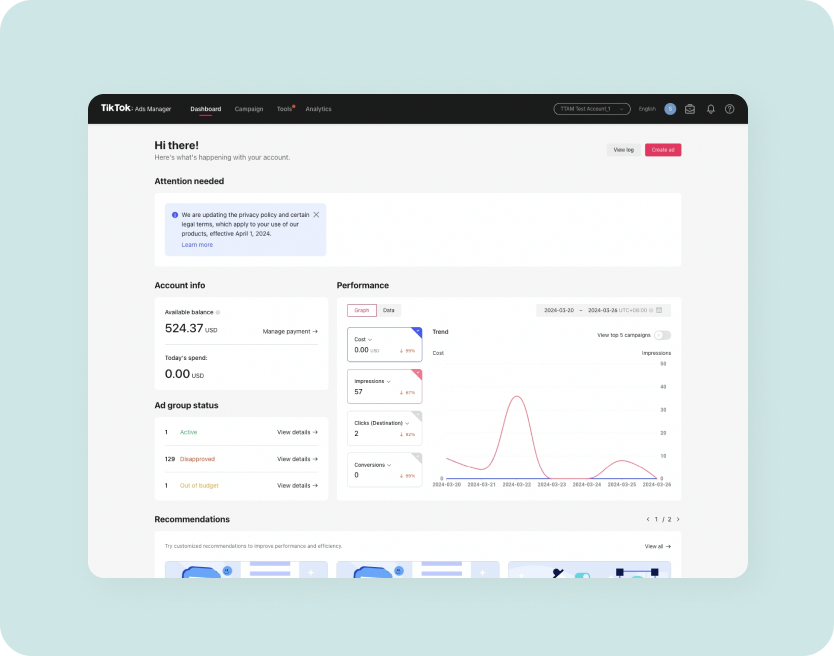
TikTok Ads Manager is the central hub where advertisers can create, manage, and monitor their ad campaigns. It provides a range of tools and features that allow users to target specific audiences, set budgets, and track performance metrics. To start using TikTok Ads Manager, you first need to create an ad account. Self-serve customers should refer to the Business Help Center article for guidance on setting up their accounts. If you need to manage multiple ad accounts, your sales representative will assist you through the process.
Setting Up Your Ad Account
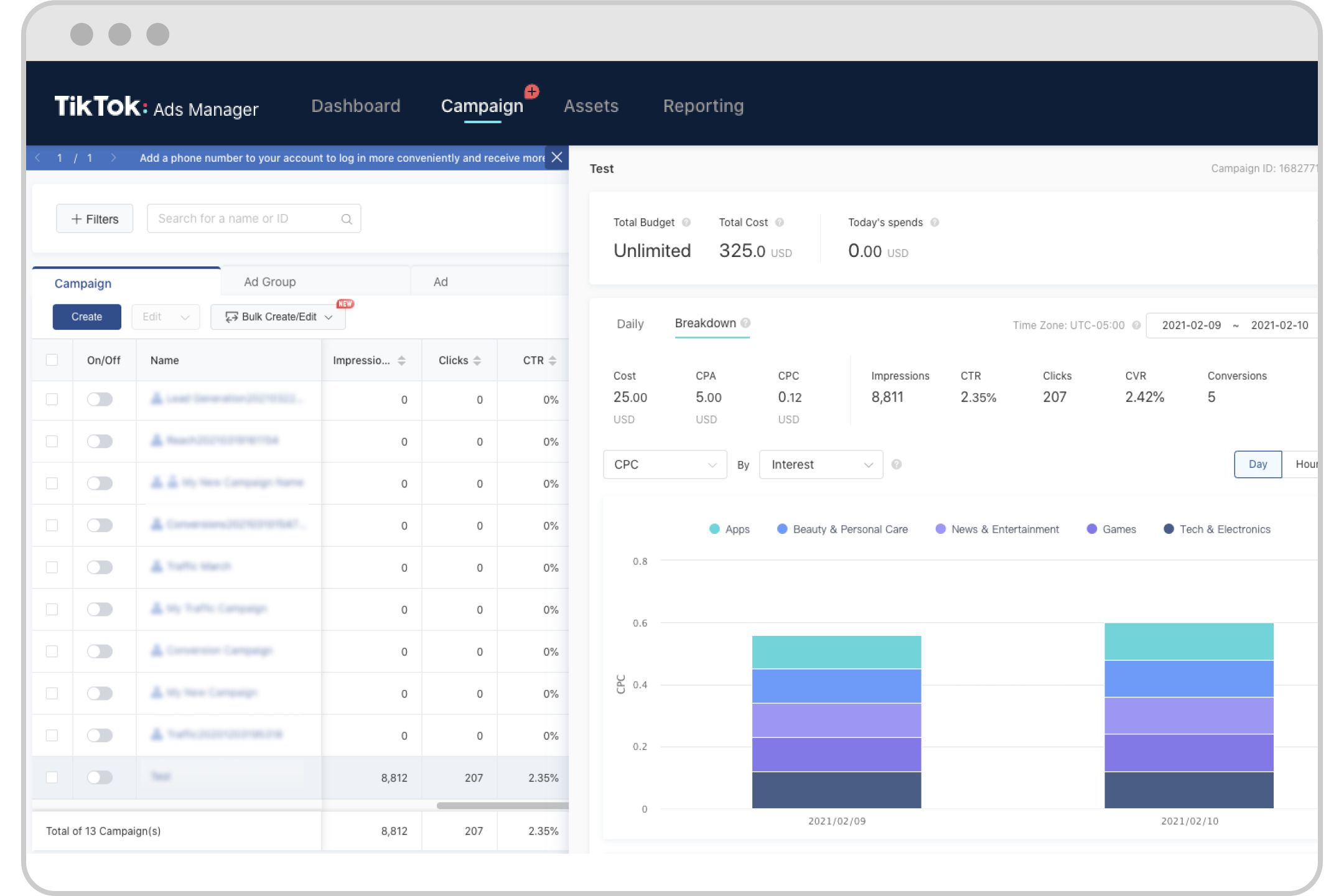
Once you have created an ad account, you can begin setting up your first campaign. The initial steps involve choosing your campaign objective, such as brand awareness, traffic, conversions, or app installs. Each objective comes with its own set of targeting options and optimization strategies. It's important to select the right objective based on your business goals.
Targeting Options and Audience Segmentation
One of the most powerful features of TikTok Ads Manager is its advanced targeting capabilities. You can segment your audience based on various factors, including:
- Demographics: Age, gender, and location.
- Interests: Topics and hobbies that align with your brand.
- Behaviors: User activity and engagement patterns.
- Custom Audiences: Upload your existing customer data to target similar users.
By leveraging these targeting options, you can ensure that your ads reach the right people at the right time.
Ad Formats and Creative Tools

TikTok offers a variety of ad formats to suit different campaign objectives. These include:
- In-Feed Ads: These appear within the user's feed and are designed to blend seamlessly with organic content.
- Branded Effects: Interactive filters and lenses that allow users to engage with your brand in a fun and creative way.
- Sponsored Challenges: Encourage user-generated content by creating challenges that align with your brand message.
TikTok also provides a range of creative tools to help you design engaging ads. These include templates, effects, and music libraries that can be used to create visually appealing content.
Budgeting and Bidding Strategies
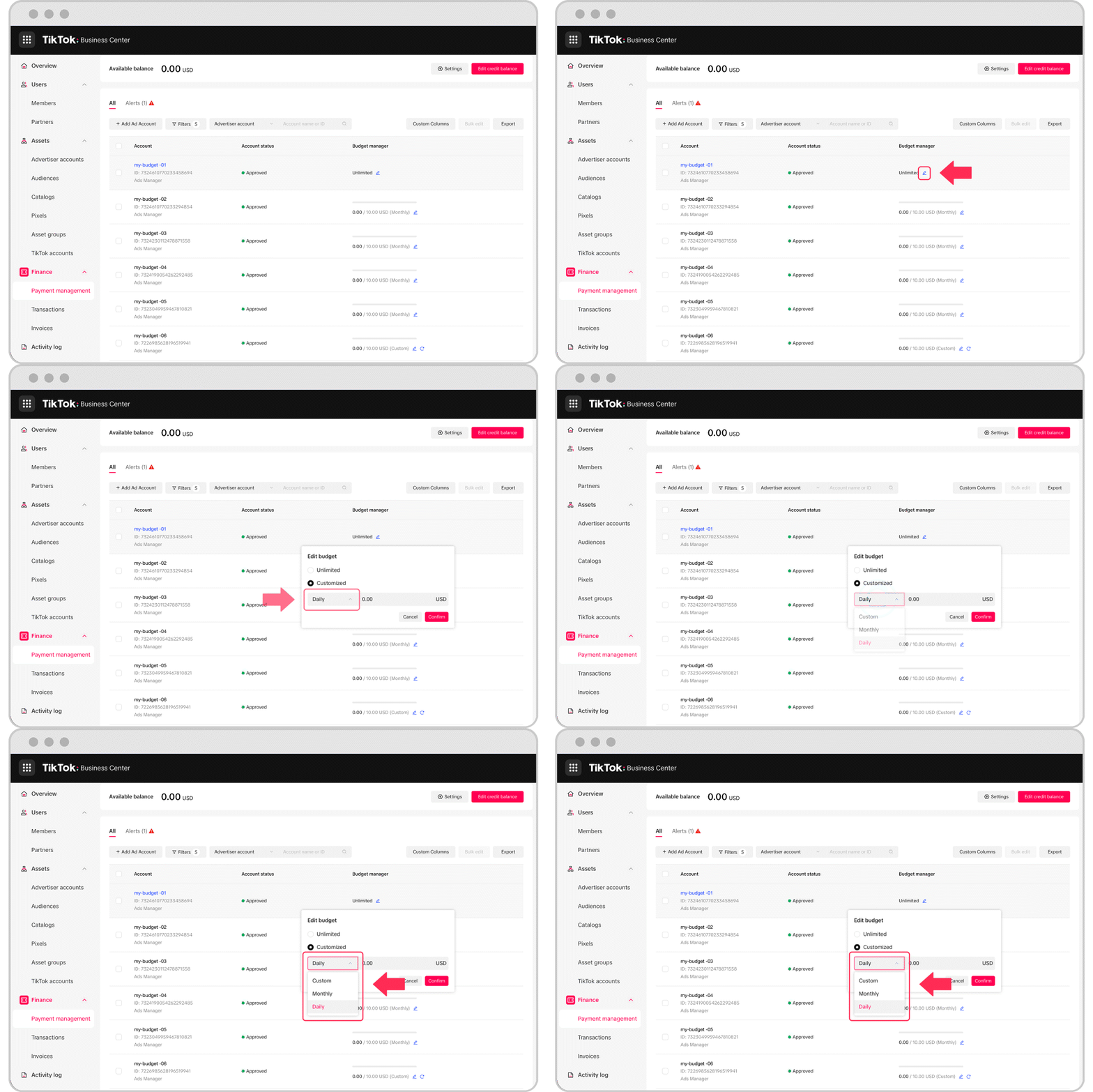
Setting the right budget and bidding strategy is crucial for the success of your TikTok ad campaigns. TikTok uses a bidding system where advertisers compete for ad placements. Here are some key considerations:
- Bidding Model: Higher bids may result in better placement but can also increase costs. It's important to balance your bid with your budget.
- Budget Allocation: Decide how much you're willing to spend on each campaign and adjust as needed based on performance.
- Optimization: Monitor your campaign performance and make adjustments to improve ROI.
Analytics and Performance Tracking
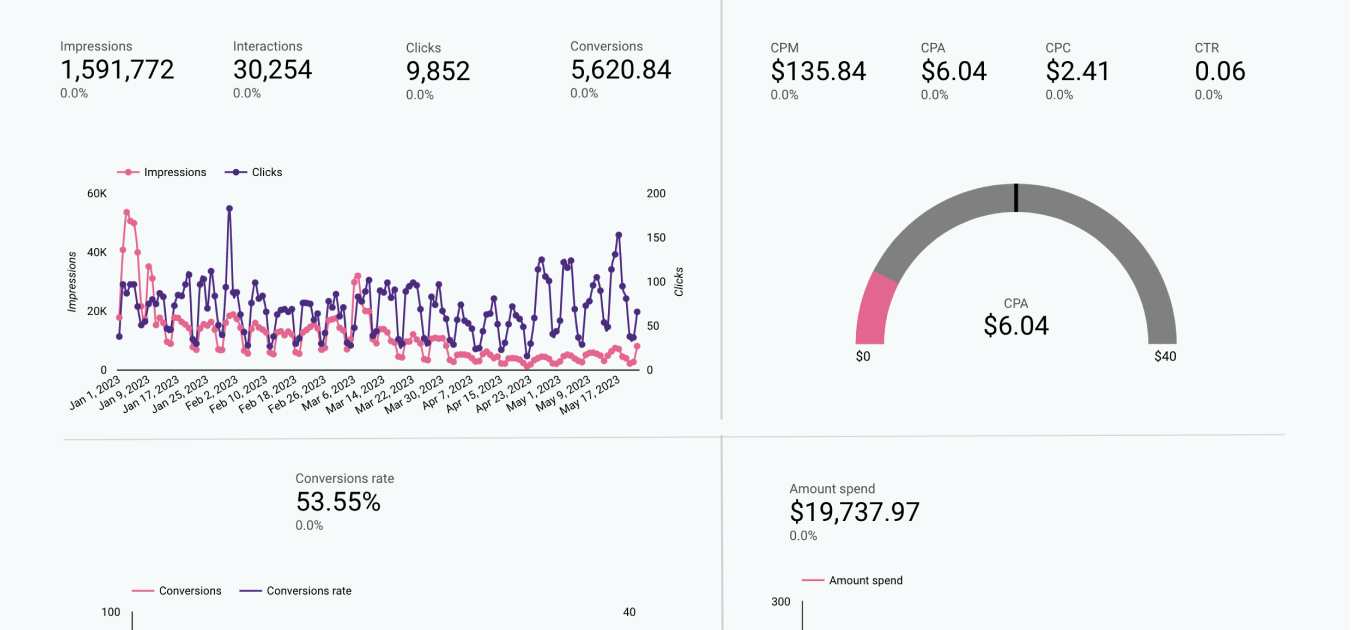
TikTok Ads Manager provides detailed analytics and insights to help you track the performance of your campaigns. Key metrics to monitor include:
- Impressions: The number of times your ad was shown.
- Clicks: The number of times users clicked on your ad.
- Conversions: The number of users who completed a desired action, such as making a purchase or signing up for a newsletter.
- Engagement Rate: The percentage of users who interacted with your ad.
By analyzing these metrics, you can identify what's working and make data-driven decisions to optimize your campaigns.
Best Practices for Effective Campaigns
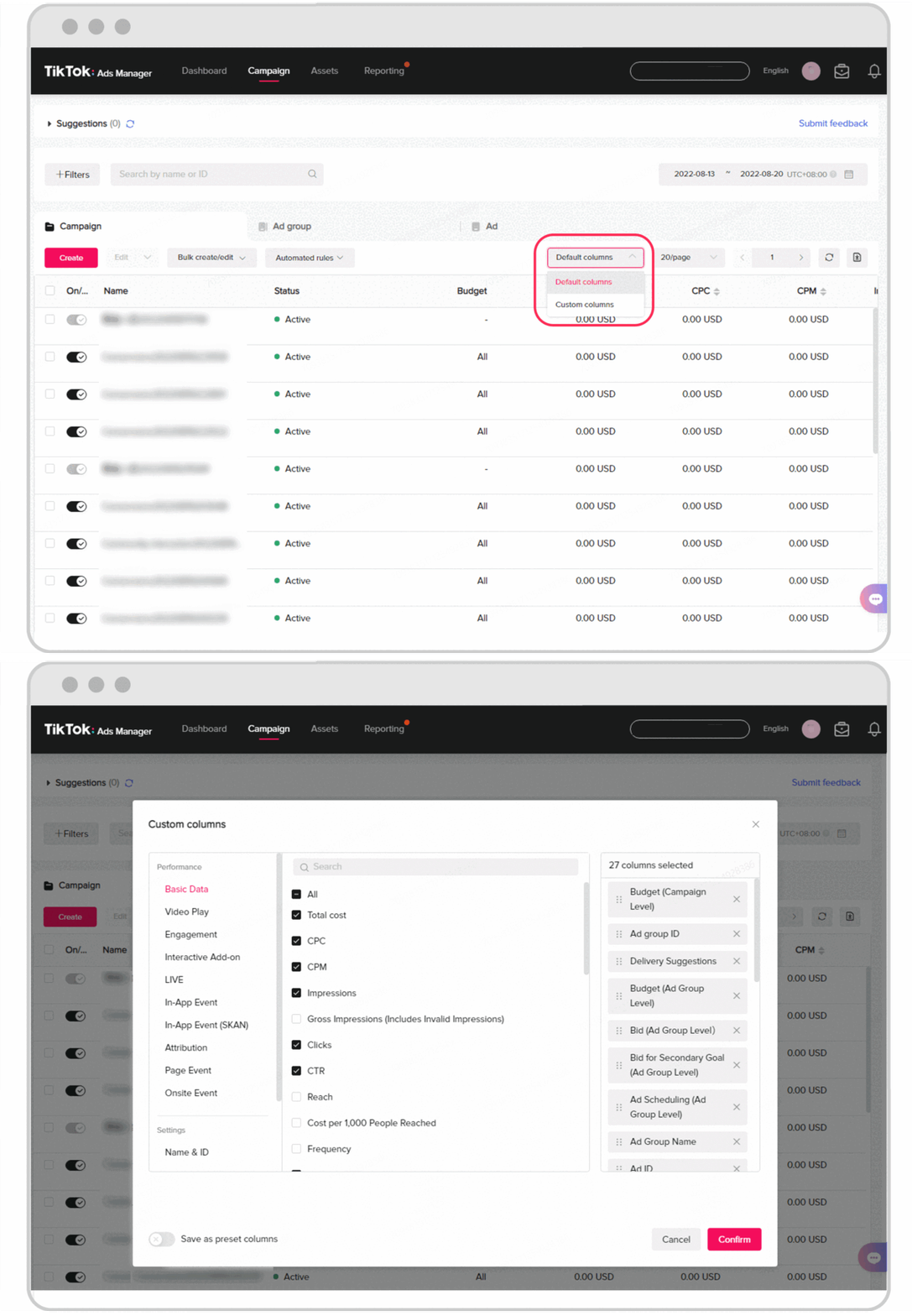
To maximize the effectiveness of your TikTok ad campaigns, consider the following best practices:
- Understand Your Audience: Research Canadian TikTok users' demographics, behaviors, and interests to tailor your content and targeting.
- Create Compelling Content: Develop visually appealing and engaging ads that resonate with Canadian users' preferences and trends.
- Utilize Trends: Incorporate popular Canadian or global trends into your ads to increase relevance and engagement.
- Segmentation: Use TikTok's targeting options to segment your audience based on factors like age, location, and interests.
- Testing: Experiment with different ad formats, creative elements, and targeting options to identify what works best for the Canadian audience.
- Optimize Budget: Monitor ad performance and adjust budgets based on which campaigns and targeting strategies deliver the best results.
Compliance and Guidelines
When running TikTok ads in Canada, it's important to adhere to TikTok's ad policies and guidelines. These include rules on content, targeting, and user experience. Additionally, you must comply with Canadian advertising regulations related to privacy, data protection, and truth in advertising. Review TikTok's terms of service to ensure your campaigns are within legal and ethical boundaries.
By following these steps and best practices, you can effectively master the TikTok Ads Manager settings and create successful ad campaigns that resonate with your target audience. Whether you're a small business or a large enterprise, TikTok offers a powerful platform to achieve your marketing goals. With the right strategies and tools, you can leverage TikTok's growing popularity to connect with new customers and grow your business.

Posting Komentar untuk "How to Master TikTok Ads Manager Settings: A Complete Guide"
Posting Komentar