
How to Master TikTok Ads Reporting and Analysis for Better Campaign Performance
In today's digital landscape, TikTok has emerged as a powerful platform for marketers to connect with a vast and engaged audience. With its unique algorithm and user-driven content, TikTok offers unparalleled opportunities for brand visibility and customer engagement. However, to harness the full potential of TikTok Ads, it's essential to master the art of TikTok Ads reporting and analysis. This guide will walk you through the key metrics, tools, and strategies needed to optimize your campaigns and achieve better results.
Understanding Key TikTok Ads Metrics
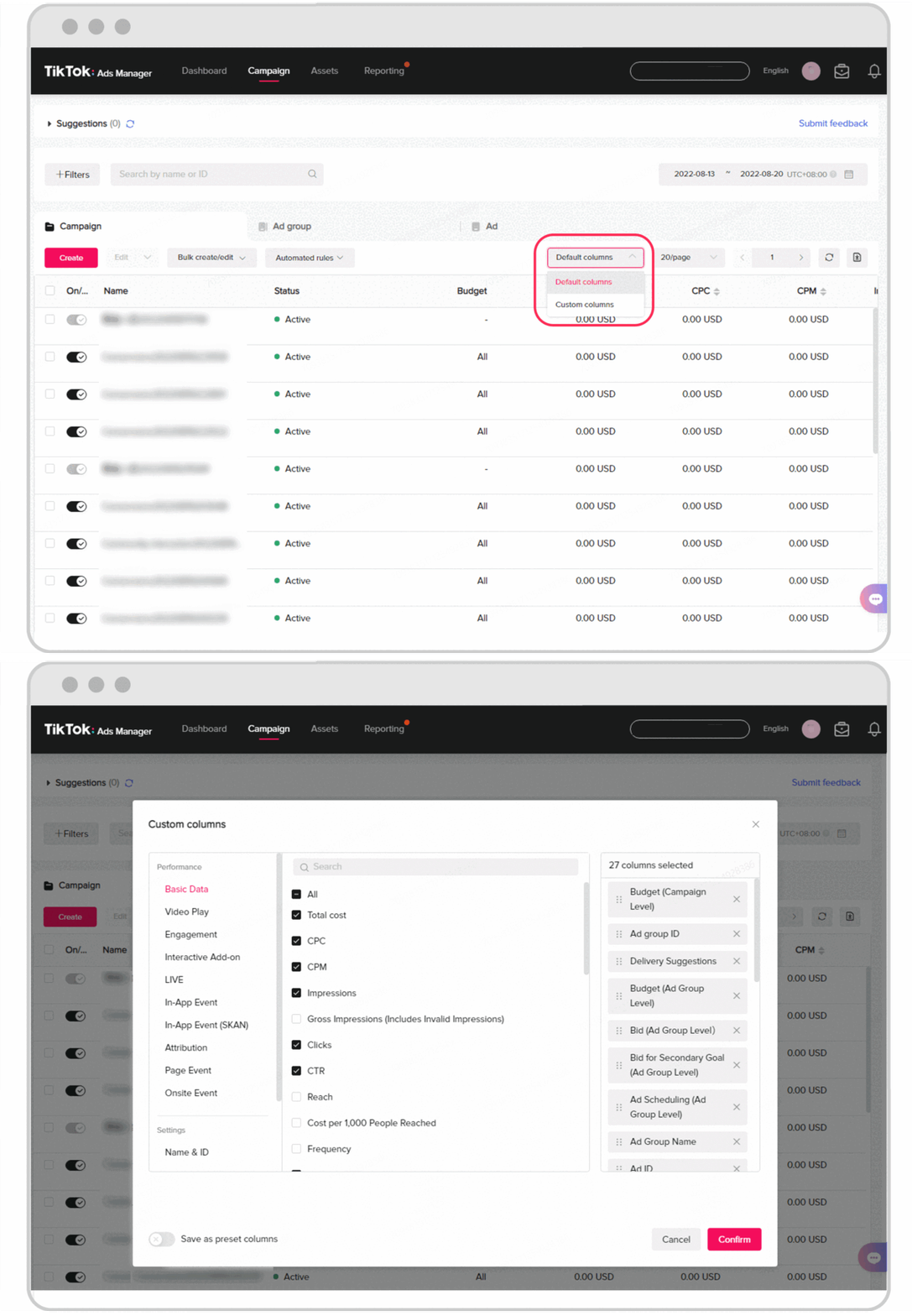
Before diving into reporting and analysis, it’s crucial to understand the core metrics that define the performance of your TikTok Ads. These metrics provide insights into how well your ads are resonating with your target audience and where improvements can be made.
1. Impressions
Impressions measure how many times your ad was shown to users, regardless of whether they clicked or engaged. This metric gives you an idea of your ad's reach and exposure.
- Why it matters: High impressions indicate that your ad is being seen by a large audience, but low engagement may suggest issues with your ad content.
- How to track: Available in the TikTok Ads Manager dashboard.
2. Clicks (Destination)
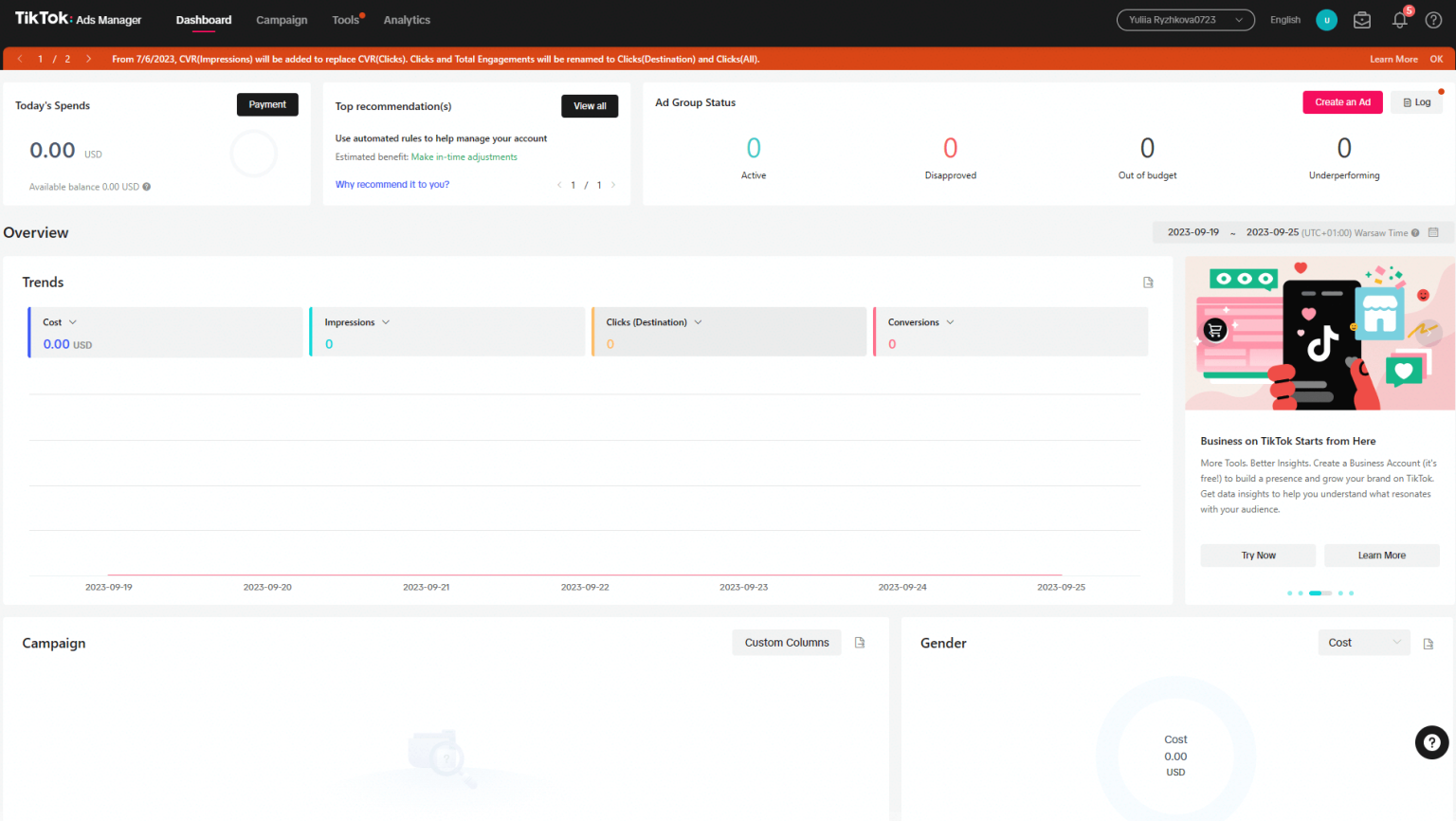
This metric tracks the number of clicks on your ad that lead users to a specific destination, such as a website or app.
- Why it matters: Clicks reflect user interest and intent. A high number of clicks indicates that your ad is compelling enough to drive action.
- How to track: Found in the TikTok Ads Manager under the "Clicks" section.
3. Click-Through Rate (CTR)
CTR measures the percentage of users who click on your ad after seeing it.
- Why it matters: A high CTR means your ad is effective at capturing attention and driving engagement.
- Benchmark: The average CTR for TikTok Ads is around 0.84%.
- How to calculate: CTR = (Clicks / Impressions) * 100.
4. Conversion Rate (CVR)

CVR measures the percentage of users who complete a desired action after clicking on your ad, such as making a purchase or signing up for a newsletter.
- Why it matters: CVR is a direct indicator of how well your ad converts viewers into customers.
- Benchmark: A good CVR ranges from 2% to 5%, depending on your niche.
- How to calculate: CVR = (Conversions / Clicks) * 100.
5. Cost Per Click (CPC)
CPC measures the cost you pay when a user clicks on your ad.
- Why it matters: CPC helps you evaluate the efficiency of your ad spend.
- Benchmark: Ideal CPC ranges between $0.25 and $4.
- How to calculate: CPC = Ad Spend / Clicks.
6. Cost Per View (CPV)
CPV measures the average cost per view of your video ad.
- Why it matters: CPV is useful for brand awareness campaigns where the goal is to increase visibility.
- Benchmark: CPV typically ranges from $0.10 to $0.30.
- How to calculate: CPV = Total Cost / Views.
7. Cost Per Action (CPA)
CPA measures the cost you pay for each specific action taken by a user, such as a purchase or sign-up.
- Why it matters: CPA is a critical metric for evaluating the return on investment (ROI) of your campaigns.
- How to calculate: CPA = Ad Spend / Conversions.
8. Cost Per Mille (CPM)

CPM measures the cost per 1,000 impressions of your ad.
- Why it matters: CPM is ideal for brand awareness campaigns where the goal is to maximize reach.
- Benchmark: Average CPM on TikTok is $9.16.
- How to calculate: CPM = (Ad Spend / Impressions) * 1000.
9. Return on Ad Spend (ROAS)
ROAS measures the revenue generated from your ad spend.
- Why it matters: ROAS is a key indicator of the profitability of your campaigns.
- Benchmark: A good ROAS ratio is 3:1 or higher.
- How to calculate: ROAS = Total Revenue / Total Ad Spend.
Tools for Effective TikTok Ads Reporting and Analysis

To streamline your reporting and analysis process, consider using the following tools:
1. TikTok Ads Manager
The native TikTok Ads Manager provides real-time data on your campaign performance, including impressions, clicks, conversions, and more.
- Features: Real-time analytics, campaign optimization, and budget management.
2. Coupler.io
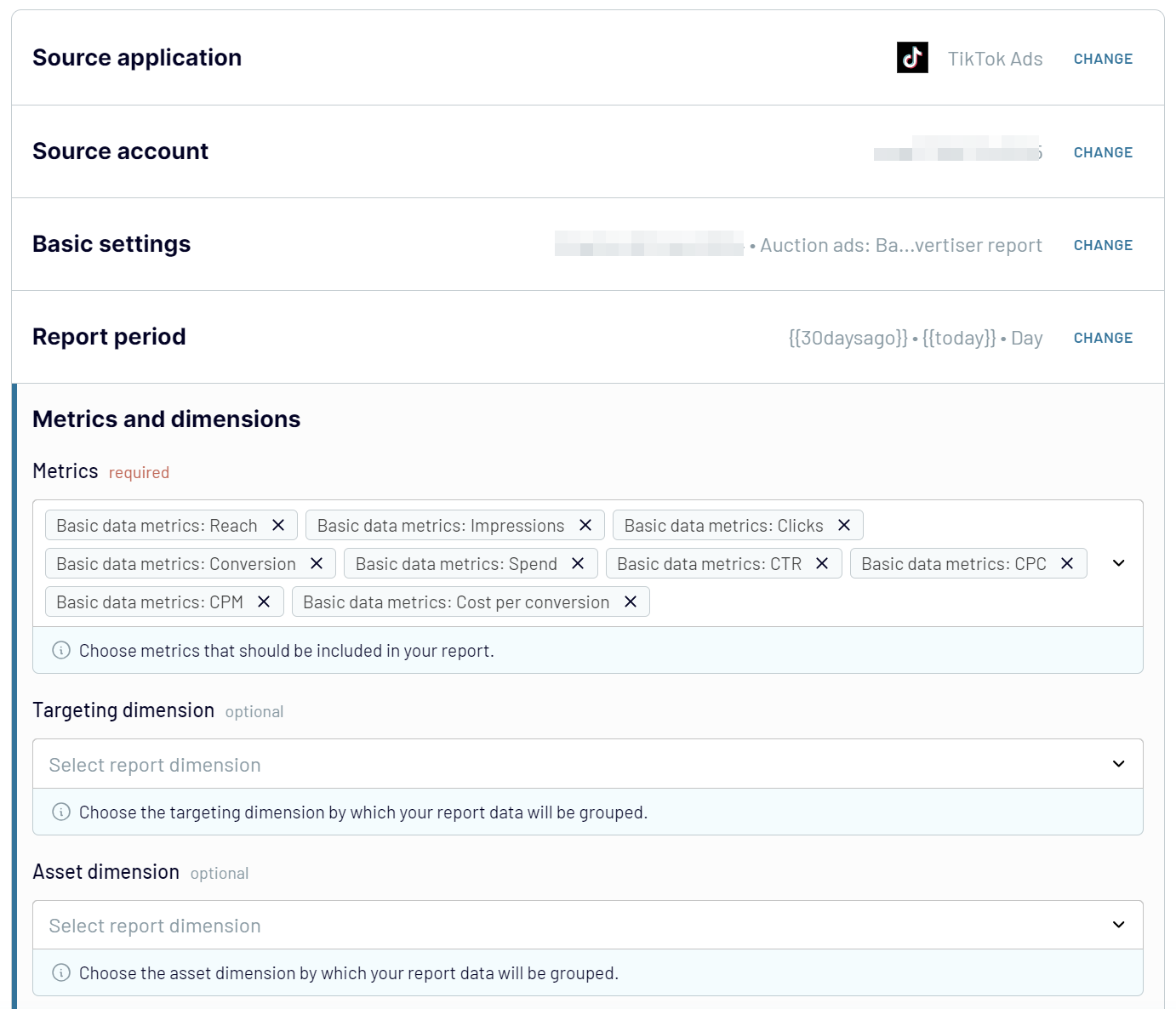
Coupler.io allows you to connect your TikTok Ads account to a custom reporting dashboard, giving you a centralized view of all your advertising data.
- Features: Automated data sync, customizable reports, and multi-platform integration.
3. Looker Studio (formerly Google Data Studio)
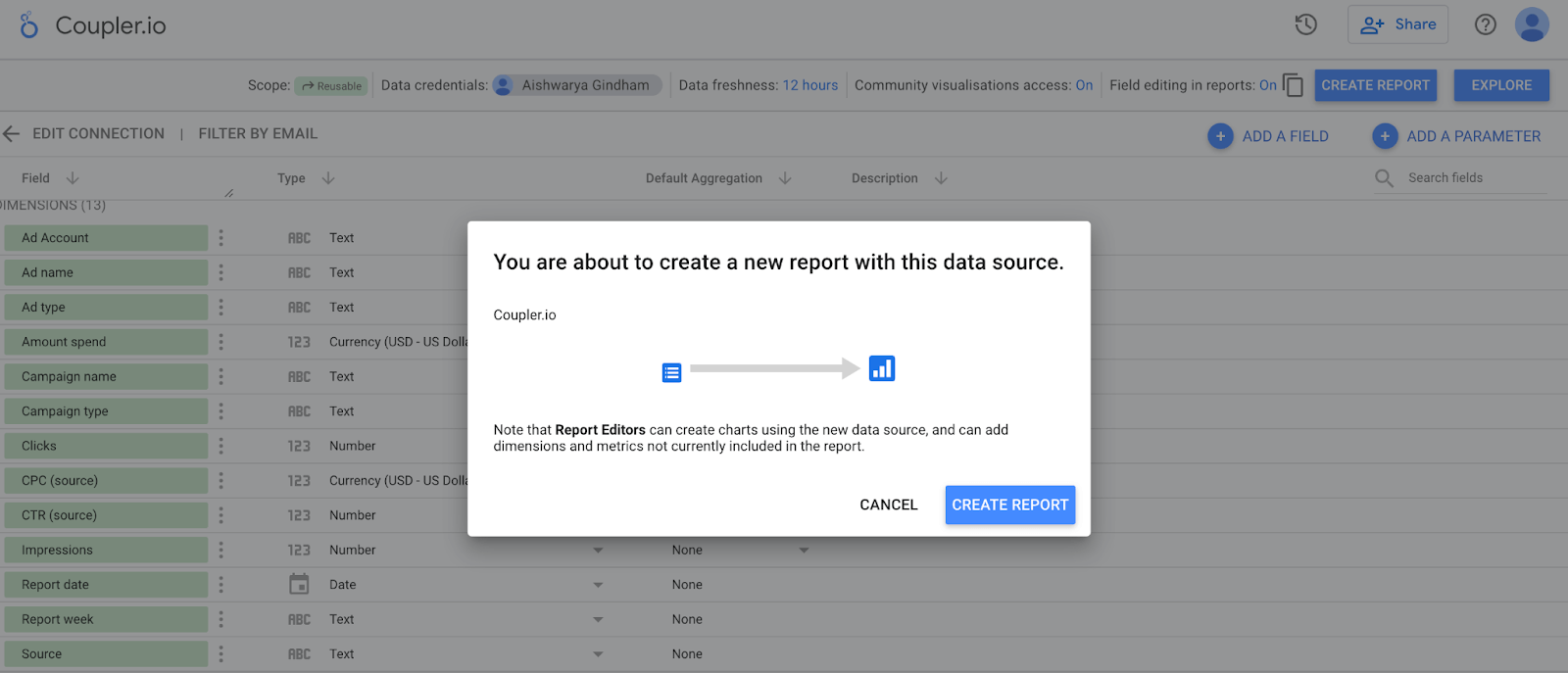
Looker Studio enables you to create visually appealing dashboards that aggregate data from multiple sources, including TikTok Ads.
- Features: Customizable templates, real-time updates, and easy sharing.
4. Google Sheets or Excel
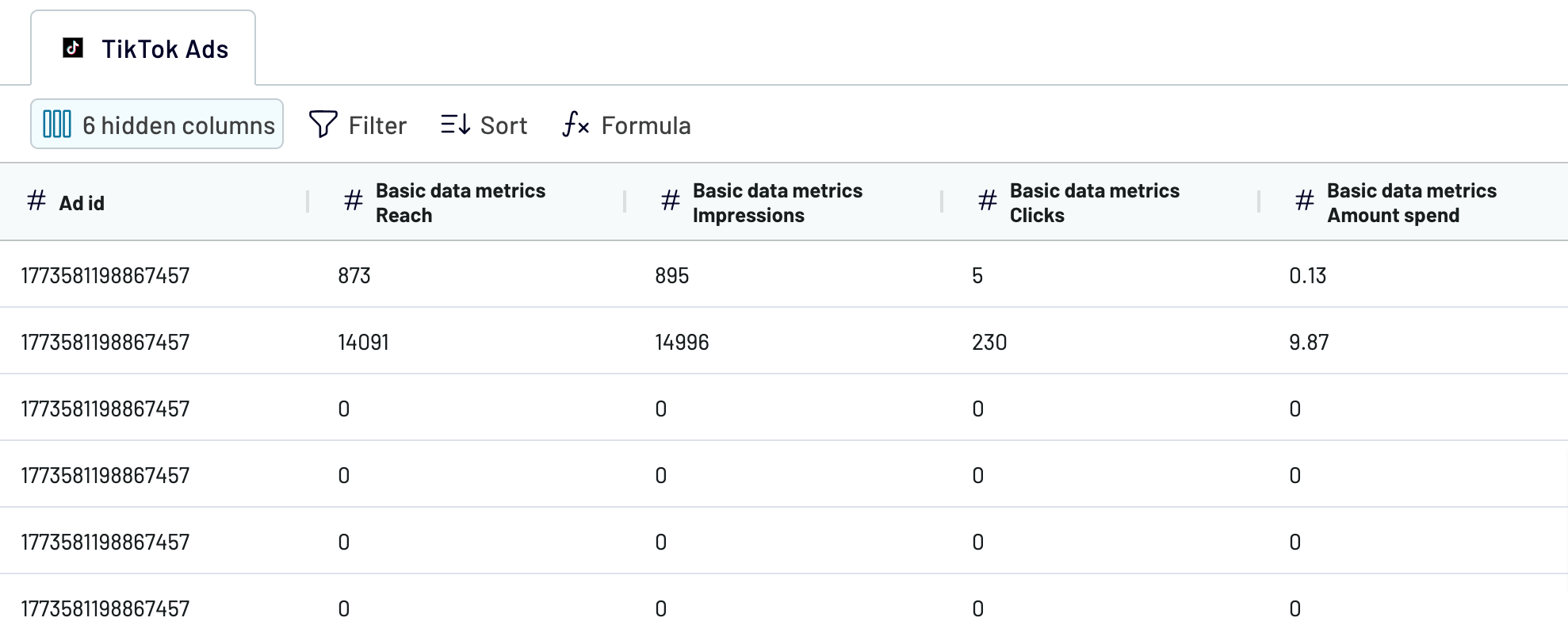
For more granular control, you can use spreadsheets to manually track and analyze your TikTok Ads metrics.
- Features: Flexibility, customization, and data manipulation.
Best Practices for TikTok Ads Reporting and Analysis

To get the most out of your TikTok Ads reporting and analysis, follow these best practices:
- Set Clear Goals: Define what success looks like for your campaign (e.g., brand awareness, lead generation, sales).
- Track Key Metrics: Focus on the metrics that align with your goals, such as CTR, CVR, and ROAS.
- Use A/B Testing: Test different ad creatives, headlines, and CTAs to determine what resonates with your audience.
- Analyze Audience Behavior: Understand your audience’s preferences and tailor your content accordingly.
- Optimize for Performance: Continuously refine your campaigns based on data insights to improve ROI.
Conclusion
Mastering TikTok Ads reporting and analysis is essential for maximizing the effectiveness of your advertising efforts. By understanding the key metrics, leveraging the right tools, and following best practices, you can gain valuable insights into your campaign performance and make data-driven decisions to achieve better results. Whether you're a seasoned marketer or just starting out, the power of TikTok Ads lies in your ability to measure, analyze, and optimize your campaigns for maximum impact.

Posting Komentar untuk "How to Master TikTok Ads Reporting and Analysis for Better Campaign Performance"
Posting Komentar