
How to Navigate TikTok Ads Manager: A Complete Guide for Marketers
TikTok has evolved from a social media platform for entertainment into a powerful marketing tool. With over a billion active users, it's no surprise that brands are leveraging TikTok Ads Manager to reach new audiences and drive conversions. For marketers looking to harness the potential of TikTok, understanding how to navigate the TikTok Ads Manager is essential. This guide will walk you through the key steps and features of the TikTok Ads Manager, helping you create effective ad campaigns that resonate with your target audience.

Step 1: Create a TikTok Ads Account
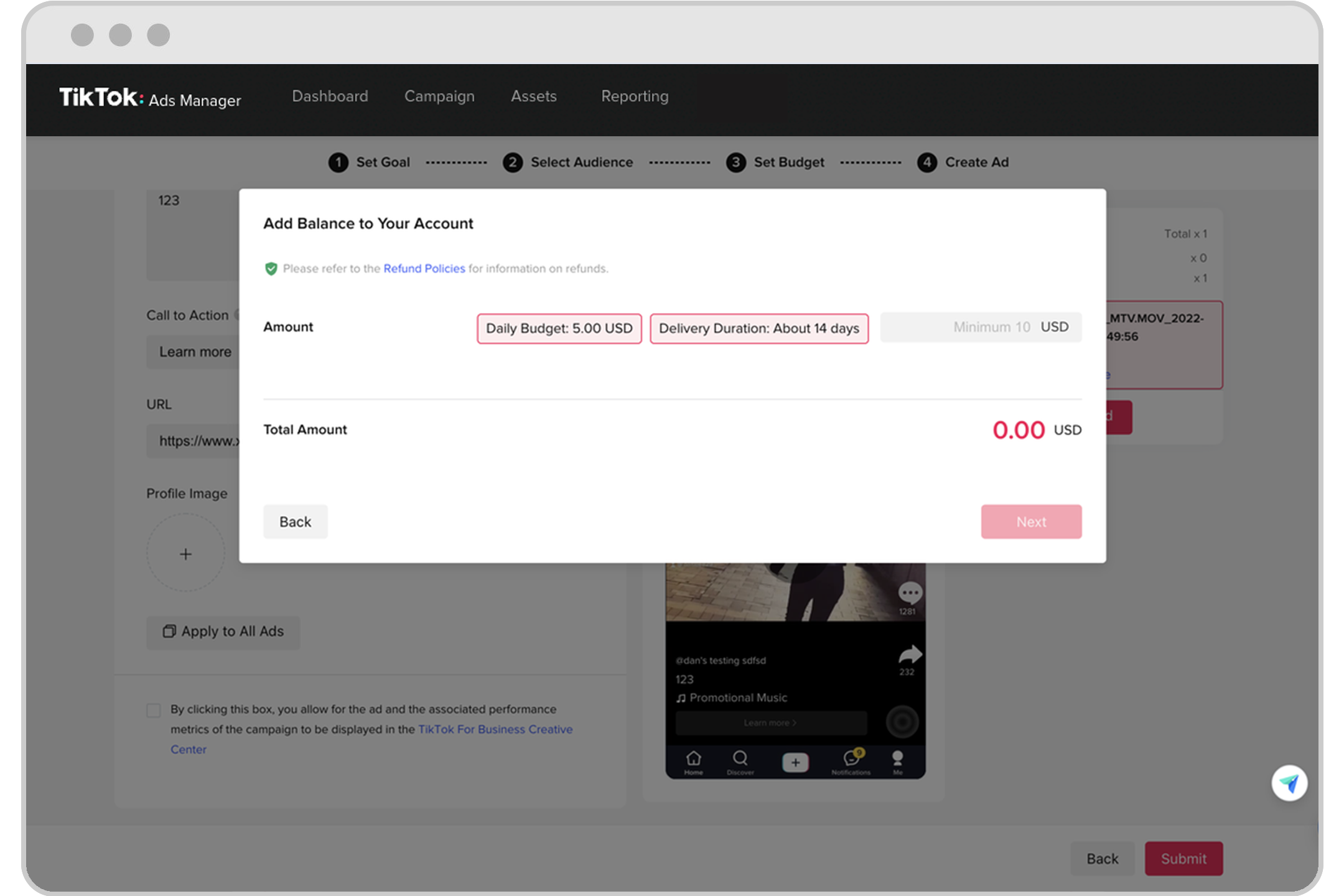
Before you can start running ads on TikTok, you need to set up an account in the TikTok Ads Manager. If you're a self-serve customer, you can follow the steps outlined in the Business Help Center article provided by TikTok. For businesses managing multiple ad accounts, your sales representative will guide you through the process. It’s important to ensure that your account is properly set up with all necessary information, including payment methods and business details.
Step 2: Understand the Interface
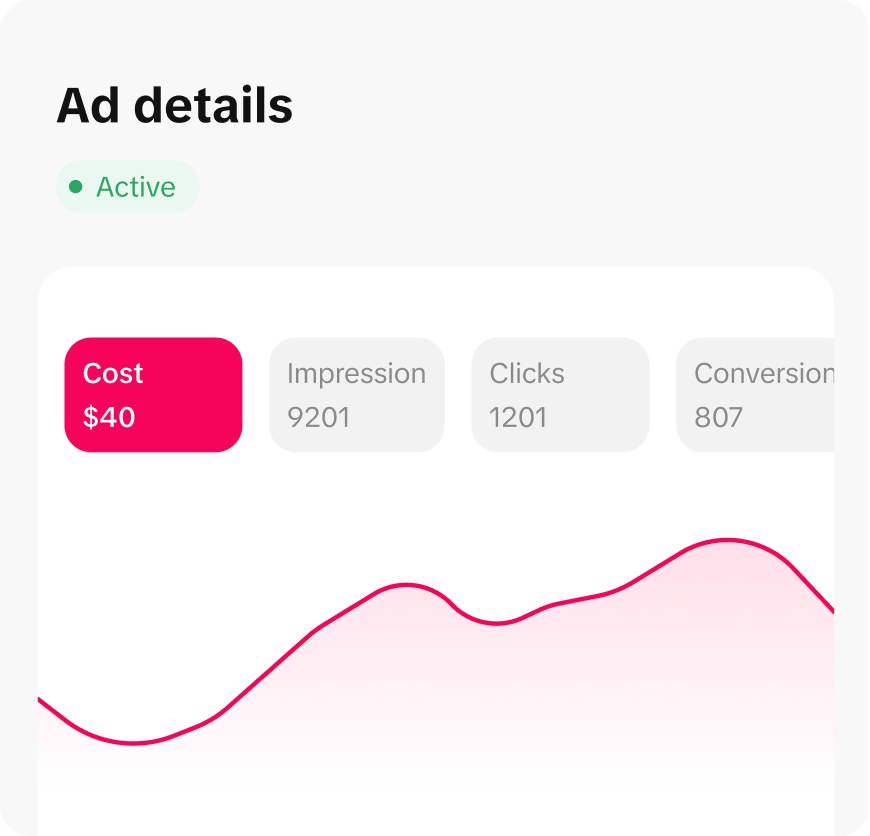
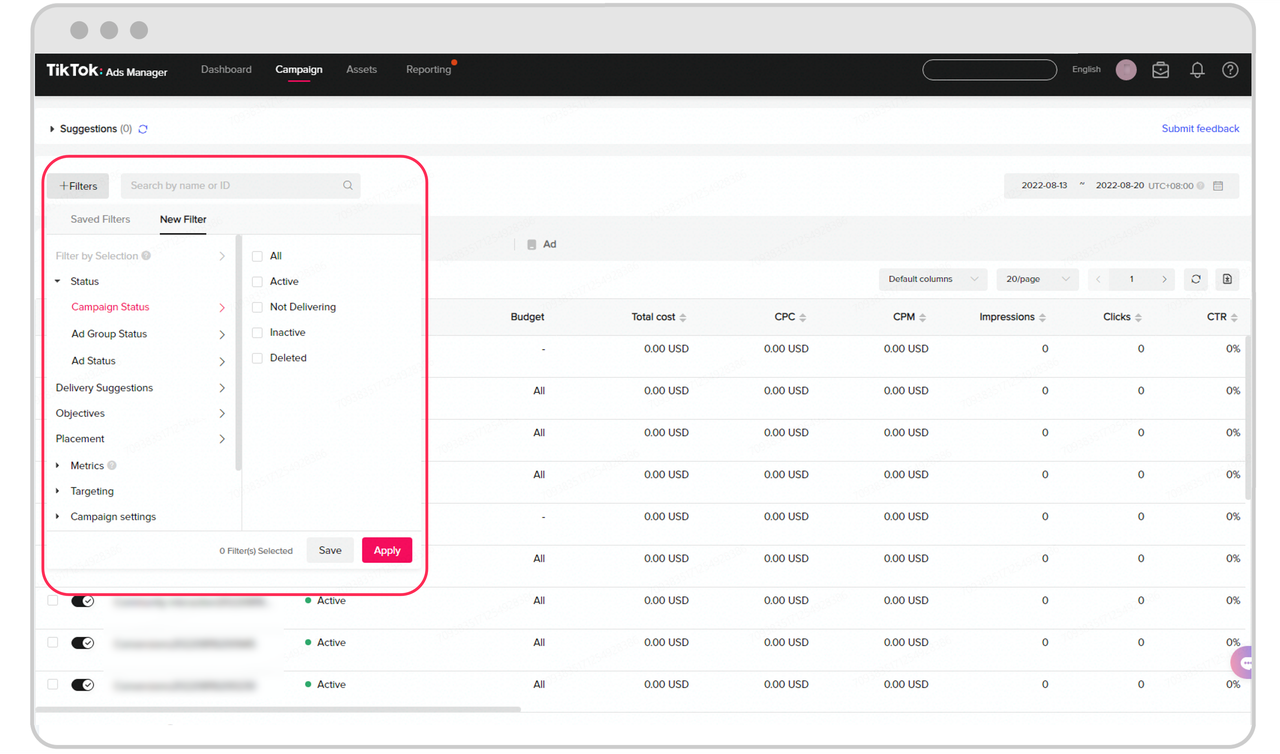
Once your account is set up, you’ll be introduced to the TikTok Ads Manager interface. The dashboard provides an overview of your campaigns, ad groups, and individual ads. Familiarizing yourself with this interface is crucial for efficient campaign management. Key sections include:
- Campaigns: Here, you can create and manage your ad campaigns.
- Ad Groups: These allow you to organize your ads by specific objectives or targeting strategies.
- Ads: This section contains the actual ad creatives, including video, image, and carousel ads.
Step 3: Define Your Campaign Objectives
One of the first steps in creating an ad campaign is defining your campaign objective. TikTok offers several objectives, such as brand awareness, traffic, conversions, and app installs. Choosing the right objective depends on your marketing goals. For example, if your goal is to drive traffic to your website, you would select the "Traffic" objective. If you're aiming to increase sales, the "Conversions" objective would be more appropriate.
Step 4: Set Your Target Audience
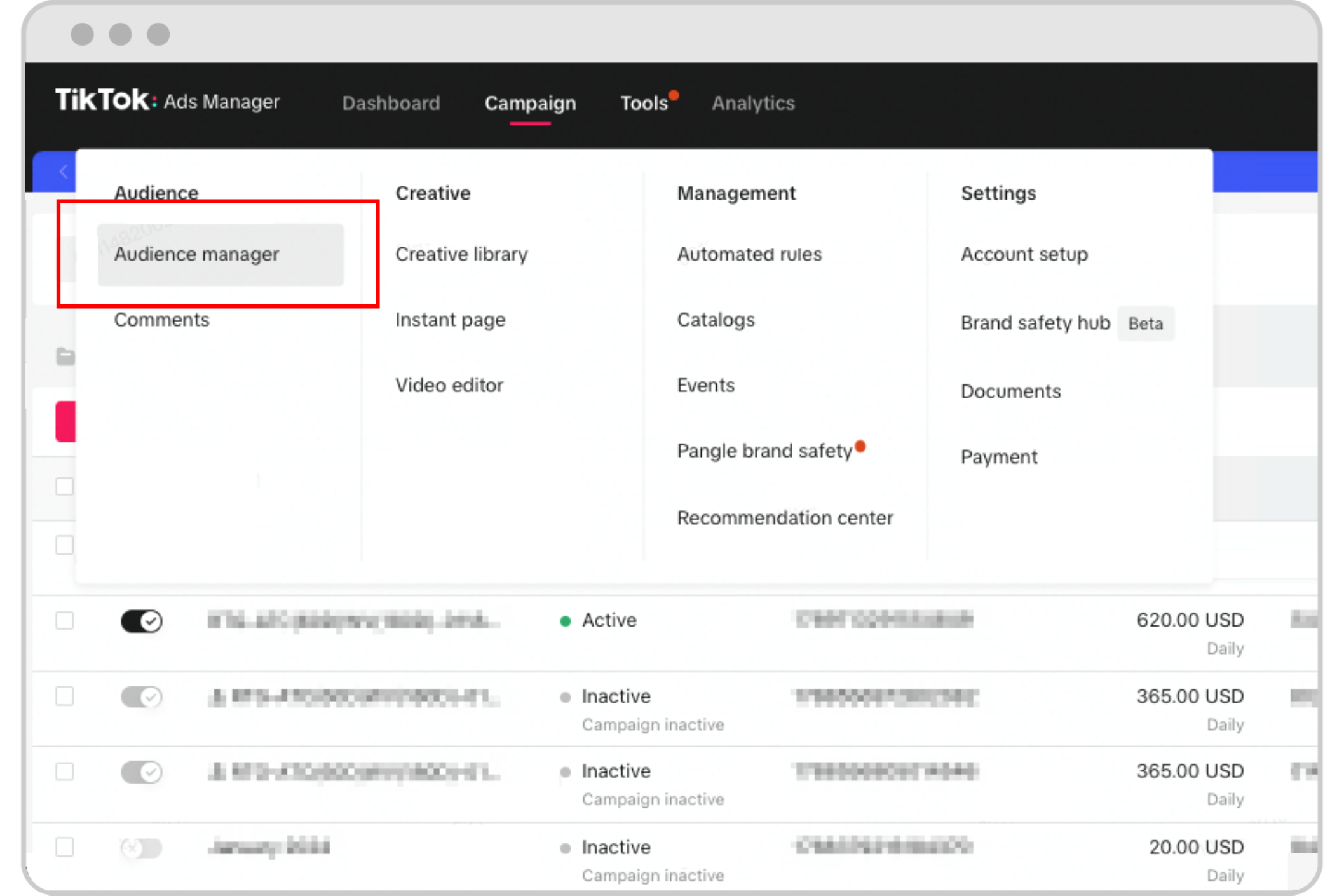
Targeting the right audience is crucial for the success of your TikTok ad campaigns. The TikTok Ads Manager allows you to define your target audience based on various criteria, including age, gender, location, interests, and behaviors. You can also use lookalike audiences to reach users similar to your existing customers. By refining your targeting, you can ensure that your ads are seen by the most relevant people.
Step 5: Create Your Ad Content

Creating compelling ad content is essential for capturing the attention of TikTok users. TikTok favors authentic and engaging content that resonates with its audience. When creating your ad, consider the following tips:
- Use high-quality visuals: Ensure your videos are clear and visually appealing.
- Include a strong hook: The first few seconds of your video should grab attention.
- Add text overlays: Text can help reinforce your message and improve readability.
- Use trending sounds: Incorporating popular TikTok sounds can increase the chances of your video going viral.
Step 6: Set Your Budget and Schedule

Setting a budget and schedule for your ad campaigns is an important step in the process. TikTok Ads Manager allows you to set daily or total budgets for your campaigns. You can also choose when your ads should run, whether it's during specific hours or days. By setting a realistic budget and schedule, you can maximize your ad spend and achieve better results.
Step 7: Monitor and Optimize Your Campaigns
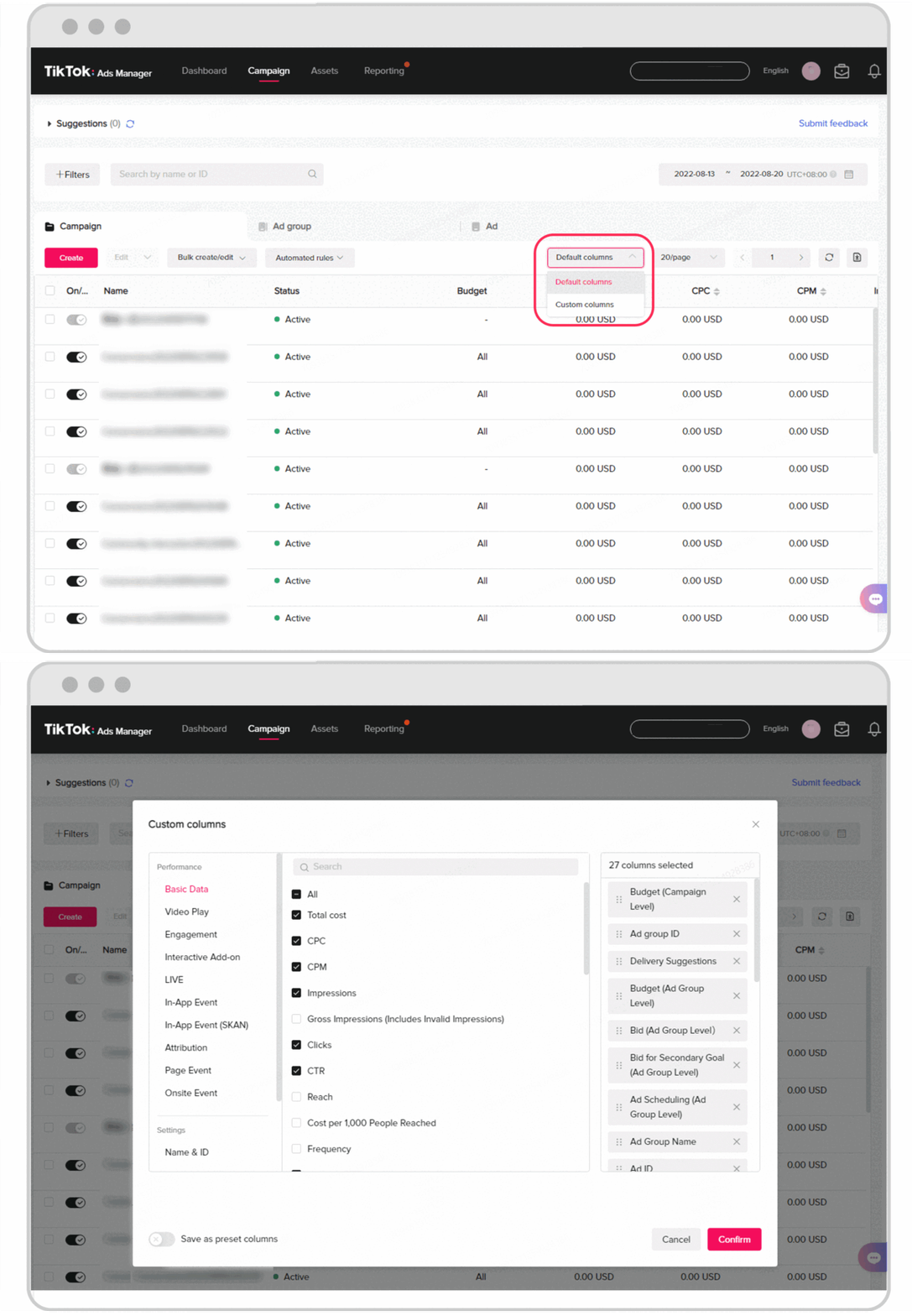
Once your campaigns are live, it's important to monitor their performance and make adjustments as needed. The TikTok Ads Manager provides detailed analytics, allowing you to track metrics such as impressions, clicks, and conversions. Use this data to optimize your campaigns by adjusting your targeting, ad content, or budget. Regularly reviewing and refining your campaigns will help you achieve better results over time.
Conclusion
Navigating the TikTok Ads Manager is a critical skill for any marketer looking to leverage the power of TikTok for their brand. By following these steps—creating an account, understanding the interface, defining campaign objectives, targeting the right audience, creating compelling content, setting a budget, and monitoring performance—you can effectively run successful ad campaigns on TikTok. As TikTok continues to grow as a marketing platform, mastering the TikTok Ads Manager will become increasingly important for achieving your marketing goals.

Posting Komentar untuk "How to Navigate TikTok Ads Manager: A Complete Guide for Marketers"
Posting Komentar