
How to Navigate TikTok Privacy Settings: A Complete Walkthrough
Understanding the Importance of TikTok Privacy Settings
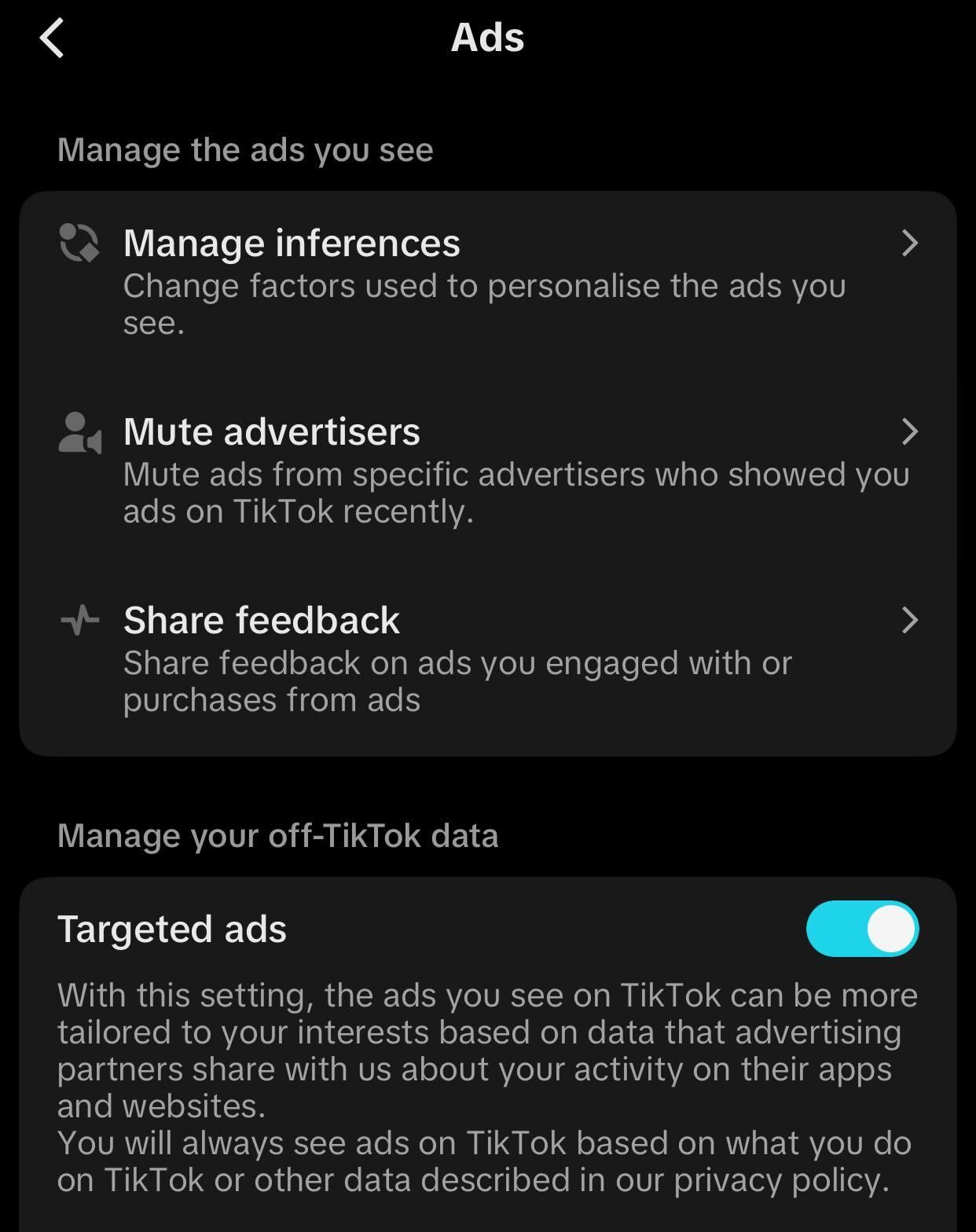
In today's digital age, protecting your online presence is more important than ever. With TikTok being one of the most popular social media platforms, it's crucial to understand and manage your privacy settings effectively. These settings not only help you control who can see your content but also determine how much information others can access about you. Whether you're a casual user or a content creator, knowing how to navigate TikTok privacy settings is essential for maintaining your personal boundaries and ensuring a safer online experience.
Step-by-Step Guide to Navigating TikTok Privacy Settings
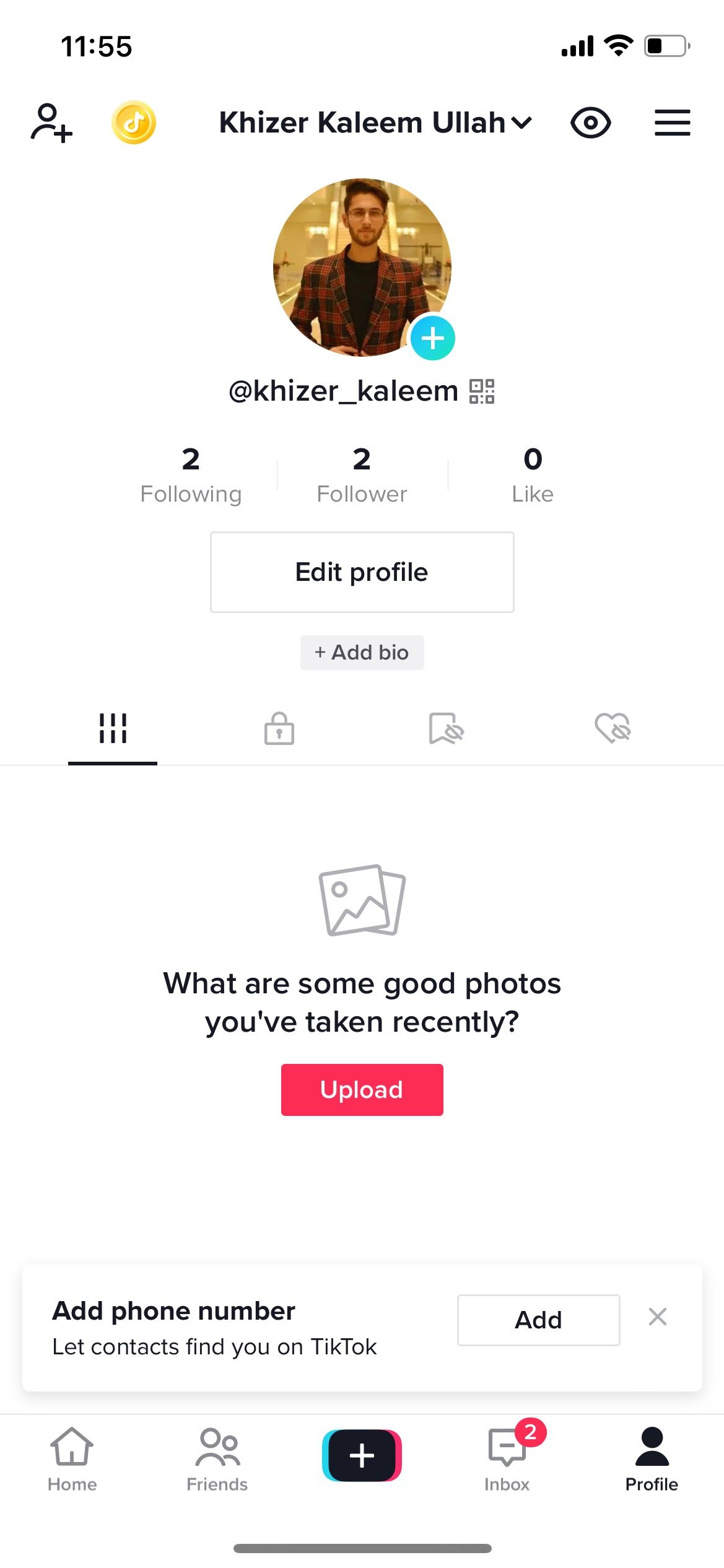
1. Accessing Your Privacy Settings
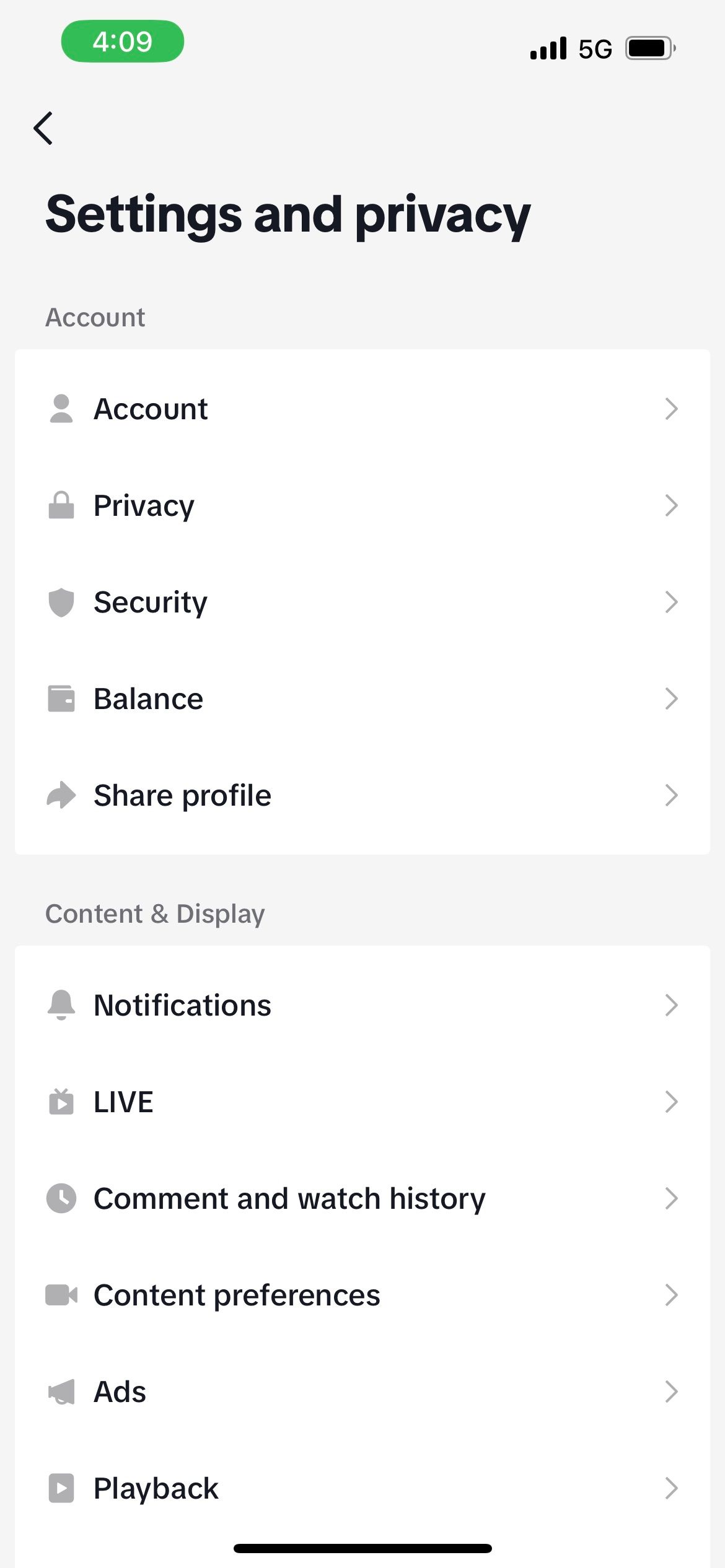
To begin adjusting your TikTok privacy settings, open the TikTok app and tap on your profile icon located at the bottom right corner of the screen. From there, tap the three horizontal lines (hamburger menu) in the top left corner to access the settings. Scroll down and select "Settings & Privacy." This section is where you'll find all the options related to your account's privacy and security.
2. Managing Who Can View Your Profile

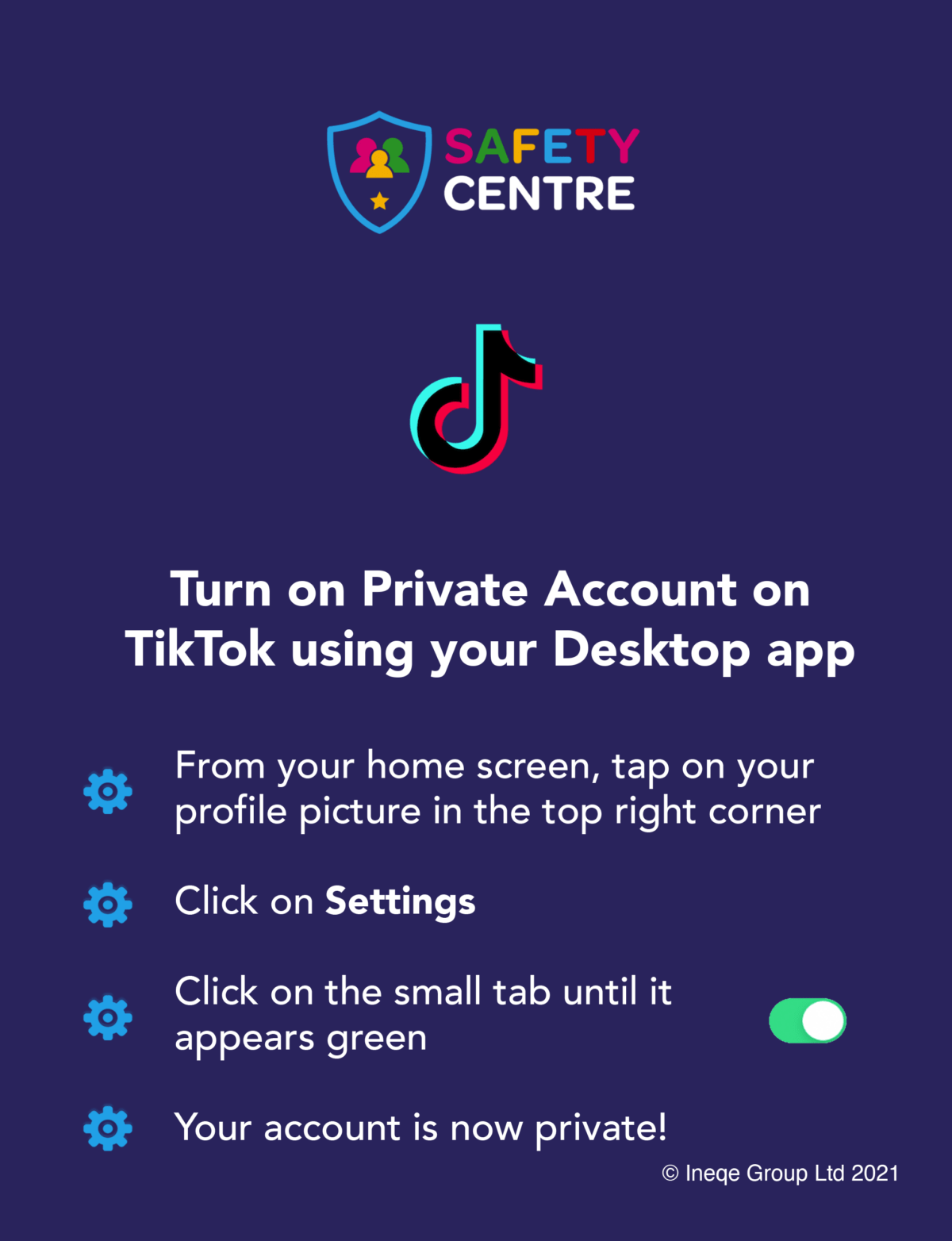
One of the key aspects of TikTok privacy settings is controlling who can view your profile. By default, your profile is public, meaning anyone can see your videos and profile information. To change this, go to "Settings & Privacy" and then select "Privacy." Here, you can toggle between "Public" and "Private" accounts. If you choose "Private," only approved followers can view your content.
3. Controlling Who Can Send You Messages
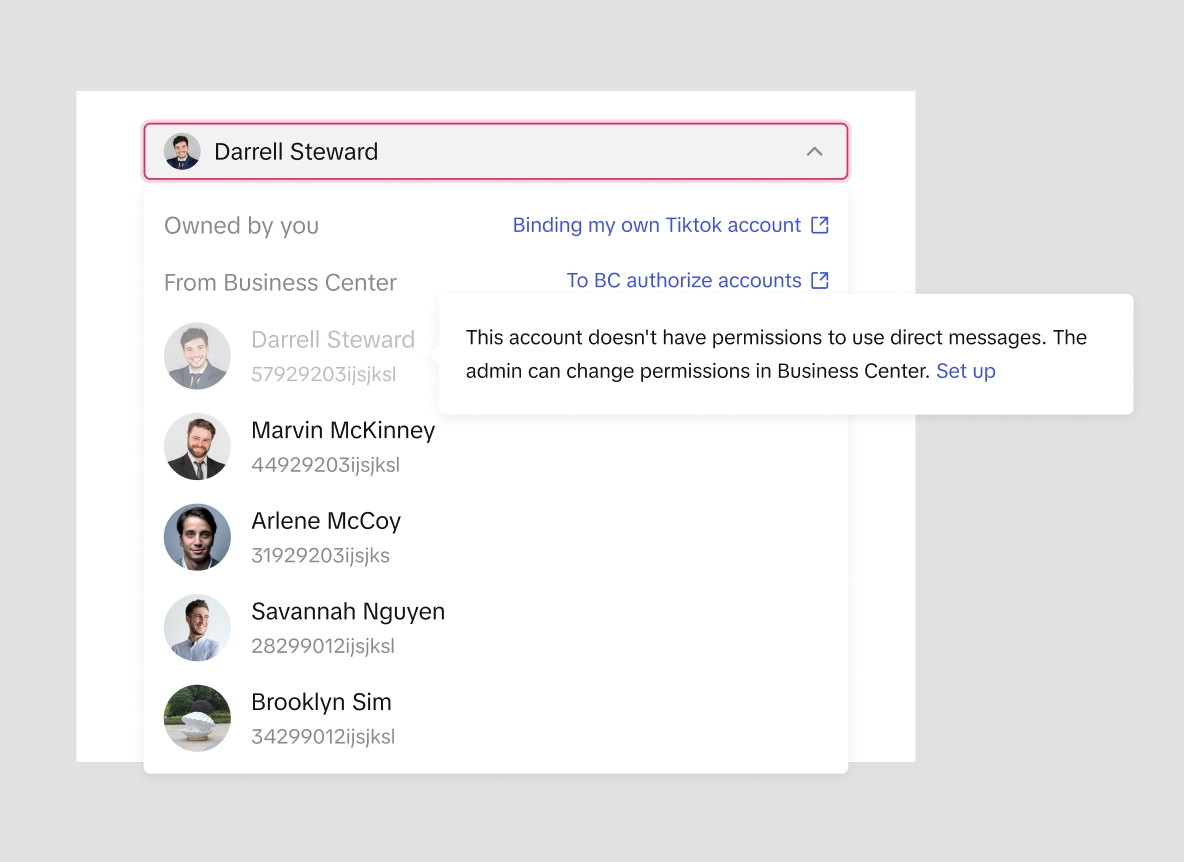
Another important feature is managing who can send you messages. By default, anyone can message you, but you can restrict this by going to "Settings & Privacy" and selecting "Messages." From here, you can choose to allow messages only from people you follow or disable messages altogether. This helps prevent unwanted interactions and keeps your inbox secure.
4. Adjusting Who Can Comment on Your Videos
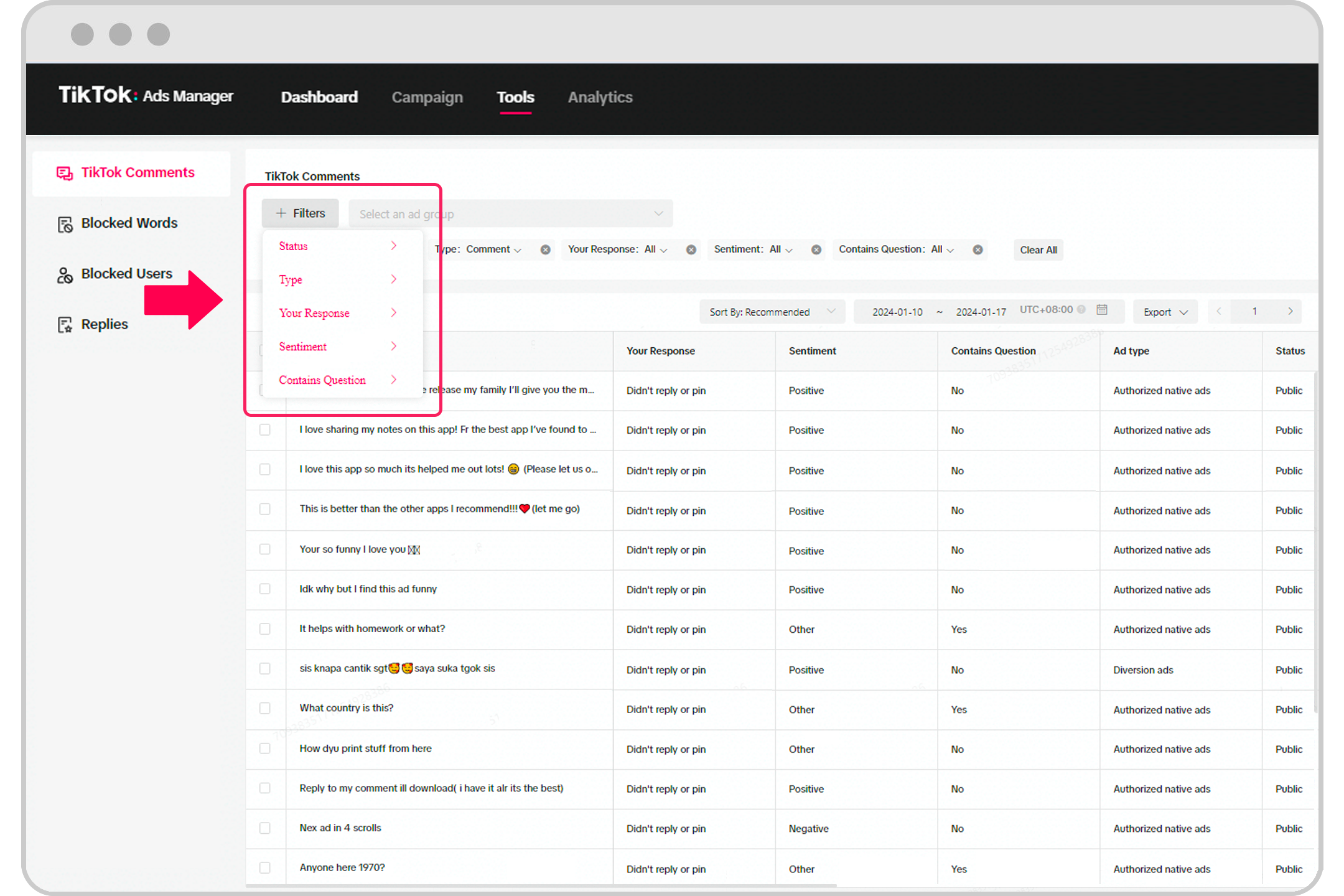
Comments are a great way to engage with your audience, but they can also be a source of harassment. To control who can comment on your videos, go to "Settings & Privacy" and select "Comments." You can choose to allow comments from everyone, only people you follow, or disable comments entirely. This gives you more control over the conversations happening around your content.
5. Managing Your Profile Views
TikTok allows you to see who has viewed your profile, but if you prefer to keep this information private, you can disable the feature. Go to "Settings & Privacy" and select "Profile Views." Toggle off the option to hide your profile views. Keep in mind that disabling this feature will also prevent you from seeing who has viewed your profile.
Additional Tips for Enhancing Your TikTok Privacy
- Regularly Review Your Followers: Periodically check your list of followers to ensure that only trusted individuals have access to your content.
- Use Two-Factor Authentication: Enable two-factor authentication to add an extra layer of security to your account.
- Be Mindful of Shared Content: Avoid sharing sensitive information or personal details in your videos or captions.
- Report Suspicious Activity: If you encounter any suspicious behavior or harassment, report it to TikTok immediately.
Conclusion
Navigating TikTok privacy settings is an essential step in protecting your online presence and ensuring a safe and enjoyable experience on the platform. By understanding and adjusting these settings, you can take control of who sees your content, who can interact with you, and how your personal information is shared. Remember to regularly review and update your privacy settings to stay ahead of potential threats and maintain your digital security. With the right approach, you can enjoy the benefits of TikTok while keeping your personal information private and secure.

Posting Komentar untuk "How to Navigate TikTok Privacy Settings: A Complete Walkthrough"
Posting Komentar