
How to Organize Your TikTok Ads Manager Creative Library for Maximum Efficiency
Introduction to TikTok Ads Manager and the Importance of Creative Library Organization
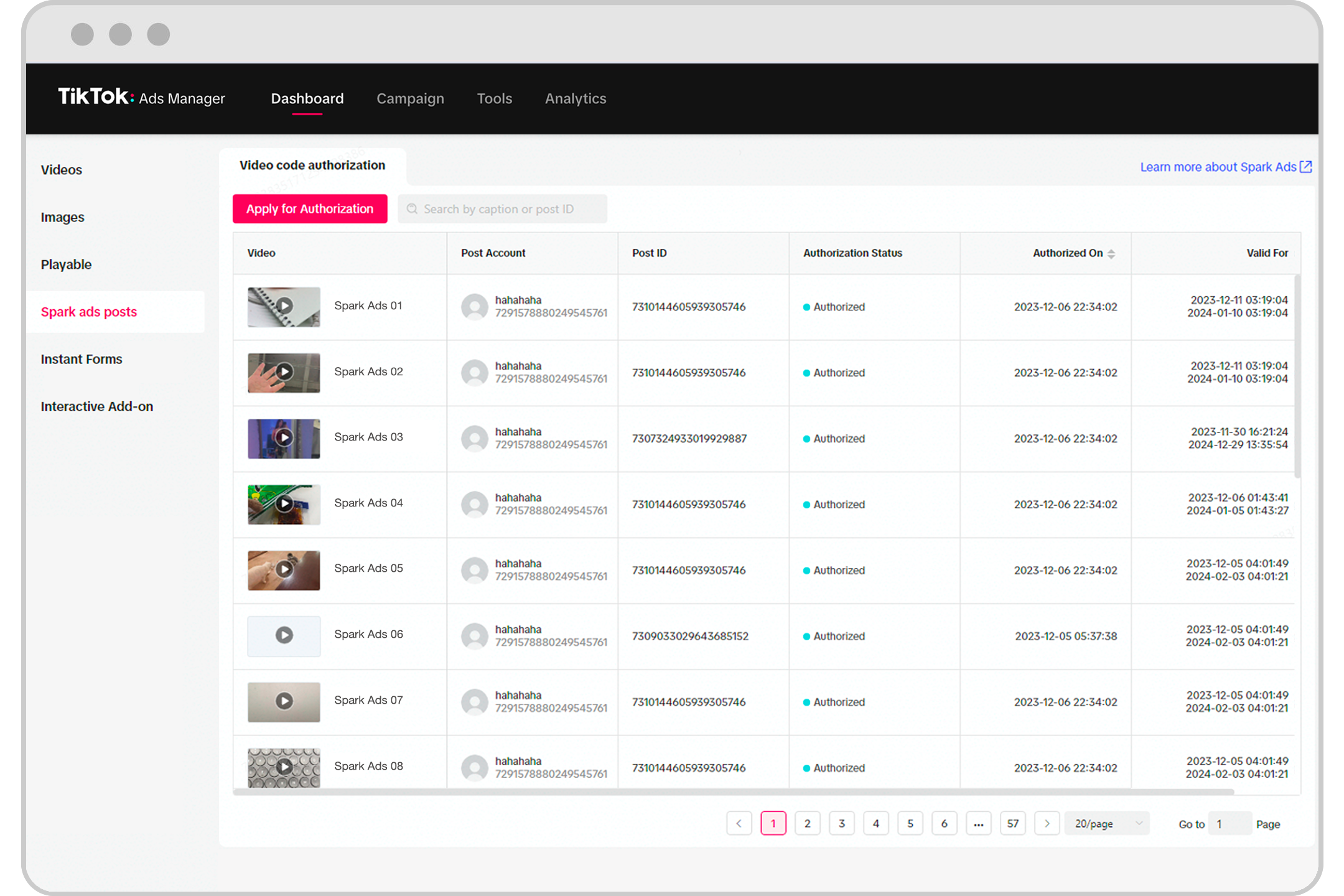
TikTok has become a powerful platform for marketers, offering a unique way to connect with audiences through short-form video content. With millions of users engaging daily, it's no surprise that brands are leveraging TikTok Ads Manager to run their campaigns. However, as your advertising efforts grow, managing all the creative assets can quickly become overwhelming without proper organization.
The TikTok Ads Manager Creative Library is a centralized hub where you can store, manage, and access all your ad creatives. It’s essential to organize this library effectively to ensure that your team can quickly find and use the right assets, leading to more efficient campaign management and better performance.
In this article, we’ll walk you through how to organize your TikTok Ads Manager Creative Library for maximum efficiency, ensuring that your creative assets are easy to access, well-documented, and optimized for success.
1. Categorize Your Creatives by Campaign or Objective
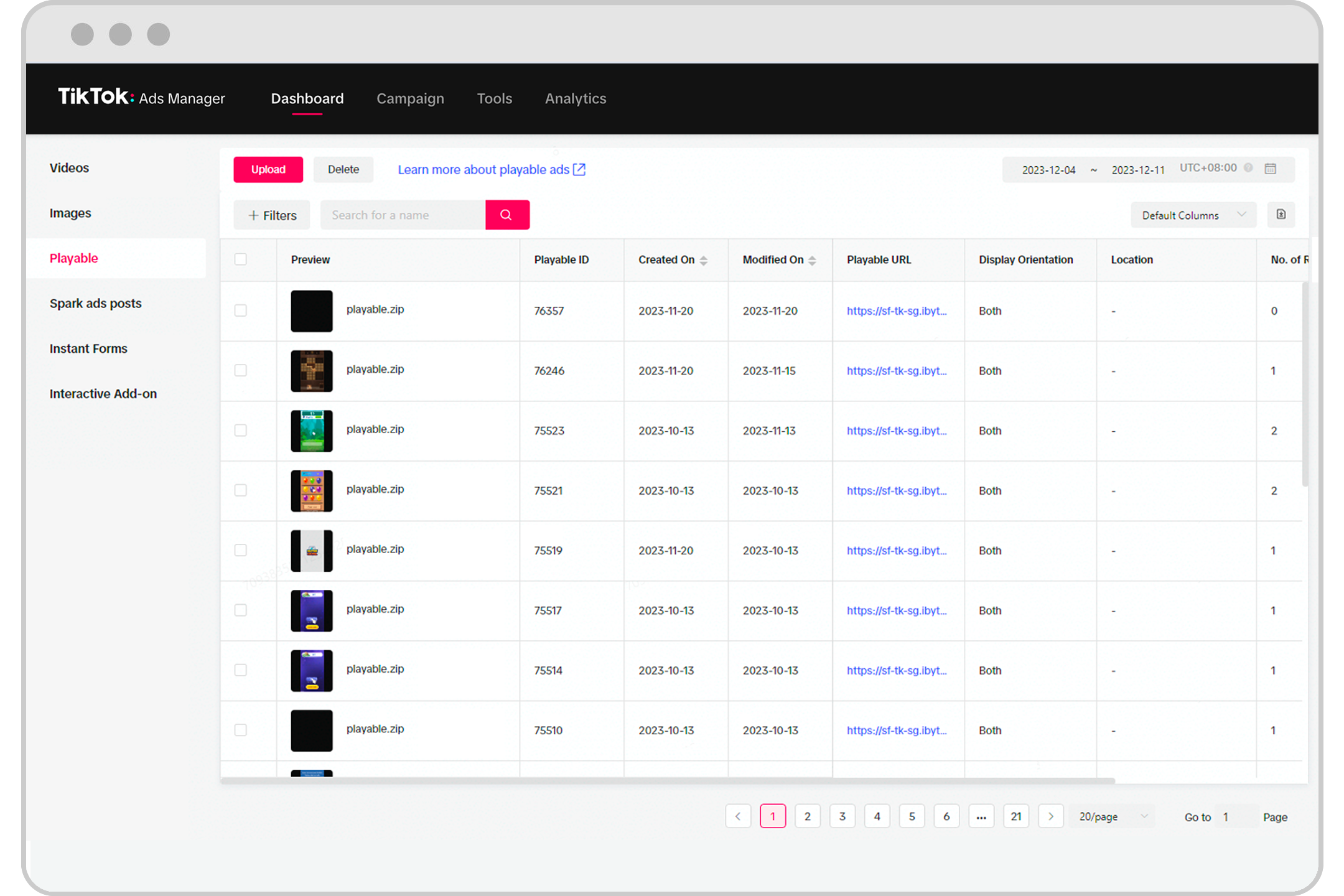
One of the most effective ways to organize your Creative Library is by categorizing your creatives based on specific campaigns or objectives. For example, if you're running a holiday promotion, a product launch, or a brand awareness campaign, creating separate folders for each will help your team locate the right assets quickly.
- Campaign Name: Use the name of the campaign (e.g., "Summer Sale 2024") as the folder name.
- Objective Type: Include the objective type (e.g., "Brand Awareness," "Conversions").
- Date Range: Add the start and end dates of the campaign to keep track of time-sensitive ads.
This method ensures that your team can easily navigate the library and avoid confusion between different campaigns.
2. Label Files with Clear and Consistent Naming Conventions
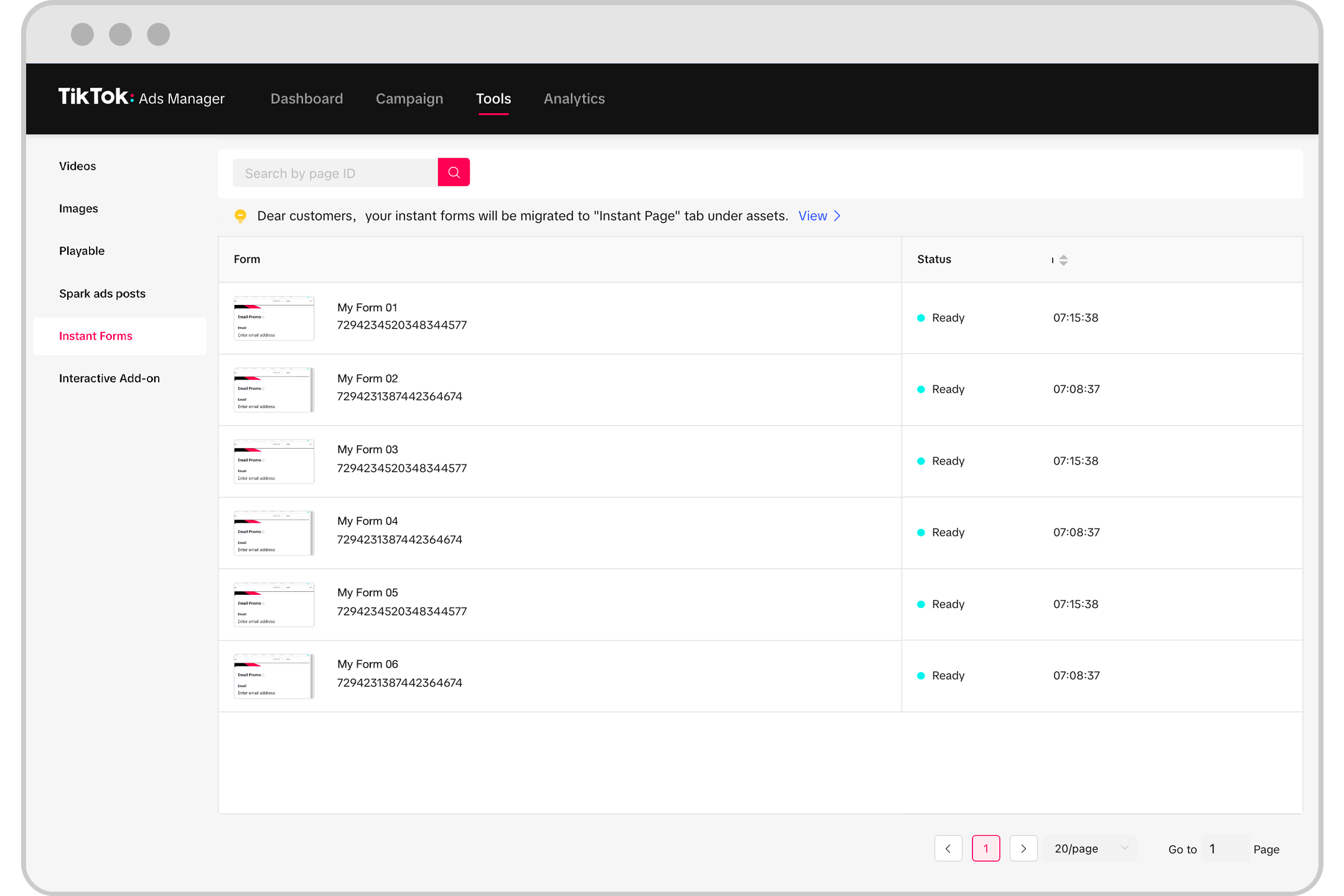
A consistent naming convention is crucial for maintaining an organized Creative Library. Instead of using vague names like “Video1.mp4” or “Ad2,” create a system that includes key details such as:
- Campaign Name
- Ad Version
- Asset Type (e.g., video, image, audio)
- Date Created
For example: Summer_Sale_2024_Ad_Ver1_Video_20240315
This level of detail helps your team quickly identify which file they need without having to open each one.
3. Use Tags and Metadata for Easy Searchability
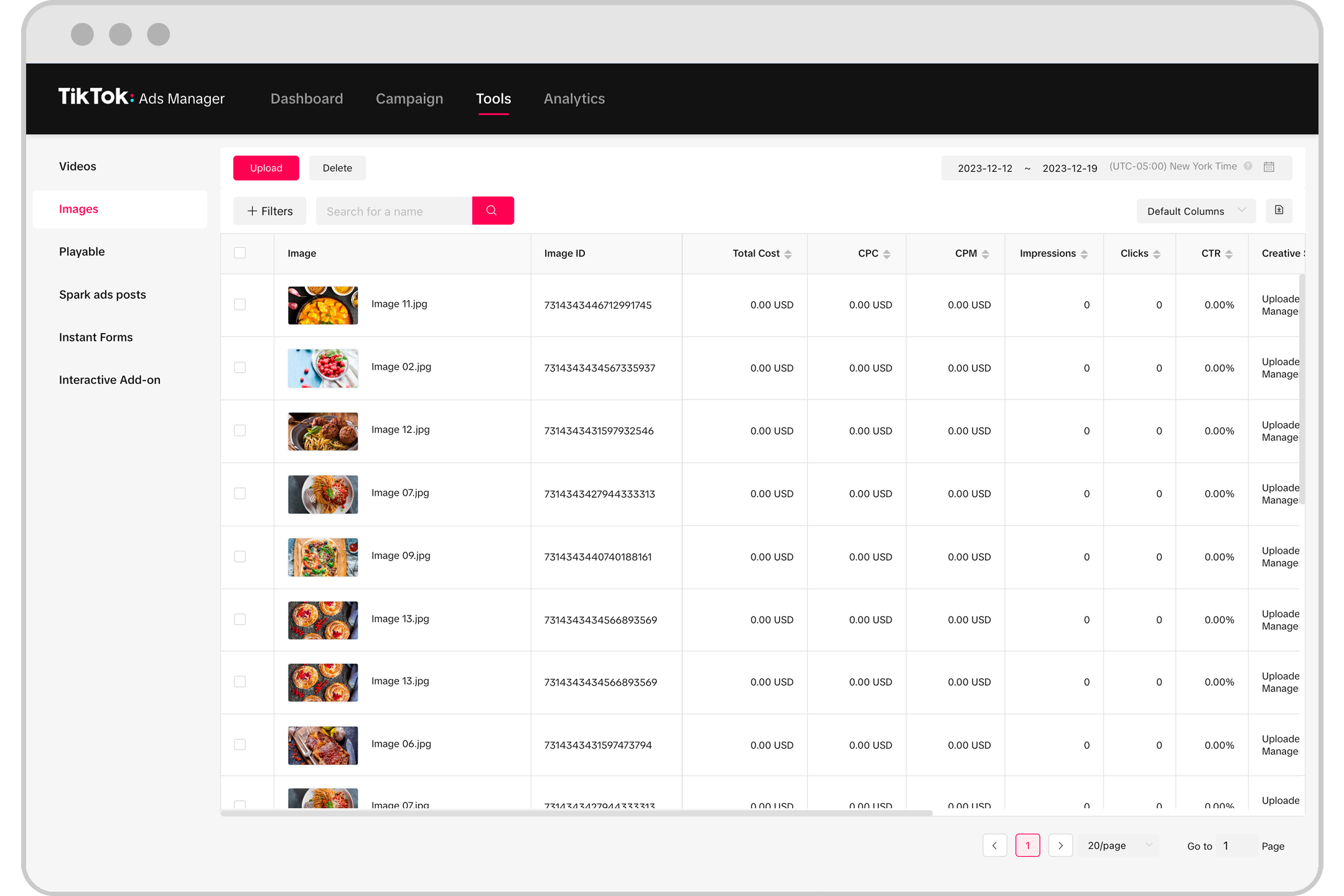
TikTok Ads Manager allows you to add tags and metadata to your creative assets. This feature is incredibly useful for searching and filtering your library. Consider tagging your creatives with relevant keywords such as:
- Product Category (e.g., "Electronics," "Fashion")
- Target Audience (e.g., "Young Adults," "Parents")
- Platform (e.g., "TikTok," "Instagram")
You can also include metadata like the date of creation, the creator’s name, or the purpose of the asset. These details make it easier to search for specific files when needed.
4. Keep Track of Version History

As your campaigns evolve, you may need to update your creatives. To avoid confusion, it’s important to keep track of version history. You can do this by:
- Adding Version Numbers: Include “Ver1,” “Ver2,” etc., in the file name.
- Using a Version Control System: If your team works collaboratively, consider using a version control system like Google Drive or Dropbox to track changes.
By keeping track of versions, you can always revert to a previous version if needed, ensuring that your creative assets remain up-to-date and accurate.
5. Regularly Clean and Archive Unused Assets
Over time, your Creative Library can become cluttered with unused or outdated assets. To maintain efficiency, it’s a good idea to regularly clean up your library by:
- Archiving Old Campaigns: Move old campaigns to an archive folder so they’re not lost but also not interfering with current work.
- Deleting Duplicate Files: Remove any duplicate or unnecessary files that don’t contribute to your current campaigns.
This practice not only keeps your library organized but also improves performance by reducing the amount of data your team has to sift through.
Conclusion: Streamline Your Workflow with Effective Creative Library Management
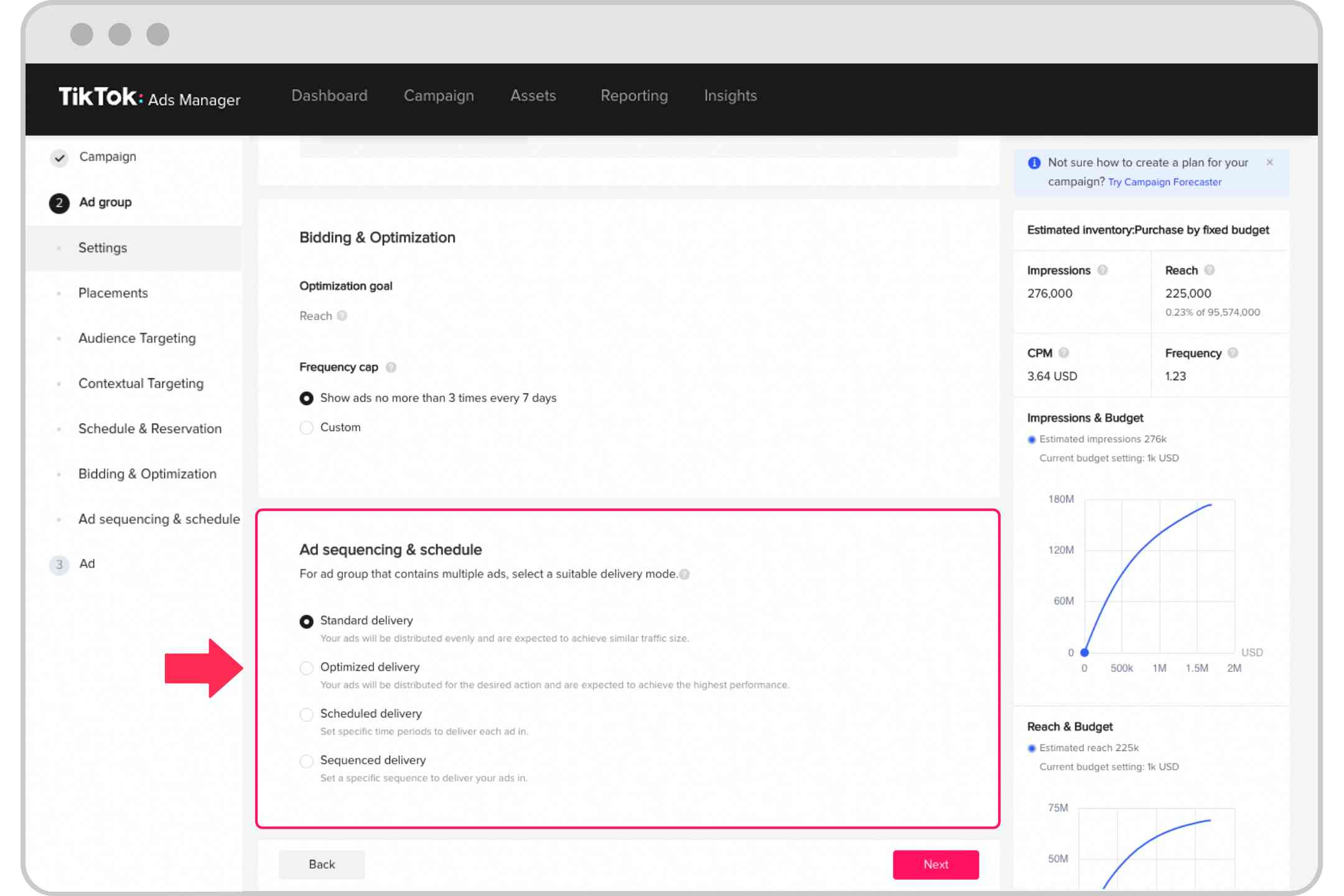
Organizing your TikTok Ads Manager Creative Library is more than just a matter of convenience—it's a strategic move that can significantly impact your marketing efficiency. By implementing the practices outlined above, you'll be able to streamline your workflow, reduce errors, and improve the overall performance of your TikTok ad campaigns.
Remember, the goal is to create a system that works for your team and supports your marketing goals. As your campaigns grow, so too should your approach to organizing your creative assets. With a well-structured Creative Library, you’ll be better equipped to deliver high-performing ads that resonate with your audience on TikTok.

Posting Komentar untuk "How to Organize Your TikTok Ads Manager Creative Library for Maximum Efficiency"
Posting Komentar