
How to Register a TikTok Business Account in 2024: Step-by-Step Guide
TikTok has become a powerful platform for businesses to connect with their target audience, drive sales, and build brand awareness. For entrepreneurs and marketers, registering a TikTok Business Account is a crucial step in leveraging the platform's capabilities. This guide will walk you through the process of registering a TikTok Business Account in 2024, ensuring you can effectively grow your business on this dynamic social media platform.

Why Register a TikTok Business Account?
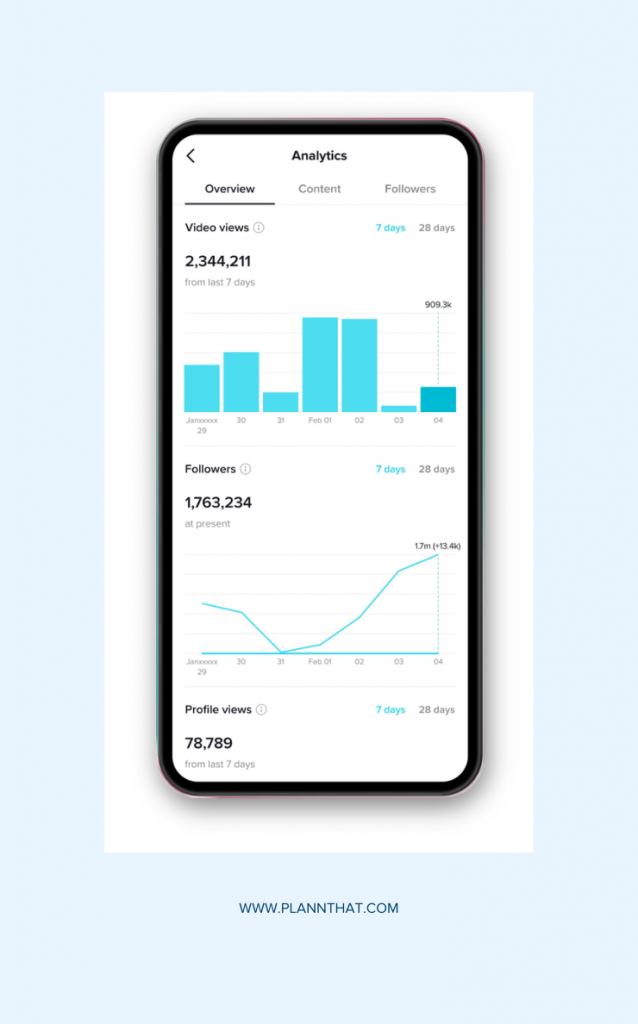
Before diving into the registration process, it's essential to understand why a business account is beneficial. A TikTok Business Account offers access to advanced tools such as analytics, ad creation, and e-commerce features. These tools help businesses track performance, run targeted ads, and even sell products directly through the app. Additionally, a business account allows for better audience engagement and provides a professional appearance that can enhance brand credibility.
Step-by-Step Guide to Registering a TikTok Business Account

1. Ensure You Have a Personal Account
Before you can register for a business account, you need to have a personal TikTok account. If you don't have one, download the TikTok app from the App Store or Google Play and create a personal account by providing your email address, phone number, and setting up a username and password.
2. Switch to a Business Account

Once you have a personal account, you can switch to a business account. Here's how:
- Open the TikTok app and go to your profile.
- Tap the three horizontal lines (menu) in the top right corner.
- Select Settings and Privacy.
- Tap Account.
- Look for the option Switch to Business Account and tap it.
3. Provide Business Information

After selecting the option to switch to a business account, you'll be prompted to provide essential business information. This includes:
- Business Name: The name of your company or brand.
- Category: Choose the category that best fits your business (e.g., retail, food, services).
- Website URL: Enter the URL of your business website.
- Phone Number: Provide a valid phone number for verification purposes.
- Address: Enter your business address, which will be used for tax and legal purposes.
4. Verify Your Account
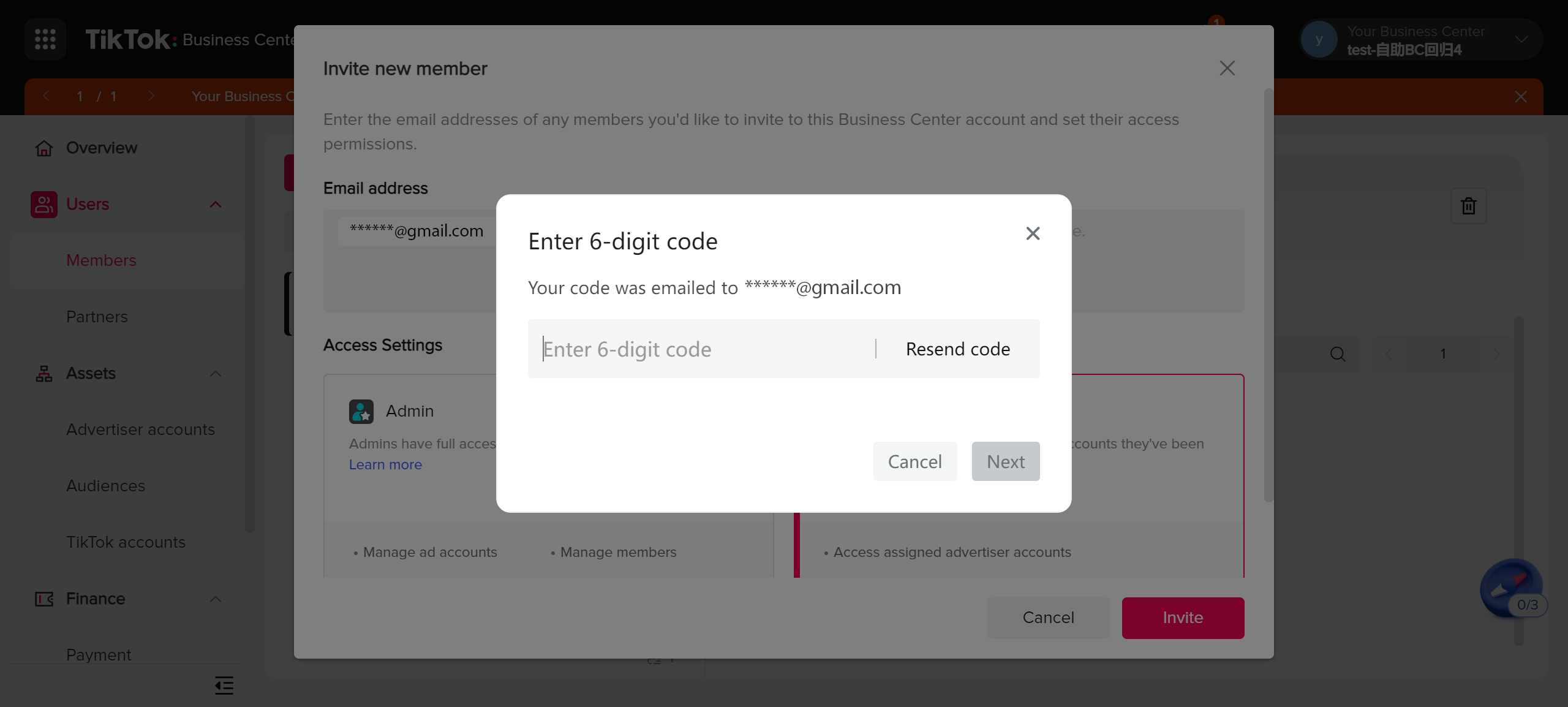
To complete the registration process, you'll need to verify your account. TikTok may ask you to confirm your identity through various methods, such as:
- Email Verification: Check your email inbox for a confirmation link sent by TikTok.
- Phone Number Verification: Enter the code sent to your phone number via SMS.
- ID Verification: Upload a photo of your government-issued ID (e.g., driver's license, passport).
5. Set Up Payment Methods
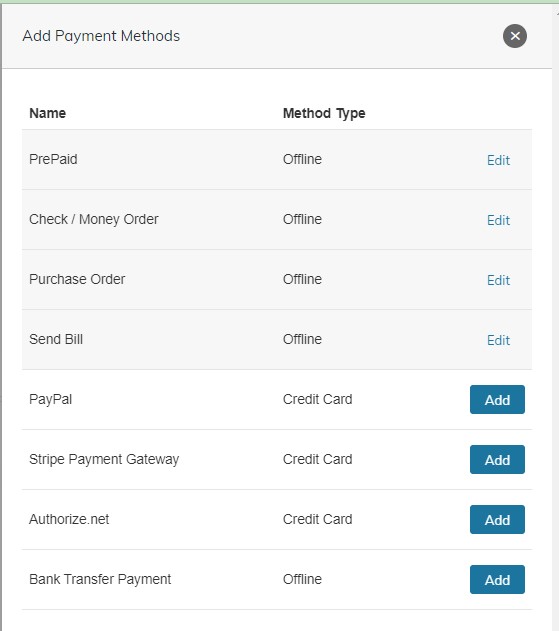
Once your account is verified, you'll need to set up payment methods to take advantage of TikTok's monetization features. This includes:
- Payment Method: Add a credit card, debit card, or other accepted payment methods.
- Tax Information: Provide your tax details, which are necessary for processing payments and complying with local regulations.
6. Customize Your Profile
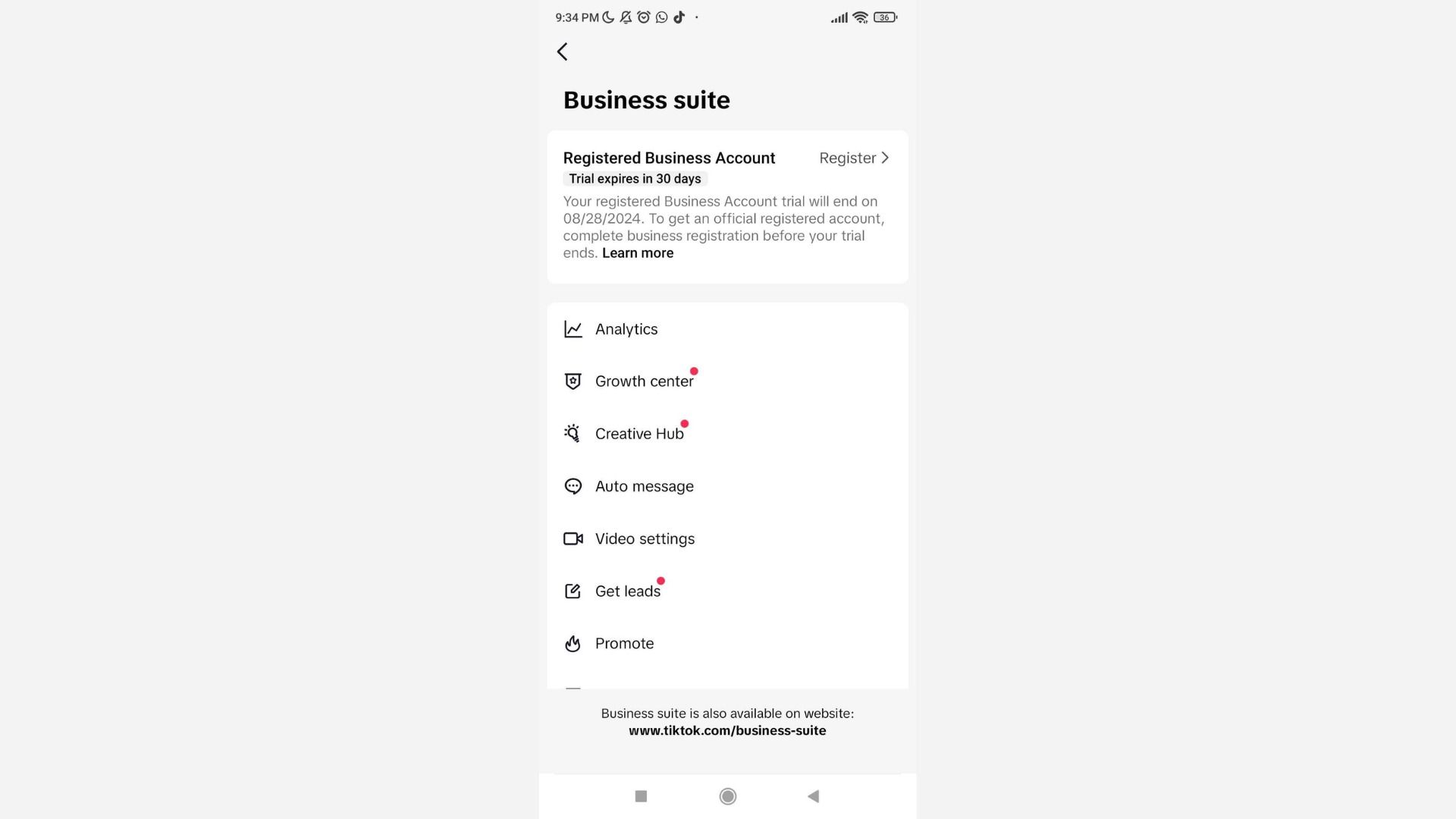
After completing the registration process, customize your profile to reflect your brand. This includes:
- Profile Picture: Upload a high-quality logo or image that represents your brand.
- Bio: Write a compelling bio that describes your business and what you offer.
- Link: Add a link to your website or online store.
Tips for Success with Your TikTok Business Account

1. Engage with Your Audience
Consistent engagement is key to building a loyal following on TikTok. Respond to comments, participate in challenges, and collaborate with other creators to increase your visibility.
2. Post Regularly
Maintain a consistent posting schedule to keep your audience engaged. Use TikTok's analytics tools to determine the best times to post based on your audience's activity.
3. Utilize TikTok Ads
Take advantage of TikTok's advertising features to reach a wider audience. Create targeted ads that align with your business goals and monitor their performance using TikTok's analytics tools.
4. Monitor Your Analytics
Track your performance using TikTok's built-in analytics tools. This will help you understand what content resonates with your audience and make data-driven decisions to improve your strategy.
Conclusion
Registering a TikTok Business Account in 2024 is a straightforward process that can significantly enhance your business's online presence. By following the steps outlined in this guide, you'll be well on your way to leveraging TikTok's powerful tools to grow your brand, engage with your audience, and drive sales. Remember to stay consistent, engage with your followers, and utilize the available features to maximize your success on TikTok.

Posting Komentar untuk "How to Register a TikTok Business Account in 2024: Step-by-Step Guide"
Posting Komentar