
How to Set Up an Ad Group in TikTok Ads Manager: A Complete Guide
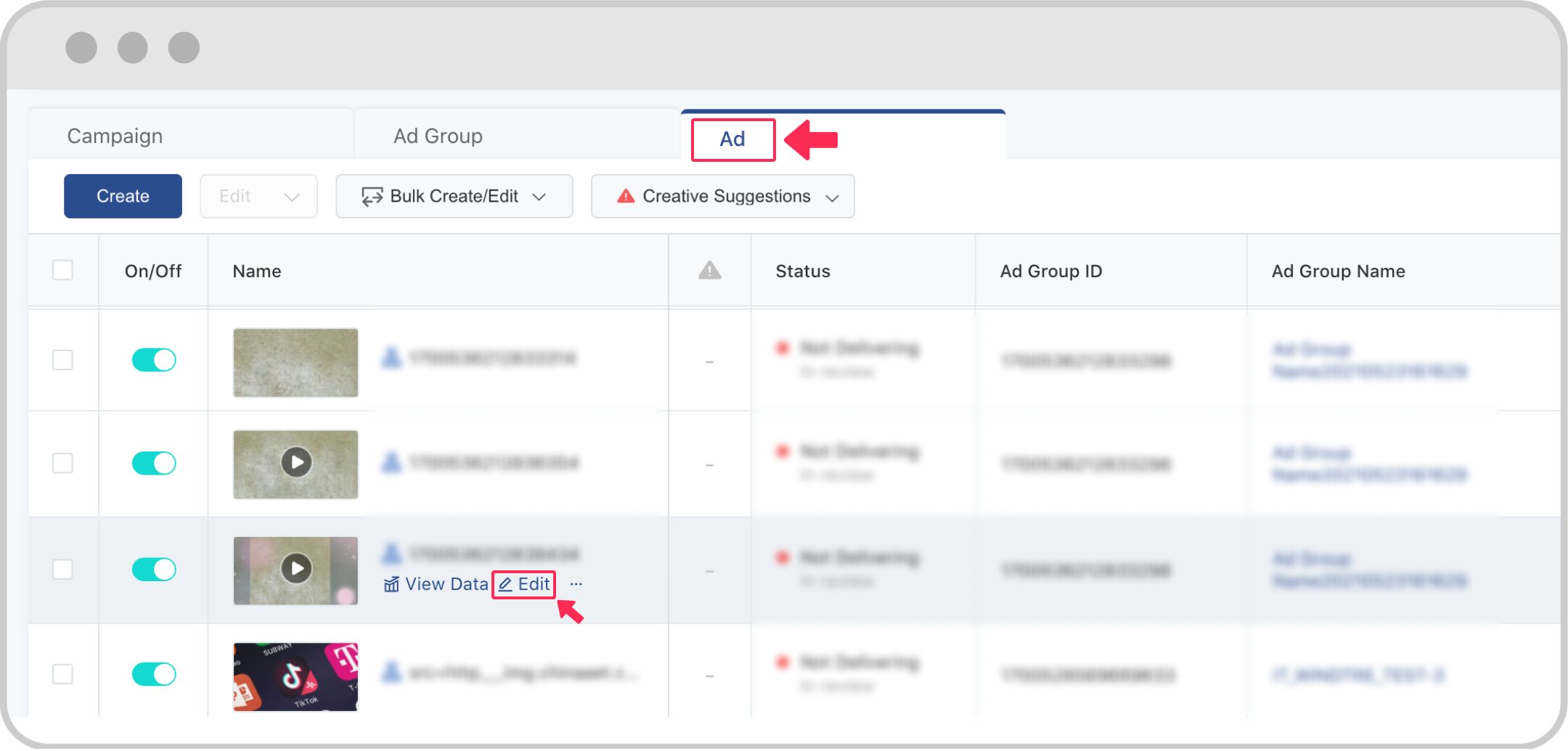
TikTok has become a powerful platform for digital marketers, offering unique opportunities to connect with Gen Z and Gen Alpha audiences. With over 1.5 billion monthly active users, it's no wonder that brands are investing heavily in TikTok advertising. One of the most critical steps in creating effective campaigns is setting up an ad group in TikTok Ads Manager. This guide will walk you through the process step by step, ensuring you can create and manage your ad groups effectively.
Understanding TikTok Ads Manager
Before diving into setting up an ad group, it's essential to understand what TikTok Ads Manager is. It's a comprehensive tool that allows advertisers to create, manage, and optimize their ad campaigns on the TikTok platform. The interface is user-friendly, making it accessible even for those new to digital advertising.
Step-by-Step Guide to Setting Up an Ad Group
1. Accessing TikTok Ads Manager
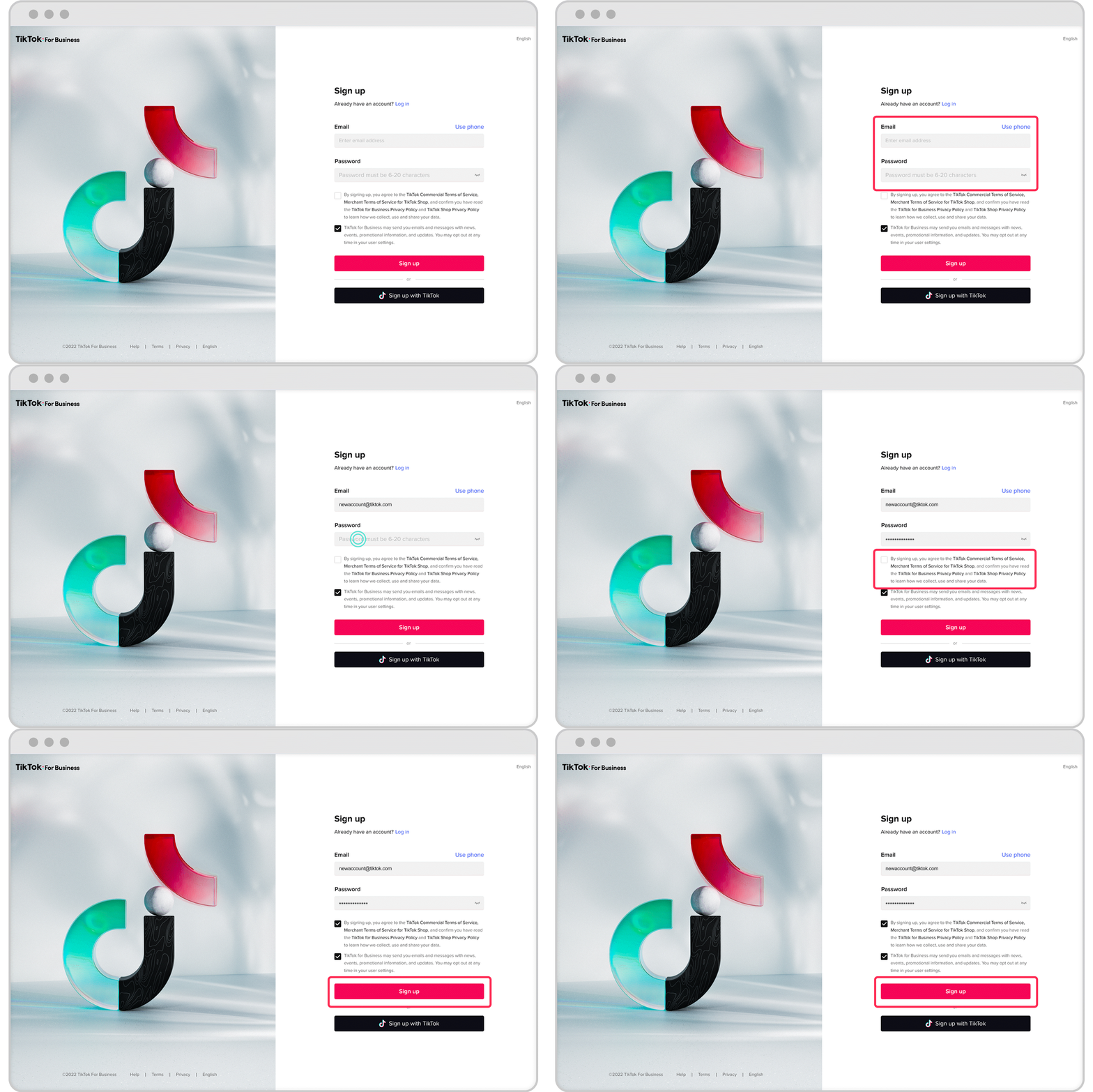
To begin, log in to your TikTok business account. If you don't have one, you'll need to create a business account first. Once logged in, navigate to the TikTok Ads Manager by visiting ads.tiktok.com.
2. Choosing Your Campaign Objective
Upon entering the Ads Manager, you'll be prompted to select your campaign objective. Options include increasing traffic, driving community interaction, improving lead generation, generating website conversions, or encouraging app installs. Choose the objective that aligns with your marketing goals.
3. Selecting Your Audience
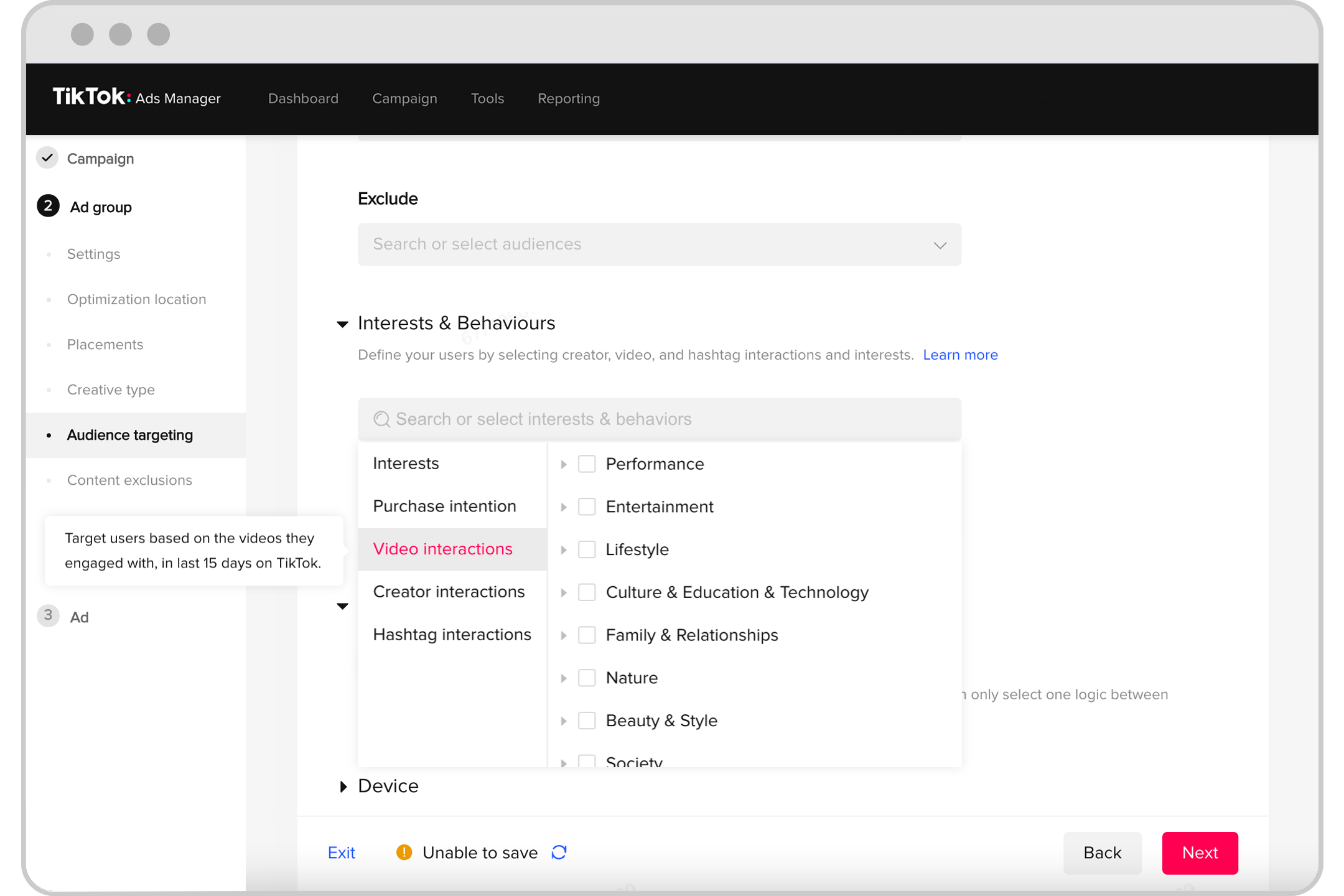
Next, define your target audience. TikTok offers various targeting options, including demographics, interests, behaviors, and custom audiences. You can also use lookalike audiences to reach users similar to your existing customers.
4. Setting Your Budget and Schedule
After defining your audience, set your budget and schedule. TikTok allows you to choose a daily or lifetime budget. You can also specify the duration of your campaign, whether it's a specific date range or an indefinite run.
5. Creating Your Ad Content
Now, it's time to create your ad content. TikTok supports video and image ads, so choose the format that best suits your message. Ensure your content adheres to TikTok's specifications, such as video resolution and file size. Remember to include a clear call-to-action (CTA) to encourage user engagement.
6. Reviewing and Submitting Your Ad

Before submitting your ad, review all the details to ensure accuracy. Check your targeting, budget, and ad content. Once everything looks good, submit your ad for review. TikTok typically reviews ads within 24 hours.
Importance of Targeting and Ad Placements
Effective targeting is crucial for the success of your TikTok ad campaigns. By understanding your audience and using TikTok's targeting options, you can ensure your ads reach the right people at the right time. Additionally, choosing the appropriate ad placements, such as in-feed ads or TopView ads, can significantly impact your campaign's performance.
Best Practices for Creating Engaging TikTok Ads
Creating engaging TikTok ads requires a blend of creativity and strategy. Here are some best practices to consider:
- Authenticity Matters: TikTok users value genuine content. Make sure your ads resonate with the platform's culture.
- Encourage User Interaction: Create ads that invite user participation, like using popular music or trends.
- Keep it Short and Sweet: TikTok is all about quick, engaging content. Aim for concise, impactful messaging.
- Use High-Quality Visuals: Eye-catching visuals are key to standing out in the fast-paced TikTok feed.
Measuring and Analyzing Ad Performance
After launching your ad, it's essential to monitor its performance. TikTok provides robust analytics tools within the Ads Manager, allowing you to track metrics such as engagement rates, click-through rates, and conversion metrics. Regularly analyzing these metrics helps you make data-driven decisions to optimize your campaigns.
Conclusion
Setting up an ad group in TikTok Ads Manager is a crucial step in creating effective digital marketing campaigns. By following this guide, you can ensure that your ads are well-targeted, engaging, and aligned with your business goals. As TikTok continues to evolve, staying informed about the latest trends and best practices will help you maximize the impact of your advertising efforts. With the right strategies and tools, you can leverage TikTok's vast user base to drive growth and engagement for your brand.

Posting Komentar untuk "How to Set Up an Ad Group in TikTok Ads Manager: A Complete Guide"
Posting Komentar