
How to Set Up Retargeting Audiences for TikTok Ads: A Complete Guide
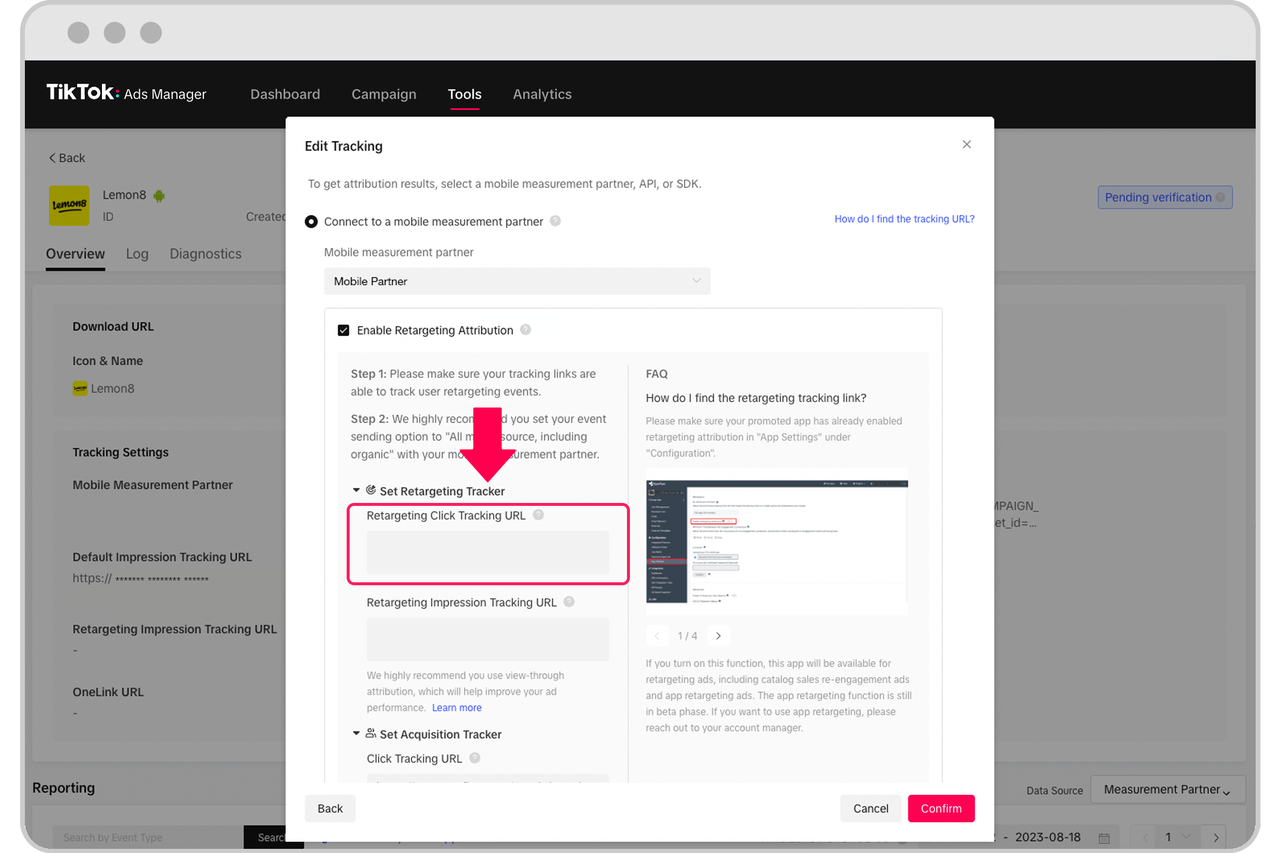
TikTok has evolved from a platform for entertainment into a powerful marketing tool. With its massive user base and unique algorithm, it's essential for brands to leverage TikTok Ads effectively. One of the most impactful features of TikTok Ads is retargeting, which allows you to re-engage users who have already interacted with your brand. This guide will walk you through the process of setting up retargeting audiences for TikTok Ads, ensuring you maximize your ad spend and improve conversion rates.
Why Retargeting Matters on TikTok
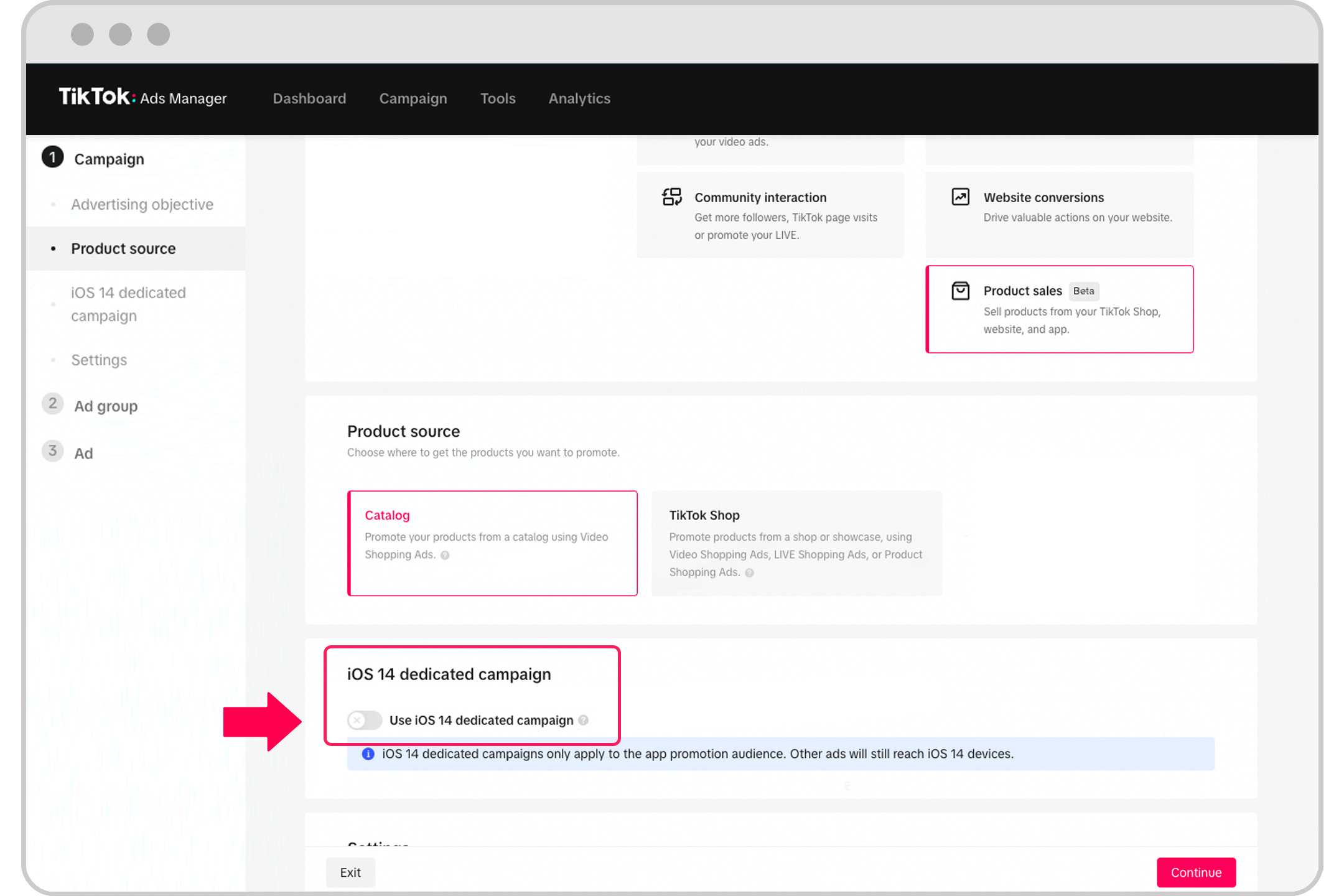
Retargeting is a game-changer for TikTok advertisers because it helps you reach users who have shown interest in your brand but haven’t yet converted. According to data from TikTok, users often engage with content multiple times before making a purchase. By retargeting these users, you can increase the chances of converting them into customers.
Here are some key benefits of retargeting on TikTok:
- Higher Conversion Rates: Retargeted users are more likely to convert since they’ve already shown interest.
- Improved ROI: Retargeting reduces the cost per acquisition by focusing on engaged users.
- Brand Recall: Repeated exposure to your ads reinforces brand awareness.
Step-by-Step Guide to Setting Up Retargeting Audiences
1. Understand Your Audience
Before setting up retargeting audiences, it’s crucial to understand who your target users are. Analyze your existing customer data to identify common characteristics such as demographics, interests, and behaviors.
Key Actions: - Use TikTok Analytics to track user behavior on your app or website. - Identify high-value users who have made purchases, added items to their cart, or engaged with your content.
2. Choose the Right Retargeting Strategy
TikTok offers several retargeting options, each tailored to different stages of the customer journey. Here are the most effective strategies:
- Website Retargeting: Target users who visited your website but didn’t make a purchase.
- App Retargeting: Reach users who downloaded your app but didn’t complete a desired action.
- Engagement Retargeting: Focus on users who interacted with your content, such as liking, commenting, or sharing.
3. Set Up Tracking Pixel
To implement retargeting, you need to install a tracking pixel on your website or app. TikTok provides a tracking pixel that allows you to collect data on user interactions.
Steps to Install the Pixel: - Log in to your TikTok Ads Manager account. - Navigate to the "Audience" section. - Follow the instructions to generate and install the tracking pixel on your website or app.
4. Create Custom Audiences
Once the tracking pixel is set up, you can create custom audiences based on user behavior.
How to Create Custom Audiences: - In the TikTok Ads Manager, go to the "Audience" tab. - Select "Custom Audience." - Choose the type of audience you want to create (e.g., website visitors, app users). - Define the parameters for your audience, such as time frame, actions taken, or specific pages visited.
5. Segment Your Audiences
Segmenting your audiences allows you to tailor your retargeting campaigns to specific groups of users. For example, you can create separate audiences for users who abandoned their shopping carts versus those who viewed a product page.
Tips for Effective Segmentation: - Use lookalike audiences to target users similar to your existing customers. - Create dynamic audiences that update automatically based on user behavior.
6. Design Retargeting Campaigns
With your audiences created, it’s time to design your retargeting campaigns. Ensure your ads are engaging and relevant to the users you’re targeting.
Best Practices for Retargeting Ads: - Use eye-catching visuals and clear calls-to-action. - Highlight the value proposition of your product or service. - Include urgency or limited-time offers to encourage immediate action.
7. Monitor and Optimize
Retargeting is an ongoing process. Continuously monitor your campaign performance and make adjustments as needed.
Key Metrics to Track: - Click-through rate (CTR) - Conversion rate - Cost per acquisition (CPA) - Return on ad spend (ROAS)
Optimization Tips: - A/B test different ad creatives and messaging. - Adjust your targeting parameters based on performance data. - Retarget users who have shown high engagement with your previous ads.
Conclusion
Setting up retargeting audiences for TikTok Ads is a powerful way to boost your marketing efforts and drive conversions. By understanding your audience, creating custom segments, and designing targeted campaigns, you can significantly improve your ad performance. Remember to continuously monitor and optimize your campaigns to ensure long-term success.

Posting Komentar untuk "How to Set Up Retargeting Audiences for TikTok Ads: A Complete Guide"
Posting Komentar