
How to Set Up Shared Access in TikTok Ads Manager: A Step-by-Step Guide
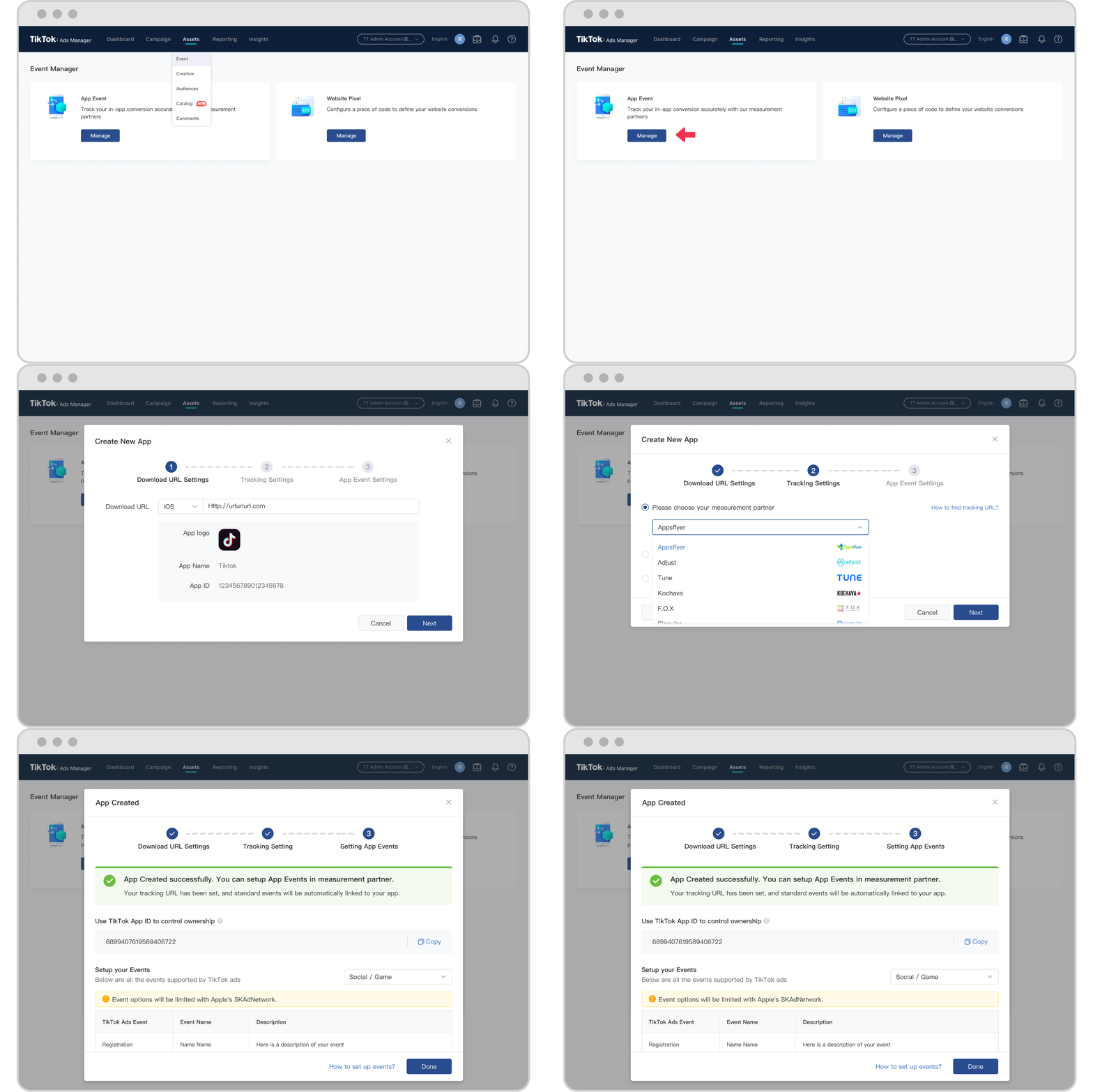
TikTok has become a powerful platform for businesses to reach their target audience through engaging short-form videos. As more companies leverage TikTok for advertising, the need for collaboration and efficient management of ad accounts has grown. One essential feature that facilitates this is shared access in TikTok Ads Manager. This guide will walk you through how to set up shared access, ensuring seamless collaboration among team members.
What is Shared Access in TikTok Ads Manager?
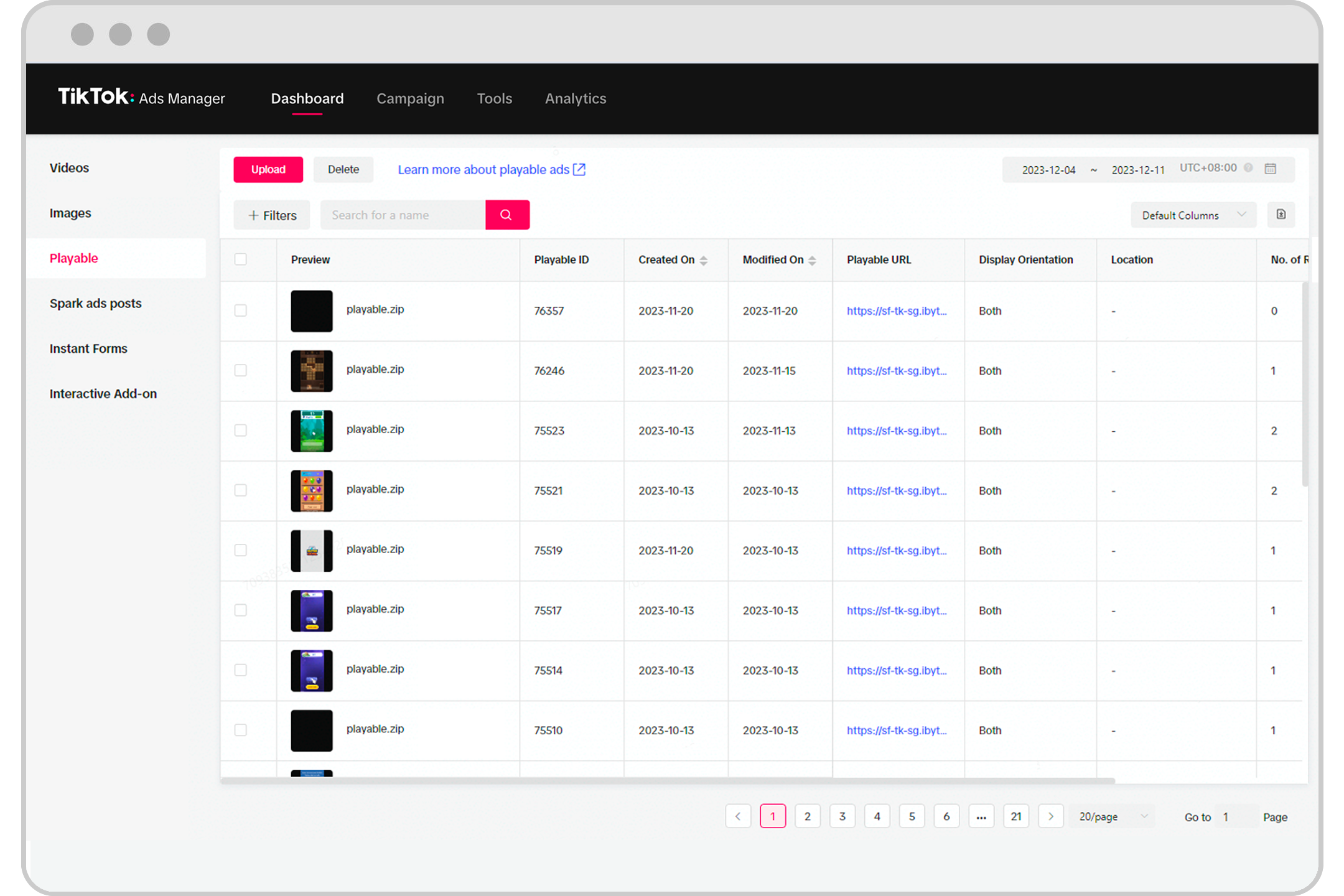
Shared access allows multiple users to manage a single TikTok Ads Manager account. This feature is particularly useful for teams working on marketing campaigns, as it enables different individuals to handle various aspects of the ad creation, monitoring, and optimization processes. By granting shared access, you can assign roles and permissions to each user, ensuring that everyone has the right level of control over the account.
Why Use Shared Access?
- Collaboration: Multiple team members can work on different parts of the campaign without the need for constant communication.
- Efficiency: Streamlines the workflow by allowing team members to access and manage the account simultaneously.
- Control: You can assign specific roles and permissions, ensuring that sensitive information remains secure.
- Scalability: Ideal for growing businesses that require multiple people to manage advertising efforts.
Steps to Set Up Shared Access
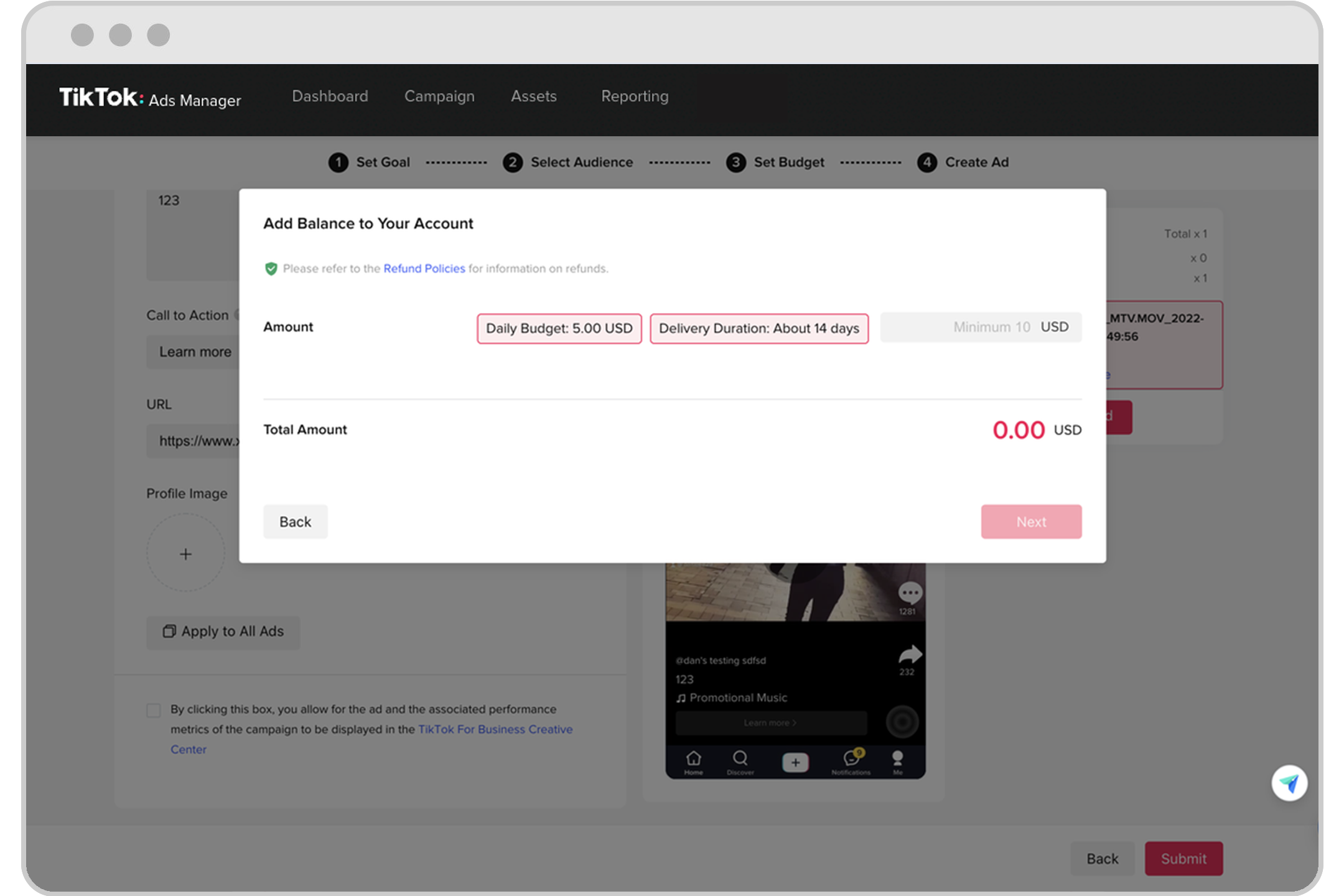
Step 1: Log In to Your TikTok Ads Manager Account
Start by logging into your TikTok Ads Manager account using your business credentials. If you don’t have an account, you’ll need to create one first.
Step 2: Navigate to the Account Settings
Once logged in, go to the Account Settings section. This is typically found under the Settings or Profile menu.
Step 3: Access the Shared Access Feature
Look for the Shared Access option. This may be listed under Team Management or User Permissions. Click on it to open the shared access settings.
Step 4: Invite New Users
Click on the Invite User button. You’ll be prompted to enter the email addresses of the individuals you want to grant access to. Make sure to use the correct email addresses associated with their TikTok accounts.
Step 5: Assign Roles and Permissions
After entering the email addresses, you’ll need to assign roles and permissions. TikTok offers different levels of access, such as:
- Admin: Full access to all features and settings.
- Manager: Can manage ads, but not change account settings.
- Viewer: Can only view data and reports.
Choose the appropriate role based on the responsibilities of each team member.
Step 6: Send Invitations
Once you’ve assigned roles, click Send Invitation. The invited users will receive an email notification with instructions on how to accept the invitation.
Step 7: Confirm Access
The invited users should check their emails and follow the link provided to accept the invitation. Once accepted, they will gain access to the TikTok Ads Manager account according to the permissions you assigned.
Best Practices for Managing Shared Access
- Regularly Review Permissions: Ensure that all users have the appropriate level of access and update permissions as needed.
- Use Clear Communication: Maintain open lines of communication with your team to avoid confusion and ensure everyone understands their roles.
- Monitor Activity: Keep an eye on the activities within the account to detect any unauthorized changes or potential issues.
- Train Team Members: Provide training sessions to help your team understand how to effectively use TikTok Ads Manager and its shared access features.
Conclusion
Setting up shared access in TikTok Ads Manager is a straightforward process that can greatly enhance collaboration and efficiency within your team. By following the steps outlined above and adhering to best practices, you can ensure that your advertising efforts are well-managed and optimized for success. Whether you're a small business or a large enterprise, shared access is a valuable tool that can help you achieve your marketing goals on TikTok.

Posting Komentar untuk "How to Set Up Shared Access in TikTok Ads Manager: A Step-by-Step Guide"
Posting Komentar