
How to Set Up TikTok Ads for WooCommerce: A Complete Guide
TikTok has evolved from a platform for viral dances and short-form videos into a powerful marketing tool for businesses, especially those leveraging e-commerce. With its massive user base, particularly among Gen Z and Millennials, TikTok offers a unique opportunity to drive traffic, generate leads, and boost sales. For online store owners using WooCommerce, setting up TikTok ads can be a game-changer. This guide will walk you through the process of creating and optimizing TikTok ads for your WooCommerce store.
Why TikTok Ads Work for WooCommerce Stores
TikTok’s algorithm is designed to promote content that resonates with users, making it an ideal platform for product discovery. For WooCommerce stores, this means you can reach potential customers who are actively searching for products, comparing options, and making purchasing decisions. By leveraging TikTok ads, you can:
- Drive targeted traffic to your WooCommerce store
- Increase brand awareness among younger demographics
- Boost conversions through engaging and authentic content
- Test new products or promotions effectively
Step-by-Step Guide to Setting Up TikTok Ads for WooCommerce
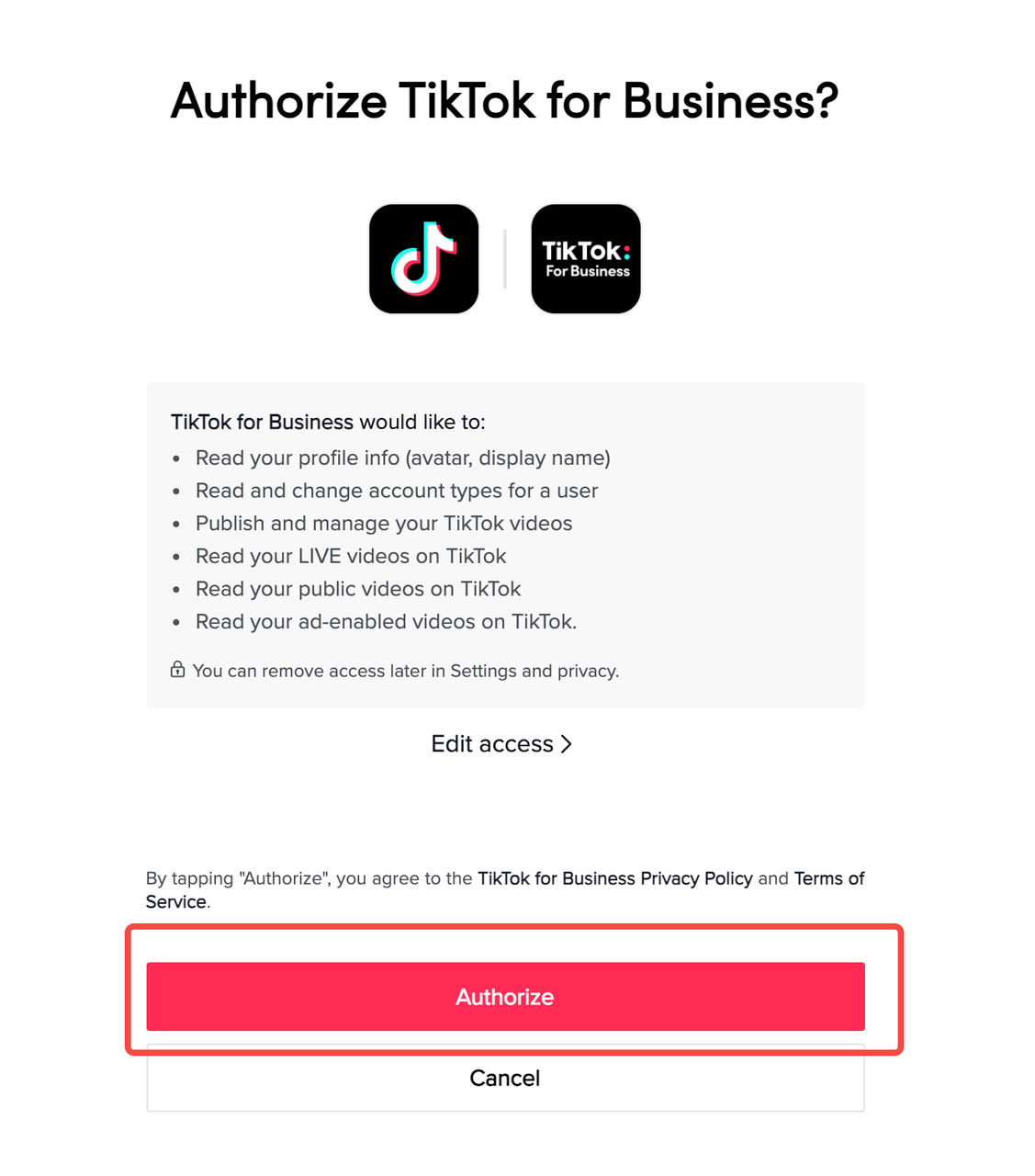
1. Create a TikTok Business Account
Before you can start running ads, you need a business account on TikTok. Here’s how to do it:
- Open the TikTok app and go to your profile.
- Tap the three dots (or the settings icon) and select "Switch to Pro Account."
- Choose "Business Account" and follow the prompts to set up your profile.
- Verify your email and phone number to complete the setup.
Once your business account is ready, you can access the TikTok Ads Manager.
2. Link Your WooCommerce Store
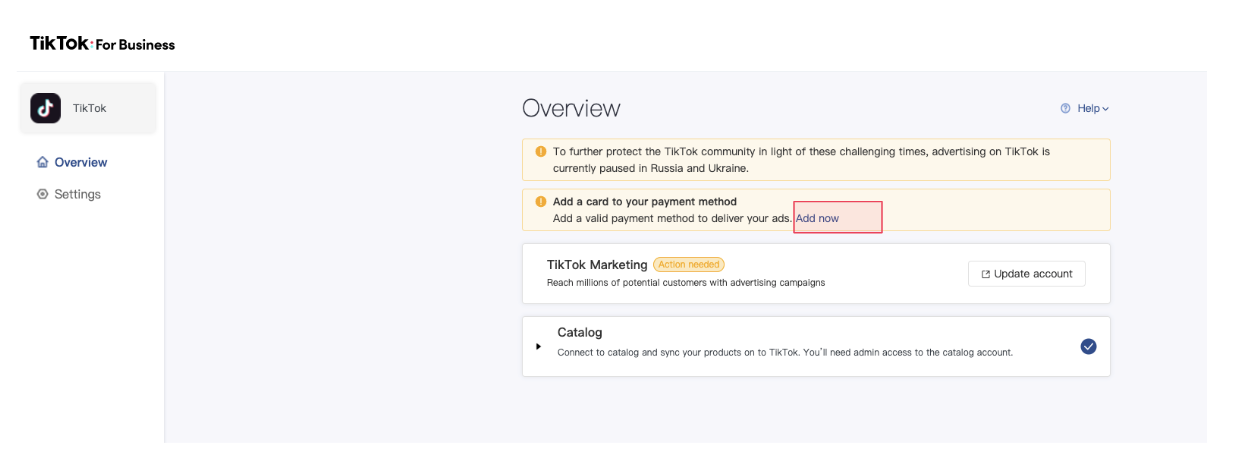
To ensure seamless integration between TikTok and your WooCommerce store, you’ll need to link them. While TikTok doesn’t offer a direct WooCommerce integration, you can use third-party tools like Spocket or WooCommerce Facebook Pixel to track conversions and manage product listings.
- Install a tracking pixel (like the TikTok Pixel) on your WooCommerce site to monitor user behavior.
- Use a dropshipping platform like Spocket to source products quickly and efficiently, ensuring fast fulfillment when a video goes viral.
3. Set Up Your TikTok Ads Campaign

Now that your account is set up, it’s time to create your first ad campaign.
a. Choose Your Campaign Objective
TikTok allows you to choose from several campaign objectives, including:
- Traffic: Drive users to your website.
- Conversions: Encourage purchases or sign-ups.
- App Installs: Promote mobile app downloads.
For WooCommerce stores, Traffic or Conversions are typically the best choices.
b. Define Your Target Audience

TikTok’s targeting options are robust, allowing you to narrow down your audience based on:
- Age, gender, and location
- Interests and behaviors
- Custom audiences (based on your existing customer data)
- Lookalike audiences (to reach users similar to your current customers)
Use these filters to ensure your ads are shown to the right people.
c. Set Your Budget and Schedule

TikTok allows you to set a daily or total budget for your campaign. Start with a small budget to test different ad formats and creative ideas. You can always increase your spend as you see positive results.
- Daily Budget: The maximum amount you’re willing to spend each day.
- Total Budget: The overall amount you want to spend for the entire campaign.
You can also choose to run your ads continuously or schedule them for specific times of the day.
d. Design Your Ad Content

TikTok ads should be engaging, concise, and aligned with your brand. Here are some tips:
- Use short, hook-driven videos (15–60 seconds).
- Include clear calls-to-action (e.g., "Shop Now," "Learn More").
- Add on-screen text and voiceover keywords to improve SEO and visibility.
- Use UGC (User-Generated Content) or creator partnerships to build trust and authenticity.
e. Launch and Monitor Your Campaign
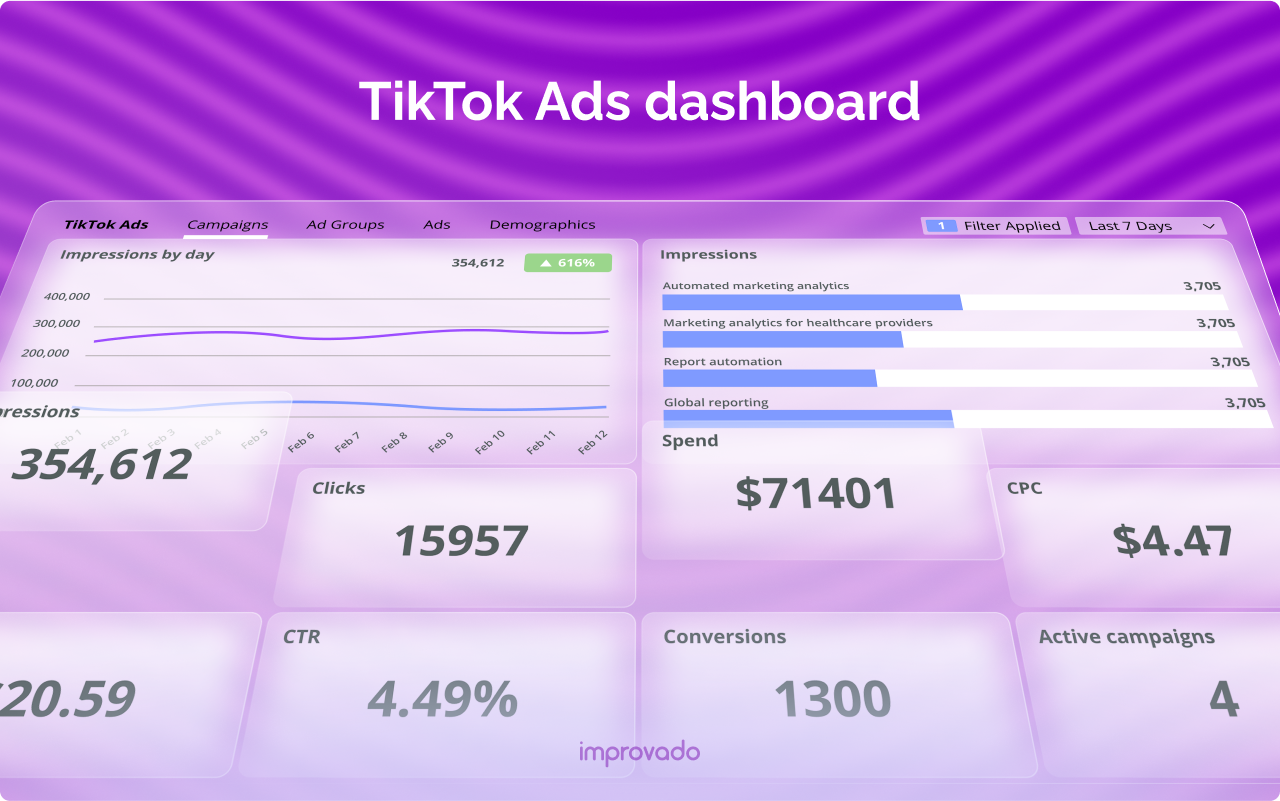
After designing your ad, click "Launch" to start your campaign. Once it's live, monitor its performance using TikTok Ads Manager.
Key metrics to track include:
- Click-Through Rate (CTR)
- Conversion Rate
- Cost Per Acquisition (CPA)
- Return on Ad Spend (ROAS)
Use this data to refine your strategy and optimize future campaigns.
Best Practices for TikTok Ads with WooCommerce

- Test Multiple Variations: Run A/B tests to determine which ad formats, headlines, and visuals perform best.
- Leverage Trends: Use trending sounds, hashtags, and challenges to increase visibility.
- Optimize for Mobile: Ensure your landing pages are mobile-friendly and load quickly.
- Retarget Engaged Users: Use TikTok’s retargeting features to re-engage users who viewed your ad but didn’t convert.
Conclusion

Setting up TikTok ads for your WooCommerce store is a powerful way to tap into a growing audience and drive sales. By following the steps outlined in this guide, you can create effective ad campaigns that resonate with your target audience and deliver measurable results. Remember to stay consistent, experiment with different strategies, and use data to refine your approach over time.

Posting Komentar untuk "How to Set Up TikTok Ads for WooCommerce: A Complete Guide"
Posting Komentar