
How to Set Up TikTok Ads Manager: A Complete Step-by-Step Guide
Introduction to TikTok Ads Manager
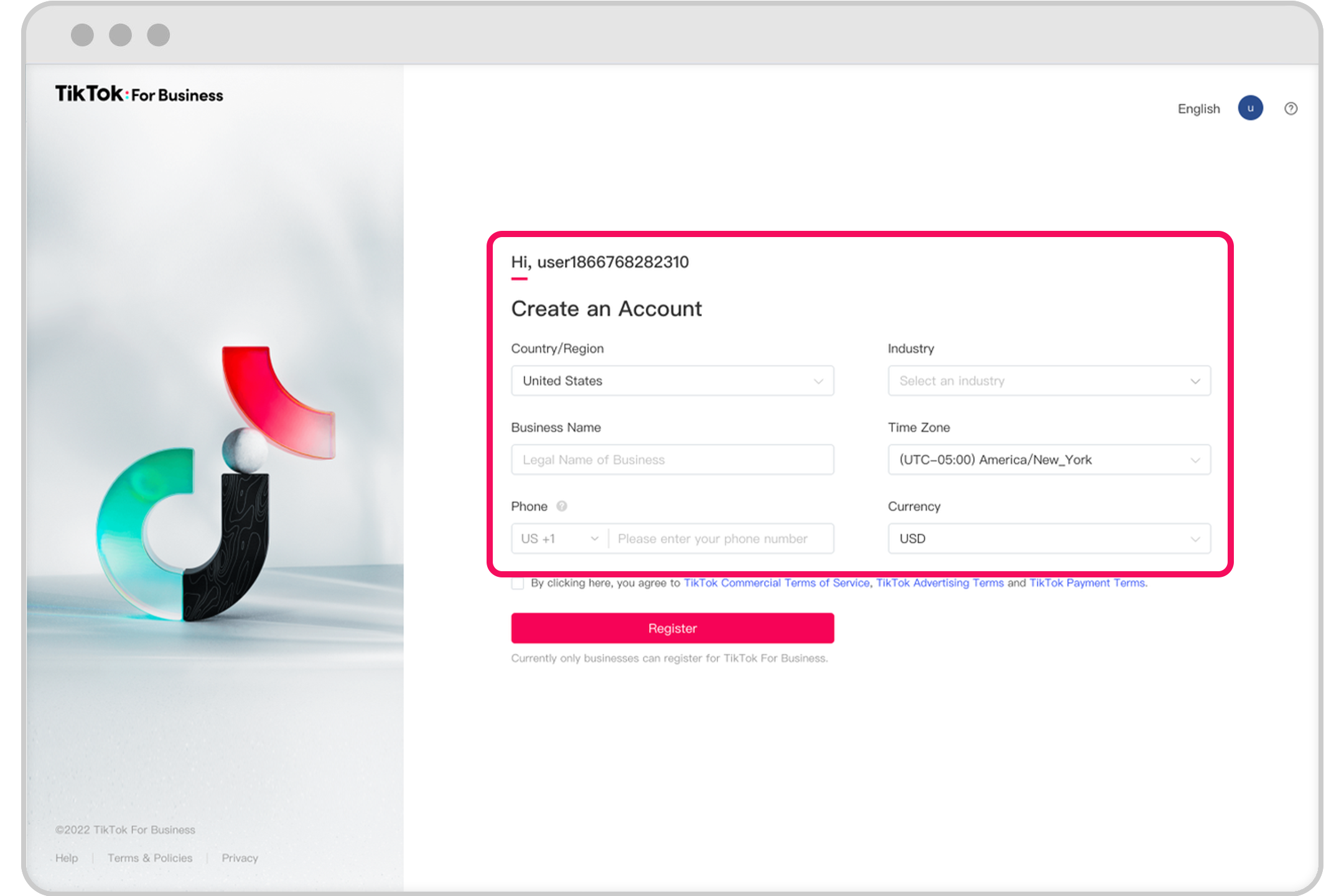
TikTok has become one of the most powerful platforms for digital marketing, offering businesses a unique way to connect with their target audience. With its massive user base and engaging content format, TikTok Ads Manager provides an effective tool for promoting products, services, and brands. Setting up a TikTok Ads Manager account is the first step in leveraging this platform's potential for your business. This guide will walk you through the entire process, ensuring that you can start running successful ad campaigns on TikTok.
Step 1: Create a TikTok Business Account

Before you can access TikTok Ads Manager, you need to have a business account. If you already have a personal account, you can convert it to a business account by following these steps:
- Open the TikTok app and go to your profile.
- Tap the three dots (⋯) in the top-right corner.
- Select "Switch to Pro Account" or "Create a Business Account."
- Choose the type of business you represent (e.g., brand, creator, or shop).
- Fill in the required information, including your business name, description, and contact details.
- Verify your phone number and email address.
Once your business account is set up, you’ll be able to access the TikTok Ads Manager.
Step 2: Access TikTok Ads Manager

After creating your business account, you can access TikTok Ads Manager through the following methods:
- Through the TikTok App: Open the TikTok app, go to your profile, tap the three dots (⋯), and select "Ads Manager."
- Through the Web: Visit https://ads.tiktok.com and log in using your TikTok business account credentials.
Once you're logged in, you'll see the TikTok Ads Manager dashboard, where you can manage all your ad campaigns.
Step 3: Set Up Your Ad Account
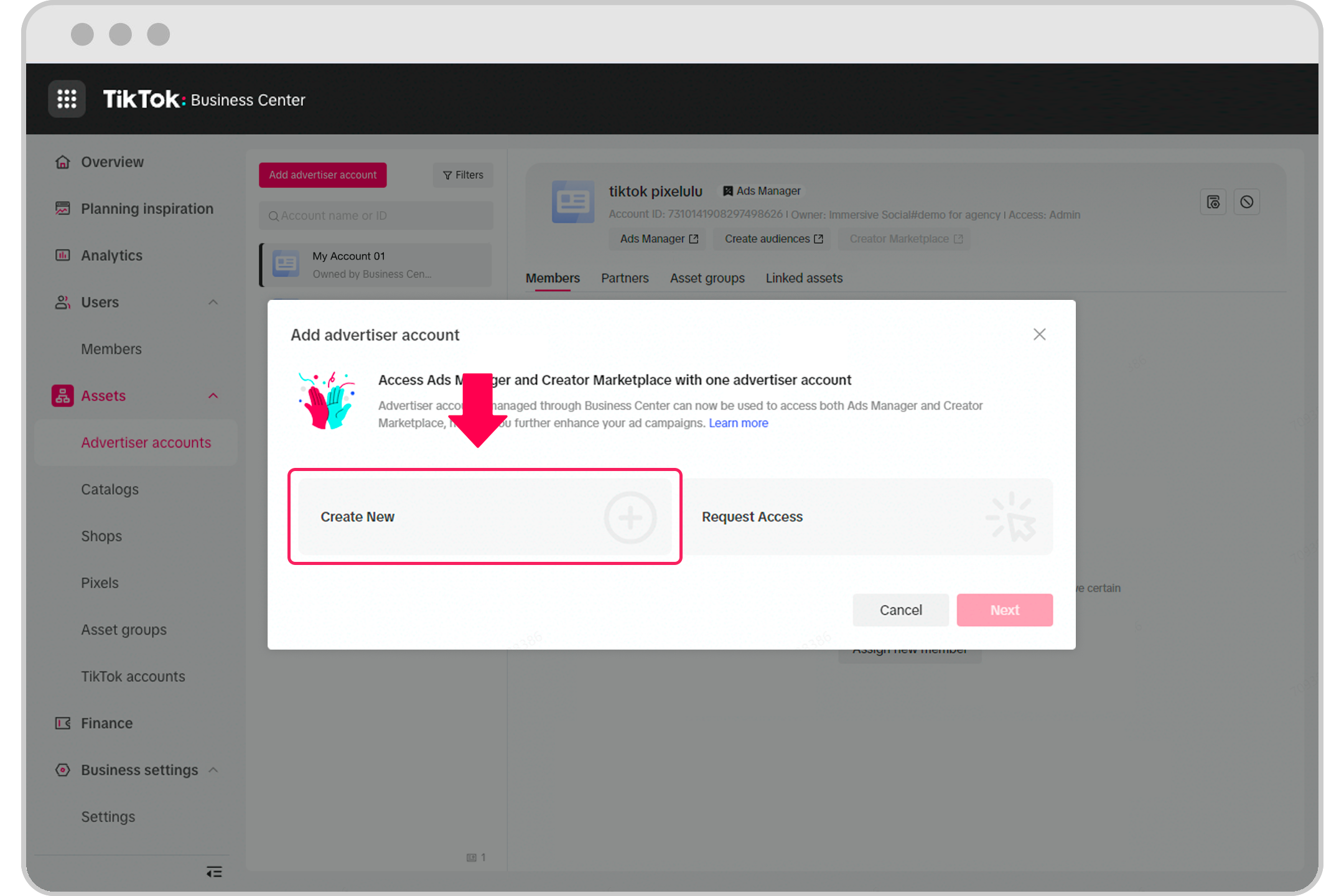
If you're a self-serve advertiser, you'll need to set up an ad account. Here’s how:
- From the Ads Manager dashboard, click on "Create Ad Account."
- Enter your business name and select the country where your business operates.
- Provide your business address and tax information.
- Confirm your email and phone number.
- Review and agree to TikTok's terms of service.
If you’re managing multiple ad accounts, you may need to work with a sales representative to set up additional accounts. They can guide you through the process and help you optimize your ad strategy.
Step 4: Configure TikTok Pixel (Optional but Recommended)

For businesses using Shopify or other e-commerce platforms, setting up the TikTok Pixel is essential for tracking conversions and optimizing ad performance. Here’s how to do it:
- Go to the TikTok Ads Manager and navigate to the "Pixel" section.
- Click "Create Pixel" and follow the prompts to generate your pixel code.
- Paste the pixel code into your website’s header or use the Shopify app to install it automatically.
- Once installed, the pixel will track user behavior, such as page views, purchases, and sign-ups.
Step 5: Create Your First Campaign
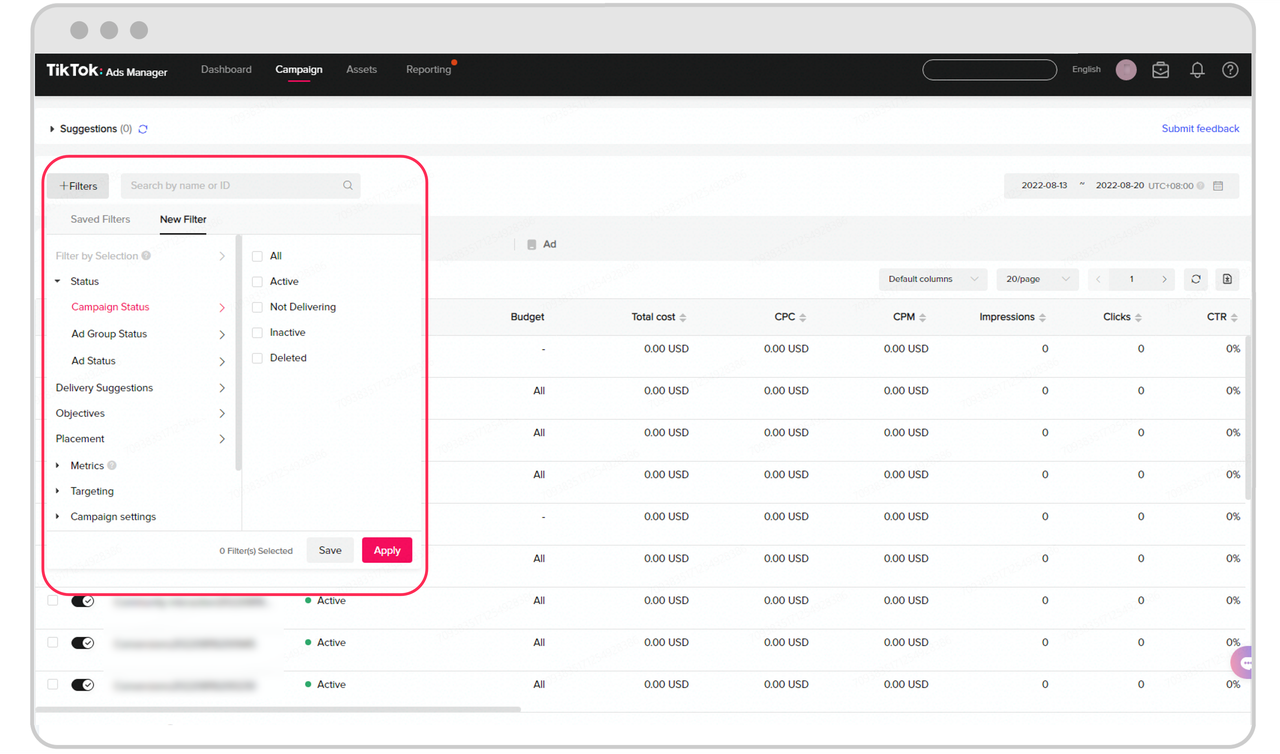
With your ad account set up, you can now create your first campaign. Follow these steps:
- In the Ads Manager, click "Create Campaign."
- Choose the campaign objective (e.g., brand awareness, traffic, conversion, or engagement).
- Define your target audience based on demographics, interests, and behaviors.
- Set your budget and schedule for the campaign.
- Upload your ad creative (video, image, or carousel).
- Review your settings and click "Publish."
Step 6: Monitor and Optimize Your Campaigns
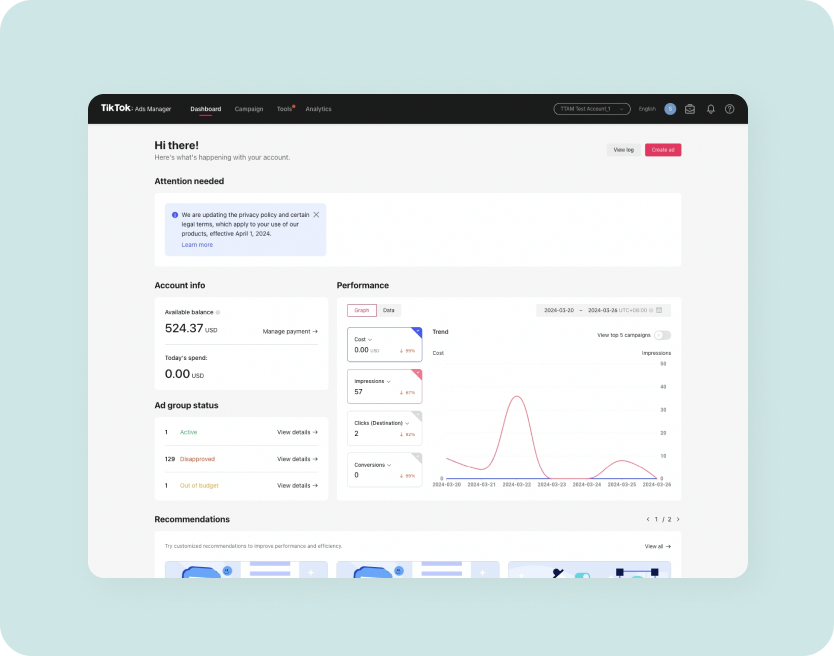
After launching your campaign, it's important to monitor its performance and make adjustments as needed. Use the analytics tools in TikTok Ads Manager to track key metrics such as:
- Click-through rate (CTR)
- Conversion rate
- Cost per click (CPC)
- Return on ad spend (ROAS)
Based on these insights, you can optimize your targeting, ad creatives, and bidding strategies to improve results.
Conclusion

Setting up TikTok Ads Manager is a crucial step for any business looking to leverage the power of TikTok for advertising. By following this step-by-step guide, you can create and manage effective ad campaigns that drive engagement, traffic, and conversions. As TikTok continues to grow, mastering its advertising tools will give your business a competitive edge in the digital marketplace.

Posting Komentar untuk "How to Set Up TikTok Ads Manager: A Complete Step-by-Step Guide"
Posting Komentar