
How to Set Up TikTok Ads Pixel Events for Maximum ROI
In the fast-paced world of digital marketing, TikTok has emerged as a powerful platform for brands looking to connect with a younger, highly engaged audience. However, to truly harness the potential of TikTok ads, it's essential to set up and utilize TikTok Ads Pixel events effectively. This guide will walk you through the process of setting up TikTok Ads Pixel events, ensuring that you can track conversions, optimize your campaigns, and maximize your return on investment (ROI).
Understanding TikTok Ads Pixel Events
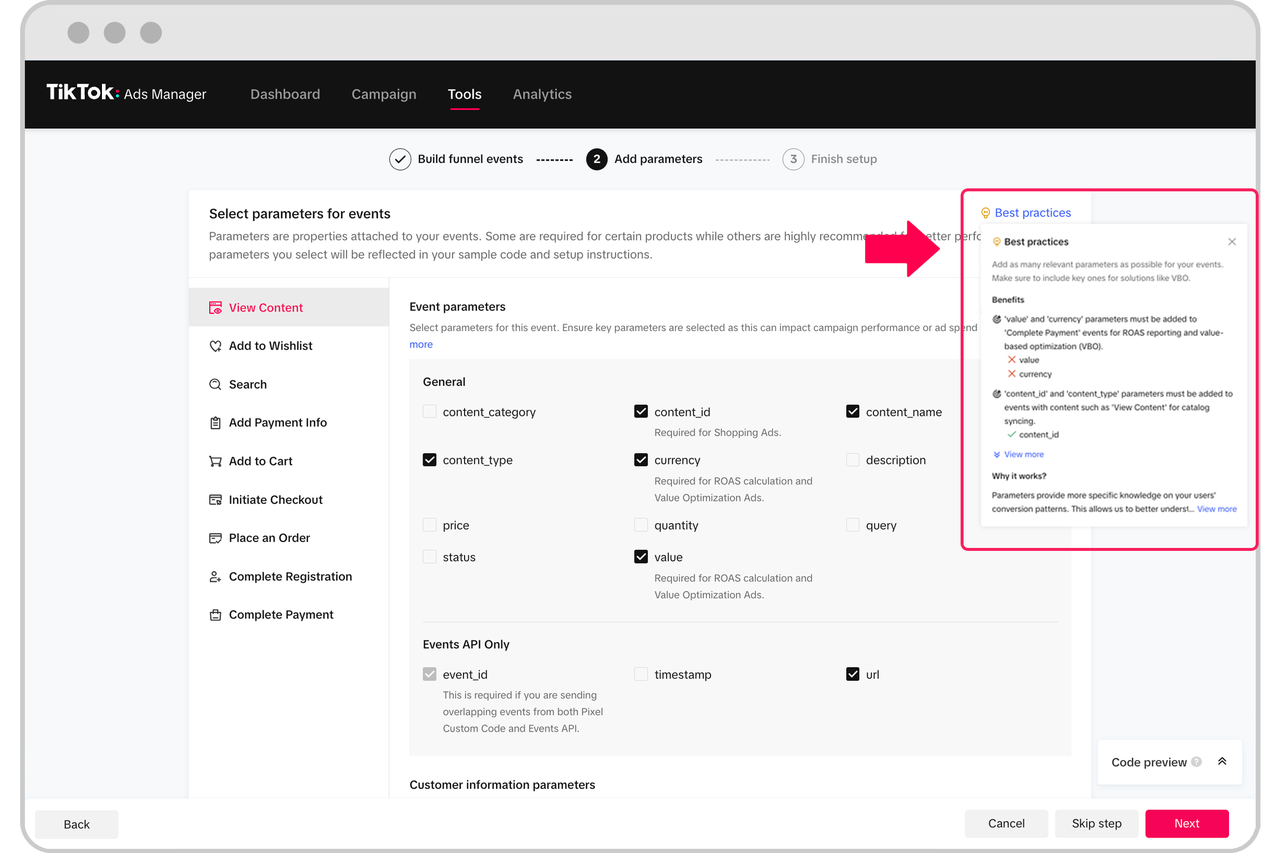
The TikTok Ads Pixel is a piece of code that tracks user behavior on your website or app after they interact with your TikTok ads. By installing the pixel, you can monitor actions such as purchases, sign-ups, and other key conversions. These events are crucial for measuring the effectiveness of your ad campaigns and optimizing them for better performance.
Key Benefits of Using TikTok Ads Pixel Events:
- Track Conversions: Understand which ads are driving the most valuable actions on your site.
- Optimize Campaigns: Use conversion data to refine your targeting, creative strategies, and bidding tactics.
- Improve ROI: Gain insights into the performance of your ads and make data-driven decisions to enhance your return on investment.
Step-by-Step Guide to Setting Up TikTok Ads Pixel Events
1. Create a TikTok Ads Account
Before you can set up the pixel, you need to have a TikTok Ads account. If you don’t already have one, you can create it by visiting the TikTok Ads Manager and following the prompts to set up your account.
2. Install the TikTok Pixel on Your Website or App
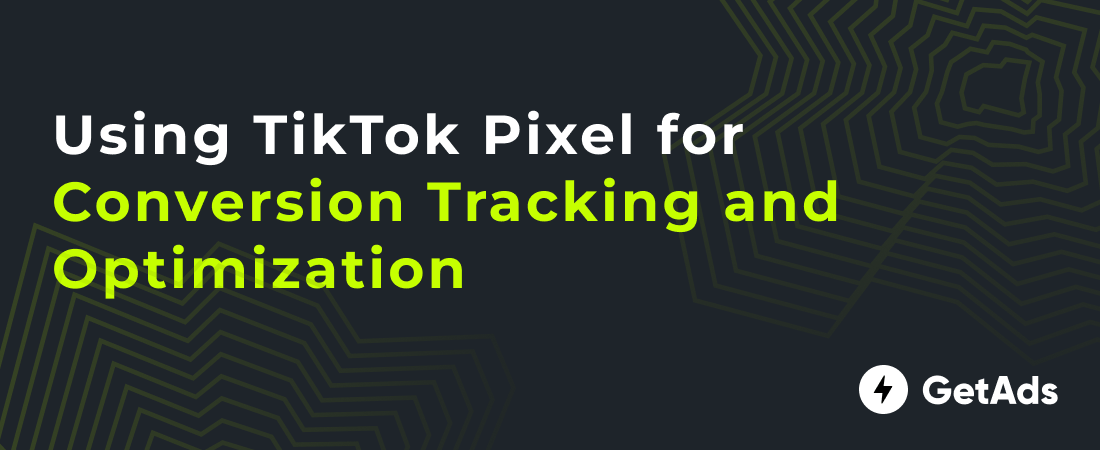
Once you have your account set up, you'll need to install the TikTok Pixel on your website or app. This involves generating a unique pixel code from the TikTok Ads Manager and placing it on your site.
- Manual Installation: Copy the pixel code and paste it into the HTML source code of your website.
- Tag Manager Installation: Use a third-party tag manager like Google Tag Manager to manage and deploy the pixel code.
- Partner Integration: Utilize platforms like Shopify or WordPress to install the pixel code seamlessly.
3. Define Your Conversion Events
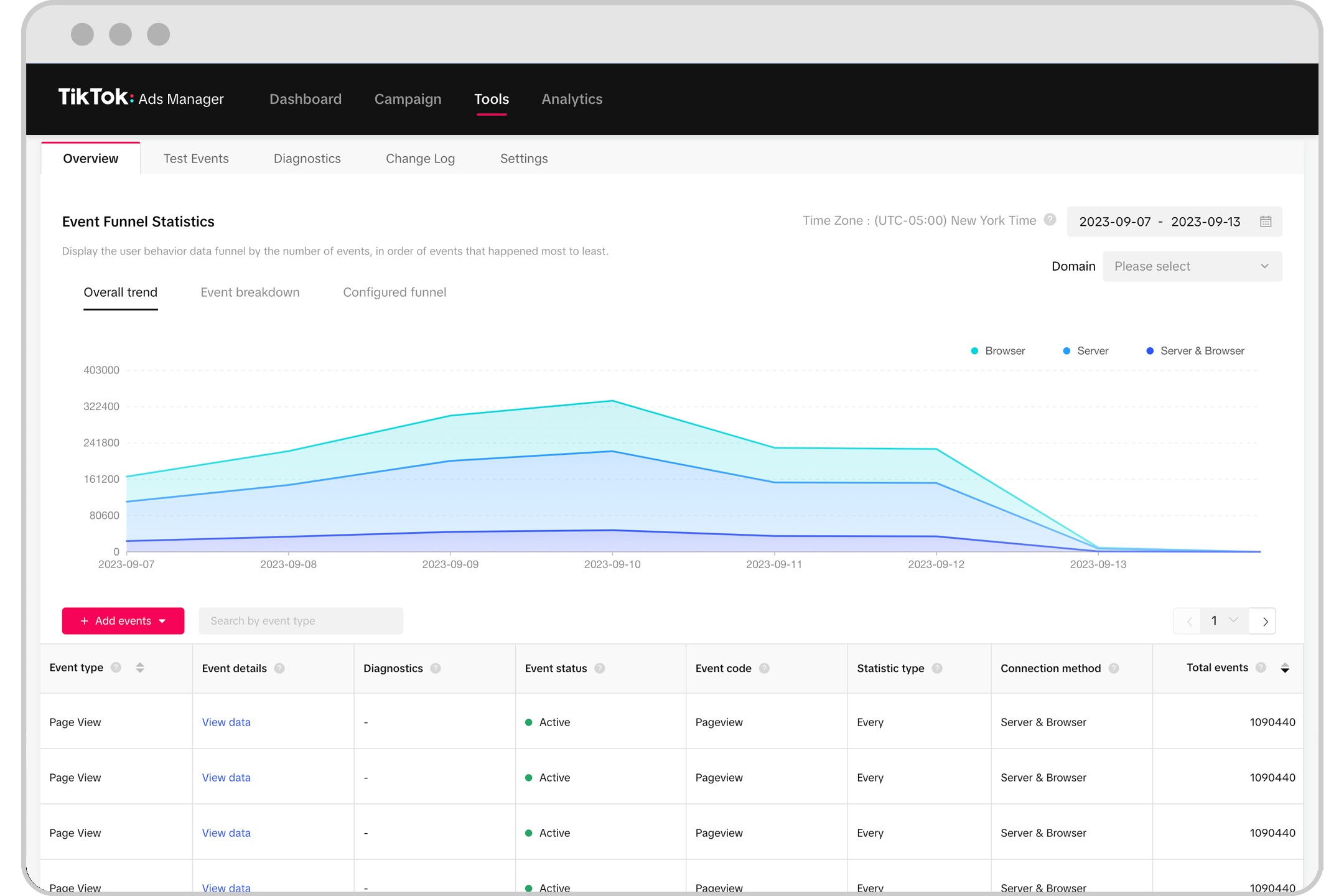
After installing the pixel, you need to define the specific actions you want to track as conversions. TikTok offers predefined events such as "Purchase," "Add to Cart," and "Sign Up," or you can create custom events based on your unique business goals.
- Standard Events: Choose from predefined events that align with common conversion scenarios.
- Custom Events: Create custom events to track specific actions relevant to your business.
4. Assign Conversion Events to Your Ad Campaigns
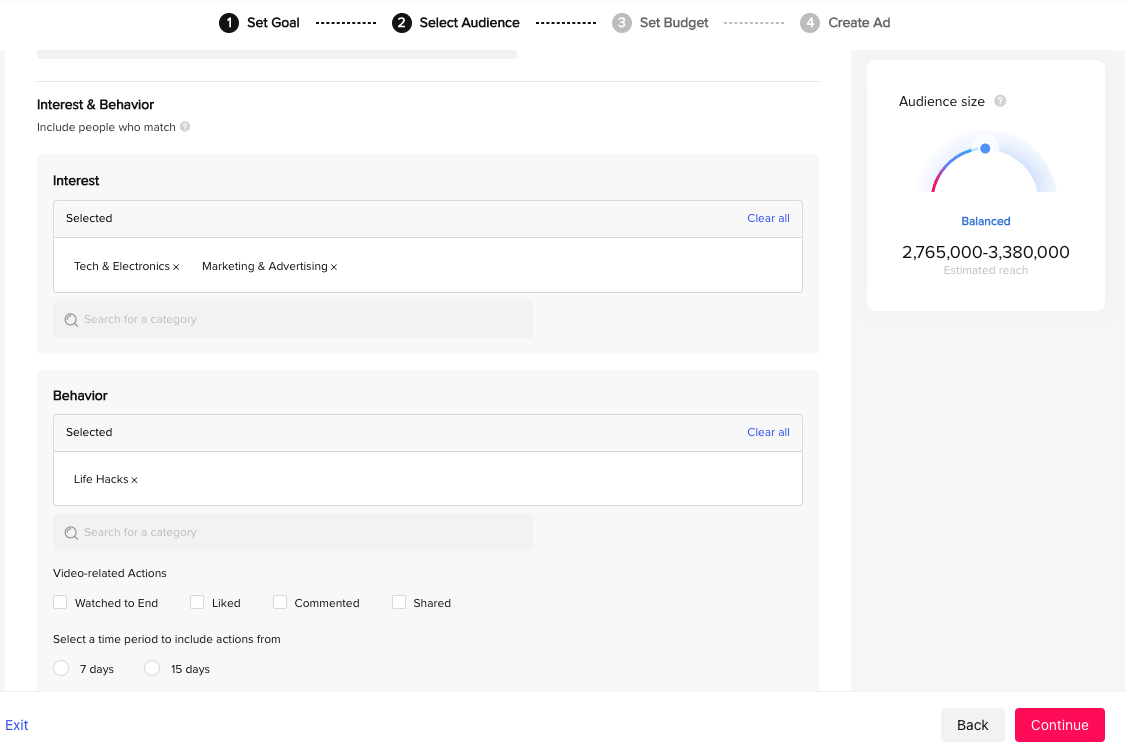
Once your conversion events are defined, you need to assign them to your ad campaigns within the TikTok Ads Manager. This step ensures that the platform knows which events to track and optimize for.
- Select Conversion Goals: Choose the conversion goals that match your campaign objectives.
- Set Optimization Goals: Define how you want the platform to optimize your ad delivery based on these events.
5. Monitor and Analyze Your Conversion Data
With the pixel installed and conversion events set up, you can now monitor and analyze your conversion data in the TikTok Ads Manager. This data provides valuable insights into the performance of your campaigns and helps you make informed decisions.
- View Conversion Data: Access metrics such as conversion rate, cost per conversion, and ROAS.
- Analyze Performance: Use filters and dimensions to segment your data and identify trends.
Best Practices for Effective Conversion Tracking
To ensure that your TikTok Ads Pixel events are working optimally, consider the following best practices:
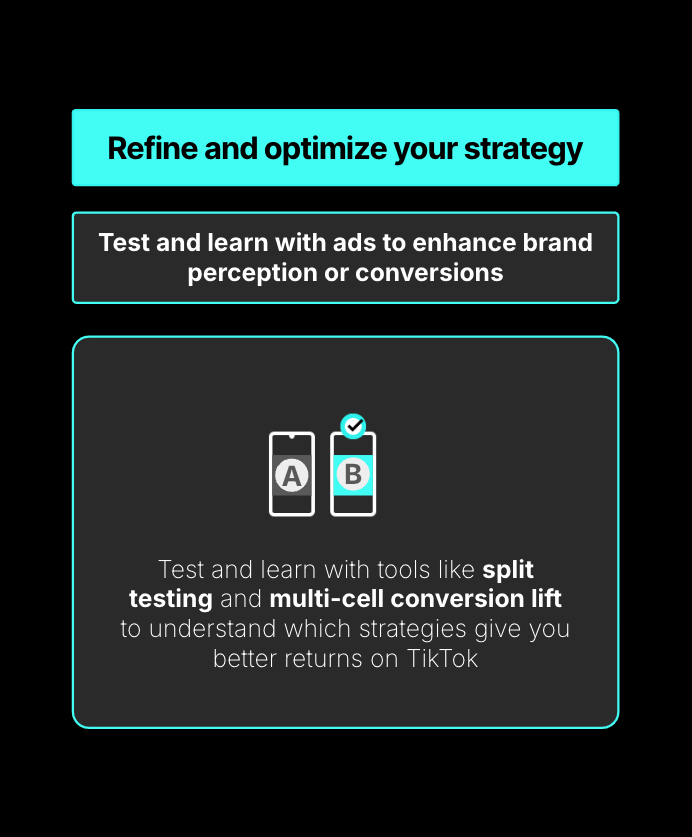
1. Test Different Ad Variations
Run A/B tests to compare different ad creatives, targeting options, and bidding strategies. This helps you identify what works best for your audience and optimize your campaigns accordingly.
2. Use Custom Audiences
Leverage custom audiences based on user behavior on your website or app. This allows you to retarget users who have shown interest in your products or services.
3. Optimize for Relevant Metrics
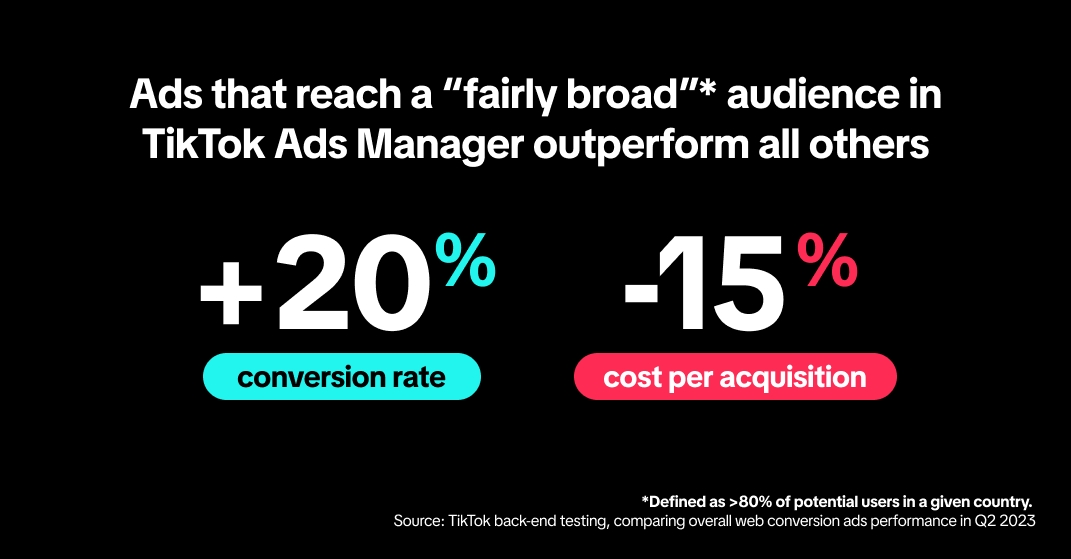
Focus on metrics that align with your business goals, such as conversion rate, ROAS, and cost per acquisition. Avoid getting distracted by irrelevant metrics that don't contribute to your overall objectives.
4. Regularly Review and Adjust
Continuously review your campaign performance and make adjustments as needed. The digital landscape is constantly evolving, and staying proactive will help you maintain a competitive edge.
Conclusion
Setting up TikTok Ads Pixel events is a critical step in maximizing the ROI of your advertising efforts. By tracking conversions, optimizing your campaigns, and making data-driven decisions, you can ensure that your TikTok ads are delivering the best possible results. With the right strategy and tools, you can unlock the full potential of TikTok as a powerful marketing platform.
Remember, the key to success lies in continuous testing, analysis, and optimization. Stay informed about the latest trends and best practices, and always be ready to adapt your strategies to meet the changing needs of your audience. With dedication and a data-driven approach, you can achieve significant growth and success on TikTok.

Posting Komentar untuk "How to Set Up TikTok Ads Pixel Events for Maximum ROI"
Posting Komentar