
How to Set Up TikTok Ads Pixel: Step-by-Step Guide for 2024
Introduction to TikTok Ads Pixel Setup

TikTok has become a powerful platform for businesses looking to reach new audiences and drive sales. However, to truly understand the effectiveness of your TikTok ads, it's essential to set up a TikTok Ads Pixel. This tracking tool allows you to monitor user interactions with your website, providing valuable insights into which campaigns are driving conversions. In this guide, we'll walk you through the steps to set up a TikTok Ads Pixel, ensuring that you can track your ad performance effectively.
Why Setting Up TikTok Ads Pixel Matters
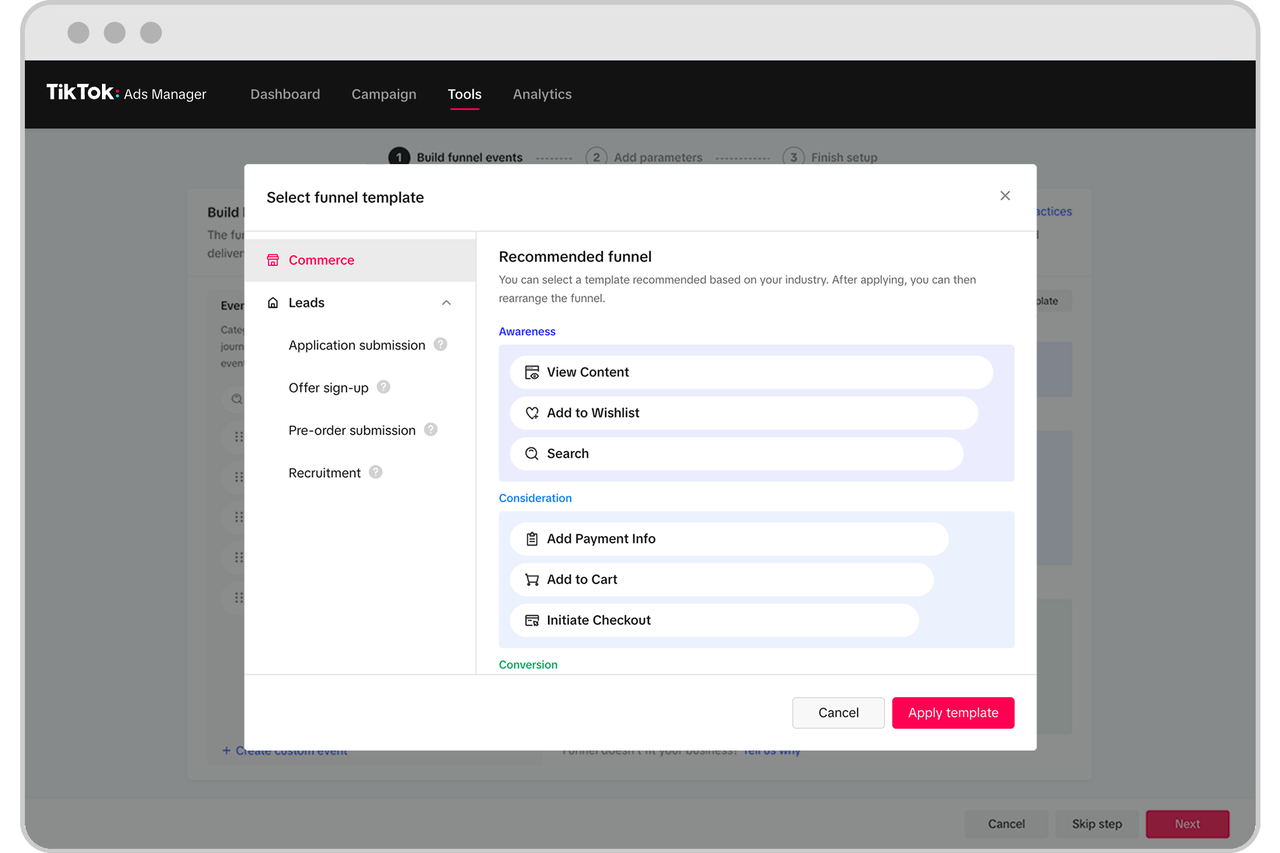
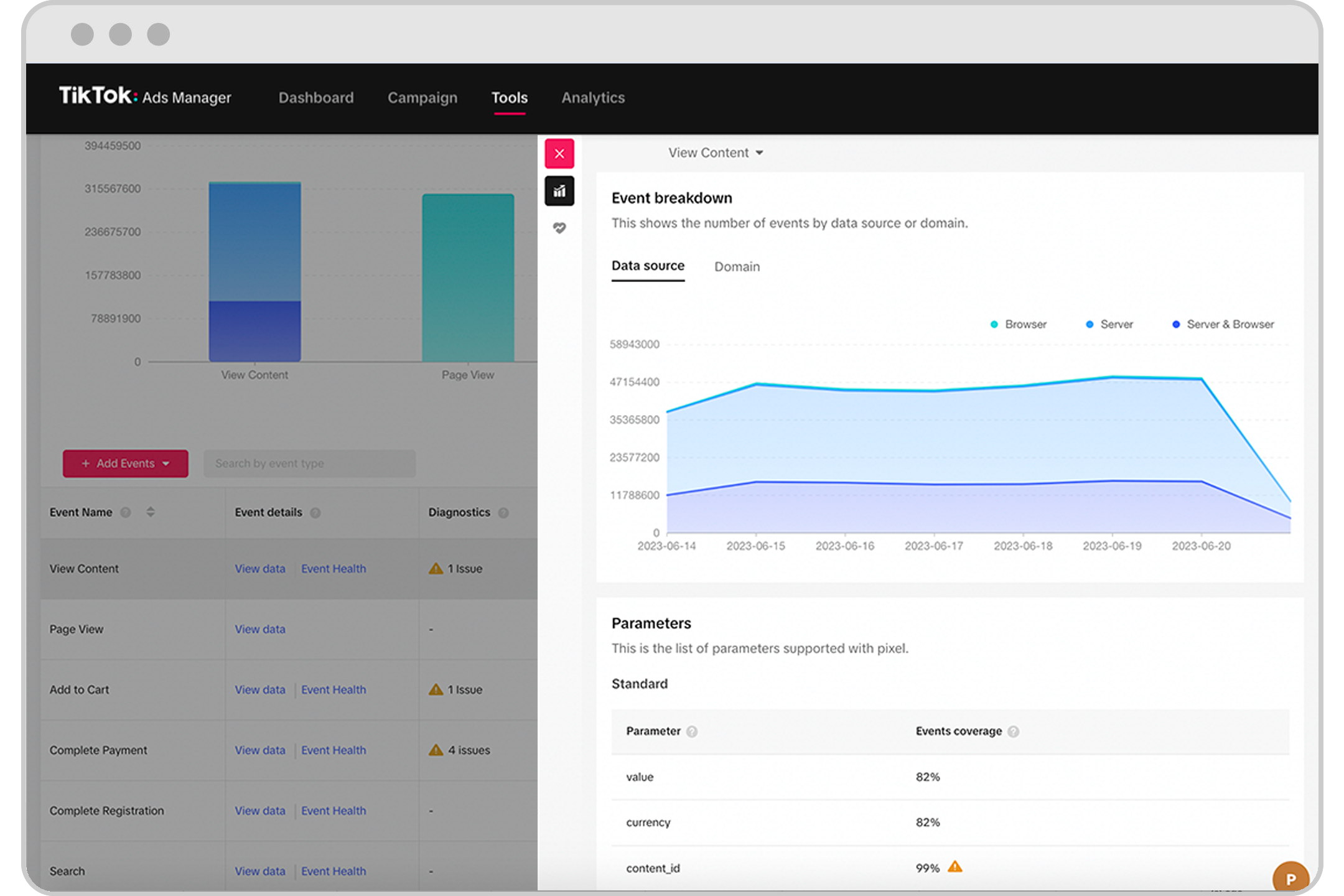
Setting up a TikTok Ads Pixel is crucial for several reasons. It enables you to track key events such as page views, product views, add-to-cart actions, and purchases. By understanding these interactions, you can optimize your ad campaigns to target the right audience and improve your return on investment (ROI). Additionally, the pixel helps in retargeting users who have shown interest in your products but haven't completed a purchase, increasing the likelihood of conversion.
Step-by-Step Guide to TikTok Ads Pixel Setup
Step 1: Access Your TikTok Business Account
To begin, log in to your TikTok Business Manager account. This is where you'll manage all your advertising efforts. If you don't have an account, you'll need to create one by following the prompts on the TikTok website.
Step 2: Navigate to Events Manager
Once logged in, go to the "Events" section under the "Tools" tab. Here, you'll find the option to manage web events for your TikTok ads manager account. Click on "Get Started" to initiate the process of setting up your pixel.
Step 3: Connect Your Website
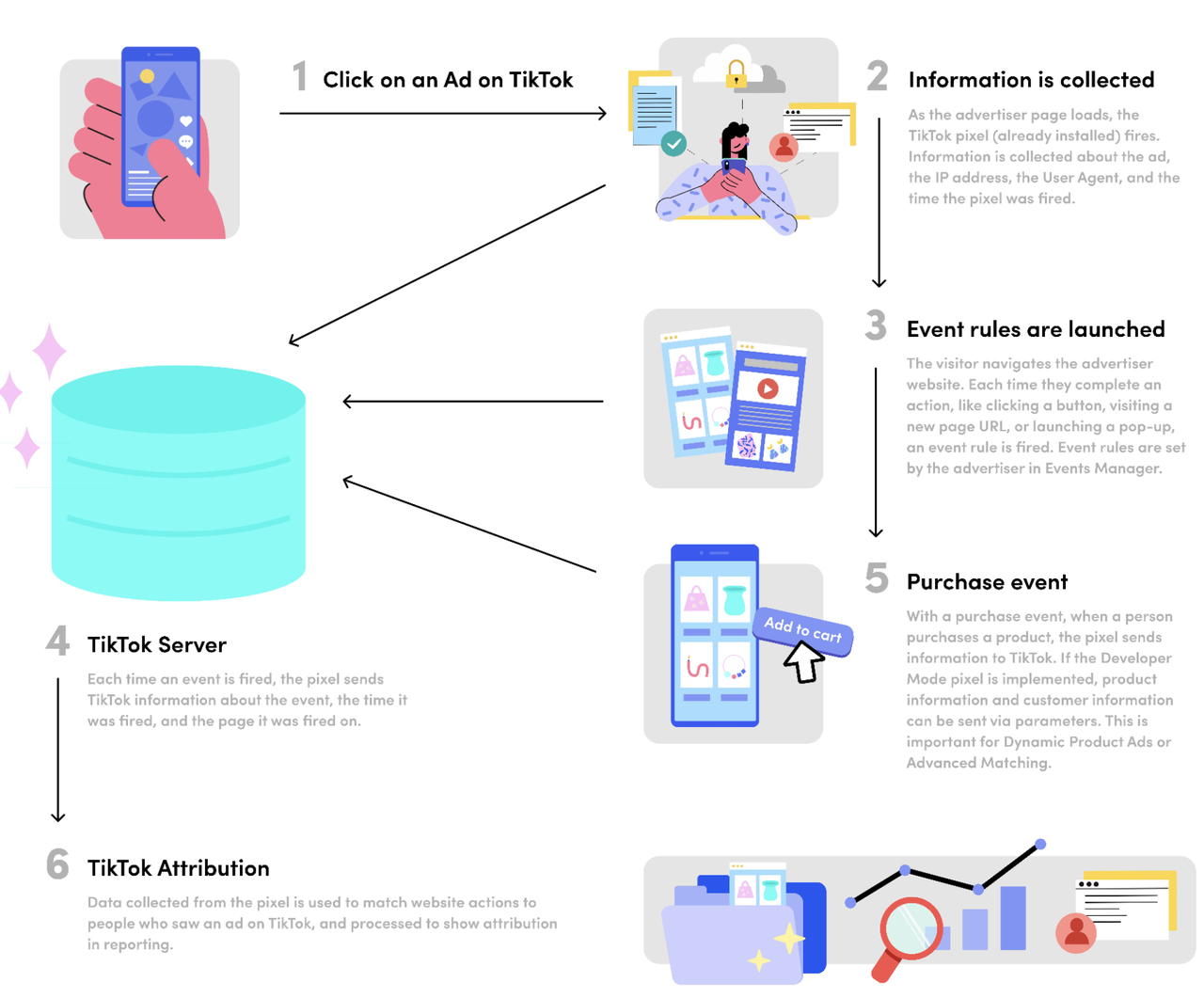
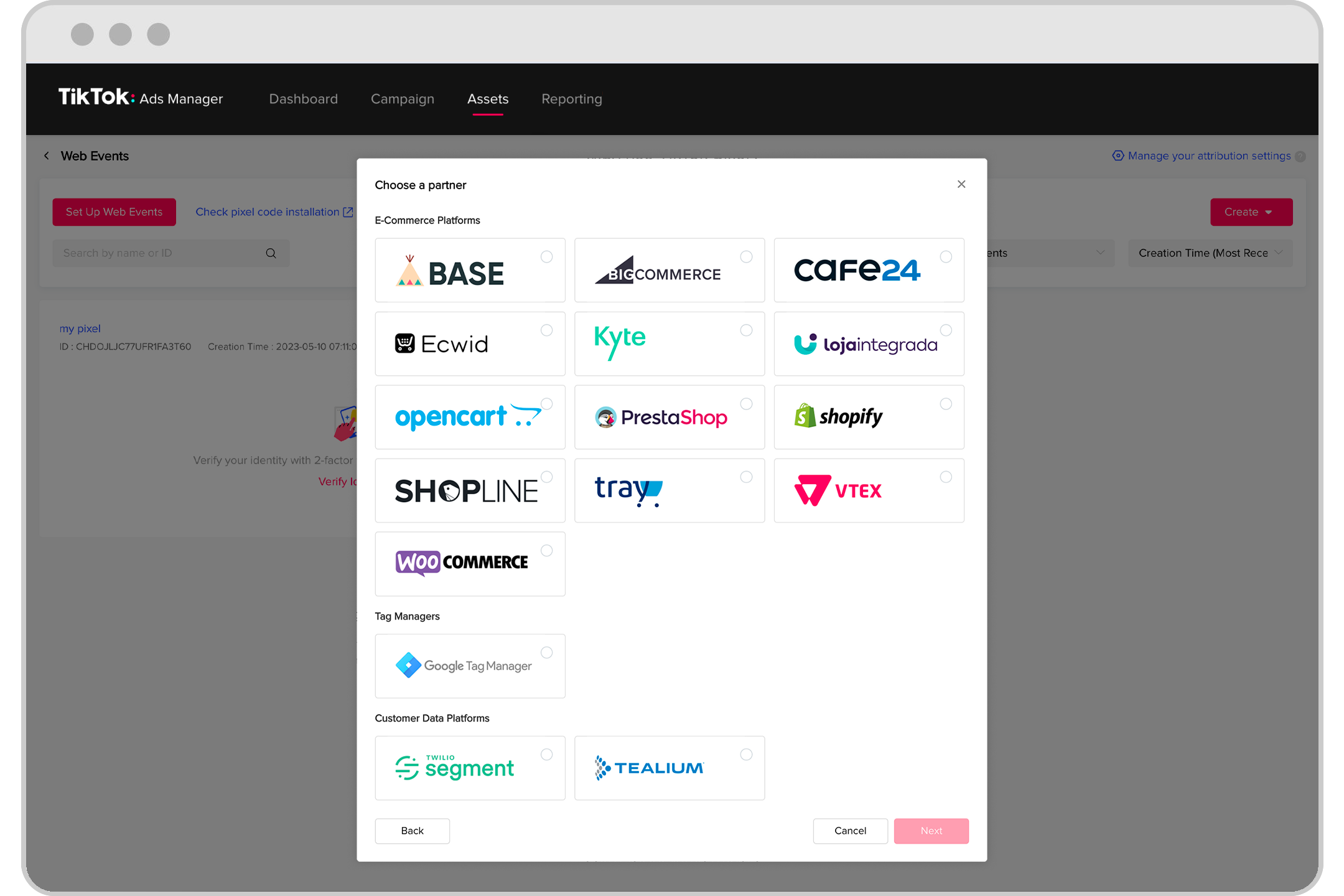
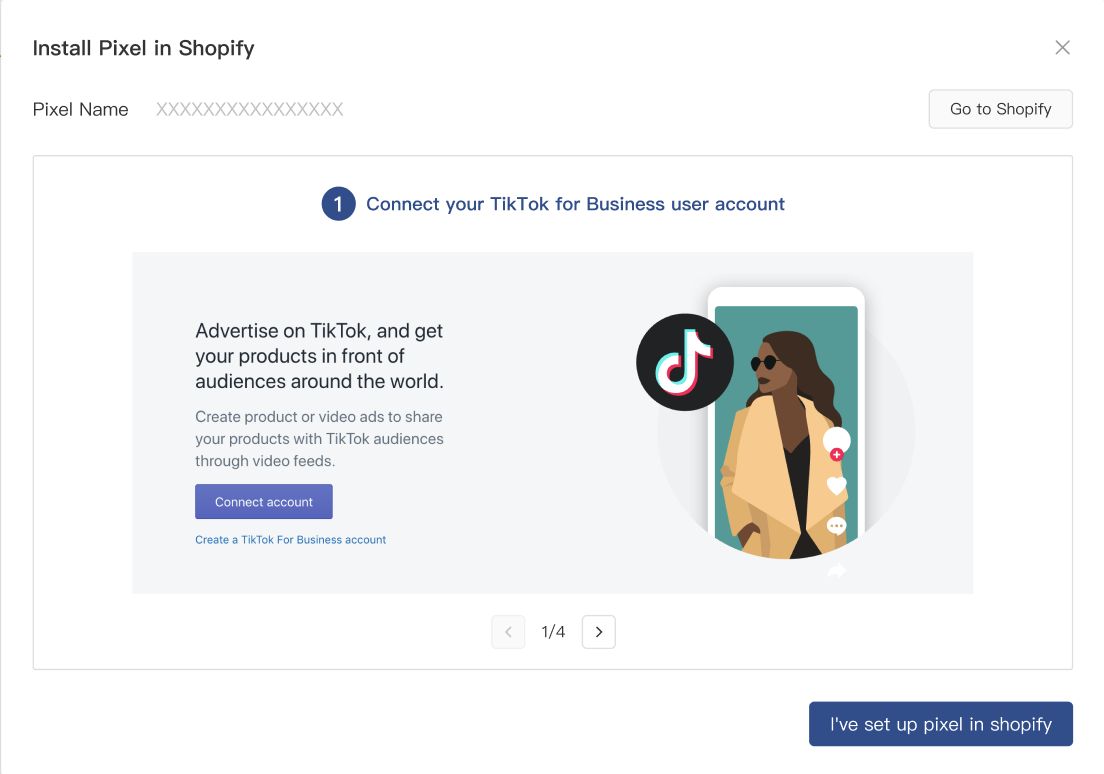
Next, click on "Web" to connect your website to share events. Enter the URL of your website and choose the type of pixel installation you want. You can opt for either automatic setup through partner integrations or manual installation. For this guide, we'll select the manual setup option.
Step 4: Create Your TikTok Pixel
Enter the name of the TikTok Pixel you want to create for your website. Click on "Create" to generate your pixel. You'll be prompted to set up events using the TikTok Event Builder. However, if you're using a plugin like FunnelKit Funnel Builder, it will automatically manage the event setup for you.
Step 5: Add the TikTok Pixel ID to Your Website
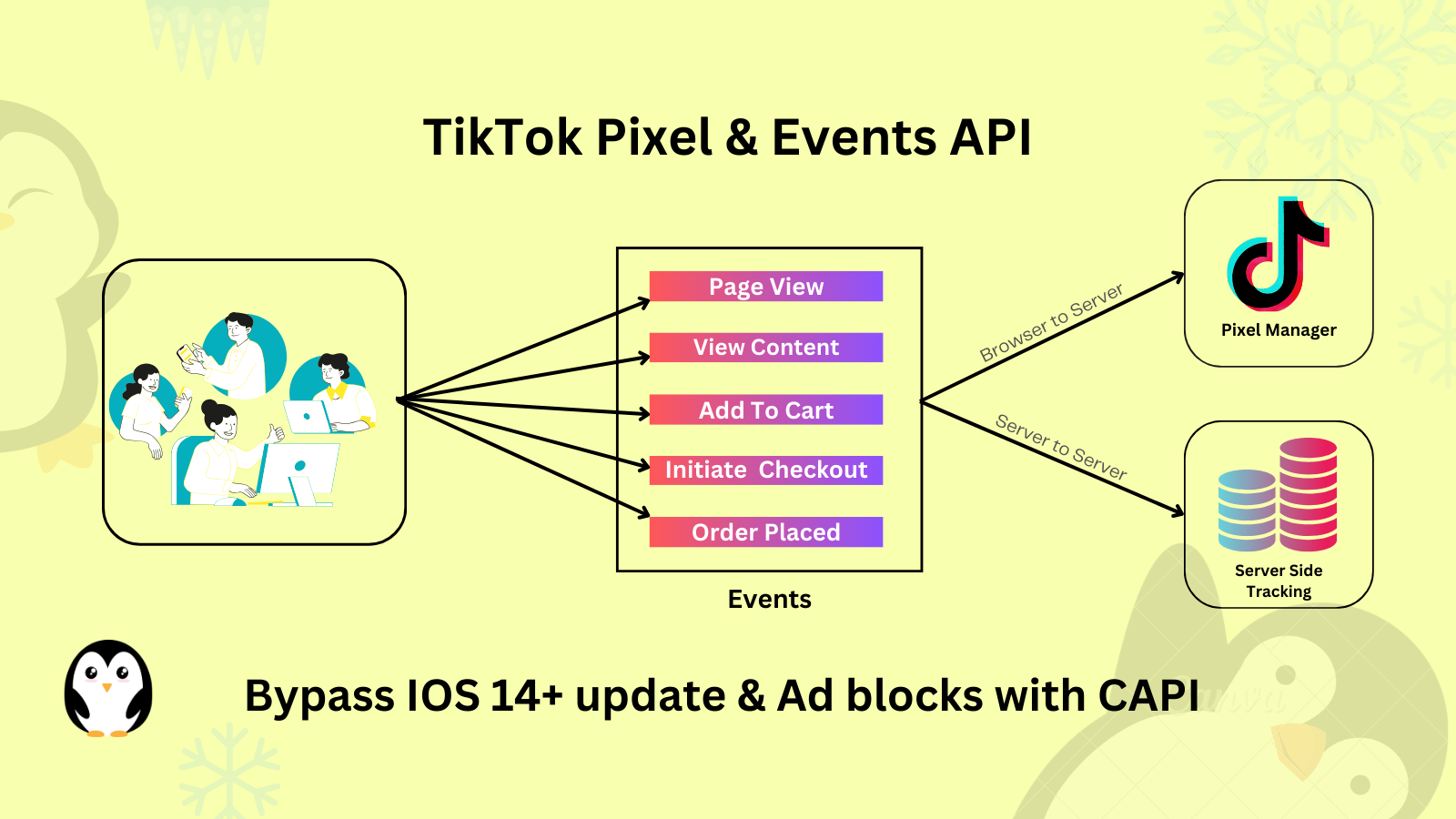
After creating your pixel, you'll receive a Pixel ID. This ID needs to be added to your website's settings. If you're using FunnelKit Funnel Builder, navigate to the "Settings" section under the plugin and paste the Pixel ID into the designated field. You can also add multiple TikTok IDs if needed.
Step 6: Enable the Events You Want to Track
Now, enable the events you wish to track with your TikTok pixel. FunnelKit offers various events, including site-wide events, sales page events, and checkout events. Select the events that align with your business goals and click "Save" to apply the changes.
Testing Your TikTok Pixel
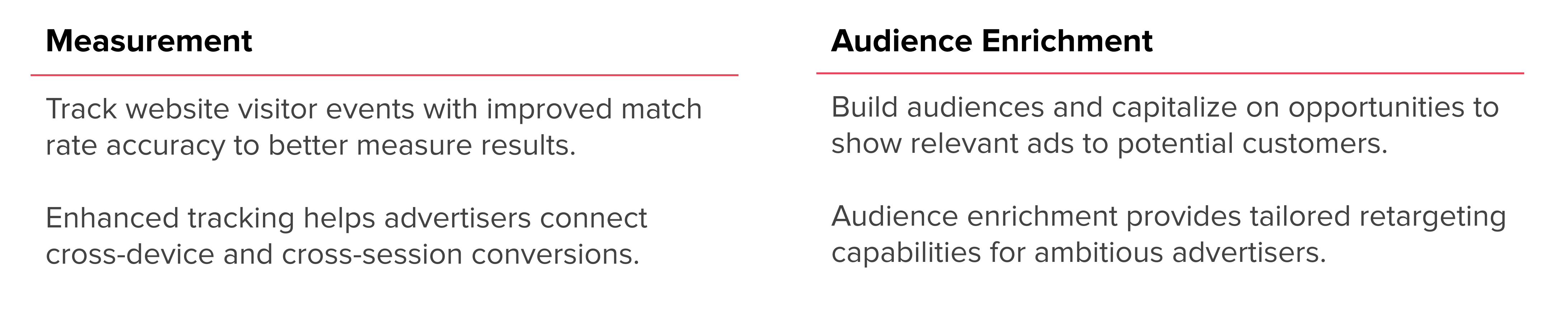
Once your pixel is set up, it's essential to test it to ensure it's functioning correctly. Use the TikTok Pixel Helper, a Google Chrome extension, to check the implementation. Navigate to your website's product catalog and observe the events being fired. The extension will notify you of the number of pixels running on a specific page, confirming that your pixel is working as intended.
Tips for Optimizing Your TikTok Pixel Setup
-
Enable Advanced Matching: Turn on Advanced Matching to send important customer information such as email and phone numbers to TikTok. This improves attribution and enhances ad delivery.
-
Use UTM Parameters: Add UTM tracking to your ad links to analyze TikTok-driven traffic within your analytics tools.
-
Set Up Retargeting and Lookalike Audiences: Create custom audiences based on past visitors or purchasers to retarget them effectively.
-
A/B Test Multiple Creatives: Experiment with different ad formats to determine what resonates best with your audience.
Conclusion
Setting up a TikTok Ads Pixel is a vital step in maximizing the effectiveness of your advertising efforts. By following the steps outlined in this guide, you can track user interactions, optimize your campaigns, and ultimately increase your ROI. With the right tools and strategies, you can harness the power of TikTok to drive growth and success for your business.

Posting Komentar untuk "How to Set Up TikTok Ads Pixel: Step-by-Step Guide for 2024"
Posting Komentar