
How to Set Up TikTok Business Ads: A Step-by-Step Tutorial for 2024
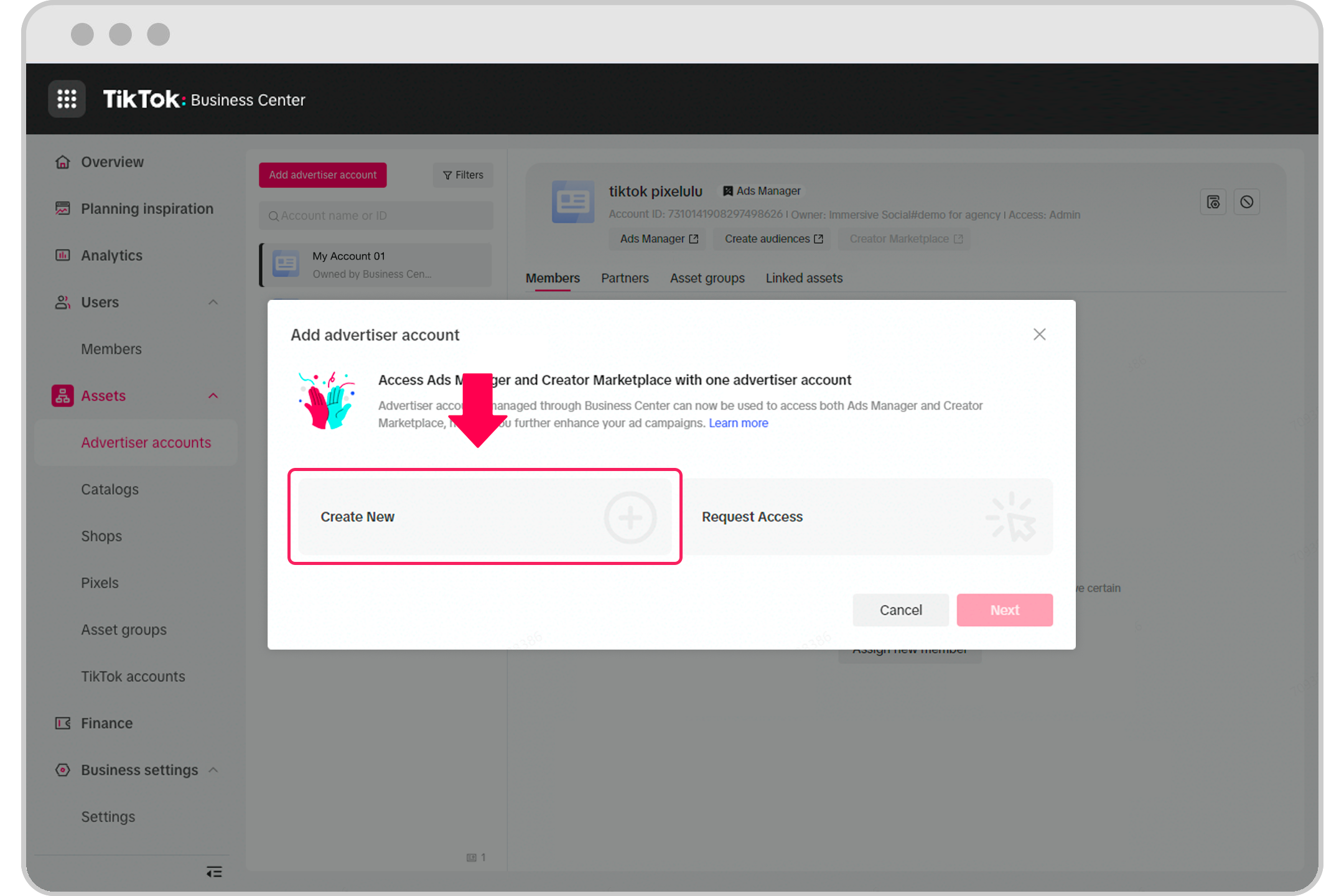
TikTok has become a powerful platform for businesses looking to connect with their target audience through engaging and creative content. With over a billion active users, it's no wonder that many companies are turning to TikTok business ads to boost their brand visibility and drive sales. If you're new to TikTok advertising or looking to refine your strategy, this step-by-step tutorial will guide you through the process of setting up TikTok business ads effectively.
Step 1: Create a TikTok Business Account
Before you can start running ads on TikTok, you need a business account. This is different from a personal account and offers access to advanced features like TikTok Ads Manager. To create a business account:
- Open the TikTok app and go to your profile.
- Tap the three dots in the top right corner and select "Manage Account."
- Choose "Switch to Business Account" and follow the prompts to set up your business profile.
- Verify your account by providing necessary business information such as your company name, website, and contact details.
Once your business account is set up, you'll have access to TikTok Ads Manager, which is essential for creating and managing your ad campaigns.
Step 2: Fund Your TikTok Ads Account
Funding your TikTok ads account is crucial to get started. However, if you're based in Nigeria or other regions where local currency might not be accepted, you may face some challenges. Here's how you can overcome these issues:
- Use a virtual dollar card: Platforms like Myaza offer virtual USD cards that work for international transactions, including TikTok ads. These cards allow you to fund your TikTok ads account without the hassle of traditional banking systems.
- Ensure your card is properly funded: Once you have a virtual dollar card, make sure it's loaded with sufficient funds to cover your ad budget.
By using a virtual dollar card, you can avoid common payment issues and ensure a smooth experience when setting up your TikTok business ads.
Step 3: Choose Your TikTok Ad Objective
TikTok offers several ad objectives to help you achieve your marketing goals. Selecting the right objective is key to the success of your campaign. The available options include:
- Traffic: If you want to drive more people to your website.
- Conversions: If you're selling products or services and want to increase sales.
- App Installs: If you have an app and need more downloads.
Choose the objective that aligns with your business goals and move forward with the next steps.
Step 4: Define Your Target Audience
Targeting the right audience is essential for the effectiveness of your TikTok ads. TikTok allows you to narrow down your audience based on various criteria:
- Location: You can target specific regions or countries, including Nigeria.
- Age and Gender: Tailor your ads to the demographics of your target market.
- Interests and Behavior: Focus on users who have shown interest in similar products or services.
- Device Type: Reach users based on the type of device they use.
For example, if you're selling beauty products, you might want to target young women interested in makeup and skincare. If you're promoting tech gadgets, focus on young men who follow tech influencers.
Step 5: Create a Compelling Ad
Creating a compelling ad is crucial to capture the attention of TikTok users. Here are some tips to help you create an effective ad:
- Make it look native: Avoid overly polished ads that feel out of place. Instead, create content that blends with the regular TikTok feed.
- Use trending sounds: Incorporate popular sounds or music trends to increase engagement.
- Keep it short and snappy: You have just a few seconds to grab viewers' attention before they scroll away. Keep your message concise and impactful.
- Add a strong CTA: Encourage viewers to take action with clear calls to action such as "Shop Now," "Sign Up," or "Click the Link."
Step 6: Set Your Budget & Launch
Setting a budget for your TikTok ads is an important step. You can start with a small budget, such as $5 per day, and adjust it based on the performance of your ads. Here's how to proceed:
- Determine your daily or total budget.
- Choose the ad format (e.g., video, image, carousel).
- Upload your ad content and add any necessary text or links.
- Review your ad and launch it.
After launching your campaign, monitor its performance regularly. If an ad is performing well, consider increasing your budget to reach more users. If it's underperforming, make adjustments to improve its effectiveness.
Final Thoughts
Setting up TikTok business ads can be a game-changer for your brand. By following these steps, you can effectively create and manage your ad campaigns to reach your target audience and drive business growth. While there may be challenges, especially in regions with limited payment options, solutions like virtual dollar cards can help streamline the process. With the right strategy and execution, TikTok can become a powerful tool for your business in 2024.
[IMAGE: TikTok Business Ads Setup Tutorial 2024]

Posting Komentar untuk "How to Set Up TikTok Business Ads: A Step-by-Step Tutorial for 2024"
Posting Komentar