
How to Troubleshoot TikTok Ad Account Issues: A Complete Guide
TikTok has become a powerful platform for businesses and marketers to reach their target audience. However, like any digital tool, it's not immune to technical issues. One of the most common problems users face is troubleshooting TikTok ad account issues. Whether you're encountering errors when trying to create an ad, experiencing payment problems, or facing restrictions on your account, understanding how to resolve these issues is crucial for maintaining a successful advertising strategy.
Understanding Common TikTok Ad Account Issues
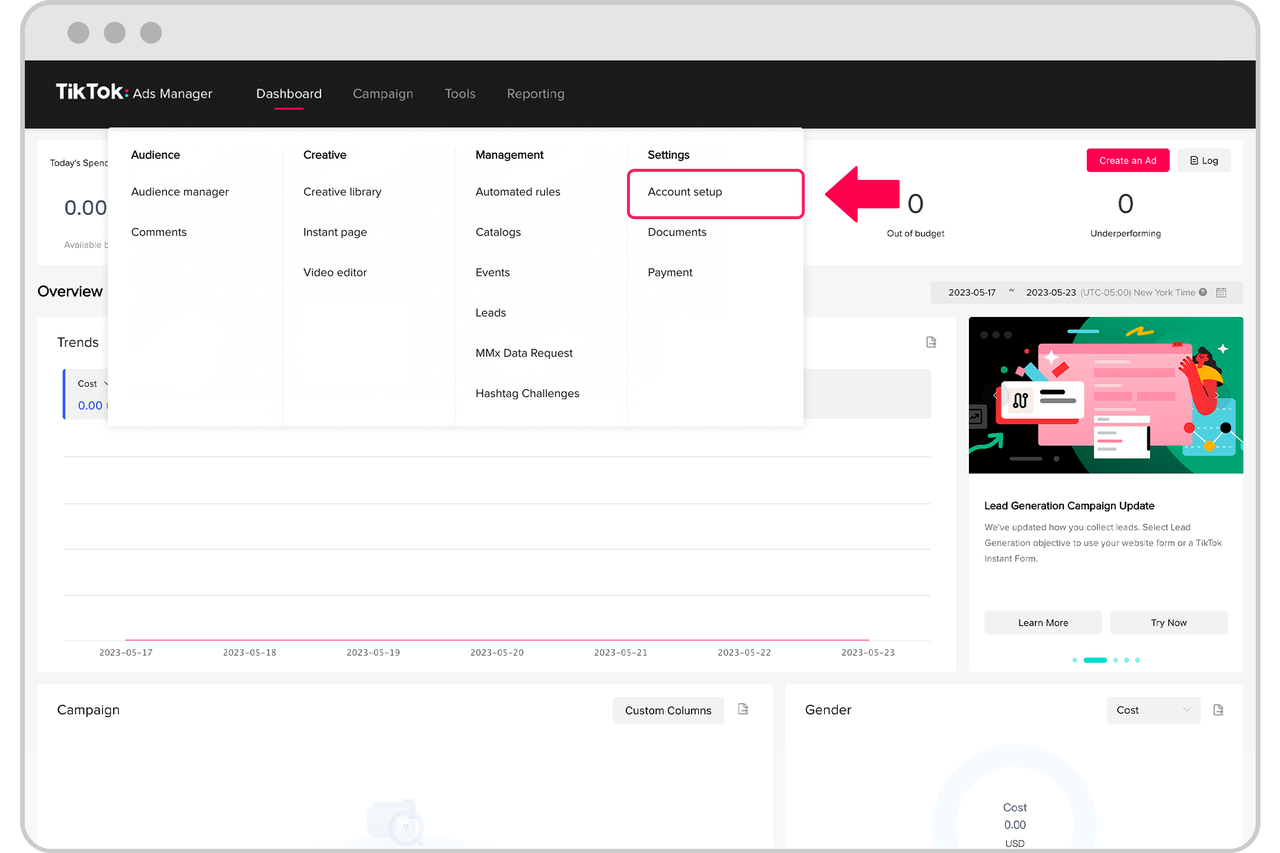
Before diving into solutions, it's essential to understand the common issues that can arise with TikTok ad accounts. These include:
1. Account Restrictions or Suspensions
- Reasons: Violating TikTok's policies, such as using misleading information, engaging in spammy behavior, or having a history of policy violations.
- Impact: Your ad account may be restricted, preventing you from creating or running ads.
2. Payment Issues
- Reasons: Problems with your payment method, such as expired credit cards, insufficient funds, or incorrect billing information.
- Impact: You might not be able to fund your ad campaigns or make payments.
3. Technical Glitches
- Reasons: Bugs in the TikTok app, outdated software, or issues with your device.
- Impact: You might encounter errors when trying to access or manage your ad account.
4. Ad Approval Delays
- Reasons: TikTok's automated systems may take time to review your ad content, especially if it contains sensitive or controversial material.
- Impact: Your ad might not go live immediately, affecting your campaign timeline.
Steps to Troubleshoot TikTok Ad Account Issues
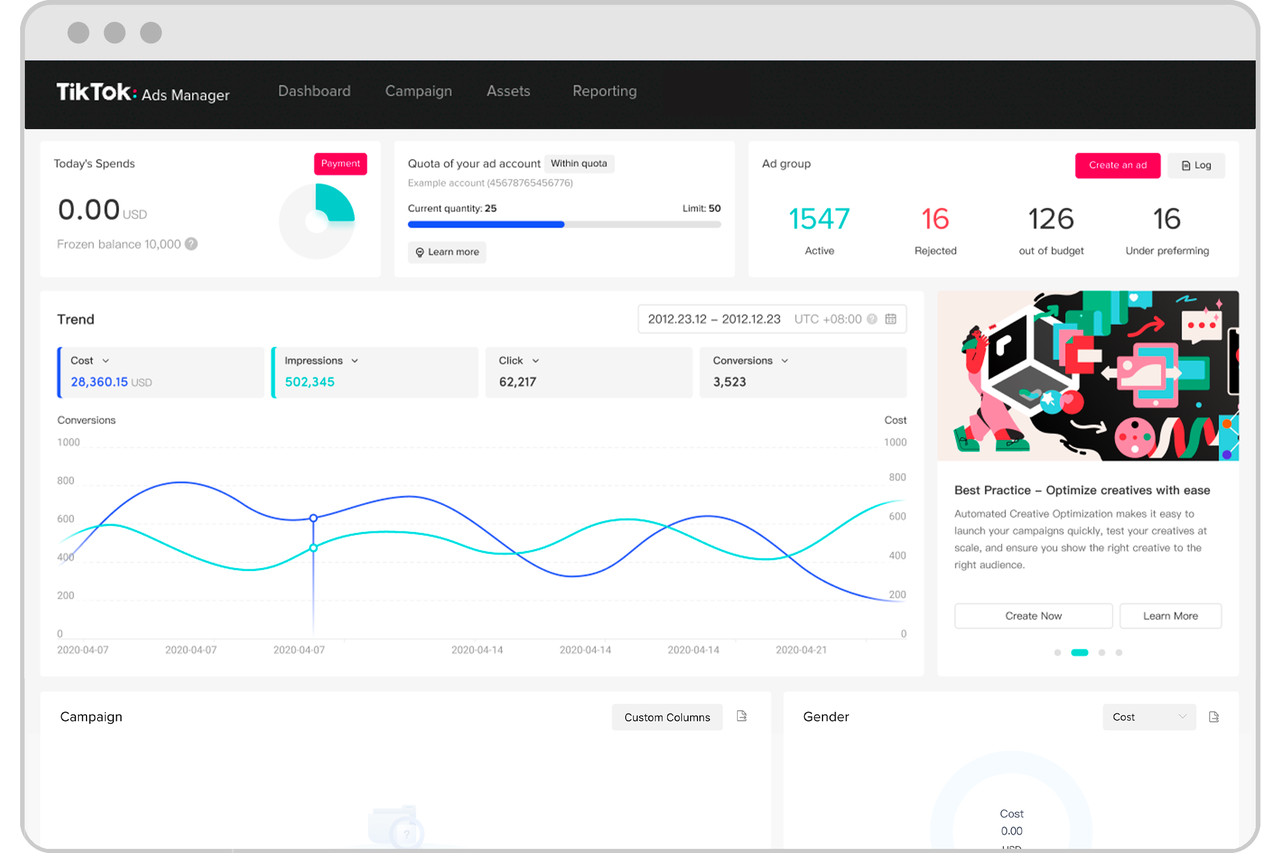
If you're facing issues with your TikTok ad account, follow these steps to identify and resolve the problem:
1. Check Your Account Status
- Action: Log into your TikTok Business account and check the status of your account.
- What to Look For: Any notifications or messages indicating that your account is restricted or suspended.
- Solution: If your account is restricted, review TikTok's policies and ensure your content complies with their guidelines.
2. Verify Your Payment Information
- Action: Go to the "Billing" section of your TikTok Business account and verify your payment details.
- What to Look For: Errors or warnings related to your payment method.
- Solution: Update your payment information if necessary, ensuring that your credit card or bank account is valid and up-to-date.
3. Update the TikTok App
- Action: Check for updates in your app store and install the latest version of TikTok.
- What to Look For: A prompt to update the app.
- Solution: Updating the app can resolve technical glitches and improve performance.
4. Clear Cache and Data
- Action: Clear the cache and data of the TikTok app on your device.
- Steps:
- Go to your device's settings.
- Find the TikTok app and select "Storage."
- Tap "Clear Cache" and "Clear Data."
- Solution: This can help resolve issues caused by corrupted data or outdated files.
5. Check for Technical Issues
- Action: Visit TikTok's official support page or social media channels to check for any ongoing technical issues.
- What to Look For: Notifications about server outages or maintenance.
- Solution: If there are known issues, wait for TikTok to resolve them before attempting to troubleshoot further.
6. Review Your Ad Content
- Action: Check the content of your ads to ensure they comply with TikTok's policies.
- What to Look For: Any elements that might be flagged as inappropriate or misleading.
- Solution: Revise your ad content to meet TikTok's guidelines and resubmit for approval.
7. Contact TikTok Support
- Action: If you're still experiencing issues, contact TikTok's support team.
- How to Contact: Use the "Help Center" within the TikTok app or visit the official support website.
- What to Provide: Details about the issue, including any error messages you've encountered.
Preventing Future TikTok Ad Account Issues
To minimize the risk of encountering ad account issues in the future, consider the following best practices:
1. Stay Updated
- Regularly update your TikTok app to ensure you have the latest features and bug fixes.
2. Monitor Your Account
- Keep an eye on your account for any notifications or alerts that might indicate potential issues.
3. Comply with Policies
- Always ensure your ad content adheres to TikTok's community guidelines to avoid restrictions or suspensions.
4. Use Reliable Payment Methods
- Maintain valid and up-to-date payment information to avoid disruptions in your ad campaigns.
5. Engage Thoughtfully
- Avoid spammy behavior or excessive commenting, as this can trigger TikTok's automated moderation systems.
By following these steps and best practices, you can effectively troubleshoot TikTok ad account issues and maintain a smooth advertising experience. Remember, staying informed and proactive is key to navigating the ever-evolving landscape of social media marketing.

Posting Komentar untuk "How to Troubleshoot TikTok Ad Account Issues: A Complete Guide"
Posting Komentar