
How to Troubleshoot TikTok Ad Campaign Issues: A Complete Guide
TikTok has become a powerful platform for digital marketing, with over 1.7 billion active users worldwide. However, as the platform evolves, so do the challenges advertisers face. Whether you're dealing with campaign delivery issues, pixel tracking problems, or account restrictions, understanding how to troubleshoot TikTok ad campaign issues is essential for maintaining successful advertising efforts.
Understanding Common TikTok Ad Campaign Errors
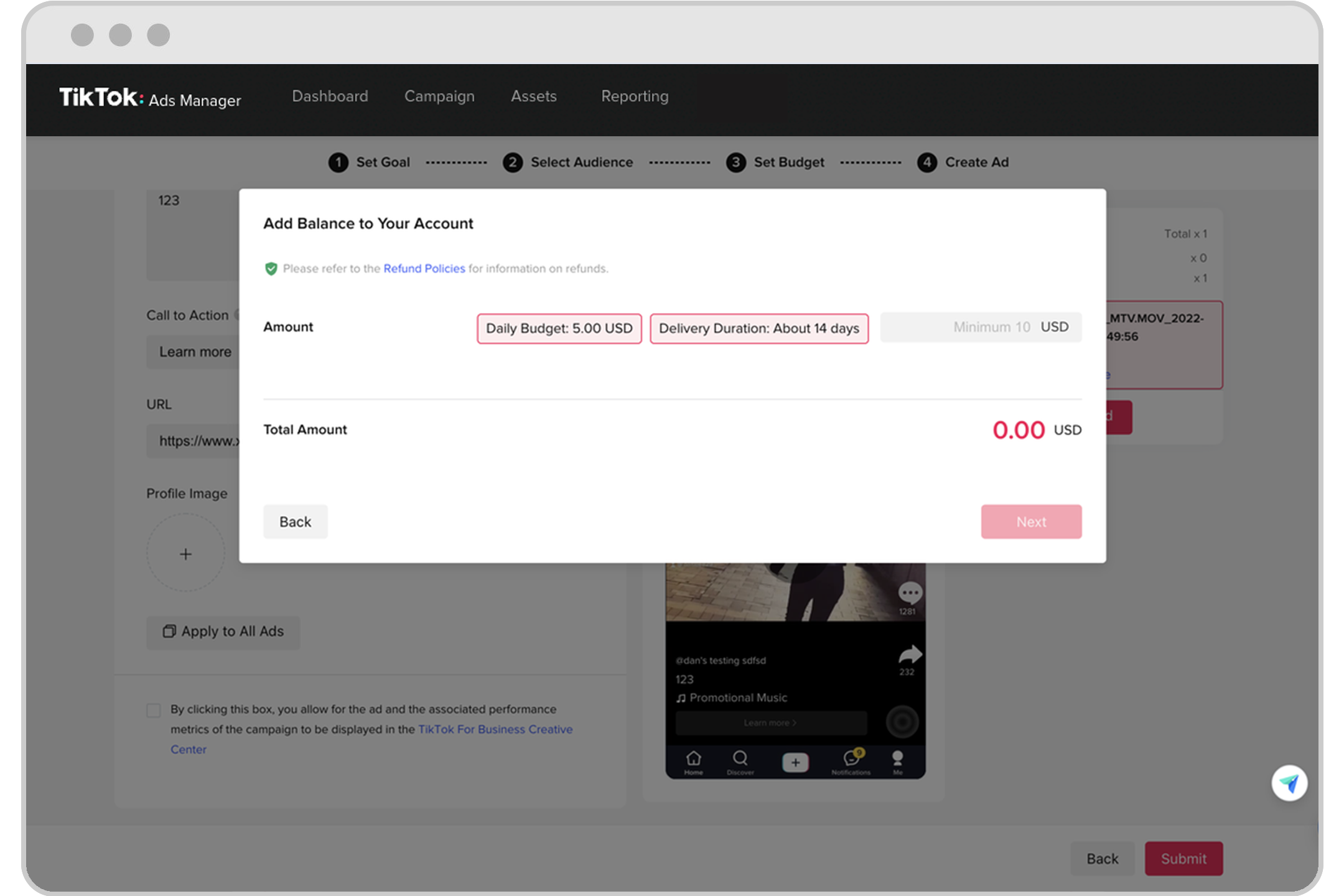
Before diving into solutions, it's crucial to identify the types of errors you might encounter. These can be broadly categorized into:
1. Account-Level Errors
These errors affect your entire TikTok Ads Manager access and often require immediate attention. Common issues include: - Account suspension or restriction - Login authentication failures - Payment method rejections - API access denied messages
Solution: Verify your account details, update payment methods, and ensure compliance with TikTok's policies. If your account is suspended, follow the appeal process outlined in the official support documentation.
2. Campaign-Level Errors
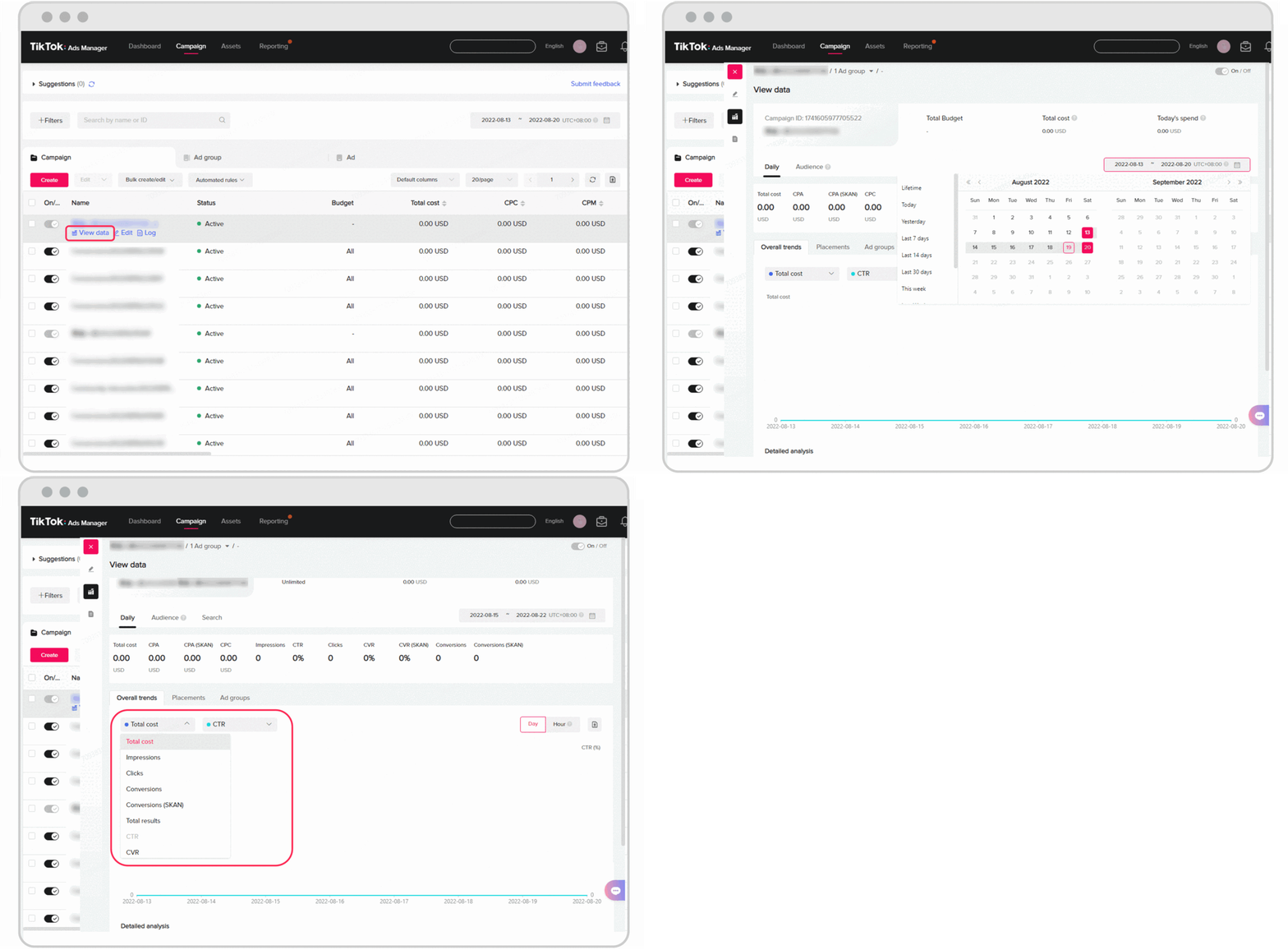
These errors directly impact ad delivery and performance. Common causes include: - Misaligned campaign objectives - Incorrect audience targeting - Budget and bidding settings - Creative specifications
Solution: Double-check your campaign setup, ensuring that your objective aligns with your creative content and landing page. Use TikTok's detailed error codes to pinpoint specific issues and adjust accordingly.
3. Creative and Content Errors
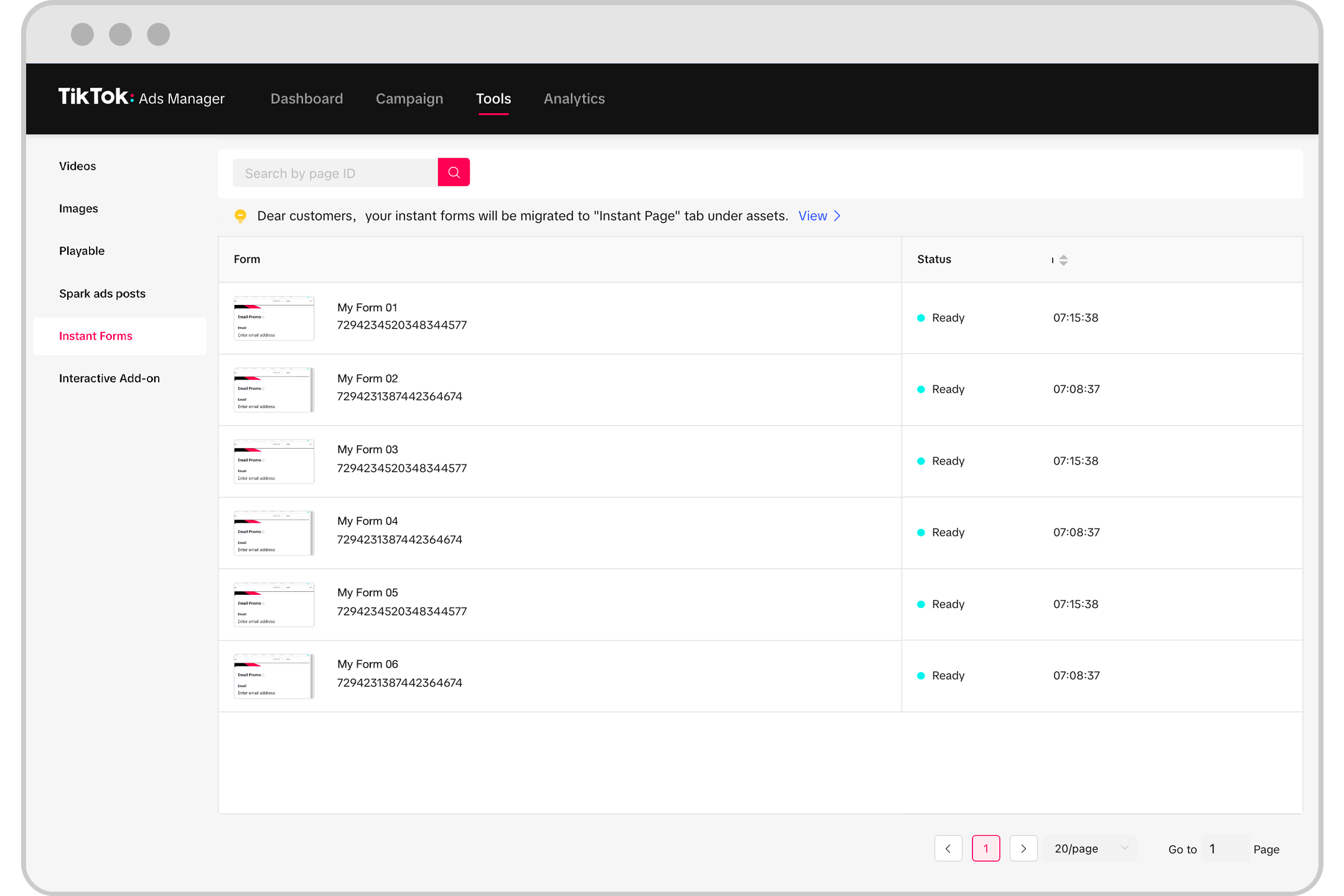
Creative rejection has increased due to stricter content guidelines and AI-powered review systems. Common reasons for rejection include: - Misleading claims - Poor video quality - Inappropriate use of trending sounds - Excessive text overlay
Solution: Focus on authentic, engaging content that adheres to TikTok's best practices. Optimize for mobile viewing, ensure clear call-to-actions, and test multiple creative variations through A/B testing.
Pixel and Conversion Tracking Errors

Conversion tracking issues have become more complex in 2025 due to increased privacy regulations and iOS updates. Common pixel errors include: - Pixel not firing - Duplicate events - Parameter mismatches
Solution: Use TikTok's Pixel Helper browser extension to diagnose issues. Implement both pixel tracking and Conversions API for maximum data accuracy. Regularly test event firing using TikTok's Event Test Tool.
Audience Targeting and Delivery Errors
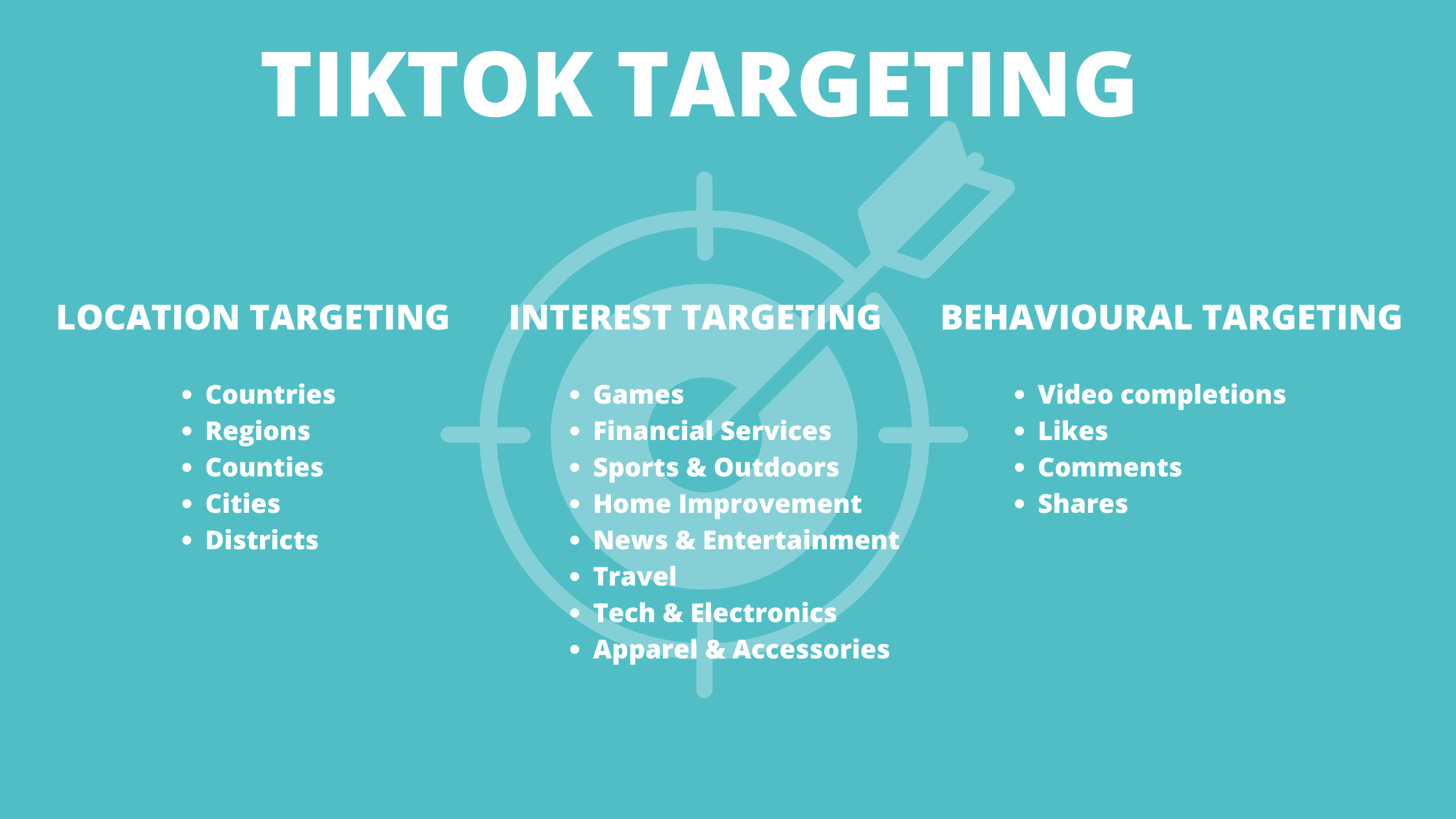
Audience targeting errors have evolved significantly in 2025, with TikTok's enhanced machine learning algorithms requiring more sophisticated strategies. Common issues include: - Overly restrictive targeting - Insufficient budget allocation - Conflicting audience exclusions
Solution: Expand age ranges, increase daily budgets, and adjust bid strategies to automatic bidding initially. Use lookalike audiences and monitor audience saturation to avoid fatigue.
Billing and Payment Error Resolution
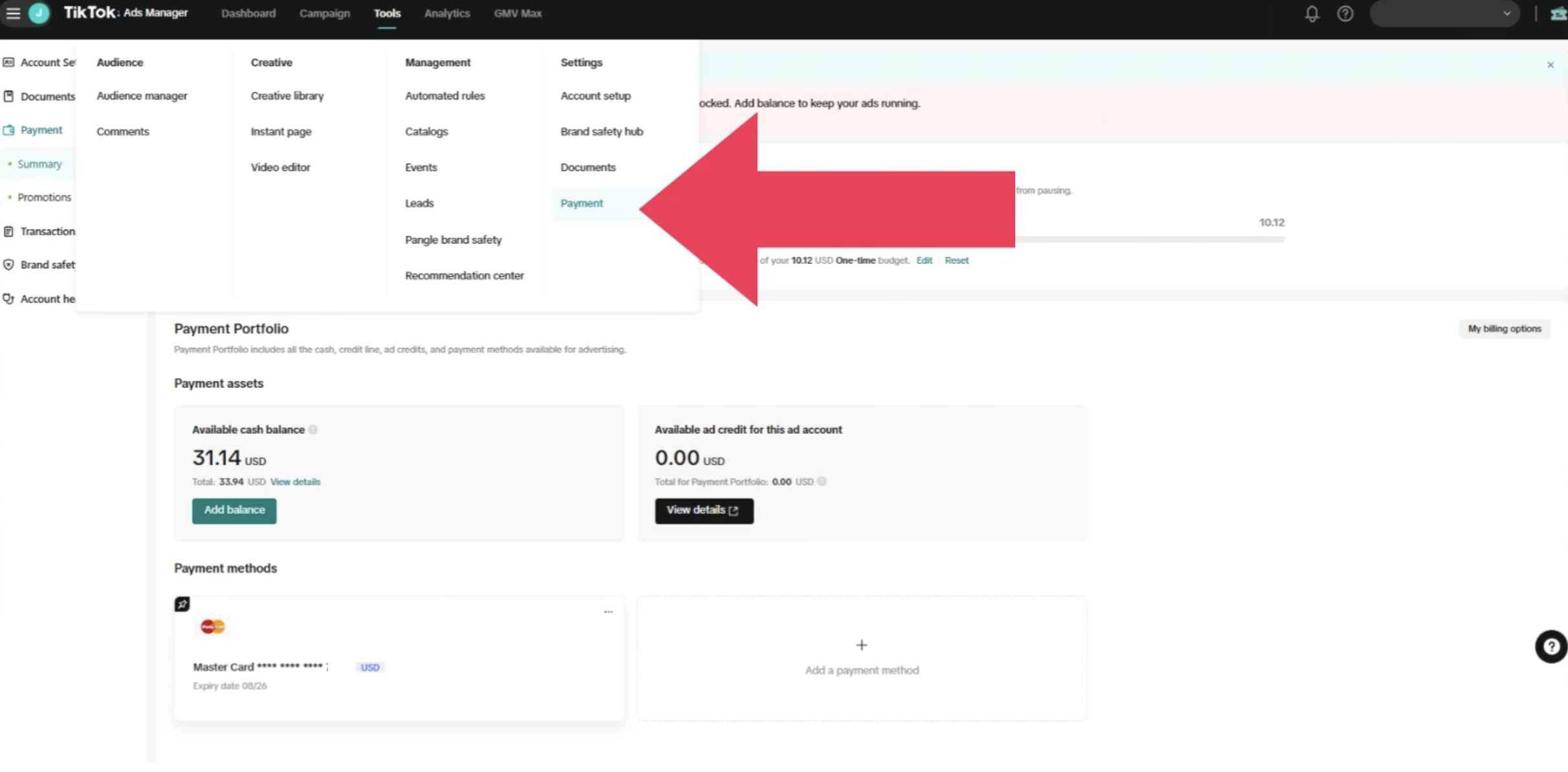
Payment-related errors in TikTok Ads Manager have become more sophisticated as the platform implements enhanced fraud detection and compliance measures. Common issues include: - Expired credit cards - Insufficient funds - Bank transfer delays
Solution: Update payment information, verify billing addresses, and consider alternative payment methods like PayPal or bank transfers. Contact TikTok support with detailed transaction information for disputes.
API and Integration Errors
For businesses using TikTok's Marketing API or third-party tools, integration errors can significantly impact campaign management efficiency. Common issues include: - Authentication failures - Rate limit exceeded - Invalid request parameters
Solution: Ensure proper API version compatibility and authentication protocols. Use TikTok Business Center for direct access to advertising tools without third-party integration issues.
Account Suspension and Policy Violation Recovery
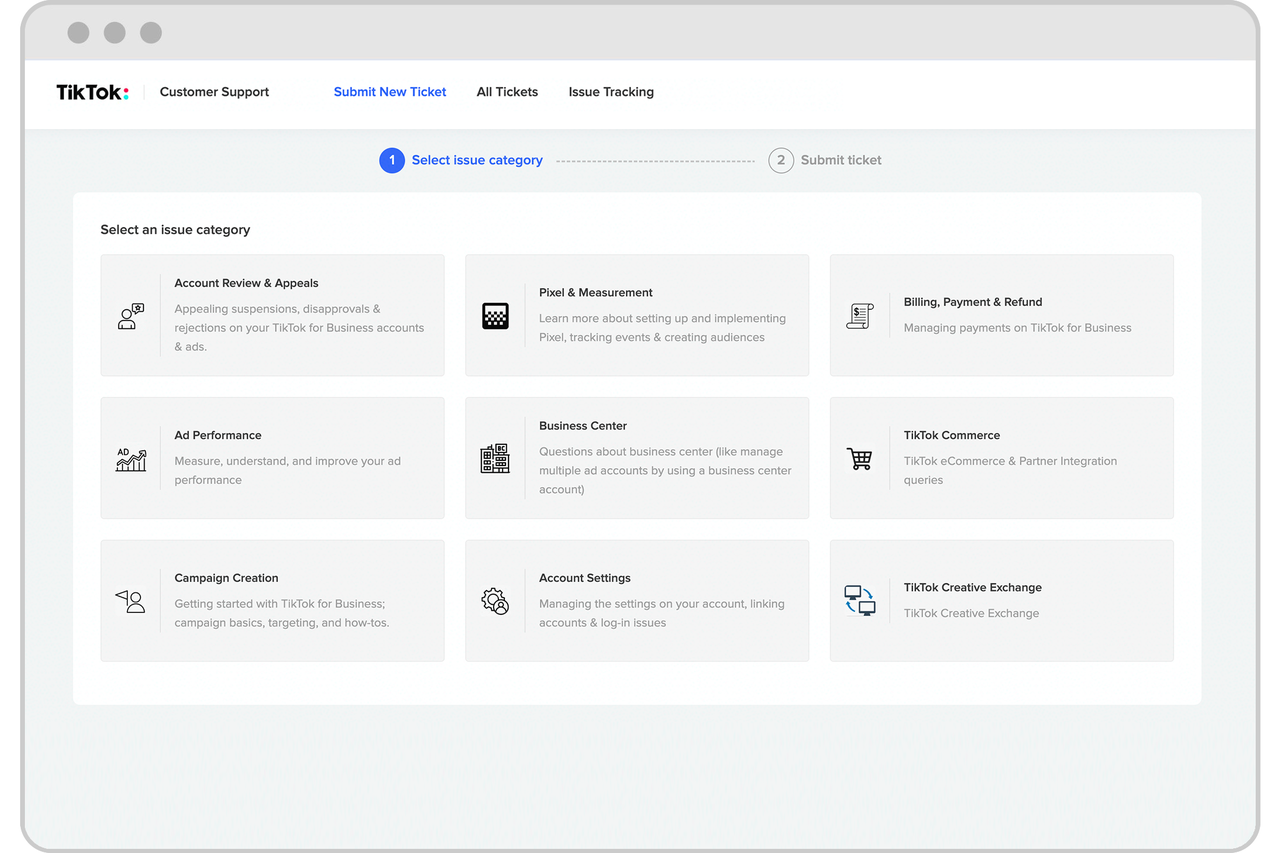
Account suspensions have become more common in 2025 as TikTok implements stricter policy enforcement. Common reasons for suspension include: - Copyright violations - Misleading claims - Inappropriate content
Solution: Review the suspension notification, audit account content, and prepare an appeal. Follow TikTok's official appeal process through Ads Manager and implement corrective measures.
Performance Tracking and Analytics Errors

Accurate performance tracking is essential for campaign optimization and ROI measurement. Common data discrepancies include: - Click discrepancies - Conversion differences - Impression variations
Solution: Align attribution settings, verify pixel implementation, and use viewable impressions for more accurate comparisons. Set up automated reporting for advanced analytics needs.
Mobile App Campaign Specific Errors

Mobile app campaigns have unique error types related to app store connections, deep linking, and mobile measurement partner integrations. Common issues include: - App store connection failures - Deep link configuration errors
Solution: Ensure proper setup and tracking for accurate performance measurement. Use SKAdNetwork for iOS and Play Install Referrer for Android.
Prevention and Best Practices

Preventing errors is more efficient than resolving them after they occur. Implement comprehensive best practices to reduce error frequency and improve overall campaign performance.
1. Account Management Best Practices
- Review campaign performance and delivery status
- Check for policy violation notifications
- Monitor budget pacing and spend allocation
2. Team Training and Documentation
- Ensure team members understand current TikTok advertising policies and best practices
- Regular training updates are essential as policies and features evolve
Getting Help: Support Resources and Escalation

When self-service troubleshooting isn't sufficient, knowing how to access TikTok's support resources and escalate issues effectively can save significant time and prevent prolonged campaign disruptions.
Support Channels
- Help Center: General questions, policy clarification
- In-Platform Support: Account-specific issues, technical problems
- Account Manager: Strategic guidance, complex issues
- Phone Support: Urgent issues, account suspensions
Effective Support Communication: - Provide complete account information - Describe the issue clearly - Include screenshots - List troubleshooting steps taken - Specify urgency level - Follow up appropriately
Conclusion
Successfully managing TikTok Ads Manager errors requires a combination of technical knowledge, systematic troubleshooting approaches, and proactive prevention strategies. As the platform continues evolving, staying informed about new features, policy changes, and best practices is essential for maintaining effective advertising campaigns.
By understanding TikTok's systems, implementing proper setup procedures, and maintaining regular account monitoring, you can minimize errors and ensure smooth campaign operations. Remember that TikTok's advertising platform is constantly improving, and what works today may need adjustment tomorrow. Maintaining flexibility and staying updated with platform changes ensures long-term advertising success and minimizes error-related disruptions.
Ready to optimize your TikTok advertising strategy? Start implementing these error prevention and resolution techniques today to improve your campaign performance and reduce troubleshooting time. Regular monitoring and proactive management will keep your TikTok advertising running smoothly throughout 2025 and beyond.

Posting Komentar untuk "How to Troubleshoot TikTok Ad Campaign Issues: A Complete Guide"
Posting Komentar