
How to Upload Music on TikTok: A Step-by-Step Tutorial for 2024

TikTok has become one of the most popular platforms for creators to share short-form videos, and music plays a crucial role in making these videos engaging. Whether you're an aspiring musician, a content creator, or just someone who loves sharing creative content, learning how to upload music on TikTok can help you reach a wider audience and increase your visibility on the platform.
In this comprehensive guide, we'll walk you through the process of uploading music on TikTok, including tips and tricks that will help you make the most out of your content. Let's dive in!
Step 1: Prepare Your Music File
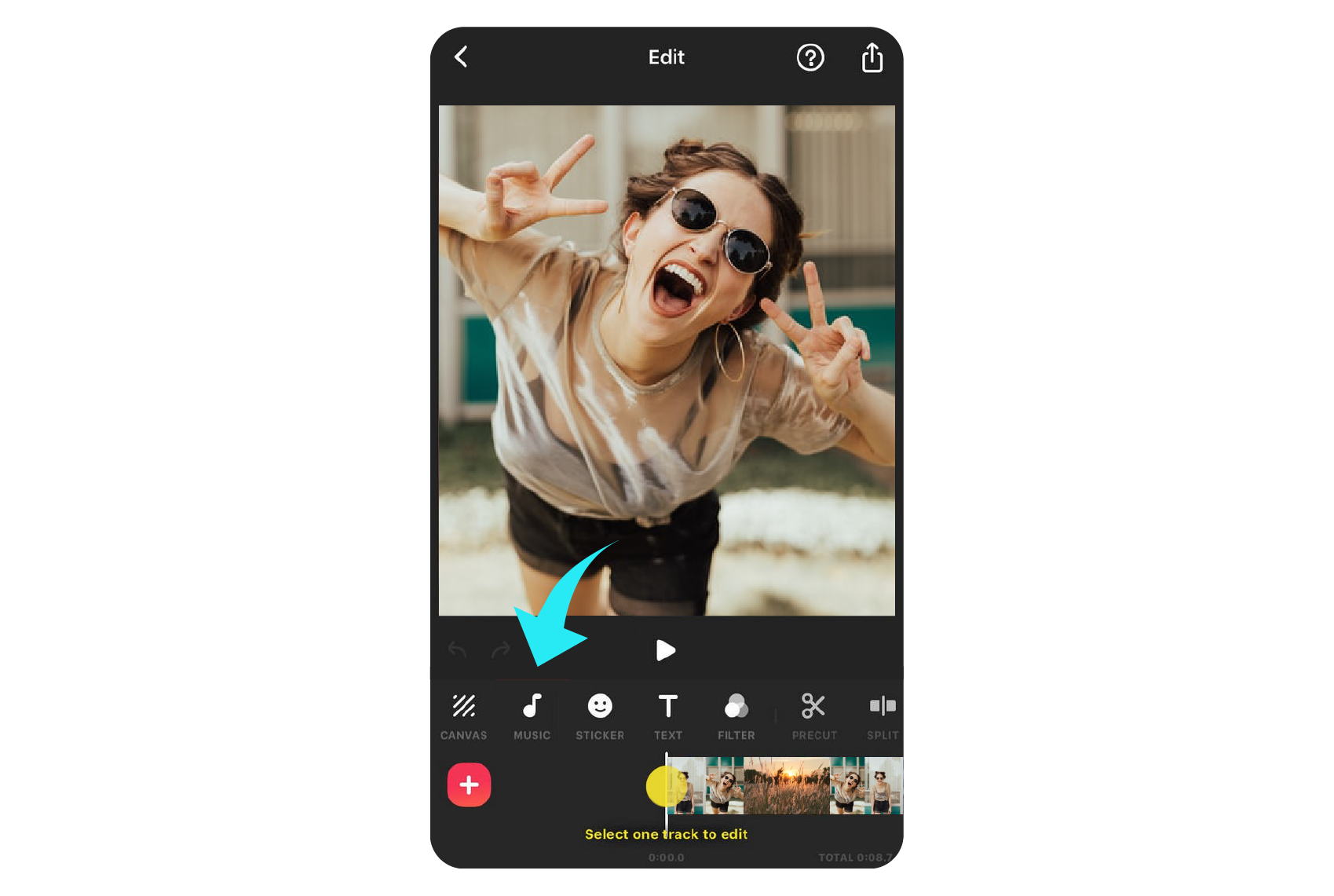
Before you can upload music on TikTok, you need to have the audio file ready. Here are a few things to consider:
- Format: Ensure your music is in a supported format such as MP3, WAV, or FLAC.
- Length: While TikTok allows videos up to 60 minutes long, the music itself is typically limited to 60 seconds unless you use a third-party video editor to extend it.
- Quality: Use high-quality audio files to ensure your music sounds clear and professional.
Step 2: Open the TikTok App
Once your music is ready, open the TikTok app on your smartphone. If you haven't already, make sure you're logged into your account.
Step 3: Start Recording or Uploading a Video
You have two options for adding music to your TikTok video:
- Record a New Video:
- Tap the white plus icon (+) at the bottom of the screen.
- Choose the "60s" option to start recording a new video.
-
Record your video as usual, and when you're done, tap the red button again to stop.
-
Upload an Existing Video:
- Tap the white plus icon (+).
- Select "Upload" from the menu.
- Choose a video from your device's gallery.
Step 4: Add Music to Your Video

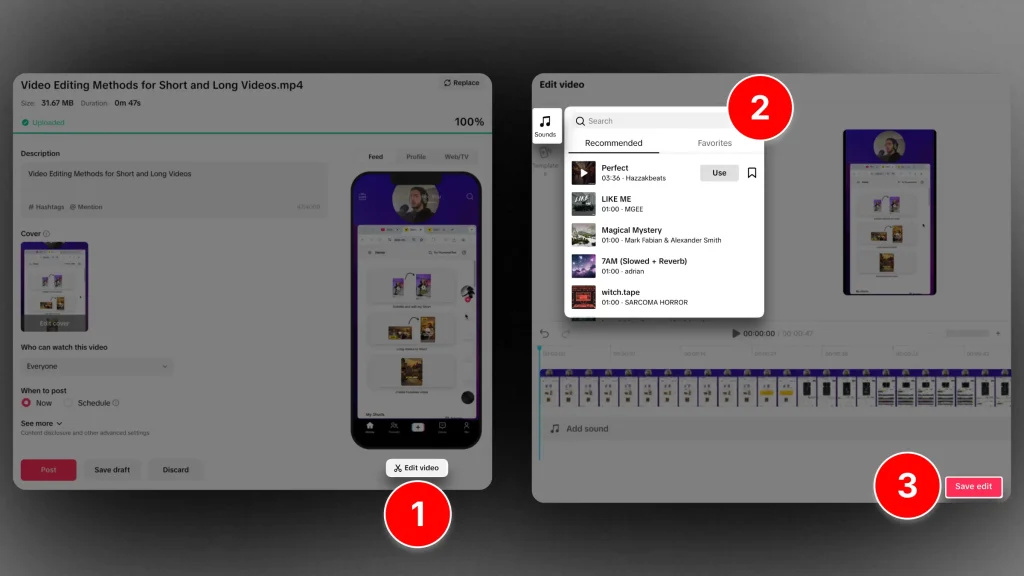
After recording or uploading your video, you'll be taken to the editing screen. Follow these steps to add music:
- Tap the "Sounds" option located in the bottom left corner of the screen.
- Browse through the TikTok music library to find a song that matches your video.
- Tap on the song you want to use, and then tap "Use This Sound."
- Adjust the timing of the music by dragging the sound wave to align it with your video.
Step 5: Edit and Customize Your Video
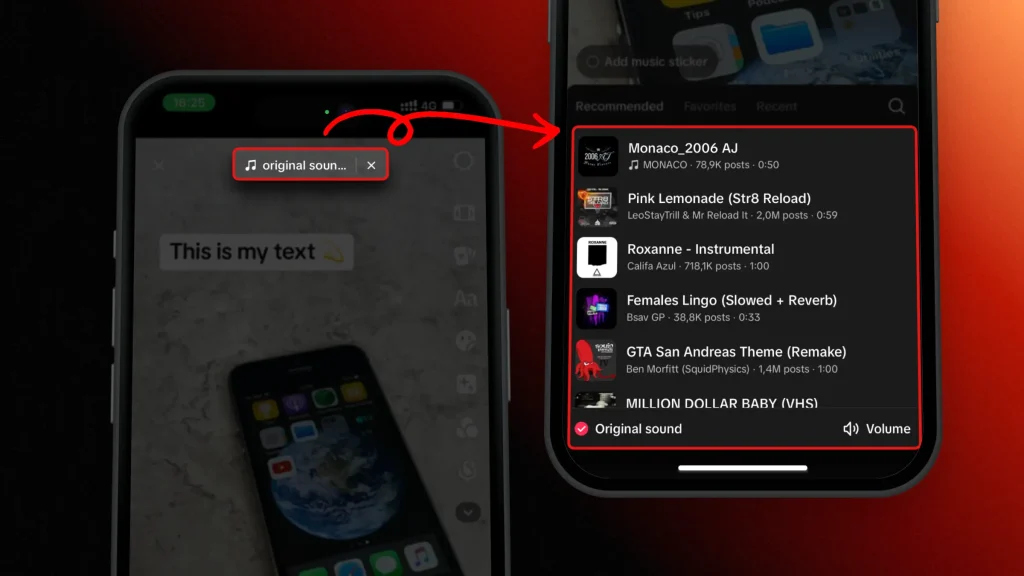
TikTok offers a variety of editing tools to enhance your video. You can:
- Trim the video to match the length of the music.
- Add text, filters, and effects to make your video more engaging.
- Use the "Crop" tool to adjust the video size for optimal viewing on TikTok.
Step 6: Finalize and Post Your Video
Once you're satisfied with your edits, tap the "Next" button to proceed to the final step.
- Add a caption to your video and include relevant hashtags to increase visibility.
- Choose the privacy settings (Public, Friends, or Private) based on your preference.
- Tap "Post" to upload your video to TikTok.
Additional Tips for Uploading Music on TikTok
- Use Royalty-Free Music: To avoid copyright issues, consider using royalty-free music from TikTok's library or other trusted sources.
- Leverage Trends: Incorporate trending sounds and challenges to increase the chances of your video going viral.
- Engage with Your Audience: Encourage viewers to like, comment, and share your video to boost your engagement.
By following these steps and tips, you'll be able to effectively upload music on TikTok and create compelling content that resonates with your audience. Whether you're looking to promote your music or simply express your creativity, TikTok offers a powerful platform to showcase your talent. So, start uploading your music today and watch your presence grow!

Posting Komentar untuk "How to Upload Music on TikTok: A Step-by-Step Tutorial for 2024"
Posting Komentar